Music Buddy Lite – Learn notes
ダウンロード: App Store

このページはアプリまたはその開発者の公式ページではなく、情報提供および論評を目的として作成された独立した編集出版物です。明示的に別段の記載がない限り、アプリおよびその開発者は、MWM、Apple、Google Play、アプリのパブリッシャー、またはアプリの開発者と提携、承認、後援、認可、またはその他の公式的な関係はなく、このページのいかなる内容も、アプリがMWMのサービスを使用して開発されたことを意味するものではありません。すべての商標、ロゴ、スクリーンショット、その他のコンテンツはそれぞれの所有者の財産です。


ロゴ: Music Buddy Lite – Learn notes
ダウンロード: App Store

Music Buddy Lite – Learn notes

熱心なミュージシャンのために設計された、革新的なフラッシュカード方式で、1日わずか5分で音符、インターバル、五度圏をマスターしましょう。

主要数値

ダウンロード

149K+

ユーザー評価

4.1/5

評価数

100

開発元

Vladimir Vasek

カテゴリ

Music

対応言語

14

最新バージョン

3.0

サイズ

21.3 MB

リリース日

2014年2月16日
機能

数分で音楽リテラシーをマスター

楽譜に苦労するのはやめましょう。革新的なマイクロラーニングモジュールを使用して、1日わずか5分でプロレベルの読譜スキルを身につけましょう。

瞬時の音符認識

覚えにくい音符に焦点を当てたスマートフラッシュカードで、読譜を面倒な作業から反射運動に変えましょう。

五度圏をシンプルに

シャープとフラットを一目で認識してすべての調号をマスターし、音楽理論の強固な基盤を築きましょう。

以下のスクリーンショットと説明は、アプリの公式ストアリスティングから直接取得されたものであり、アプリ開発者の所有物です。

アプリストア

スクリーンショット
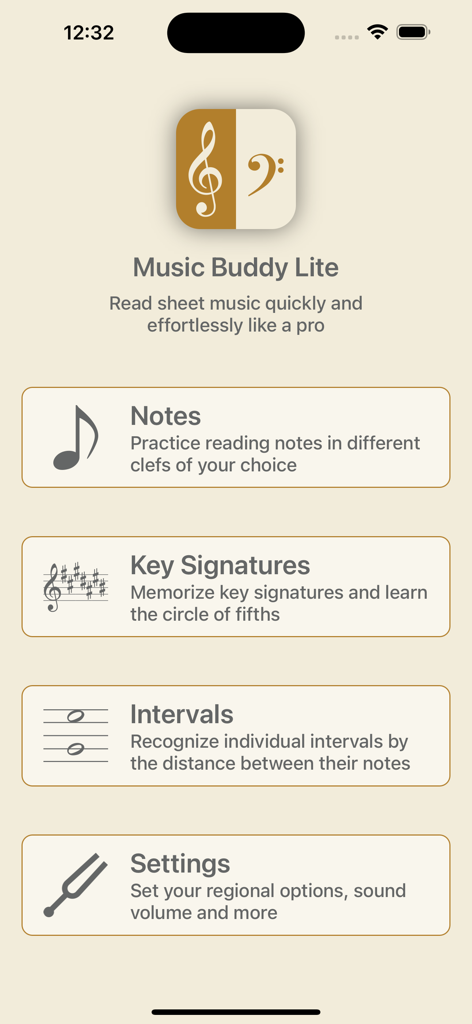
Music Buddy Lite – Learn notes - Music Buddy Liteアプリのホーム画面、音符、調号、インターバルの学習モジュールを表示
Music Buddy Liteアプリのホーム画面、音符、調号、インターバルの学習モジュールを表示

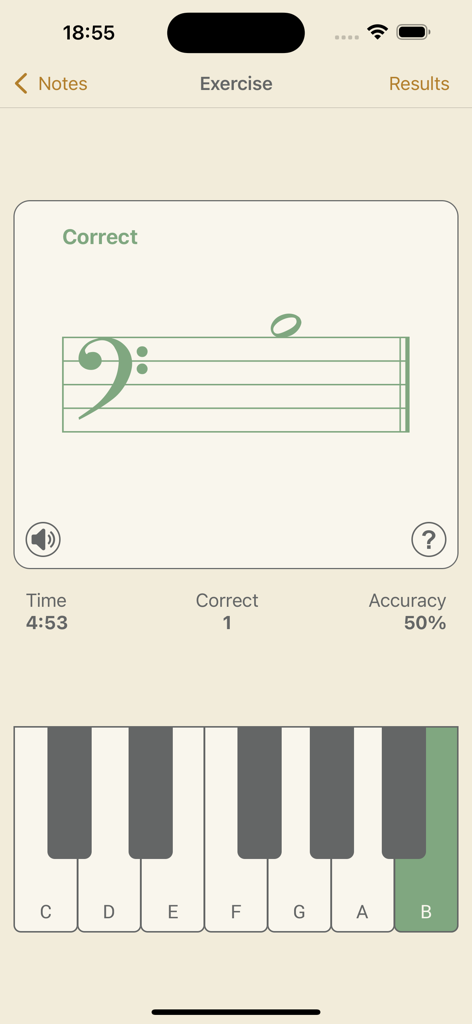
Music Buddy Lite – Learn notes - Music Buddy Liteアプリの音符認識練習画面、ト音記号と仮想ピアノキーボードを表示
Music Buddy Liteアプリの音符認識練習画面、ト音記号と仮想ピアノキーボードを表示

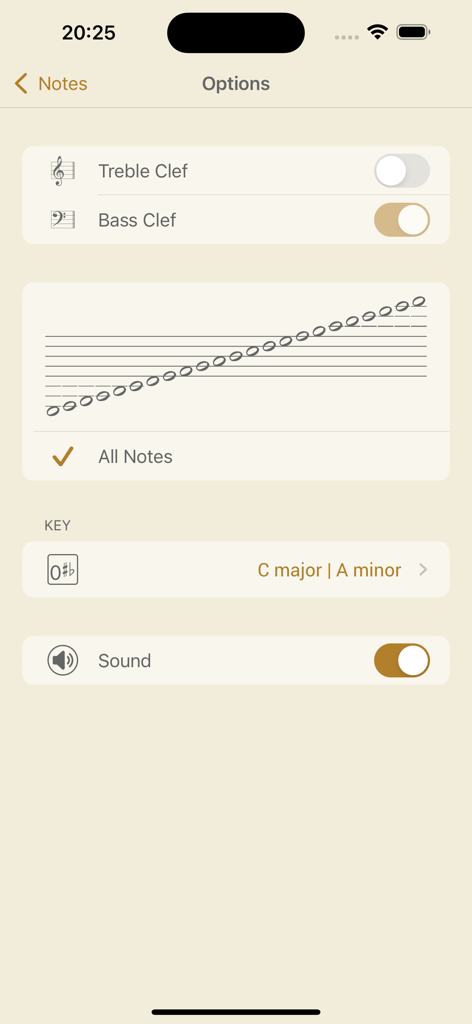
Music Buddy Lite – Learn notes - Music Buddy Liteアプリの音符モジュールのオプション画面、記号とサウンド設定を表示
Music Buddy Liteアプリの音符モジュールのオプション画面、記号とサウンド設定を表示

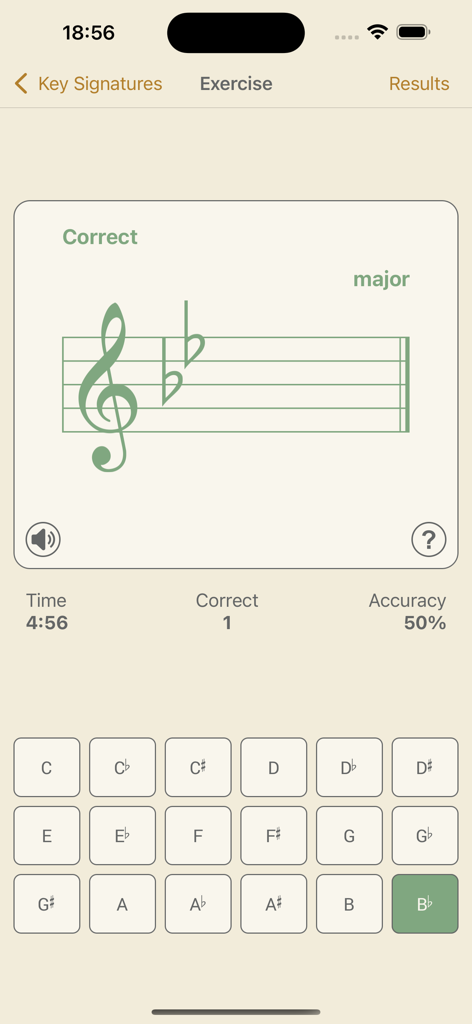
Music Buddy Lite – Learn notes - Music Buddy Liteアプリの練習画面、変ロ長調の2つのフラットを持つヘ音記号と音符選択ボタンのグリッドを表示
Music Buddy Liteアプリの練習画面、変ロ長調の2つのフラットを持つヘ音記号と音符選択ボタンのグリッドを表示

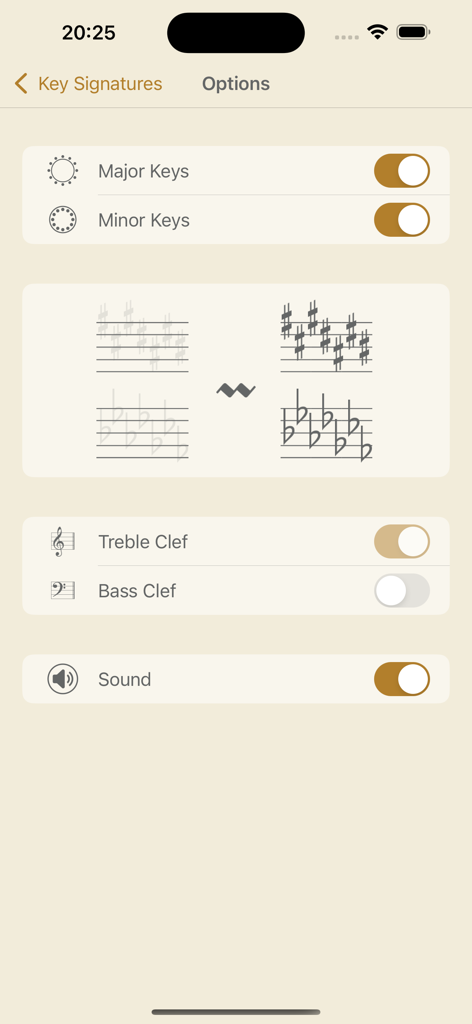
Music Buddy Lite – Learn notes - Music Buddy Liteでの調号学習のためのカスタマイズ可能なオプション
Music Buddy Liteでの調号学習のためのカスタマイズ可能なオプション

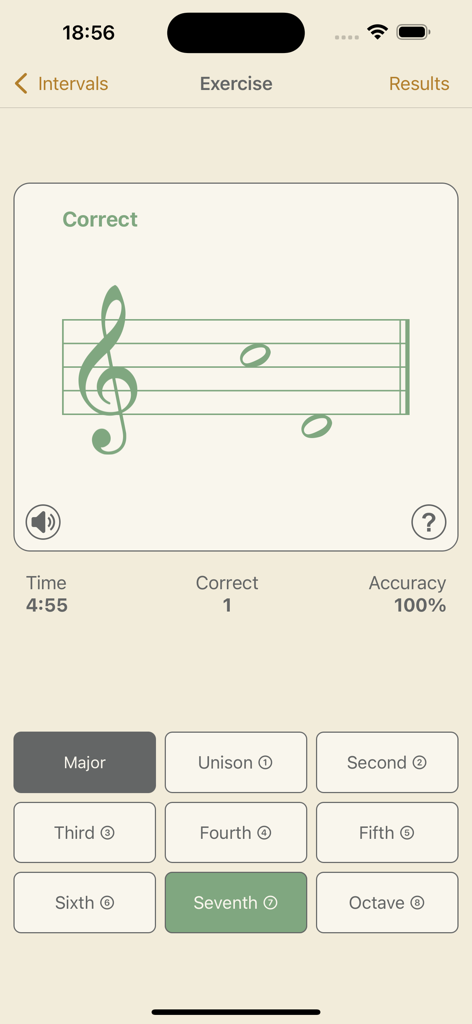
Music Buddy Lite – Learn notes - Music Buddy Liteアプリのスクリーンショット、楽譜と選択ボタンを備えた音程練習を表示
Music Buddy Liteアプリのスクリーンショット、楽譜と選択ボタンを備えた音程練習を表示

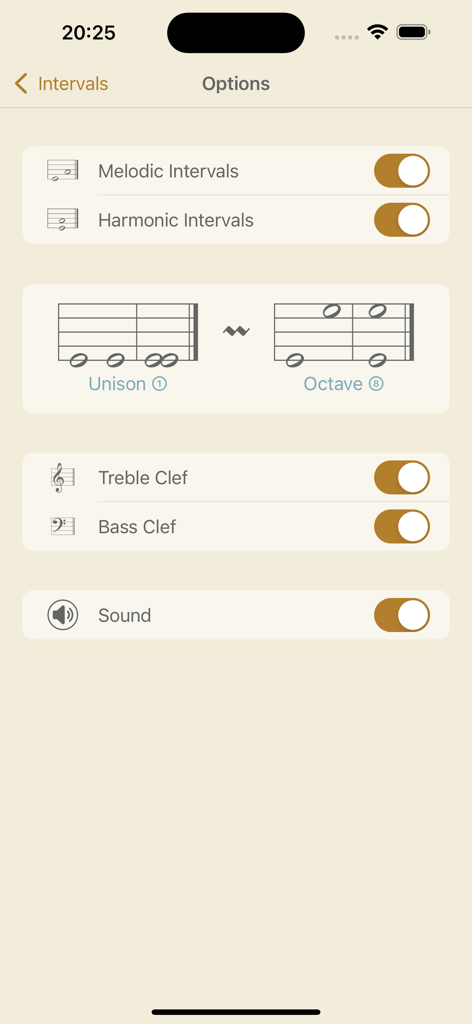
Music Buddy Lite – Learn notes - Music Buddy Liteアプリの音程オプション画面、旋律的および和声的音程の設定を表示
Music Buddy Liteアプリの音程オプション画面、旋律的および和声的音程の設定を表示

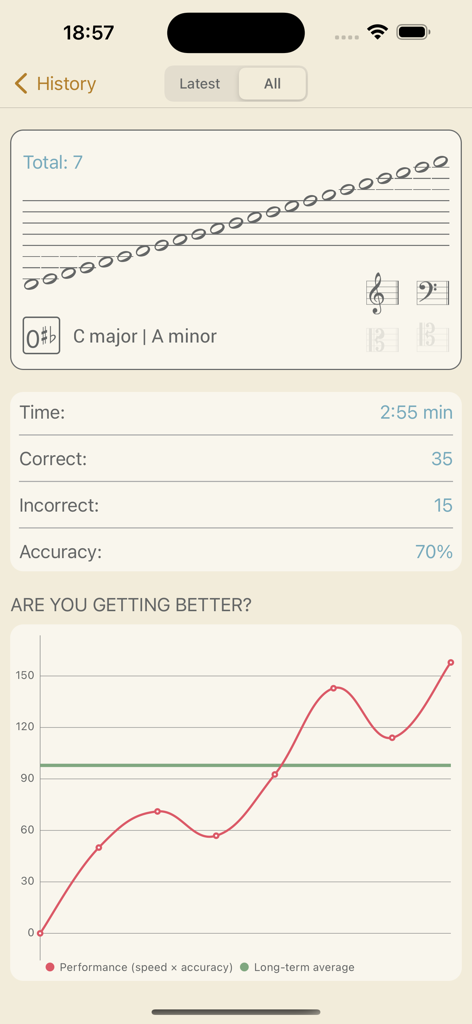
Music Buddy Lite – Learn notes - Music Buddy Liteアプリのパフォーマンス履歴チャートとセッション統計
Music Buddy Liteアプリのパフォーマンス履歴チャートとセッション統計

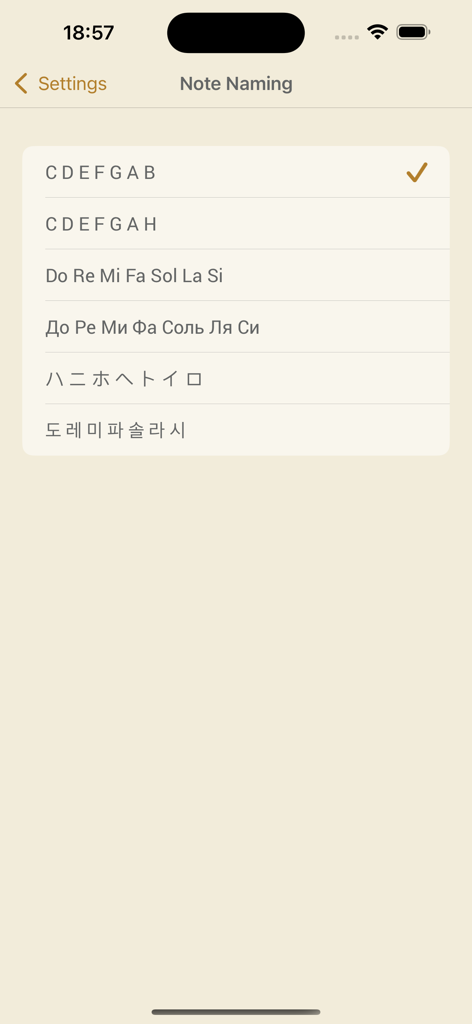
Music Buddy Lite – Learn notes - CDEFGABやドレミなどの異なる楽譜表記システムオプションを表示する音符命名設定画面
CDEFGABやドレミなどの異なる楽譜表記システムオプションを表示する音符命名設定画面

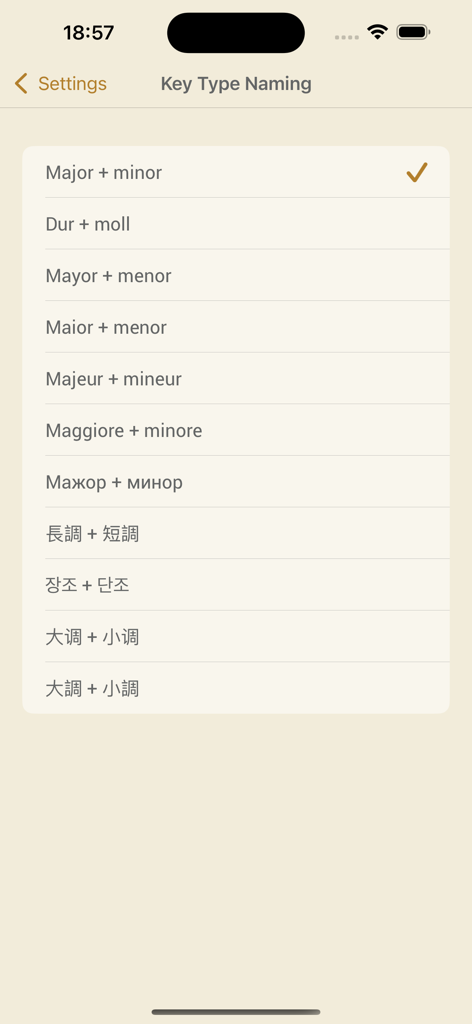
Music Buddy Lite – Learn notes - Music Buddy Lite設定画面、長調と短調のさまざまな国際的な調名の命名規則を表示

Music Buddy Lite設定画面、長調と短調のさまざまな国際的な調名の命名規則を表示

説明

Music Buddy – learn and memorize notes, key signatures (circle of fifths), and intervals, practice sight reading sheet music using flash cards principle. Read sheet music quickly and effortlessly like a pro. Learn to recognize notes, key signatures, and intervals in the blink of an eye. Three independent learning modules in one app. Set aside five minutes a day for this app and you'll be reading sheet music like a professional musician in no time. The app uses an ingenious approach to memorizing information through repetition and visual patterns with a focus on hard-to-remember pieces of information. The simple, elegant, and intuitive interface allows you to switch between different note-naming systems used in major countries around the world: • C D E F G A B (major + minor, 大调 + 小调, 大調 + 小調) • C D E F G A H (dur + moll) • Do Re Mi Fa Sol La Si (mayor + menor, maior + menor, majeur + mineur, maggiore + minore) • Дo Рe Ми Фа Coль Ля Си (мажор + минор) • ハ ニ ホ ヘ ト イ ロ (長調 + 短調) • 도 레 미 파 솔 라 시 (장조 + 단조) The learning experience starts by tapping the big frame with a graphical representation of selected options on the main screen of each module. A neat interface will efficiently teach you your coveted knowledge – after each session you will see a significant improvement. And you can follow your achievements on the Results screen, where everything is summarized in a beautiful chart. Every module has its own options that are accessible by tapping the Options button in the top right corner of the main screen of the module. On the following screen you can then choose options to your liking. Notes module: This module will teach you to quickly recognize notes without thinking about it – you’ll look at them and you’ll simply know them. Key Signatures module: This module will help you memorize the circle of fifths – a must for every musician. You will learn to recognize keys based on the number of sharps or flats in a key signature at the beginning of a staff. Intervals module: This module is especially helpful for pianists. Skilled pianists don't need to identify every note in a sheet. They recognize patterns based on the distance between notes (intervals) and automatically stretch their fingers accordingly. Each module keeps its own history of your results, accessible using a dedicated History button, and also contains a Music Theory section accessible via the button with the same name. All exercises are accompanied by beautifully recorded sounds of a real acoustic grand piano. The sounds can be muted or unmuted for each module independently using a button below the staff on the Exercise screen or in the options of the particular module. The volume can be set globally for the whole app in Settings, or you can use the device hardware buttons. Good luck on your journey toward becoming a great musician!

Download

ダウンロード: App Store

このページはアプリまたはその開発者の公式ページではなく、情報提供および論評を目的として作成された独立した編集出版物です。明示的に別段の記載がない限り、アプリおよびその開発者は、MWM、Apple、Google Play、アプリのパブリッシャー、またはアプリの開発者と提携、承認、後援、認可、またはその他の公式的な関係はなく、このページのいかなる内容も、アプリがMWMのサービスを使用して開発されたことを意味するものではありません。すべての商標、ロゴ、スクリーンショット、その他のコンテンツはそれぞれの所有者の財産です。







