MusicBee Remote
MusicBee Remote
ダウンロード: App Store

このページはアプリまたはその開発者の公式ページではなく、情報提供および論評を目的として作成された独立した編集出版物です。明示的に別段の記載がない限り、アプリおよびその開発者は、MWM、Apple、Google Play、アプリのパブリッシャー、またはアプリの開発者と提携、承認、後援、認可、またはその他の公式的な関係はなく、このページのいかなる内容も、アプリがMWMのサービスを使用して開発されたことを意味するものではありません。すべての商標、ロゴ、スクリーンショット、その他のコンテンツはそれぞれの所有者の財産です。


ロゴ: MusicBee Remote
ダウンロード: App Store

MusicBee Remote

熱心な音楽コレクターに最適なコンパニオン。iPhoneまたはiPadからシームレスにライブラリをブラウズし、評価を管理し、メタデータを編集できます。

主要数値

ダウンロード

1K+

ユーザー評価

1.6/5

評価数

0

開発元

Daniil Zubach

カテゴリ

Music

対応言語

1

最新バージョン

2.2.2

サイズ

19.0 MB

リリース日

2019年8月22日
機能

ハイファイライブラリを完全にコントロール

MusicBee Remoteは、デスクトッププレイヤーの全機能をあなたのポケットに届けます。家中のどこからでも、精密かつ簡単に、あなたのキュレーションしたコレクションを管理できます。

アンテザード再生

再生キュー、音量、シャッフル設定を完全に制御。デスクに座ることなく、ライブラリ全体をナビゲートできます。

アクティブなライブラリキュレーション

トラックを星で評価し、Last.fmのラブを同期し、メタデータタグをその場で編集。ソファでくつろぎながら、丁寧に整理されたコレクションを完璧に保ちましょう。

以下のスクリーンショットと説明は、アプリの公式ストアリスティングから直接取得されたものであり、アプリ開発者の所有物です。

アプリストア

スクリーンショット
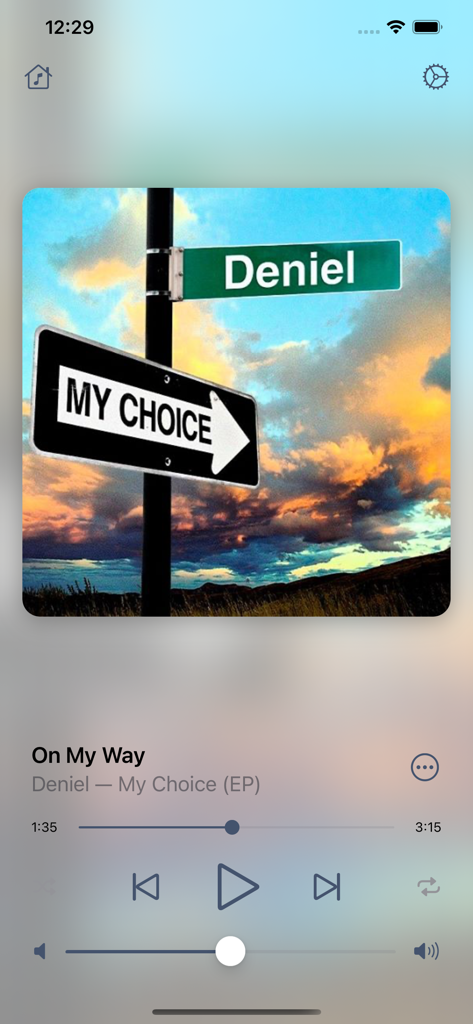
MusicBee Remote - MusicBee Remoteアプリの再生画面。アルバムアートと音楽コントロールを表示。
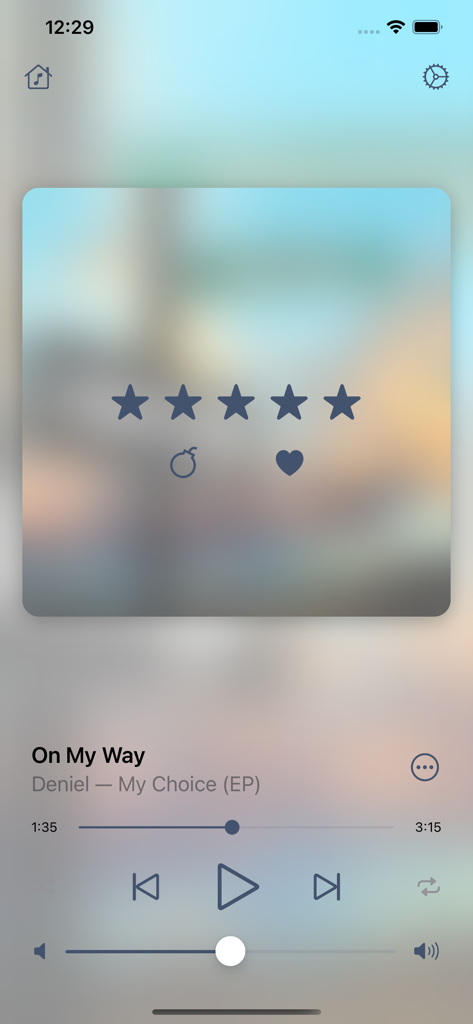
MusicBee Remoteアプリの再生画面。アルバムアートと音楽コントロールを表示。

MusicBee Remote - MusicBee Remoteの再生画面。曲の詳細と5つ星評価システムを表示。
MusicBee Remoteの再生画面。曲の詳細と5つ星評価システムを表示。

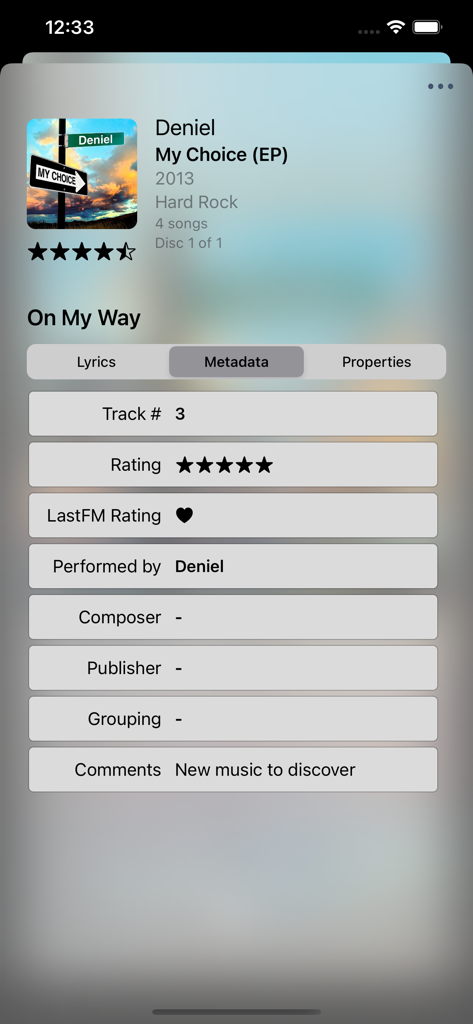
MusicBee Remote - MusicBee Remoteの画面。曲のメタデータと評価オプションを表示。
MusicBee Remoteの画面。曲のメタデータと評価オプションを表示。

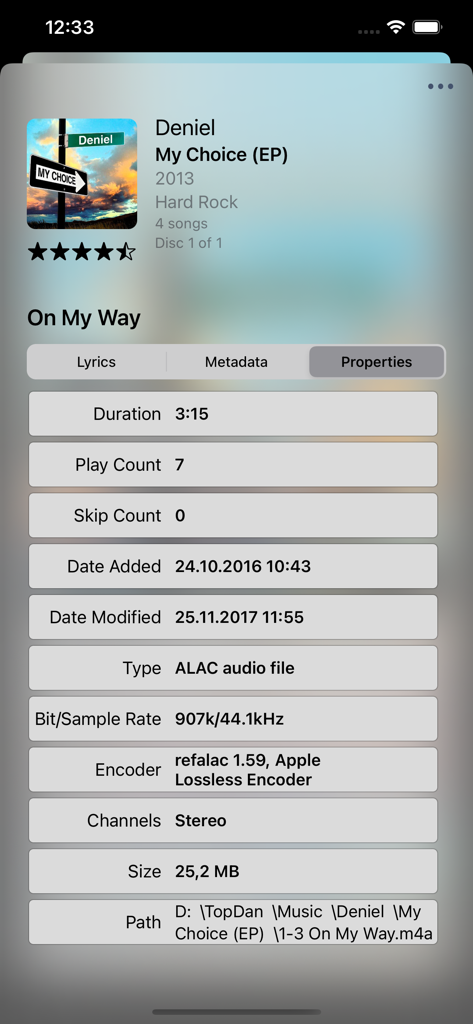
MusicBee Remote - MusicBee Remoteの詳細トラックプロパティビュー。オーディオファイルの技術データ表示。
MusicBee Remoteの詳細トラックプロパティビュー。オーディオファイルの技術データ表示。

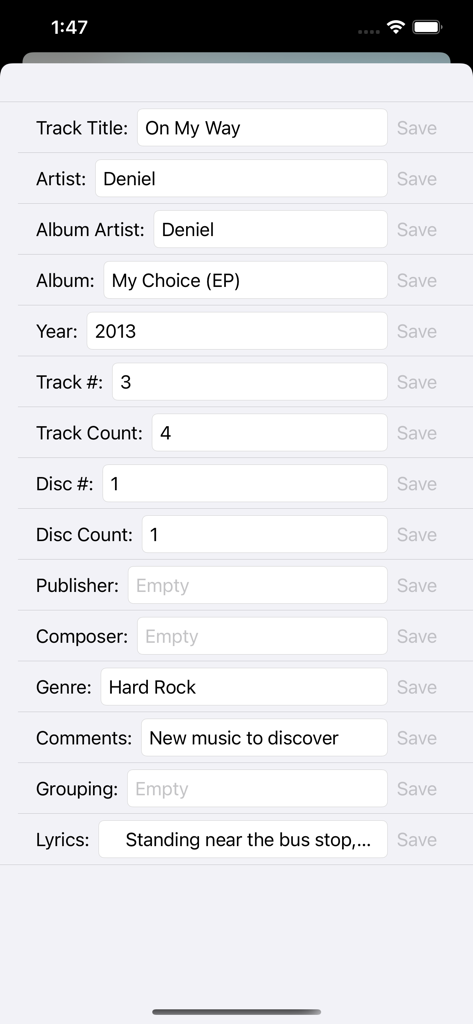
MusicBee Remote - MusicBee Remoteアプリの画面。音楽メタデータとタグの編集用。
MusicBee Remoteアプリの画面。音楽メタデータとタグの編集用。

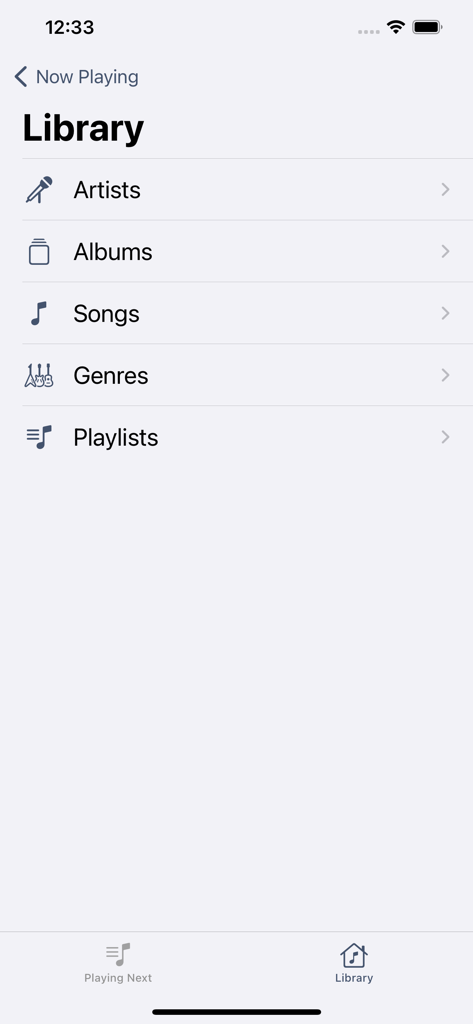
MusicBee Remote - MusicBee Remoteアプリのライブラリ画面。アーティスト、アルバム、曲、ジャンル、プレイリストのカテゴリを表示。

MusicBee Remoteアプリのライブラリ画面。アーティスト、アルバム、曲、ジャンル、プレイリストのカテゴリを表示。

説明

MusicBee Remote application allows you to control MusicBee player using your iOS device. Application requires MusicBee Remote plugin to be installed on PC. You can download latest version for free at https://getmusicbee.com/addons/plugins/199/musicbee-remote-for-ios/ Plugin requires MusicBee v.3.0 or higher. Player can be downloaded at https://getmusicbee.com/downloads/ MAIN FEATURES: ◉ Playback controls (play, pause, next, previous, volume change, shuffle, repeat, playback progress) ◉ Now Playing track artwork and info ◉ Lyrics support ◉ Rate song with stars or Last.fm love ◉ View and edit Upcoming Tracks list ◉ Browse Artists, Albums, Genres or Songs from library ◉ Enqueue or play the tracks from library ◉ Browse and play existing playlists PREMIUM FEATURES: ◉ Control playback from device lock screen ◉ View detailed information about Now Playing track ◉ Edit metadata tags for current track ◉ Customize app accent colors ◉ No ads ◉ Premium support LEGAL: Terms of Use: http://topdan.iblogger.org/legal/terms-of-use/ Privacy Policy: http://topdan.iblogger.org/legal/privacy-policy/ SUBSCRIPTION DETAILS: • Premium subscription provides additional in-app functionality and benefits. • Once the subscription with a trial, if offered, is activated, you can use it for 7 days for free and cancel at any time. • Subscription automatically renews unless auto-renew is turned off at least 24-hours before the end of the current period. • Account will be charged for renewal within 24-hours prior to the end of the current period. • Subscriptions may be managed by the user and auto-renewal may be turned off by going to the user's Account Settings after purchase. • Any unused portion of a free trial period, if offered, will be forfeited when the user purchases a subscription.

Download

ダウンロード: App Store

このページはアプリまたはその開発者の公式ページではなく、情報提供および論評を目的として作成された独立した編集出版物です。明示的に別段の記載がない限り、アプリおよびその開発者は、MWM、Apple、Google Play、アプリのパブリッシャー、またはアプリの開発者と提携、承認、後援、認可、またはその他の公式的な関係はなく、このページのいかなる内容も、アプリがMWMのサービスを使用して開発されたことを意味するものではありません。すべての商標、ロゴ、スクリーンショット、その他のコンテンツはそれぞれの所有者の財産です。







