
このページはアプリまたはその開発者の公式ページではなく、情報提供および論評を目的として作成された独立した編集出版物です。明示的に別段の記載がない限り、アプリおよびその開発者は、MWM、Apple、Google Play、アプリのパブリッシャー、またはアプリの開発者と提携、承認、後援、認可、またはその他の公式的な関係はなく、このページのいかなる内容も、アプリがMWMのサービスを使用して開発されたことを意味するものではありません。すべての商標、ロゴ、スクリーンショット、その他のコンテンツはそれぞれの所有者の財産です。

My PurpleAir
あなたのPurpleAirセンサーの究極のコンパニオン。あなたの裏庭からの正確なPM2.5データを、iPhone、iPad、Apple Watchのコンプリケーションに即時配信します。
ダウンロード
3K+ユーザー評価
評価数
0開発元
カテゴリ
Weather対応言語
3最新バージョン
2.5.5サイズ
3.9 MBリリース日
2022年1月22日リアルタイム大気データが指先ひとつで
PurpleAirセンサーからのライブデータで、ご自宅の環境を管理しましょう。Appleデバイスに直接配信され、即座に安心感を得られます。
一目でわかる監視
Apple Watchの文字盤でリアルタイムのAQIアップデートを取得します。家族のために空気が安全かどうかを知るために、電話を手に取る必要はありません。
Hyperlocalな精度
LAN経由で直接接続し、最も正確なPM2.5測定値を取得します。AチャンネルとBチャンネルを平均化し、あなたの裏庭からの信頼できるデータを直接提供します。
以下のスクリーンショットと説明は、アプリの公式ストアリスティングから直接取得されたものであり、アプリ開発者の所有物です。
アプリストア
スクリーンショット
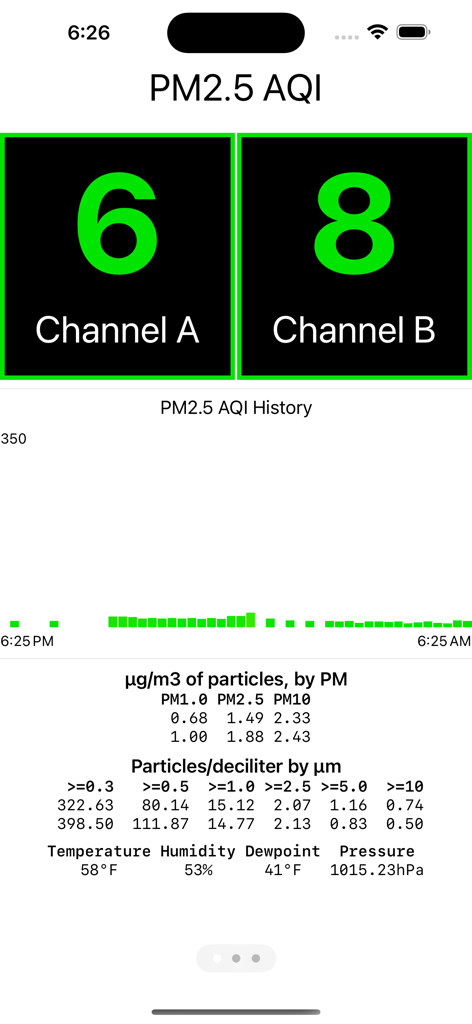
My PurpleAirアプリのダッシュボード。PM2.5 AQIレベル、デュアルチャンネル、環境指標を表示。
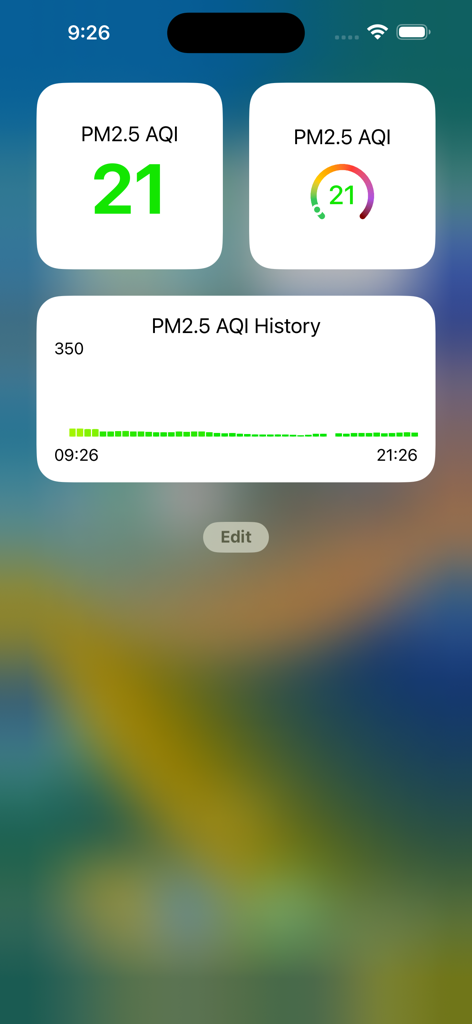
My PurpleAir iPhoneウィジェット。現在のPM2.5 AQIレベルと過去の大気質データを表示。
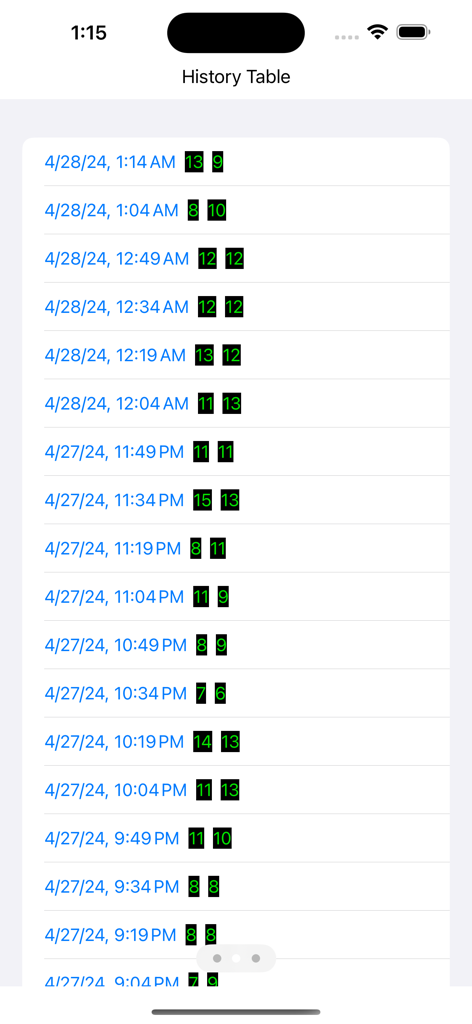
履歴テーブル。PurpleAirセンサーからの時系列PM2.5大気質測定値を表示。
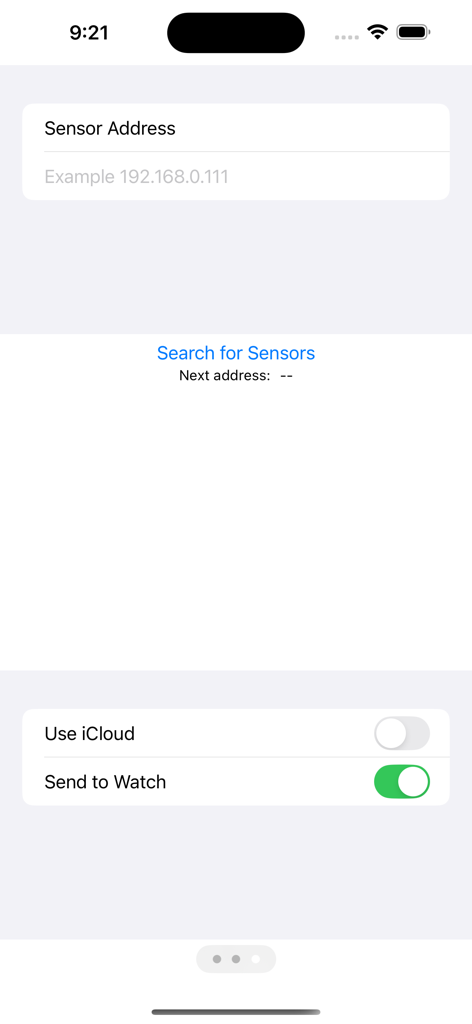
PurpleAirセンサーのIPアドレスを入力し、Apple Watch同期を有効にする設定画面。
説明
Download
類似アプリ
同じカテゴリのトップランクアプリ

墨迹天气-MojiWeather
Beijing MojiFengyun Technology Co.,Ltd.

The Weather Channel - Radar
The Weather Channel

Windy.com
Windyty, SE

天气预报-精准15日天气预报
Chongqing Caochen Technology Co., Ltd.

My Aurora Forecast & Alerts
JRustonApps B.V.

AccuWeather: Weather Forecast
AccuWeather International, Inc.

Weather & Radar - Storm radar
WetterOnline - Meteorologische Dienstleistungen GmbH

天气通
Weibo Internet Technology (China) Co.Ltd.

The Thermometer -Digital-
Vida Apps Incorporated
このページはアプリまたはその開発者の公式ページではなく、情報提供および論評を目的として作成された独立した編集出版物です。明示的に別段の記載がない限り、アプリおよびその開発者は、MWM、Apple、Google Play、アプリのパブリッシャー、またはアプリの開発者と提携、承認、後援、認可、またはその他の公式的な関係はなく、このページのいかなる内容も、アプリがMWMのサービスを使用して開発されたことを意味するものではありません。すべての商標、ロゴ、スクリーンショット、その他のコンテンツはそれぞれの所有者の財産です。