OBS Studio Camera
OBS Studio Camera
ダウンロード: App Store

このページはアプリまたはその開発者の公式ページではなく、情報提供および論評を目的として作成された独立した編集出版物です。明示的に別段の記載がない限り、アプリおよびその開発者は、MWM、Apple、Google Play、アプリのパブリッシャー、またはアプリの開発者と提携、承認、後援、認可、またはその他の公式的な関係はなく、このページのいかなる内容も、アプリがMWMのサービスを使用して開発されたことを意味するものではありません。すべての商標、ロゴ、スクリーンショット、その他のコンテンツはそれぞれの所有者の財産です。


ロゴ: OBS Studio Camera
ダウンロード: App Store

OBS Studio Camera

OBS Studioに直接、フルHD、低遅延のビデオを取得。ハードウェアコストなしで優れた品質を求めるストリーマー、クリエイター、プロフェッショナルに最適な高品質カメラソリューションです。

主要数値

ダウンロード

22K+

ユーザー評価

4.5/5

評価数

500

開発元

Dau Cong Phuong

カテゴリ

Productivity

対応言語

1

最新バージョン

1.0.3

サイズ

5.9 MB

リリース日

2025年6月11日
機能

数秒でプロ級ストリーミング

平凡なウェブカメラに満足するのはやめましょう。ネイティブOBS統合とセットアップの手間なしで、iOSデバイスを高性能ビデオソースに変えます。

見事なHDクリアさ

内蔵ウェブカメラのザラつきはもう必要ありません。iPhoneの優れた光学性能を活用して、際立つシャープでプロフェッショナルな1080pフィードを実現します。

ラグのない精度

USB接続に最適化されており、超低遅延を保証します。ビデオとオーディオは完璧に同期し、シームレスな視聴体験を提供します。

以下のスクリーンショットと説明は、アプリの公式ストアリスティングから直接取得されたものであり、アプリ開発者の所有物です。

アプリストア

スクリーンショット
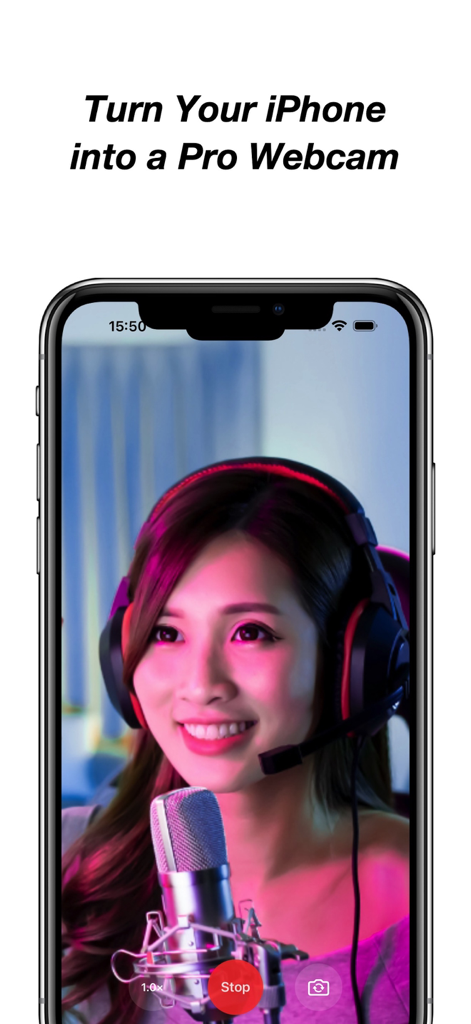
OBS Studio Camera - ヘッドセットとマイクをつけた女性がiPhone画面に映っており、iPhoneをプロ仕様のウェブカメラに変えるアプリの機能を示しています。
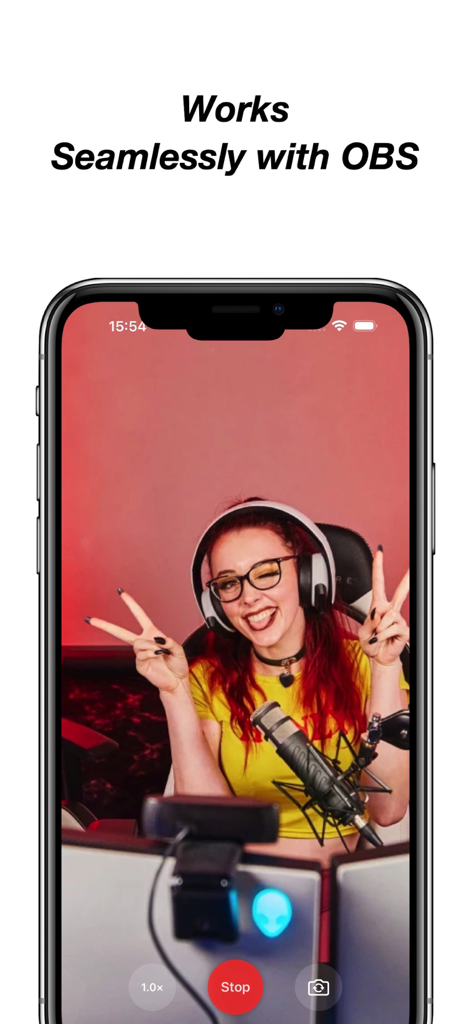
ヘッドセットとマイクをつけた女性がiPhone画面に映っており、iPhoneをプロ仕様のウェブカメラに変えるアプリの機能を示しています。

OBS Studio Camera - ストリーマーのライブビデオフィードが表示されたOBS Studio Cameraアプリを搭載したスマートフォン
ストリーマーのライブビデオフィードが表示されたOBS Studio Cameraアプリを搭載したスマートフォン

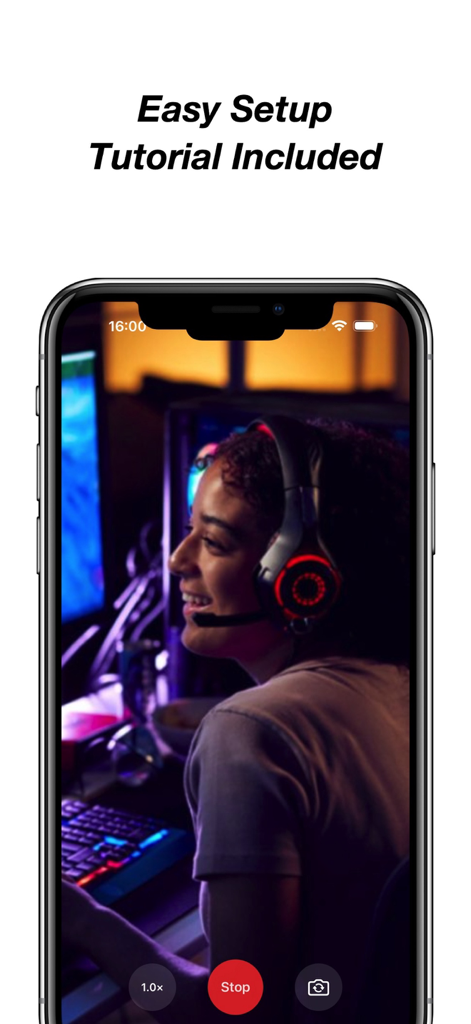
OBS Studio Camera - ストリーマープレビューと簡単なセットアップチュートリアルテキストが表示されたOBS Studio Cameraアプリを搭載したiPhone画面。

ストリーマープレビューと簡単なセットアップチュートリアルテキストが表示されたOBS Studio Cameraアプリを搭載したiPhone画面。

説明

Turn your iPhone or iPad into a professional webcam for OBS Studio. Use your iOS device as a high-quality, low-latency camera feed directly in OBS Studio — perfect for live streaming, video conferencing, recording, or presenting. With one tap, your device becomes a powerful video source on your Mac or PC. No drivers, no configuration, just plug and go. Key Features: • Full HD camera output with minimal latency • One-tap camera start • Native integration with OBS Studio • Step-by-step setup guide included • Compatible with both macOS and Windows • Clean interface — no ads, no accounts, no distractions • Reliable USB connection support for best performance Flexible Subscription Options: Unlock full access and unlimited camera time with one of our in-app purchase options: • Weekly Subscription • Monthly Subscription • Yearly Subscription • Lifetime (One-Time Purchase) Free Trial Details: The yearly subscription includes a 3-day free trial. During this period, you can access all premium features without charge. If you choose not to continue, cancel anytime in your App Store account at least 24 hours before the trial ends to avoid being charged. Subscription Terms: Subscriptions are charged to your Apple ID account at confirmation of purchase and renew automatically unless canceled at least 24 hours before the end of the current period. You can manage or cancel your subscription in your App Store account settings at any time. Unlock full feature access through a subscription or one-time purchase. All plans provide the same fixed set of premium camera functions. This app does not include or rely on regularly updated content. Legal & Support: • Privacy Policy: https://sites.google.com/view/1729122 • Terms of Service: https://sites.google.com/view/120198201 • EULA – Apple Standard: https://www.apple.com/legal/internet-services/itunes/dev/stdeula/ Your purchase supports ongoing maintenance and compatibility with future iOS and OBS Studio updates. No user data is collected or tracked. For optimal performance, use a USB connection and ensure OBS Studio is installed on your computer.

Download

ダウンロード: App Store

このページはアプリまたはその開発者の公式ページではなく、情報提供および論評を目的として作成された独立した編集出版物です。明示的に別段の記載がない限り、アプリおよびその開発者は、MWM、Apple、Google Play、アプリのパブリッシャー、またはアプリの開発者と提携、承認、後援、認可、またはその他の公式的な関係はなく、このページのいかなる内容も、アプリがMWMのサービスを使用して開発されたことを意味するものではありません。すべての商標、ロゴ、スクリーンショット、その他のコンテンツはそれぞれの所有者の財産です。