
このページはアプリまたはその開発者の公式ページではなく、情報提供および論評を目的として作成された独立した編集出版物です。明示的に別段の記載がない限り、アプリおよびその開発者は、MWM、Apple、Google Play、アプリのパブリッシャー、またはアプリの開発者と提携、承認、後援、認可、またはその他の公式的な関係はなく、このページのいかなる内容も、アプリがMWMのサービスを使用して開発されたことを意味するものではありません。すべての商標、ロゴ、スクリーンショット、その他のコンテンツはそれぞれの所有者の財産です。


OCBC Business mobile Indonesia
リアルタイムの取引追跡、安全なモバイル承認、競争力のあるFXレートで、世界中どこからでもビジネスオペレーションを管理しましょう。
ダウンロード
14K+ユーザー評価
評価数
0開発元
カテゴリ
Finance対応言語
3最新バージョン
1.0.41サイズ
107.6 MBリリース日
2020年4月16日グローバルオペレーションを強化する
米国からインドネシアのビジネスに関心を管理することは、これまで以上に安全かつ効率的になりました。OCBC Business mobile は、どこからでもリードするために必要なモビリティと監視を提供します。
スムーズな承認
統合されたソフトウェアトークンを使用して、外出先で高額取引を承認します。シームレスなグローバル意思決定に物理的なハードウェアは必要ありません。
最適化された為替
ルピアへのエクスポージャーを簡単に管理できます。携帯電話から直接リアルタイムの市場アクセスにより、競争力のあるレートで外国為替取引を実行できます。
以下のスクリーンショットと説明は、アプリの公式ストアリスティングから直接取得されたものであり、アプリ開発者の所有物です。
アプリストア
スクリーンショット
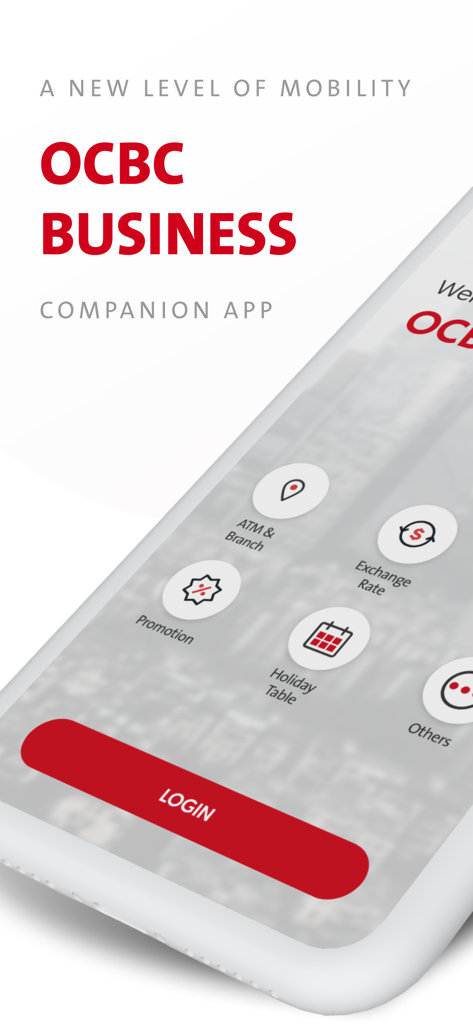
交換レートとATMの場所のオプションを備えたOCBC Business mobile Indonesiaアプリのログイン画面
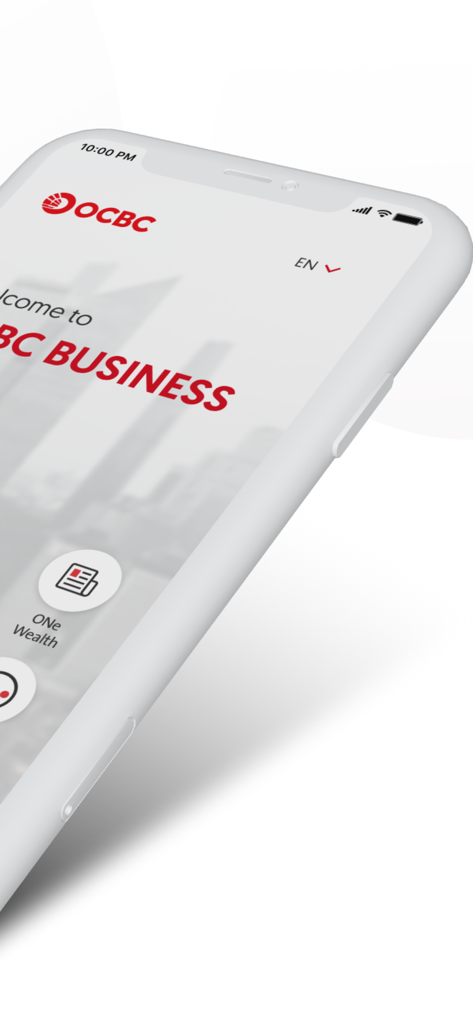
携帯電話上のOCBC Business mobile Indonesiaアプリのウェルカム画面
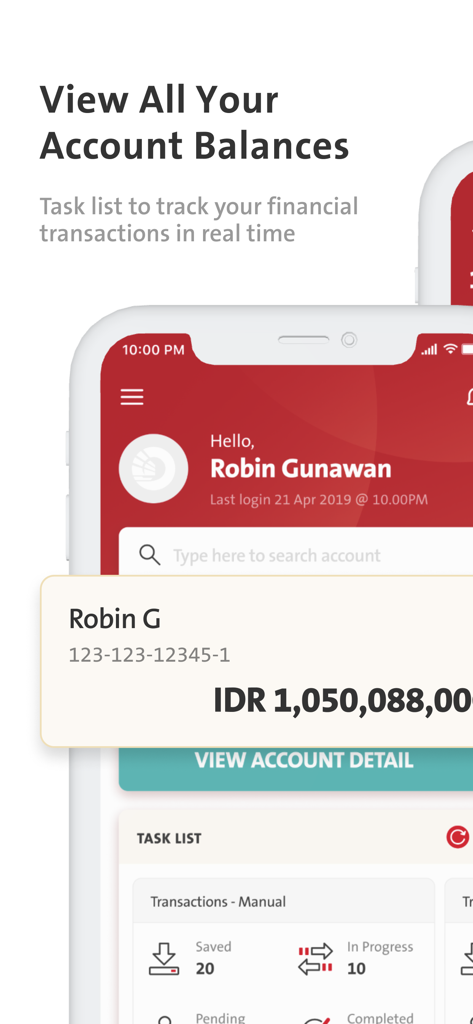
インドネシア・ルピア口座残高と取引タスクリストを示すOCBC Business mobileアプリのダッシュボード。
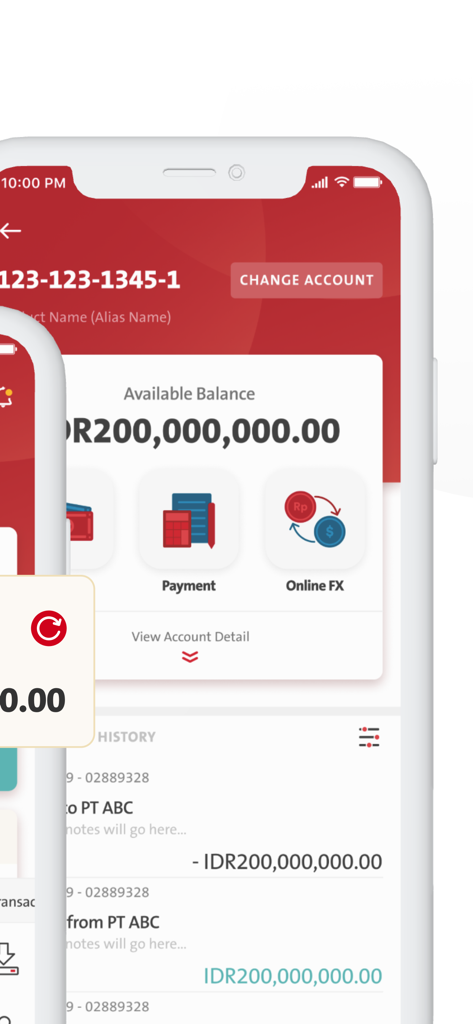
ルピアでの口座残高と取引履歴を示すOCBC Business mobile Indonesiaアプリ画面。
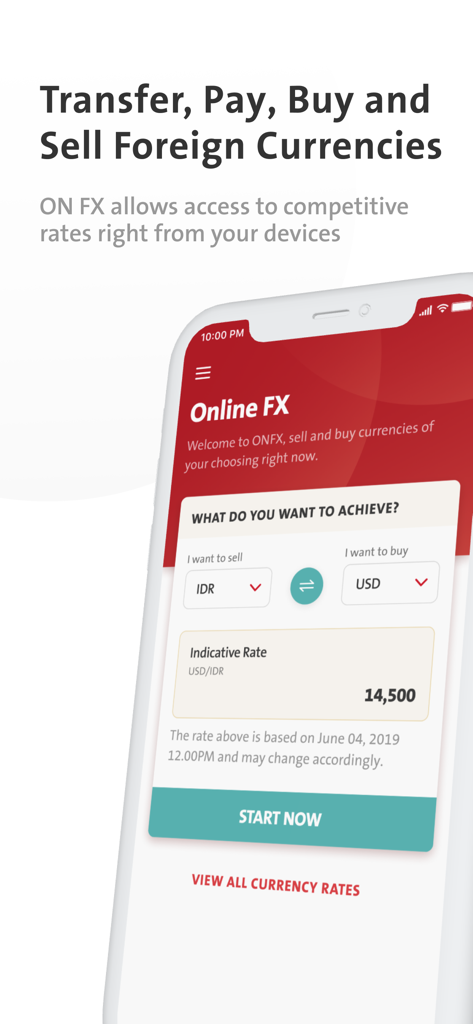
外国通貨の売買のためのOCBC Business mobile IndonesiaアプリのオンラインFX画面
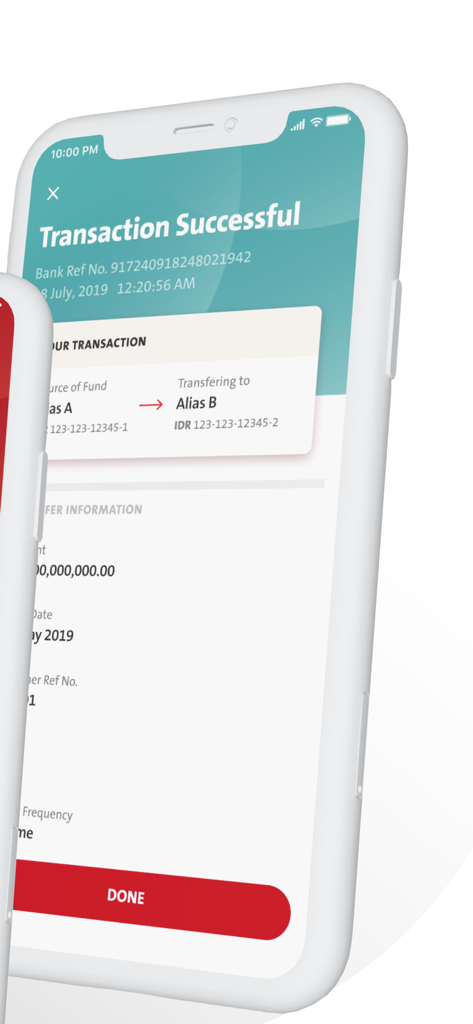
銀行参照番号と送金詳細を含む、正常に完了した取引確認ページを示すOCBC Business mobile Indonesiaアプリのスクリーンショット
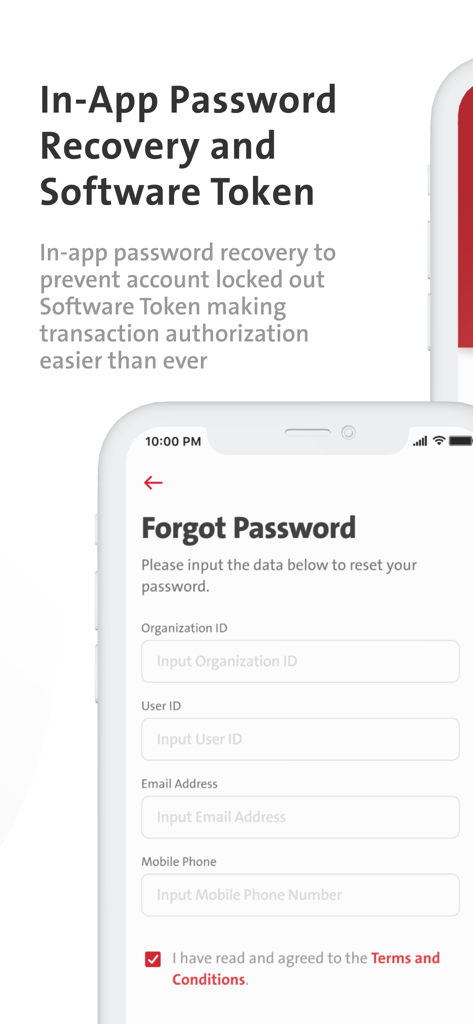
安全なアカウントアクセスとソフトウェアトークン承認のためのOCBC Business mobile Indonesiaパスワードリカバリ画面
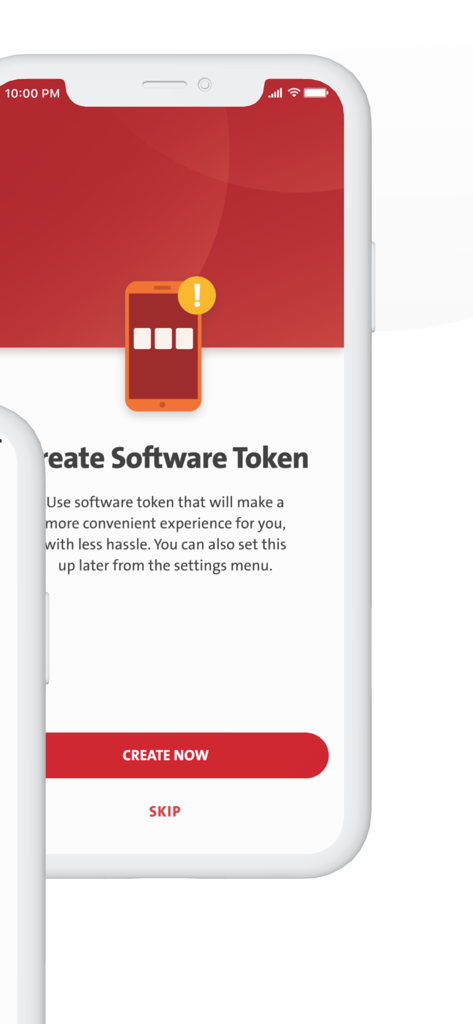
OCBC Business mobileソフトウェアトークン作成画面
説明
Download
類似アプリ
同じカテゴリのトップランクアプリ

电子税务局
State Administration of Taxation

UnionPay APP
China Unionpay Co.,Ltd.

养基宝 - 年轻人的养基神器
Shenzhen Xiaoduotou Information Technology Co.,Ltd.

PayPal - Pay, Send, Save
PayPal, Inc.

中国农业银行
AGRICULTURAL BANK OF CHINA LIMITED

Mercado Pago: cuenta digital
MercadoLibre S.A.

Kalshi: Trade on the Big Game
KALSHI INC.

中国工商银行
Industrial and Commercial Bank of China

个人所得税
State Administration of Taxation
このページはアプリまたはその開発者の公式ページではなく、情報提供および論評を目的として作成された独立した編集出版物です。明示的に別段の記載がない限り、アプリおよびその開発者は、MWM、Apple、Google Play、アプリのパブリッシャー、またはアプリの開発者と提携、承認、後援、認可、またはその他の公式的な関係はなく、このページのいかなる内容も、アプリがMWMのサービスを使用して開発されたことを意味するものではありません。すべての商標、ロゴ、スクリーンショット、その他のコンテンツはそれぞれの所有者の財産です。