OCRegister
OCRegister
ダウンロード: App Store

このページはアプリまたはその開発者の公式ページではなく、情報提供および論評を目的として作成された独立した編集出版物です。明示的に別段の記載がない限り、アプリおよびその開発者は、MWM、Apple、Google Play、アプリのパブリッシャー、またはアプリの開発者と提携、承認、後援、認可、またはその他の公式的な関係はなく、このページのいかなる内容も、アプリがMWMのサービスを使用して開発されたことを意味するものではありません。すべての商標、ロゴ、スクリーンショット、その他のコンテンツはそれぞれの所有者の財産です。


ロゴ: OCRegister
ダウンロード: App Store

OCRegister

ハイパーローカルニュース、リアルタイムアラート、そして定番のEエディション体験でつながりましょう。地域コミュニティの最新情報から毎日のパズルまで、あなたにとって最も重要なローカルジャーナリズムを入手してください。

主要数値

ダウンロード

15K+

ユーザー評価

3.5/5

評価数

1K+

開発元

Media News Group

カテゴリ

News

対応言語

1

最新バージョン

10.0.51

サイズ

150.7 MB

リリース日

2010年7月7日
機能

OCコミュニティのためのオーダーメイドニュース

あなたのローカルなライフスタイルと日々の習慣に合わせた機能で、オレンジ郡レジスターの深みを体験してください。

デジタルレプリカ

シームレスなEニュース統合により、デバイス上で従来の新聞レイアウトの快適さをお楽しみください。

あなただけのニュースフィード

ローカル不動産からお気に入りの学校地区まで、最も関心のあるトピックを選択してノイズを回避しましょう。

以下のスクリーンショットと説明は、アプリの公式ストアリスティングから直接取得されたものであり、アプリ開発者の所有物です。

アプリストア

スクリーンショット
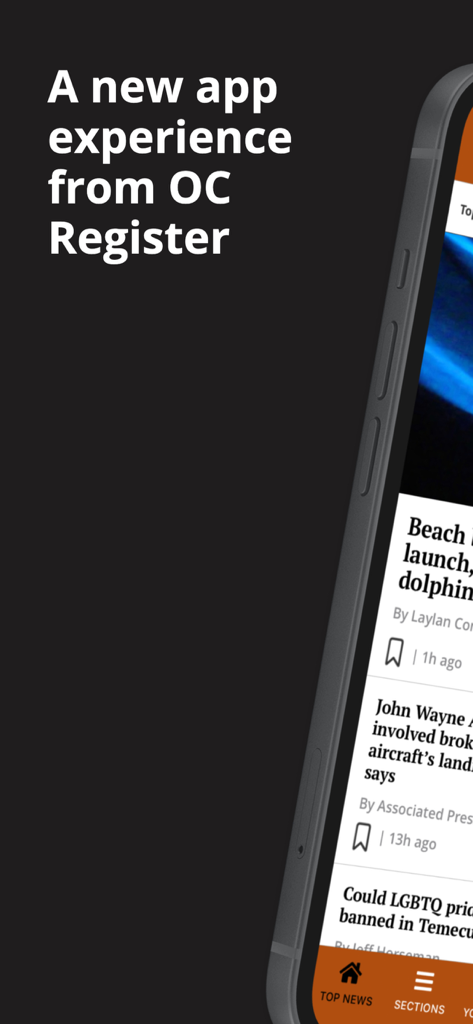
OCRegister - ローカルニュース記事とナビゲーションバーが表示された新しいOCレジスターモバイルアプリのインターフェイス
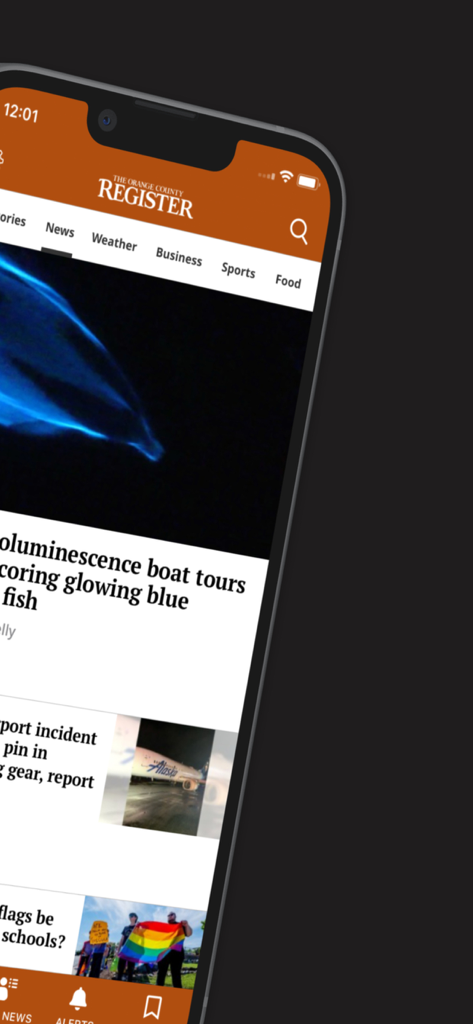
ローカルニュース記事とナビゲーションバーが表示された新しいOCレジスターモバイルアプリのインターフェイス

OCRegister - iPhoneでローカルニュースフィードを表示するOCRegisterモバイルアプリ
iPhoneでローカルニュースフィードを表示するOCRegisterモバイルアプリ

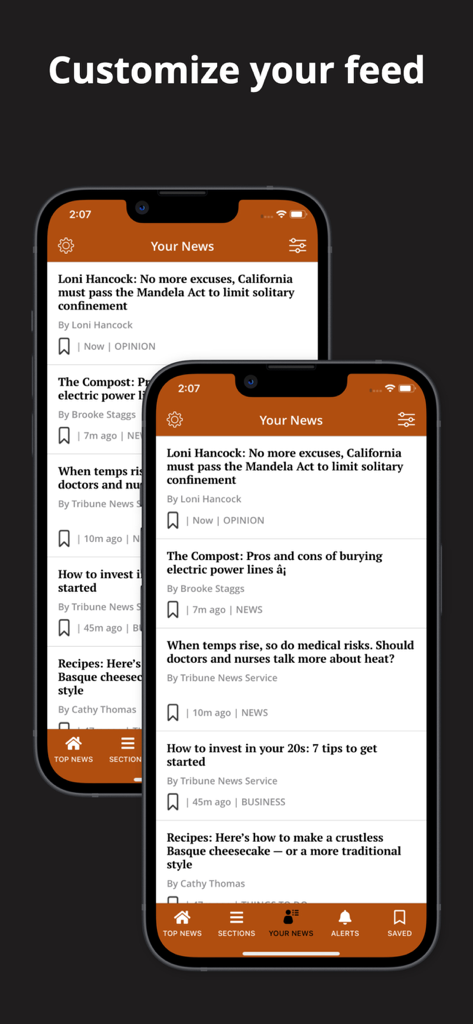
OCRegister - さまざまなローカル記事と「フィードをカスタマイズ」という見出しが表示されたOCRegisterアプリの「あなたのニュース」セクションを示す2台のスマートフォン
さまざまなローカル記事と「フィードをカスタマイズ」という見出しが表示されたOCRegisterアプリの「あなたのニュース」セクションを示す2台のスマートフォン

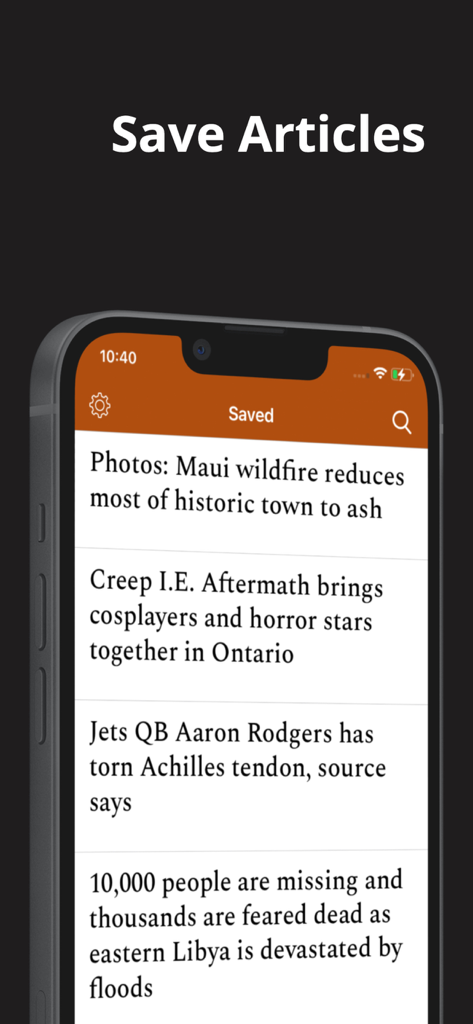
OCRegister - iPhoneで保存されたニュース記事のリストを表示するオレンジ郡レジスターアプリの画面
iPhoneで保存されたニュース記事のリストを表示するオレンジ郡レジスターアプリの画面

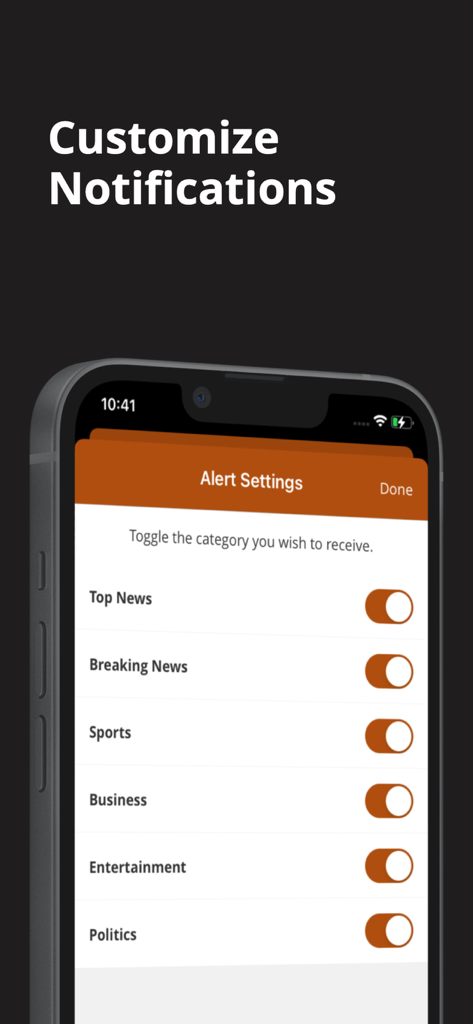
OCRegister - カテゴリ別にニュース通知をカスタマイズするためのトグルを示すOCRegisterアプリのアラート設定画面。

カテゴリ別にニュース通知をカスタマイズするためのトグルを示すOCRegisterアプリのアラート設定画面。

説明

Welcome to a new app experience, we have optimized our app and given it a facelift! This faster app now has the following new features: Your News: Provide personalized recommendations for content based on user preferences Users will be allowed to customize the content they want to engage with by selecting the topics they are truly interested in By going to the “Your News” tab the user can bypass the noise of all that is published and home in on the content they want Saved Articles: Save feature that allows users to save articles or other content they are interested in for later reading or reference Push notifications will remind users to read their saved articles or suggest related content Custom Push Notifications: The user can select what topics they want to be notified about which makes for a much less intrusive experience. Top Navigation Bar: A top navigation bar lets the user switch between sections by swiping or tapping. Enews in-app: Desire the newspaper experience? No need to open a separate app! By simply going to Settings and selecting E-News the user can browse the Digital Replica of the day’s paper. Offline Reading: This feature allows users to enable offline reading from Settings. Offline “Reading Preferences” can also be customized for Settings. Swipe Left: Instead of going back to the main section to find more articles, users have the option to simply swipe, immediately opening other articles in the Section. Follow Topics: A user will be shown articles on topics they are following. To follow select follow at the article level and related articles will gain relevancy and be shown more frequently. Just as easily “Unfollow” Games: Users can enjoy a variety of games served in app. Games include: Sudoku, Solitaire, Jumble, Crossword, and Puzzles

Download

ダウンロード: App Store

このページはアプリまたはその開発者の公式ページではなく、情報提供および論評を目的として作成された独立した編集出版物です。明示的に別段の記載がない限り、アプリおよびその開発者は、MWM、Apple、Google Play、アプリのパブリッシャー、またはアプリの開発者と提携、承認、後援、認可、またはその他の公式的な関係はなく、このページのいかなる内容も、アプリがMWMのサービスを使用して開発されたことを意味するものではありません。すべての商標、ロゴ、スクリーンショット、その他のコンテンツはそれぞれの所有者の財産です。