
このページはアプリまたはその開発者の公式ページではなく、情報提供および論評を目的として作成された独立した編集出版物です。明示的に別段の記載がない限り、アプリおよびその開発者は、MWM、Apple、Google Play、アプリのパブリッシャー、またはアプリの開発者と提携、承認、後援、認可、またはその他の公式的な関係はなく、このページのいかなる内容も、アプリがMWMのサービスを使用して開発されたことを意味するものではありません。すべての商標、ロゴ、スクリーンショット、その他のコンテンツはそれぞれの所有者の財産です。

Office Word Editor:Docs, Share
強力な書式設定ツール、リアルタイムコラボレーション、シームレスなマルチクラウド統合により、オフラインでもiPhoneとiPadでワークフローをマスターしましょう。
ダウンロード
124K+ユーザー評価
評価数
100開発元
カテゴリ
Productivity対応言語
17最新バージョン
1.0.36サイズ
233.7 MBリリース日
2023年8月8日外出先でワークフローをマスター
現代のプロフェッショナルのために設計された、軽量で強力なワードプロセッサ。デスクトップの煩わしさなしに、すべてのデバイスでドキュメントを作成、編集、同期できます。
シームレスなマルチクラウドアクセス
オフラインでも機能する直感的なインターフェイスで、iCloud、Google Drive、Dropbox間の作業を橋渡しします。
プロフェッショナルな書式設定ツール
モバイルデバイスでデスクトップレベルの精度を手に入れましょう。レイアウトを調整し、リッチスタイルを適用し、変更履歴を追跡して、プロジェクトを洗練された状態に保ちます。
よくある質問
について知っておくべきこと Office Word Editor:Docs, Share
Office Word Editor:Docs, Shareとは何ですか?
Office Word Editor:Docs, Shareは、Word文書を包括的に編集するためのiOSアプリです。モバイルデバイス上で直接Wordファイルを作成、編集、共同作業することができます。
Office Word Editor:Docs, Shareで新しいWord文書を作成できますか?
はい、Office Word Editor:Docs, Shareは新しいWord文書の作成をサポートしています。iCloud、Dropbox、Google Driveなどのクラウドストレージサービスから既存の文書をインポートすることもできます。
Office Word Editor:Docs, Shareはリアルタイム共同編集をサポートしていますか?
はい、Office Word Editor:Docs, Shareはリアルタイム共同編集を可能にします。文書を電子メールまたはクラウドサービス経由で共有することで、チームメンバーが行ったすべての変更を追跡しながら同時に共同作業することができます。
Office Word Editor:Docs, Shareと互換性のあるファイル形式は何ですか?
Office Word Editor:Docs, Shareは、幅広いWord文書形式をサポートしています。DOC、DOCX、RTFファイルをシームレスに開き、編集できるため、さまざまなプラットフォームとの互換性が保証されます。
Office Word Editor:Docs, Shareを使用して、インターネット接続なしで文書を編集できますか?
はい、Office Word Editor:Docs, Shareはオフライン編集を可能にします。インターネット接続がない状態でも文書を編集でき、接続が復旧するとアプリが自動的に変更を同期します。
Office Word Editor:Docs, Shareは無料トライアルを提供していますか?
はい、Office Word Editor:Docs, Shareは3日間の無料トライアルを提供しています。このトライアル期間中は、事前の義務なしにアプリケーションのすべての有料機能にアクセスして体験することができます。
Office Word Editor:Docs, Shareのサブスクリプション料金はいくらですか?
無料トライアルの後、Office Word Editor:Docs, Shareは、月額プランの場合は月額499ルピー、年額プランの場合は年額2999ルピーです。サブスクリプションはApp Storeアカウントを通じて請求されます。
Office Word Editor:Docs, Shareで変更を追跡したり、コメントを追加したりできますか?
はい、Office Word Editor:Docs, Shareには堅牢な文書レビューツールが含まれています。ユーザーは、文書内にコメント、注釈を追加したり、変更を追跡したりできるため、効率的なフィードバックと編集プロセスが可能になります。
Office Word Editor:Docs, ShareでファイルをPDFにエクスポートできますか?
はい、Office Word Editor:Docs, Shareを使用すると、文書をPDFとしてエクスポートできます。また、ファイルをWord文書またはHTMLとしてエクスポートし、電子メールまたはメッセージングアプリ経由で共有することもサポートしています。
Office Word Editor:Docs, Shareは文書テンプレートを提供していますか?
はい、Office Word Editor:Docs, Shareは文書テンプレートを提供しています。ユーザーはこれらのテンプレートにアクセスして、さまざまな目的に合わせたプロフェッショナルな文書を迅速に作成できます。
以下のスクリーンショットと説明は、アプリの公式ストアリスティングから直接取得されたものであり、アプリ開発者の所有物です。
アプリストア
スクリーンショット
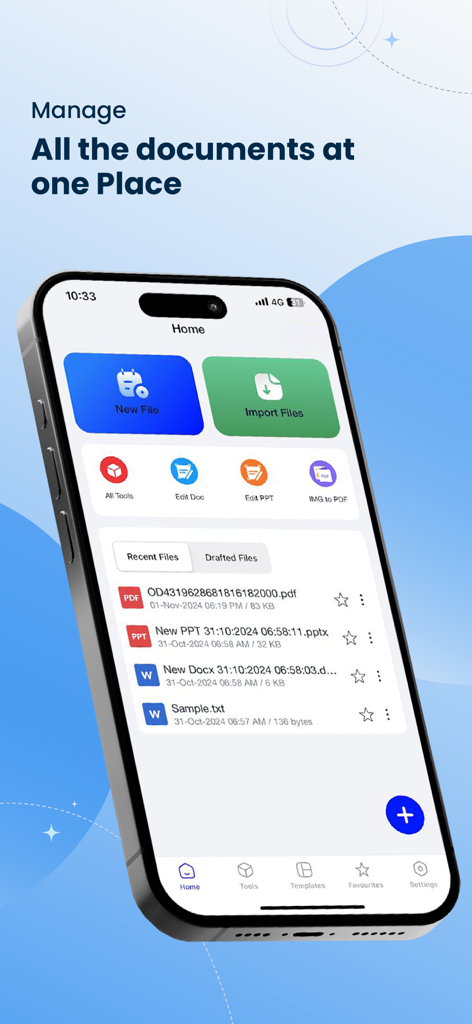
iPhoneでファイル管理と編集ツールを表示するOffice Word Editorアプリのホーム画面
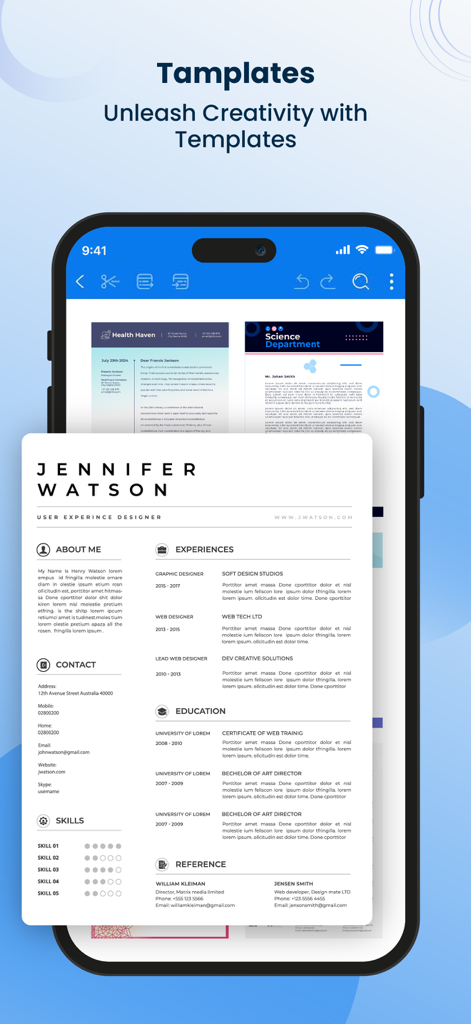
履歴書やニュースレターを含むプロフェッショナルなドキュメントテンプレートを表示するモバイルアプリインターフェイス。
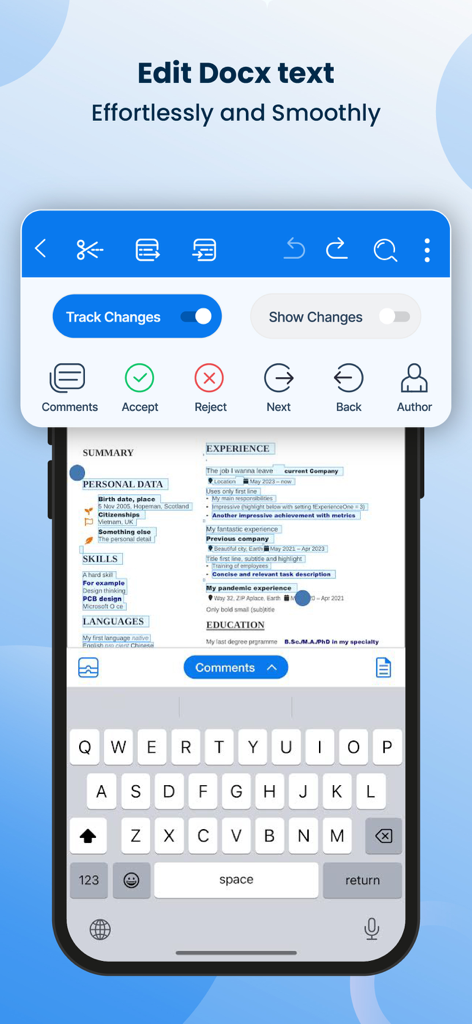
変更履歴とレビューツールを表示するWordドキュメント編集用のモバイルアプリインターフェイス
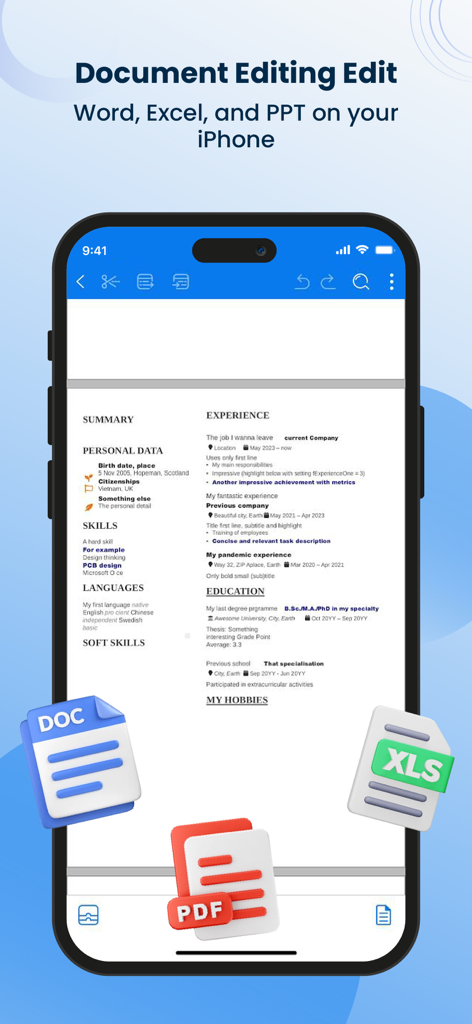
DOC、PDF、XLSファイルアイコンが表示されたOffice Word Editorアプリで編集中の履歴書を表示するiPhone画面。
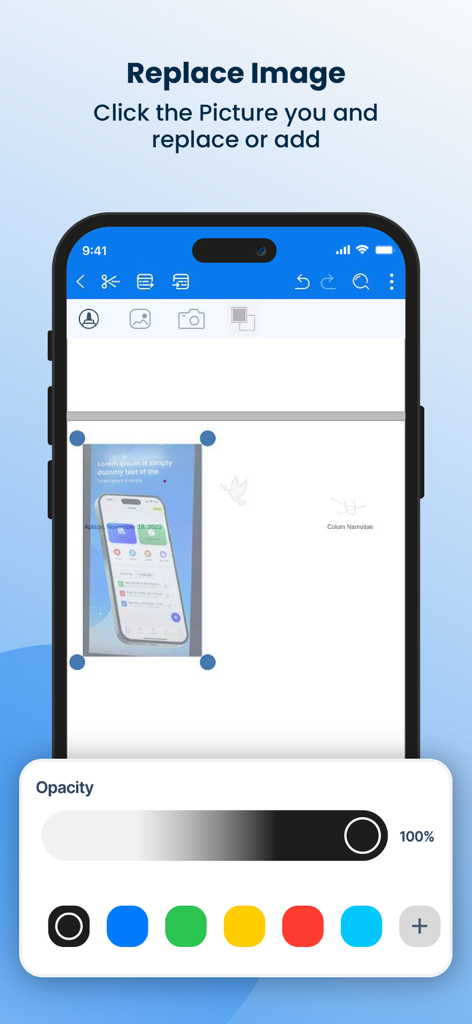
スマートフォンで画像の置換と透明度コントロールを表示するWordドキュメントエディターインターフェイス。
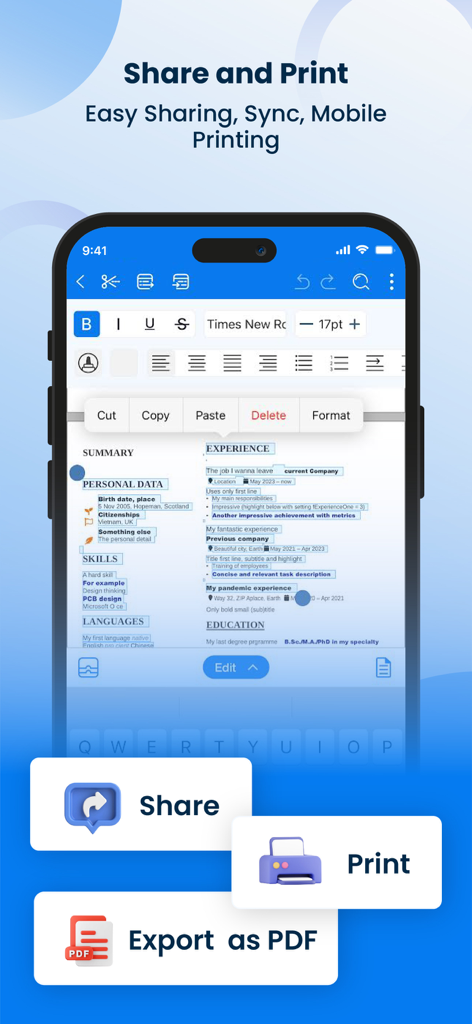
共有、印刷、PDFとしてのエクスポートボタンが表示されたドキュメント編集ツールを表示するOffice Word Editorアプリインターフェイス。
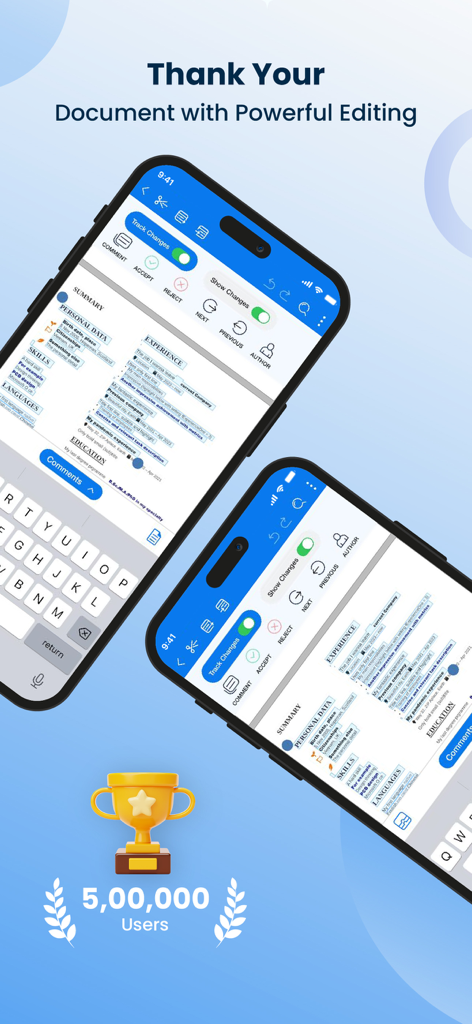
変更履歴機能付きのワード文書編集用のモバイルアプリインターフェイス
説明
Download
類似アプリ
似た機能とユーザー体験を持つアプリ

石墨文档 - 在线文档协作编辑和表格制作
ChuXin Tec Co., Ltd.

Documents - Create & Edit
Normal Vector Limited

全能办公文档-在线word文档手机版、在线文档编辑
亚敏 陈

表格手机版 -手机编辑表格文档
晶晶 姜

word文档手机版-在线文档编辑办公软件
根根 黄

OpenDocument Reader - view ODT
Stefl und Taschauer OG

xlsx表格手机版 -移动端表格编辑
华 杨

文档手机版-手机办公软件
卓臻 李

AO Office
Akikazu Yoshikawa
このページはアプリまたはその開発者の公式ページではなく、情報提供および論評を目的として作成された独立した編集出版物です。明示的に別段の記載がない限り、アプリおよびその開発者は、MWM、Apple、Google Play、アプリのパブリッシャー、またはアプリの開発者と提携、承認、後援、認可、またはその他の公式的な関係はなく、このページのいかなる内容も、アプリがMWMのサービスを使用して開発されたことを意味するものではありません。すべての商標、ロゴ、スクリーンショット、その他のコンテンツはそれぞれの所有者の財産です。