
このページはアプリまたはその開発者の公式ページではなく、情報提供および論評を目的として作成された独立した編集出版物です。明示的に別段の記載がない限り、アプリおよびその開発者は、MWM、Apple、Google Play、アプリのパブリッシャー、またはアプリの開発者と提携、承認、後援、認可、またはその他の公式的な関係はなく、このページのいかなる内容も、アプリがMWMのサービスを使用して開発されたことを意味するものではありません。すべての商標、ロゴ、スクリーンショット、その他のコンテンツはそれぞれの所有者の財産です。

Pass2U Wallet - Add store card
ポイントカード、クーポン、チケットをデジタル化して、持ち物をすっきりさせましょう。Apple Walletとのシームレスな統合、カスタムデザイン、スマートな位置情報通知により、会計時にいつでも特典を準備できます。
ダウンロード
2M+ユーザー評価
評価数
7K+開発元
カテゴリ
Shopping対応言語
12最新バージョン
3.5.4サイズ
80.0 MBリリース日
2016年9月27日デジタルライフを使いこなす
すべてのポイントカード、クーポン、搭乗券を1つの整理された場所に集約。会計をスムーズにし、特典の取りこぼしをなくします。
財布の膨らみを解消
スーパーのポイントからジムの会員証まで、あらゆるものをデジタル化。カードを一枚も欠かさず、スリムなデジタル財布を持ち歩けます。
状況に応じた利便性
お気に入りの店舗に入ると、ロック画面に自動で通知が届きます。必要な時に、必要な場所でカードが表示されます。
よくある質問
について知っておくべきこと Pass2U Wallet - Add store card
Pass2U Walletで管理できるパスの種類は何ですか?
Pass2U Walletは、店舗カード、クーポン、搭乗券、イベントチケット、ギフトカード、名刺など、さまざまなパスを管理し、1つのデジタルプラットフォームに統合します。
Pass2U WalletはApple Walletと連携しますか?
はい、Pass2U WalletはApple Walletとシームレスに連携します。これにより、ユーザーは利便性のためにApple Wallet内でデジタルパスを追加および管理できます。
Pass2U Walletで物理カードをデジタル化するにはどうすればよいですか?
ユーザーは、Pass2U Walletでバーコードを簡単にスキャンしたり、写真からカード画像をインポートしたりすることで、物理カードをデジタル化します。これにより、物理パスが迅速にデジタル形式に変換されます。
Pass2U Walletはパスのスマート通知を提供しますか?
はい、Pass2U Walletは、イベントの日付やユーザーの現在地に基づいて、パスのスマート通知を自動的に提供します。これにより、ユーザーはそれらを使用することを思い出せます。
Pass2U Walletはユーザーの個人情報やパスの詳細を記録しますか?
いいえ、Pass2U Walletは個人情報を一切記録しません。また、ユーザーが作成したパスに関する詳細も保存しないため、ユーザーのプライバシーとセキュリティが確保されます。
Pass2U WalletはApple Watchと互換性がありますか?
はい、Pass2U WalletはApple Watchをサポートしています。ユーザーはiPhoneでパスを編集し、Apple Watchデバイスから直接便利にスキャンできます。
iPhoneでPass2U Walletのパスをバックアップするにはどうすればよいですか?
ユーザーは、Apple IDを介してiCloud設定でWalletを有効にすることで、iPhoneでPass2U Walletパスをバックアップします。パスは、同じApple IDを持つデバイス間で同期されます。
以下のスクリーンショットと説明は、アプリの公式ストアリスティングから直接取得されたものであり、アプリ開発者の所有物です。
アプリストア
スクリーンショット
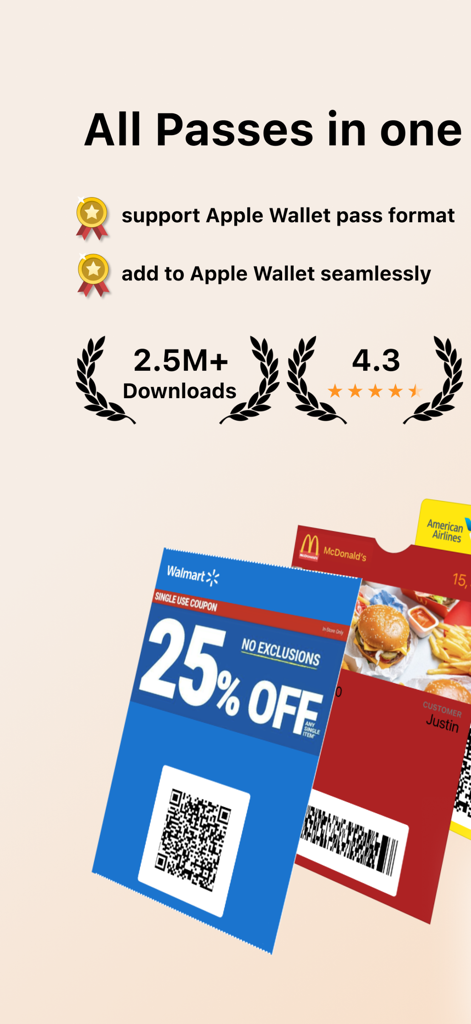
Apple Wallet統合機能を備えた、デジタルクーポンやショップカードを表示するPass2U Walletアプリの概要
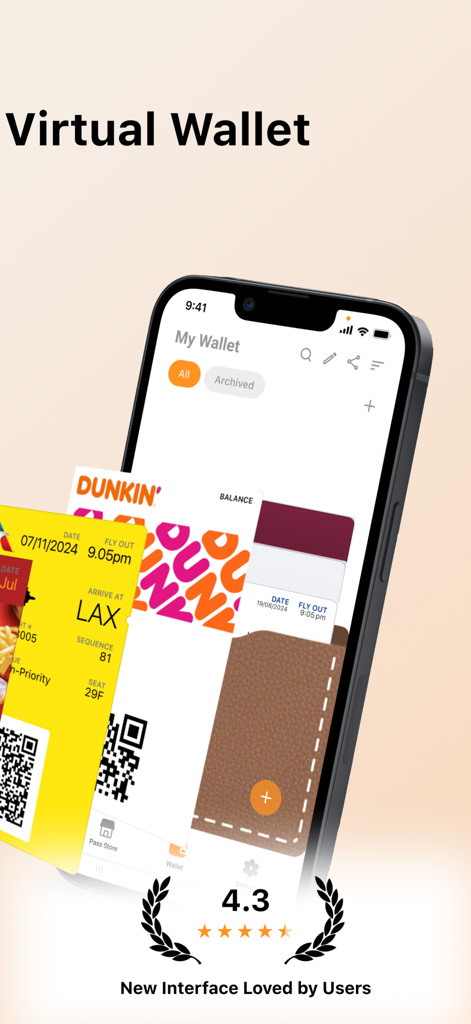
デジタル化されたDunkinのショップカードと航空機の搭乗券を表示する、iPhone上のPass2U Walletアプリのインターフェース
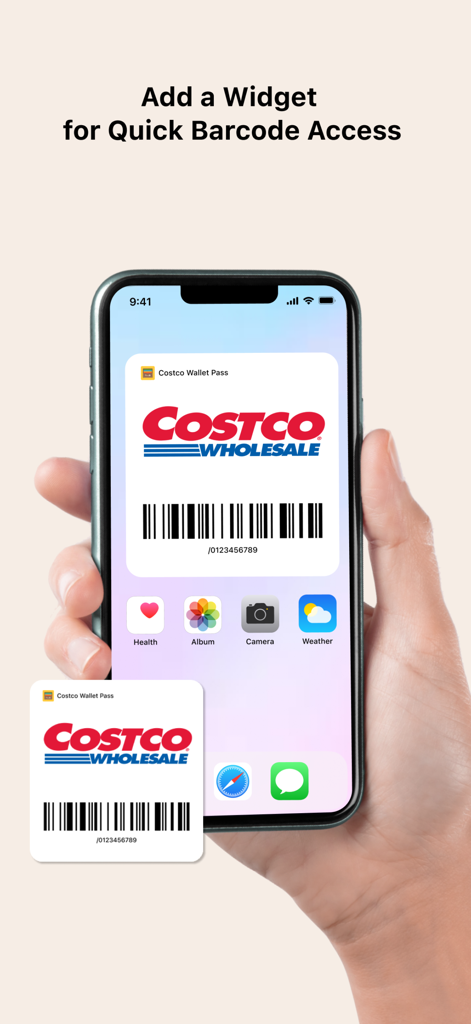
バーコードに素早くアクセスするためのCostcoショップカードウィジェットを表示するiPhoneのホーム画面
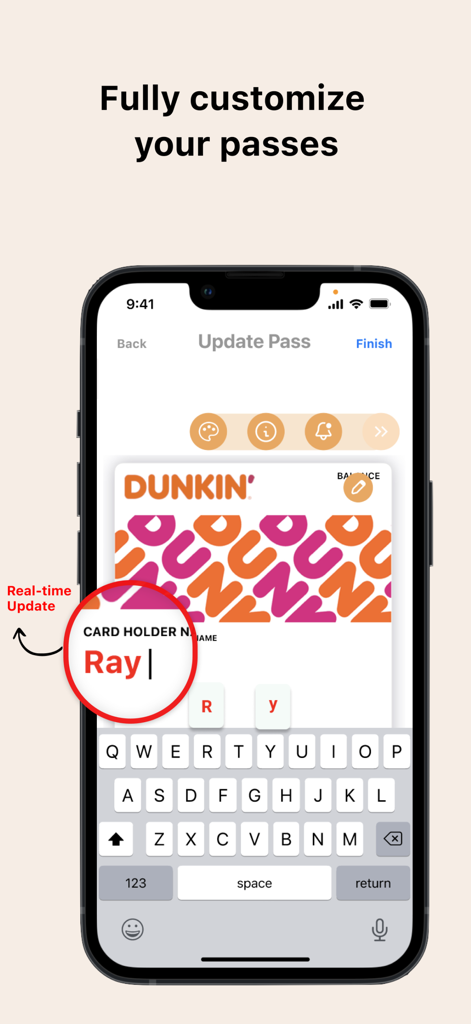
Pass2U WalletアプリでDunkinのデジタルポイントカードをリアルタイムでカスタマイズしているiPhoneの画面
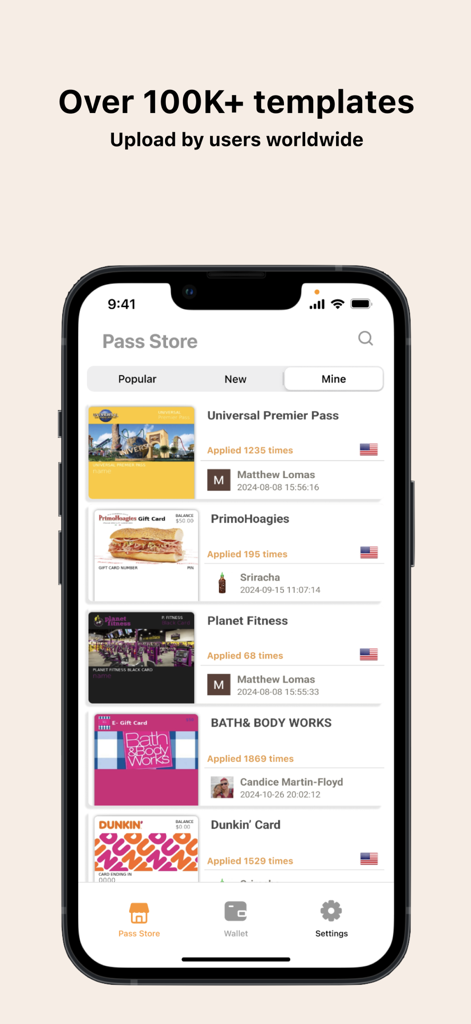
ポイントカードや特典カード用の、10万件以上のユーザー投稿テンプレートが用意されたPass2U Walletパスストア
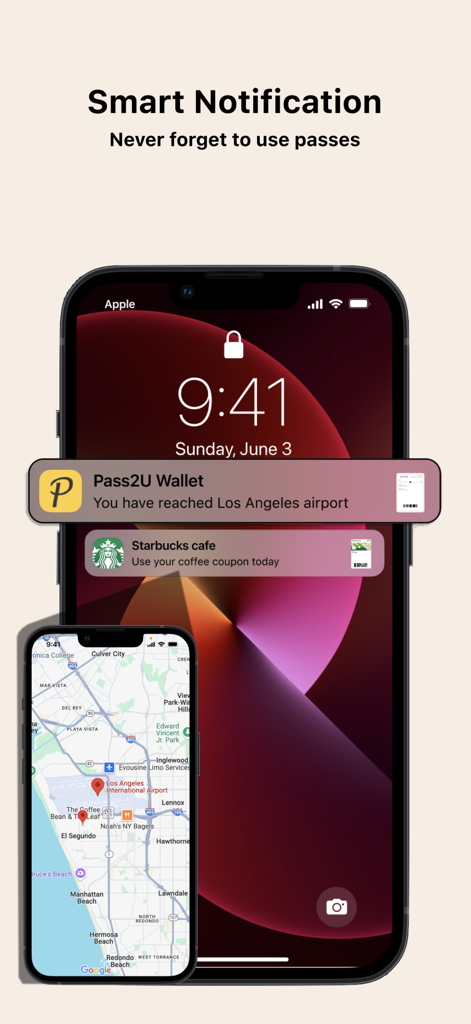
空港の搭乗券とスターバックスのコーヒークーポンのスマートな位置情報通知を表示するiPhoneのロック画面
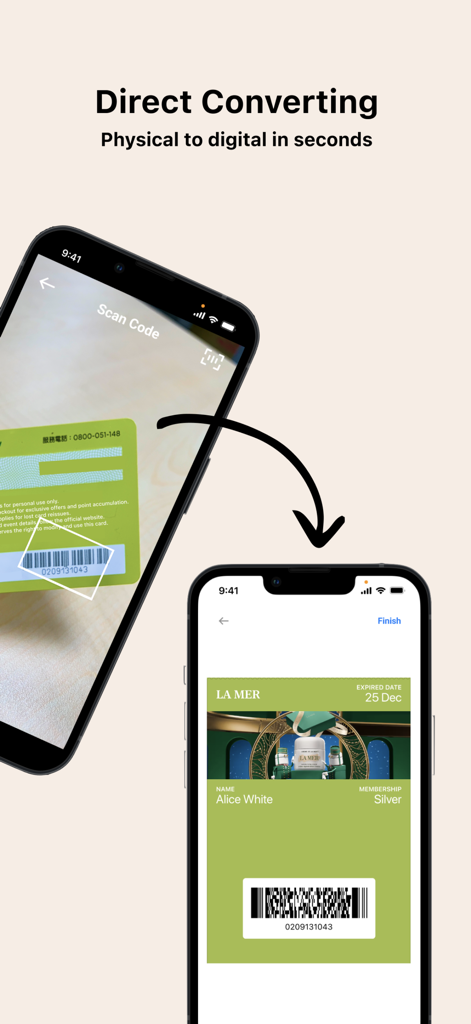
Pass2U Walletアプリを使用して、実物のポイントカードをスキャンし、デジタルパスに変換するスマートフォン
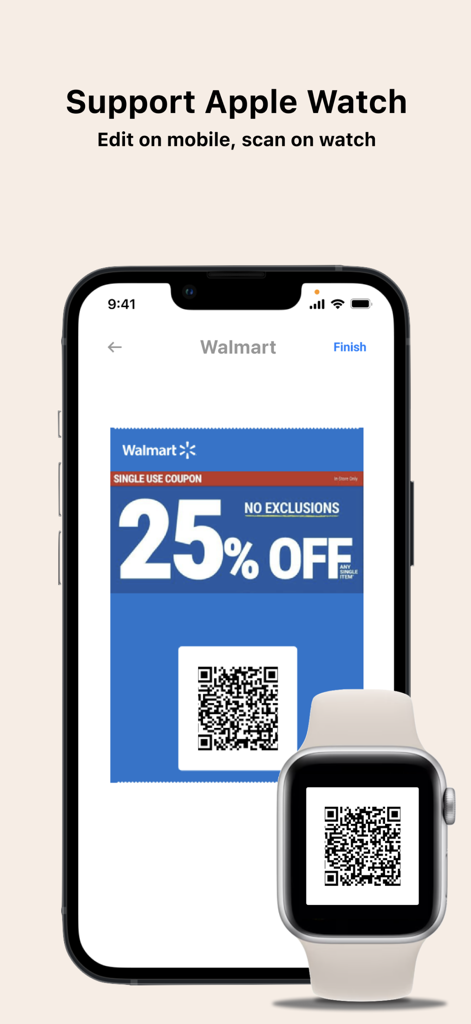
簡単にスキャンできるように、iPhoneとApple Watchの両方にWalmartのデジタルクーポンQRコードを表示するPass2U Walletアプリ
説明
Download
類似アプリ
似た機能とユーザー体験を持つアプリ





このページはアプリまたはその開発者の公式ページではなく、情報提供および論評を目的として作成された独立した編集出版物です。明示的に別段の記載がない限り、アプリおよびその開発者は、MWM、Apple、Google Play、アプリのパブリッシャー、またはアプリの開発者と提携、承認、後援、認可、またはその他の公式的な関係はなく、このページのいかなる内容も、アプリがMWMのサービスを使用して開発されたことを意味するものではありません。すべての商標、ロゴ、スクリーンショット、その他のコンテンツはそれぞれの所有者の財産です。