Passport Photo - PhotoAiD

Passport Photo - PhotoAiD

ダウンロード: App Store
ロゴ: Passport Photo - PhotoAiD

パスポート写真 - PhotoAiD:公式写真のスマートな入手方法

薬局に行く手間を省き、自宅から100%準拠の生体認証写真を入手しましょう。AIを活用し、専門家がパスポート、ビザ、IDカード用に検証しています。

開発元

PhotoAiD S.A.

カテゴリ

Photo & Video

ダウンロード

4M+

ユーザー評価

4.4/5

評価数

43K+

対応言語

31

コンプライアンスと利便性の融合

このインターフェースを利用する 4M+ 人のユーザー.

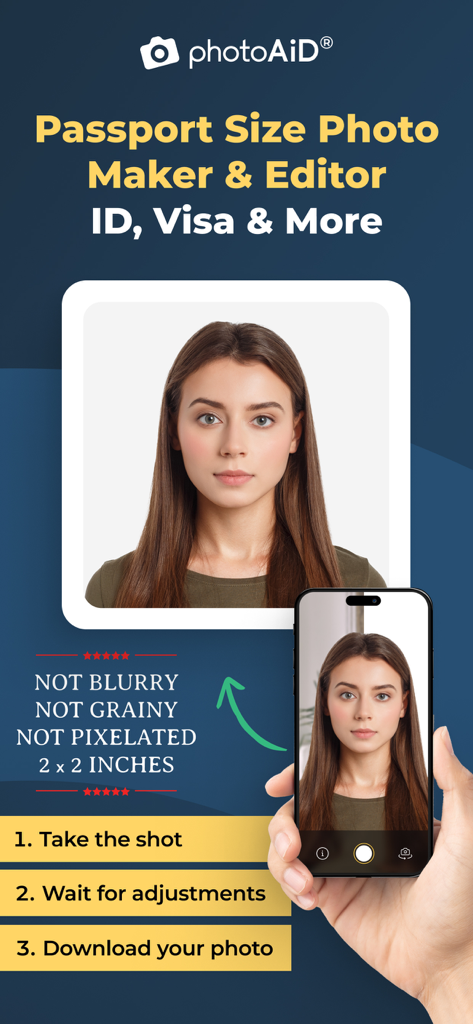
スマートフォンの画面に、プロ仕様の2x2インチパスポート写真を3ステップで作成するモバイルアプリのインターフェースが表示されている。
スマートフォンの画面に、プロ仕様の2x2インチパスポート写真を3ステップで作成するモバイルアプリのインターフェースが表示されている。

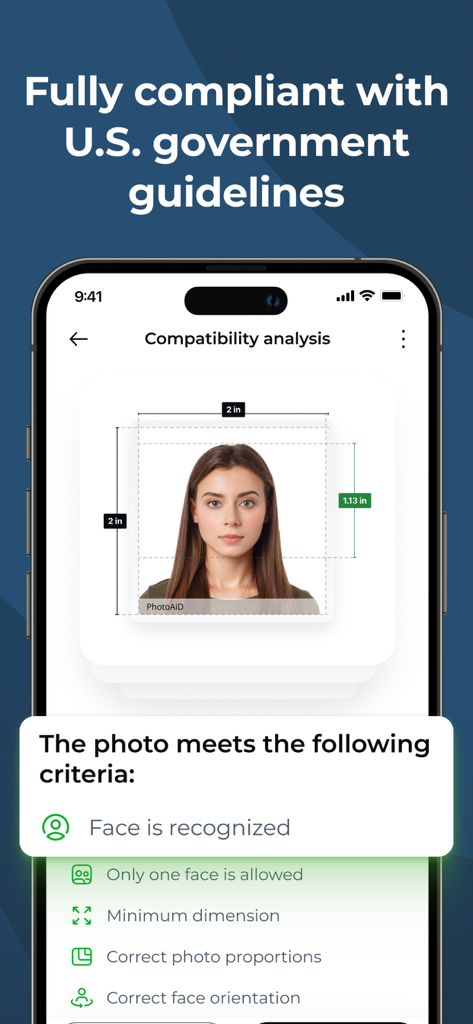
PhotoAiDアプリが米国のパスポート写真の互換性分析を実行し、政府のガイドラインを満たしていることを確認しているスマートフォンの画面。
PhotoAiDアプリが米国のパスポート写真の互換性分析を実行し、政府のガイドラインを満たしていることを確認しているスマートフォンの画面。

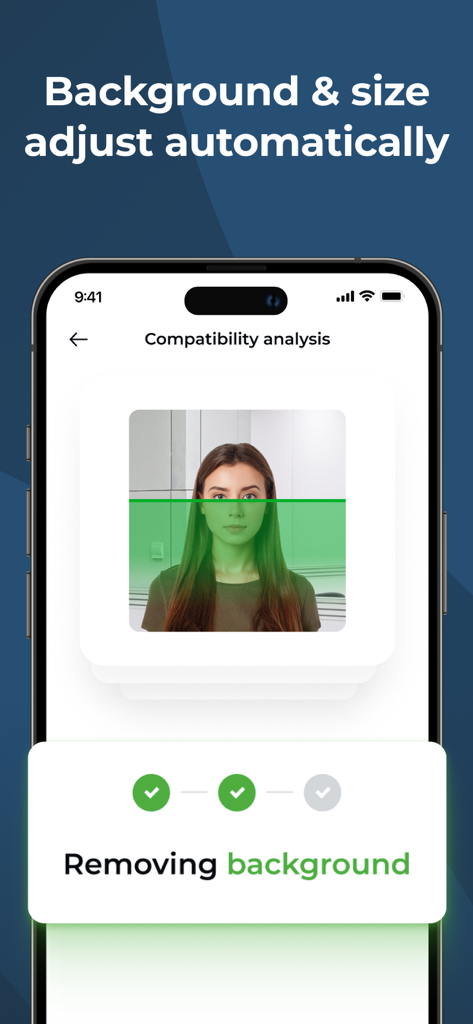
PhotoAiDアプリがパスポート写真の背景を自動的に削除しているスマートフォンの画面。
PhotoAiDアプリがパスポート写真の背景を自動的に削除しているスマートフォンの画面。

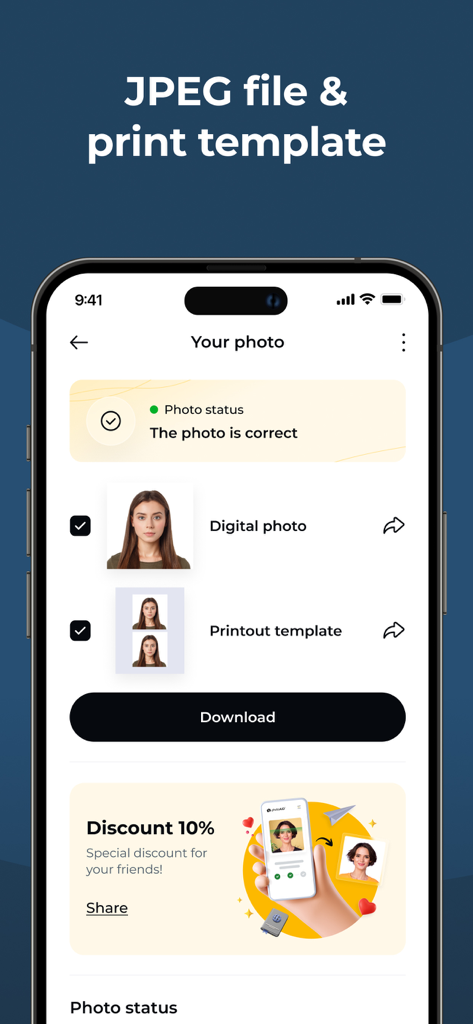
PhotoAiDアプリのインターフェースに、検証済みのパスポート写真とデジタルおよび印刷テンプレートのダウンロードオプションが表示されている。
PhotoAiDアプリのインターフェースに、検証済みのパスポート写真とデジタルおよび印刷テンプレートのダウンロードオプションが表示されている。

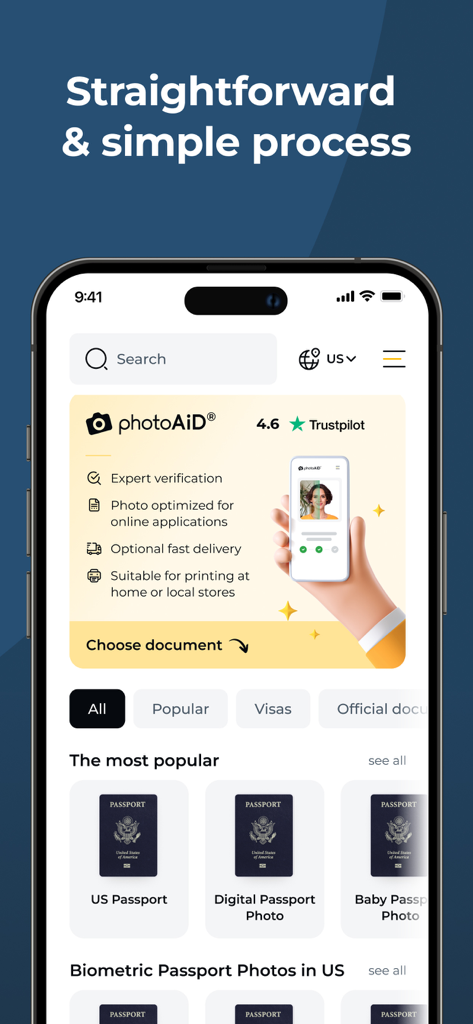
PhotoAiDアプリのインターフェースに、米国パスポート写真と赤ちゃんのパスポート写真のオプションが表示されている。
PhotoAiDアプリのインターフェースに、米国パスポート写真と赤ちゃんのパスポート写真のオプションが表示されている。

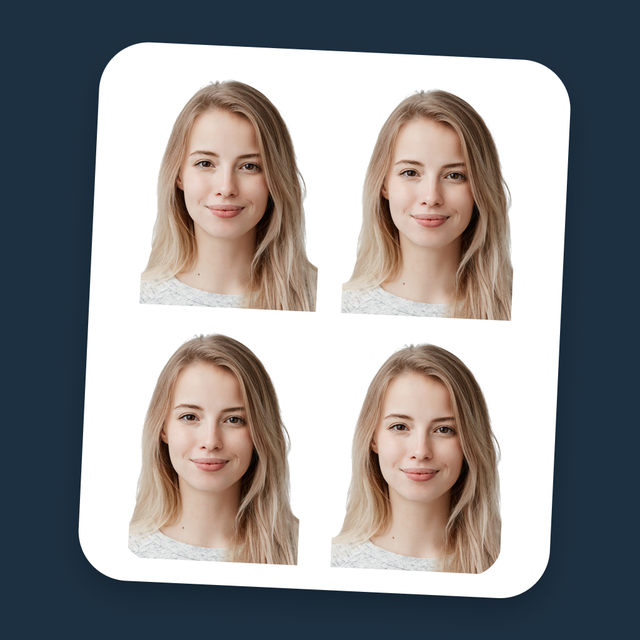
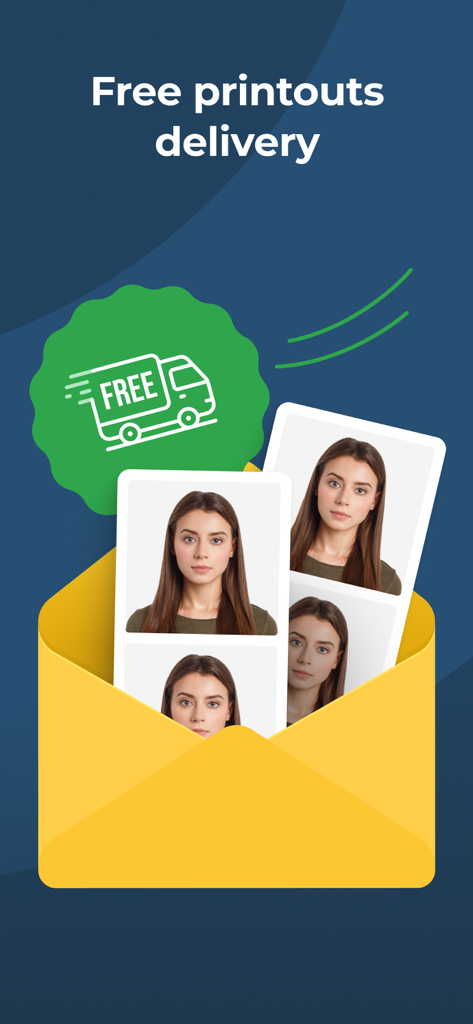
緑色の無料配送バッジが付いた黄色い封筒に入った印刷済みのパスポート写真。

緑色の無料配送バッジが付いた黄色い封筒に入った印刷済みのパスポート写真。

ソファからプロの結果を

このアプリを際立たせるツール、 4M+ 人のユーザーが選択.

🛡️

専門家によるコンプライアンス検証

却下を避けましょう。すべての写真は、人間の専門家とAIによってレビューされ、公式基準の100%を満たしていることを保証します。

🏠

白い壁は不要

どこでも写真を撮れます。当社の技術は、法的要件に合致するように背景と照明を自動的に調整します。

デジタル&印刷可能

オンライン更新のためにデジタルファイルを即時ダウンロードするか、プレミアムプリントを自宅に直接配送してもらえます。

アプリについて

について知っておくべきこと Passport Photo - PhotoAiD.

説明

Our app automatically adjusts your photo, enabling you to convert selfies into biometric passport-size photos that comply with all official requirements for passports, IDs, visas, Green Cards, Student cards, and driver's licenses. WHY PHOTOAID TO CREATE PASSPORT PHOTOS? • Every photo is carefully verified by our photo experts in real time, • All photos checked and approved by our experts are guaranteed to comply with all rigorous standards, • Our verification process eliminates the risk of photo rejection due to common errors, • If any issues are detected, we provide detailed feedback for quick and easy corrections within 5 minutes, • With PhotoAiD, your privacy is well protected so that you can use our app with confidence, • Easy-to-use & intuitive interface designed for all people regardless of their tech skills, • No need to find a white wall; our app can automatically remove or adjust the background to fit official standards, • Our app automatically ensures your face is properly centered and your photo meets size specifications, • Photos instantly to your mailbox or with free delivery right to your hands, • Over 35M+ accepted photos made with PhotoAiD. HOW DOES IT WORK? 1. Take a selfie at any place or select a preferred image from your gallery. Our system meticulously modifies it to align with stringent official guidelines. 2. Your image undergoes a rigorous two-tiered verification process. AI will prepare and preliminarily check your image, then a human photo expert will double-check the conformity of your pictures. 3. Post-verification, your photograph is primed for immediate printing. You will get digital photos that can be used for online applications, or you can order high-quality printouts with free delivery. HOW TO TAKE PASSPORT-SIZE PHOTOS CORRECTLY? • Maintain the right distance - ideal camera positioning for optimal photo capture, • Posture matters - keep your head & body straight for the perfect shot, • Optimal lighting is key - avoid shadows for clear, compliant photos. WHAT TO WEAR TO TAKE PERFECT PASSPORT-SIZE PHOTOS? • Avoid wearing clothes in light colors, which might cause you to blend in with the background. • Keep in mind that any head coverings are prohibited. • You can wear glasses only if they are prescription glasses. However, if your glasses frames cover too much of your face, you need to take them off. Sunglasses or glasses with tinted lenses are forbidden. • It is fine to have a beard in your photo. COMMON MISTAKES TO AVOID: • A wide smile - You must avoid showing any facial expression. Keep a neutral face. • Photo older than six months - If your look has changed significantly, you should take a new picture. • Low quality of the photo - The picture must not be pixelated, blurred, or damaged in any other way. • Portrait style photo - If your photo does not qualify for biometric standards, it will be rejected, so make sure the photo is taken face on, you are looking straight into the lens, with your mouth closed and eyes open. We value your feedback! We'd love to hear from you if you have suggestions or feedback to improve our application. Don't hesitate to contact us at help@photoaid.com. LOVE PHOTOAID? Like us on Facebook: https://www.facebook.com/photoaidcom Follow us on LinkedIn: https://www.linkedin.com/company/photoaid

最新バージョン

2.14.0

サイズ

57.5 MB

リリース日

2020年4月10日

薬局に並ぶのはもうやめませんか?

3500万人以上の旅行者が、自宅から完璧で専門家が検証したパスポート・ビザ写真を、100%承認保証付きで入手しています。あなたもその一人になりませんか?

ダウンロード: App Store
FAQ

よくある質問

について知っておくべきこと Passport Photo - PhotoAiD

PhotoAiDとは何ですか?

PhotoAiDは、自撮り写真をパスポートサイズの生体認証写真に変換します。パスポート、IDカード、ビザ、グリーンカード、学生証、運転免許証の公式要件に準拠していることを保証します。

PhotoAiDはどのように写真のコンプライアンスを保証しますか?

PhotoAiDは2段階の検証を使用します。AIが画像を準備・チェックし、その後、人間の写真専門家が公式ガイドラインへの準拠を再確認し、コンプライアンスを保証します。

PhotoAiDは写真の背景を削除または調整できますか?

はい、PhotoAiDは自動的に背景を削除または調整して公式基準に適合させます。ユーザーは写真のために白い壁を用意する必要がなく、プロセスが簡素化されます。

PhotoAiDは印刷されたパスポート写真を提供しますか?

はい、PhotoAiDは送料無料で高品質な印刷物をお届けします。デジタル写真もオンライン申請ですぐに使用できます。

PhotoAiDのパスポート写真には何を着るべきですか?

明るい色の服や頭を覆うものを避けてください。処方箋の眼鏡は顔を妨げない限り着用できます。サングラスは禁止です。あごひげは許容されます。

PhotoAiDを使用する際、私のプライバシーは保護されますか?

はい、PhotoAiDはユーザーのプライバシーが十分に保護されていると述べています。個人データのセキュリティが優先されるため、ユーザーは安心してアプリを利用できます。

PhotoAiDのパスポート写真にはどのような表情が必要ですか?

無表情でニュートラルな顔が必要です。笑顔は避けてください。口を閉じ、目を開けて正面から撮影し、生体認証基準を満たす必要があります。

PhotoAiDは写真のサイズと中央揃えを自動調整しますか?

はい、PhotoAiDは顔が適切に中央揃えされ、写真がサイズ仕様を満たすことを自動的に保証します。この機能により、画像はさまざまな生体認証基準に適合します。

App information, icons, screenshots, and descriptions displayed on this page are sourced from the Apple App Store and are the property of their respective developers. Download estimates and rankings are based on MWM's proprietary models and may not reflect actual figures. This page is provided for informational and analytical purposes only.

Believe this page infringes your intellectual property? File a dispute