PDF Compressor App

PDF Compressor App

ダウンロード: App Store
ロゴ: PDF Compressor App

PDF圧縮アプリ:iOS向けプロフェッショナルPDF&画像圧縮

「ファイルが大きすぎます」エラーの心配はもう不要。3段階の圧縮レベルと100%オフラインセキュリティで、ドキュメントや写真を簡単に圧縮し、プライバシーを完全に保護します。

ダウンロード: App Store

開発元

Kirti Arya

カテゴリ

Business

ダウンロード

300

ユーザー評価

1.0/5

評価数

0

対応言語

1

タップするだけのシンプルさ

このインターフェースを利用する 300 人のユーザー.

App Storeでトップの有料ビジネスアプリとしてのPDF圧縮アプリのプロモーショングラフィック。Appleロゴ付き。

App Storeでトップの有料ビジネスアプリとしてのPDF圧縮アプリのプロモーショングラフィック。Appleロゴ付き。

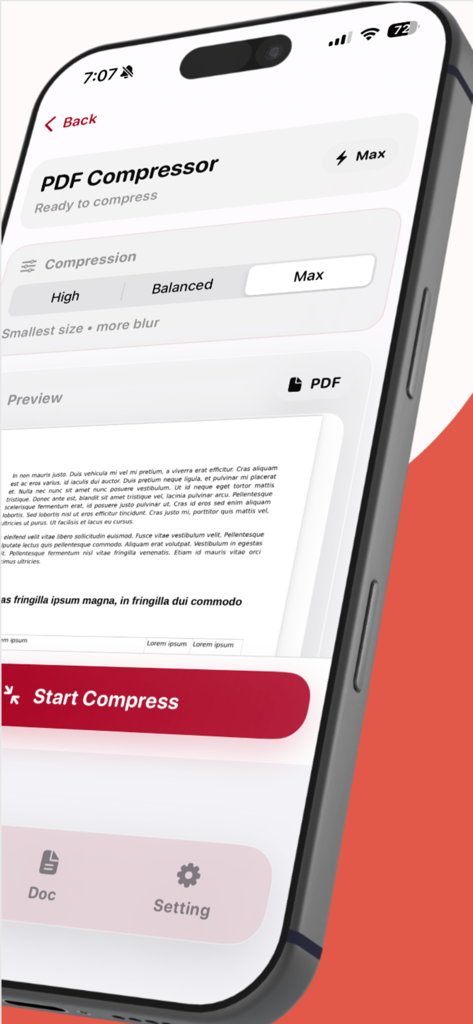
圧縮オプションとドキュメントプレビューが表示されたPDF圧縮アプリのインターフェースを示すiPhone。

圧縮オプションとドキュメントプレビューが表示されたPDF圧縮アプリのインターフェースを示すiPhone。

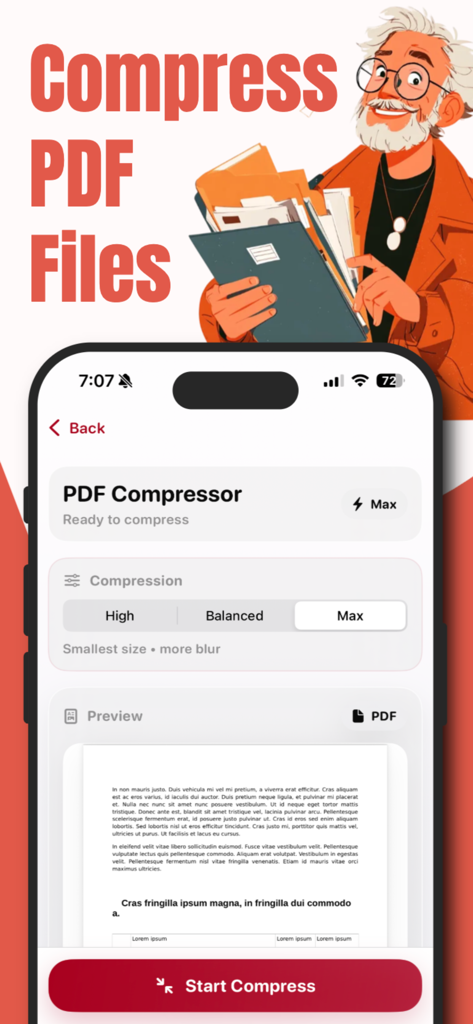
調整可能な圧縮レベルとドキュメントプレビューが表示されたiPhone上のPDF圧縮アプリのインターフェース。

調整可能な圧縮レベルとドキュメントプレビューが表示されたiPhone上のPDF圧縮アプリのインターフェース。

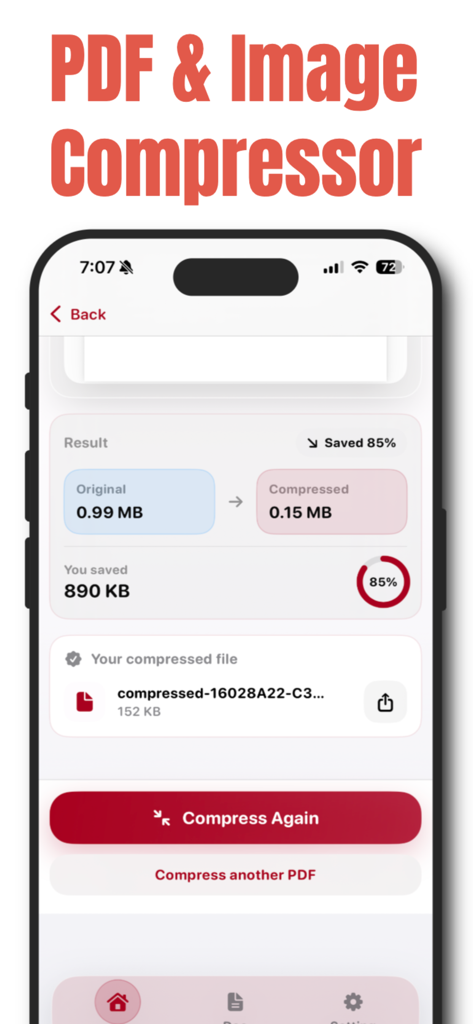
PDFファイルサイズが0.99MBから0.15MBに削減され、85%節約されたことを示すモバイルアプリ画面。

PDFファイルサイズが0.99MBから0.15MBに削減され、85%節約されたことを示すモバイルアプリ画面。

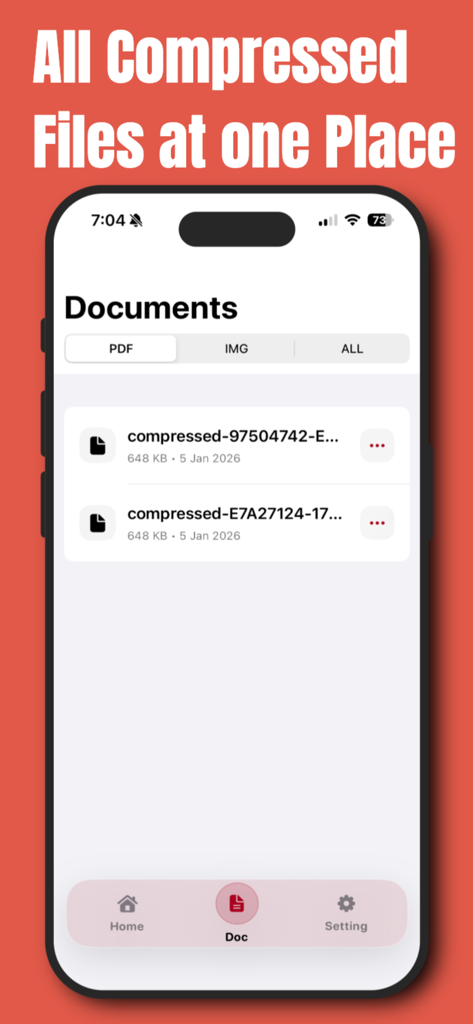
iPhone上で整理された圧縮済みドキュメントのリストを表示するPDF圧縮アプリのスクリーンショット。

iPhone上で整理された圧縮済みドキュメントのリストを表示するPDF圧縮アプリのスクリーンショット。

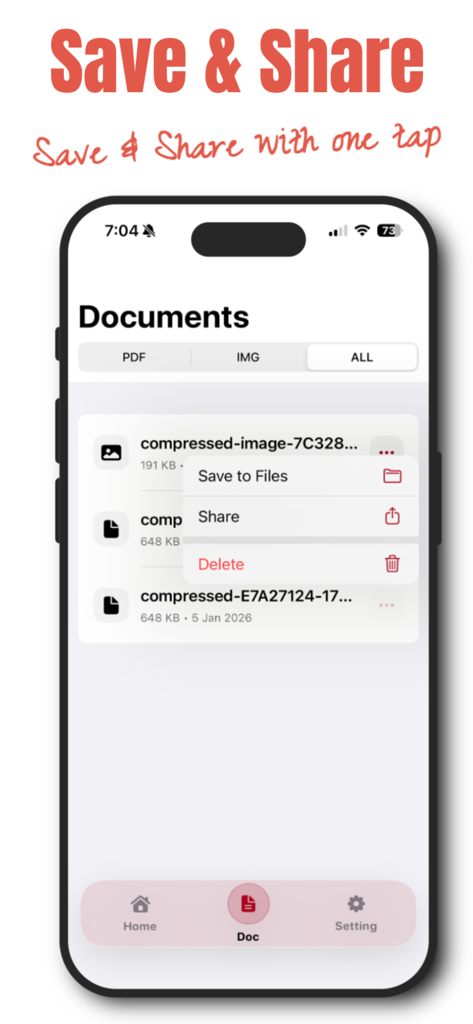
ファイルを保存または圧縮されたドキュメントを共有するためのメニューが表示されたドキュメントリストを表示するPDF圧縮アプリのスクリーンショット。

ファイルを保存または圧縮されたドキュメントを共有するためのメニューが表示されたドキュメントリストを表示するPDF圧縮アプリのスクリーンショット。

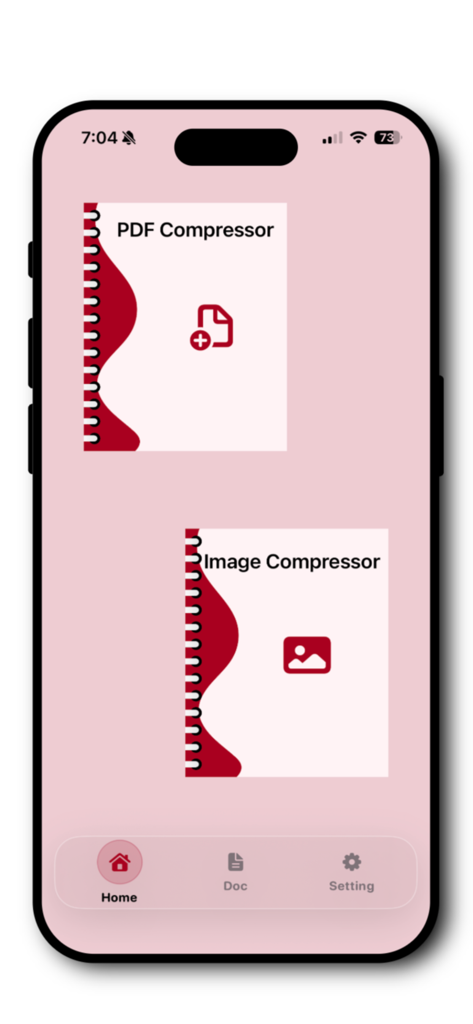
PDFおよび画像圧縮オプションが表示されたiPhone上のPDF圧縮アプリのホーム画面。

PDFおよび画像圧縮オプションが表示されたiPhone上のPDF圧縮アプリのホーム画面。

プロフェッショナルなワークフローを効率化

このアプリを際立たせるツール、 300 人のユーザーが選択.

🔒

完全なプライバシー、アップロード不要

機密性の高い契約書やドキュメントをiPhone上でローカルに処理します。データはデバイスから離れることなく、最大限のセキュリティを確保します。

⚙️

適応型圧縮モード

3つの精密レベルから選択し、ファイルサイズと鮮明度のバランスを完璧に調整。ポータルやメールの厳しいアップロード制限に対応します。

🚀

ファイルサイズ制限を突破

高品質なPDFをSlack、Gmail、WhatsApp経由で即座に圧縮・共有し、「ファイルが大きすぎます」エラーを永久に解消します。

アプリについて

について知っておくべきこと PDF Compressor App.

説明

PDF Converter & Compressor – Fast, Smart & Secure Easily compress PDF files and images on your iPhone with PDF Converter & Compressor — a simple, powerful, and privacy-focused tool designed to reduce file size without compromising quality. Whether you need to share documents faster, save storage space, or upload files with size limits, this app helps you compress PDFs and images in just a few taps. Powerful PDF & Image Compression Reduce file size quickly with smart compression technology. You can compress: • PDF documents • Images (JPG, PNG, and more) • Scanned files and large documents Choose the compression level that fits your needs and get instant results. 3 Compression Levels – Full Control You decide how much to compress your files: • Maximum Compression – Best for sharing and saving space • Balanced Compression – Reduced size with good quality • Low Compression – Minimal size reduction with high quality Ideal for emails, cloud uploads, messaging apps, and professional use. All Compressed Files in One Place Never lose track of your documents. All compressed PDFs and images are automatically saved in a dedicated section, allowing you to: • View all compressed files • Preview documents anytime • Manage your files easily Everything stays organized and accessible. Save or Share Instantly Once compression is complete, you can: • Save files directly to the Files app • Share via WhatsApp, Mail, AirDrop, or any supported app • Send documents instantly without size issues No extra steps. No confusion. Fast, Offline & Secure • Lightning-fast processing • Works offline with no internet required • Files stay on your device • No uploads, no tracking, full privacy Your documents remain completely secure. Simple & Elegant iOS Design Designed specifically for iOS with a clean, modern interface that feels natural and easy to use. No technical knowledge needed — just select, compress, and share. Why Choose PDF Converter & Compressor? • Compress PDF and image files • Choose from three compression levels • Manage all compressed files in one place • Save to device or share instantly • Offline and privacy-friendly • Fast, simple, and reliable Privacy Poliy - https://compressedpdfimg.blogspot.com/2026/01/privacy-policy.html

最新バージョン

1.0.4

サイズ

3.6 MB

リリース日

2026年1月10日

ファイルサイズ制限の心配をやめる

iPhoneでPDFや画像を安全に圧縮。アップロードやインターネット接続は不要—わずか数秒で、高速かつプロフェッショナルな結果が得られます。

ダウンロード: App Store

App information, icons, screenshots, and descriptions displayed on this page are sourced from the Apple App Store and are the property of their respective developers. Download estimates and rankings are based on MWM's proprietary models and may not reflect actual figures. This page is provided for informational and analytical purposes only.

Believe this page infringes your intellectual property? File a dispute