PDF Converter . Convert to PDF
ダウンロード: App Store

このページはアプリまたはその開発者の公式ページではなく、情報提供および論評を目的として作成された独立した編集出版物です。明示的に別段の記載がない限り、アプリおよびその開発者は、MWM、Apple、Google Play、アプリのパブリッシャー、またはアプリの開発者と提携、承認、後援、認可、またはその他の公式的な関係はなく、このページのいかなる内容も、アプリがMWMのサービスを使用して開発されたことを意味するものではありません。すべての商標、ロゴ、スクリーンショット、その他のコンテンツはそれぞれの所有者の財産です。

ロゴ: PDF Converter . Convert to PDF
ダウンロード: App Store

PDF Converter . Convert to PDF

Word、JPG、ExcelファイルをiPhoneまたはiPadで簡単に高品質PDFに変換。安全でオフライン対応、モバイルファーストなライフスタイル向けに設計されています。

主要数値

ダウンロード

100K+

ユーザー評価

4.8/5

評価数

2K+

開発元

TECHISTIC LTD

カテゴリ

Business

対応言語

7

最新バージョン

2.2

サイズ

21.1 MB

リリース日

2023年10月16日
機能

外出先でドキュメントをマスターする

学生やプロフェッショナルが、高速精度と完全なプライバシーでファイルを変換、共有、管理するための究極のツール。

超高速変換

Word文書、スプレッドシート、写真を数秒でPDFに変換。時間を節約し、ワークフローをスムーズに進めましょう。

多様なフォーマットサポート

JPG、PNG、DOCX、XLSなど、あらゆるファイルタイプに対応。必要なのはこのドキュメントツールだけです。

以下のスクリーンショットと説明は、アプリの公式ストアリスティングから直接取得されたものであり、アプリ開発者の所有物です。

アプリストア

スクリーンショット
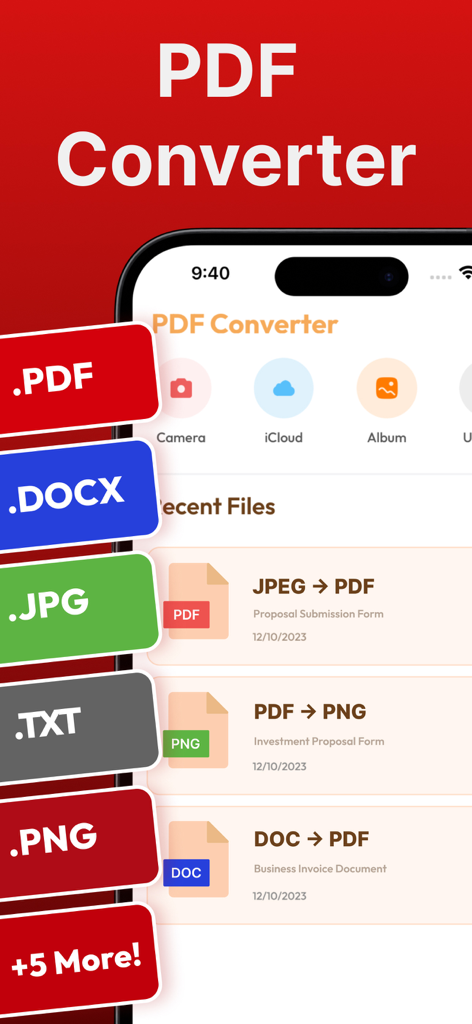
PDF Converter . Convert to PDF - PDFコンバーターアプリのインターフェイス。iPhoneでファイル形式のオプションと最近の変換が表示されています。
PDFコンバーターアプリのインターフェイス。iPhoneでファイル形式のオプションと最近の変換が表示されています。

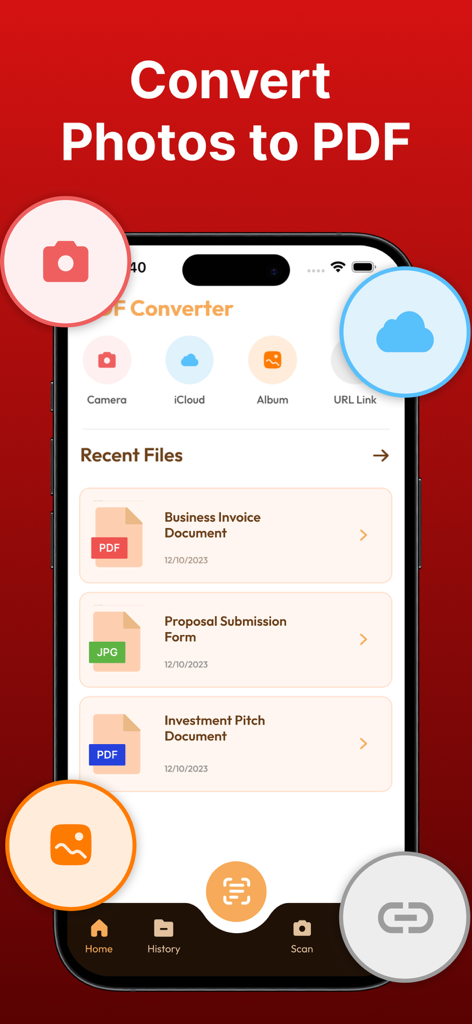
PDF Converter . Convert to PDF - PDFコンバーターアプリのインターフェイス。写真からPDFへの変換と最近のドキュメントが表示されています。
PDFコンバーターアプリのインターフェイス。写真からPDFへの変換と最近のドキュメントが表示されています。

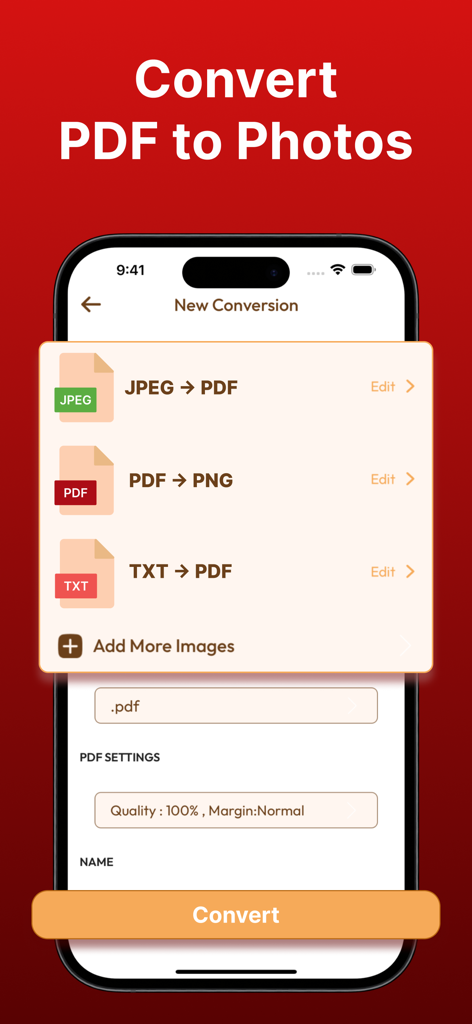
PDF Converter . Convert to PDF - iPhone上のPDFコンバーターアプリのインターフェイス。PDFから写真、JPEGからPDFへの変換オプションが表示されています。
iPhone上のPDFコンバーターアプリのインターフェイス。PDFから写真、JPEGからPDFへの変換オプションが表示されています。

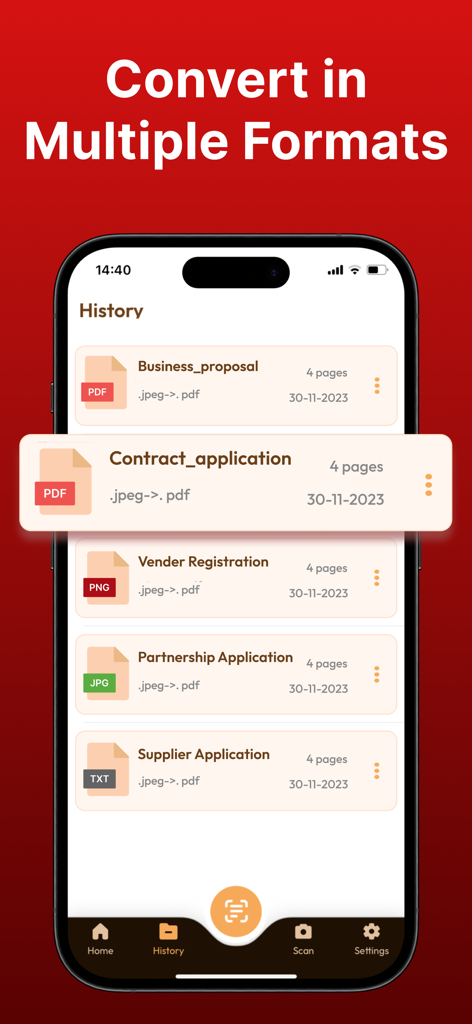
PDF Converter . Convert to PDF - iPhoneのスクリーンショット。ビジネス提案書や契約書を含む、PDFに変換されたドキュメントの履歴が表示されています。
iPhoneのスクリーンショット。ビジネス提案書や契約書を含む、PDFに変換されたドキュメントの履歴が表示されています。

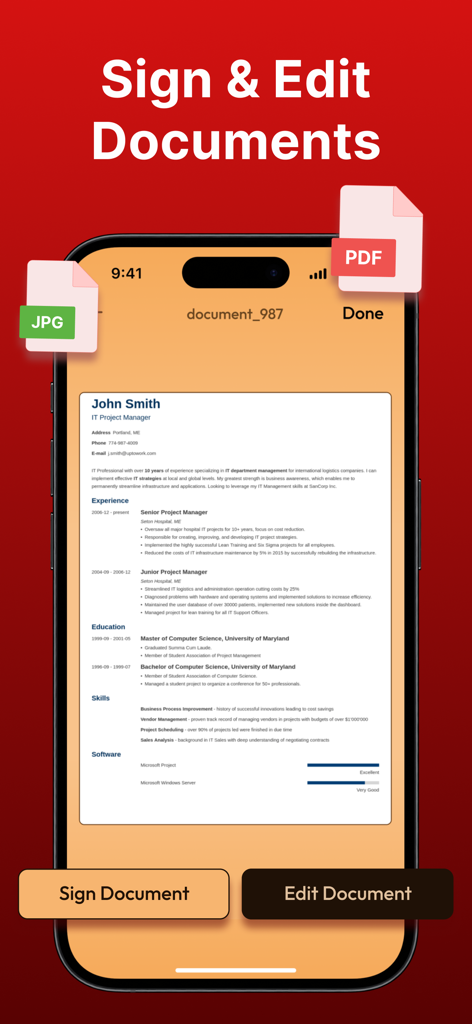
PDF Converter . Convert to PDF - iPhoneでPDFドキュメントに署名および編集するためのモバイルアプリのインターフェイス。

iPhoneでPDFドキュメントに署名および編集するためのモバイルアプリのインターフェイス。

説明

With the PDF Converter ~ Convert to PDF App, you can effortlessly convert files from popular formats like JPG, WORD, PHOTO, XLS, PNG, TXT, and more to PDF, and vice versa, all in just a few taps. The app is designed to provide a seamless document transformation experience, empowering you to work with documents like never before. The conversion process is simple and straightforward - select your input file, choose the output format, and convert! It takes only seconds, saving you time and effort. Here are some of the key features of the PDF Converter App: Word to PDF Conversion: Instantly convert your Microsoft Word documents to high-quality PDF files. Preserve fonts, images, and layouts flawlessly! PDF to Word Conversion: Need to edit a PDF? No problem! Convert to PDF and PDF to Word documents for easy editing and customization. Doc to PDF: Convert any text-based document to PDF format, ensuring your files are universally accessible and secure. Image to PDF: Transform images and photos (including PNG, JPEG, and more) into PDF files. Perfect for creating PDF albums, portfolios, and presentations! Effortless Sharing: Share your converted files instantly with others or save them securely to iCloud for convenient access across all your devices. Simple and Intuitive Interface: Our user-friendly design ensures a seamless experience, whether you’re a tech novice or a seasoned pro. Offline Conversion: No internet? No worries! Convert to PDF even without an internet connection. High-Quality Output: Enjoy top-notch quality in every converted file. Your documents will look just as professional as the originals. Secure and Private: We prioritize your privacy. Your files are securely processed, and we never store any sensitive information. With these features, the PDF Converter App provides a powerful and versatile tool for all your document conversion needs. Upgrade your document management game with PDF Converter ~ Convert to PDF. Whether you're a student, professional, or anyone in between, our app simplifies your document handling tasks, making your life more productive and organized. Information about PDF Converter's subscription auto-renewal:- -Subscription automatically renews unless the auto-renew is turned off at least 24 hours before the end of the current period. -The user can manage subscriptions and turn auto-renewal off by going to the user's Account Settings after purchase. -Any unused portion of a free trial period will be forfeited when the user purchases a subscription. -Payment will be charged to iTunes Account at confirmation of purchase. Privacy Policy and Terms of Use: Terms of Use: https://www.techstic.org/terms-of-use-pdf-converter-app Privacy Policy: https://www.techstic.org/privacy-policy-pdf-converter-app

Download

ダウンロード: App Store
おすすめ

類似アプリ

似た機能とユーザー体験を持つアプリ

このページはアプリまたはその開発者の公式ページではなく、情報提供および論評を目的として作成された独立した編集出版物です。明示的に別段の記載がない限り、アプリおよびその開発者は、MWM、Apple、Google Play、アプリのパブリッシャー、またはアプリの開発者と提携、承認、後援、認可、またはその他の公式的な関係はなく、このページのいかなる内容も、アプリがMWMのサービスを使用して開発されたことを意味するものではありません。すべての商標、ロゴ、スクリーンショット、その他のコンテンツはそれぞれの所有者の財産です。