PDF Converter & PDF Scanner

PDF Converter & PDF Scanner

ダウンロード: App Store
ロゴ: PDF Converter & PDF Scanner

PDF変換&PDFスキャナー:あなたのオールインワン・プロフェッショナルPDFアシスタント

iPhoneをパワフルなモバイルオフィスに変えましょう。AI搭載OCRとセキュアな暗号化により、数秒でドキュメントをWordやExcelにスキャン、編集、変換し、シームレスなペーパーレスワークフローを実現します。

ダウンロード: App Store

開発元

家俊 张

カテゴリ

Utilities

ダウンロード

11K+

ユーザー評価

4.5/5

評価数

0

対応言語

10

内部を覗いてみましょう

このインターフェースを利用する 11K+ 人のユーザー.

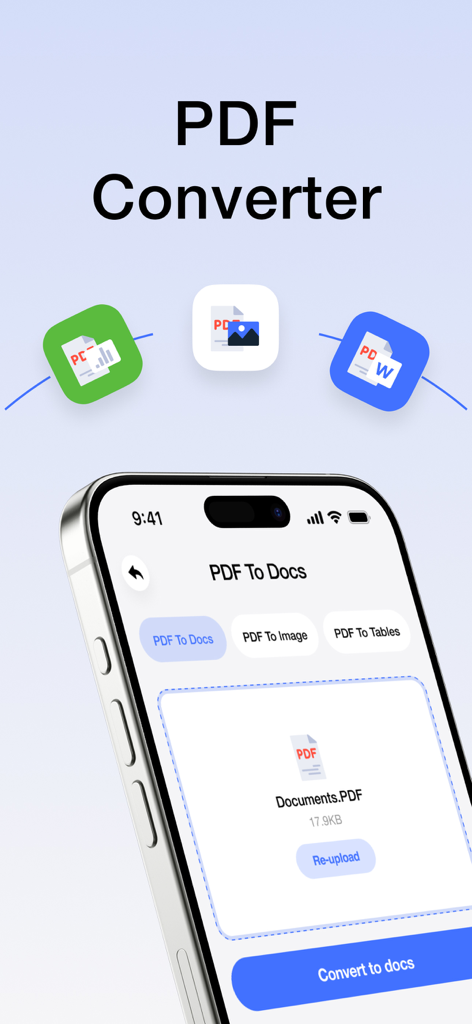
PDFファイルをドキュメントや画像に変換するオプションが表示されているモバイルアプリの画面

PDFファイルをドキュメントや画像に変換するオプションが表示されているモバイルアプリの画面

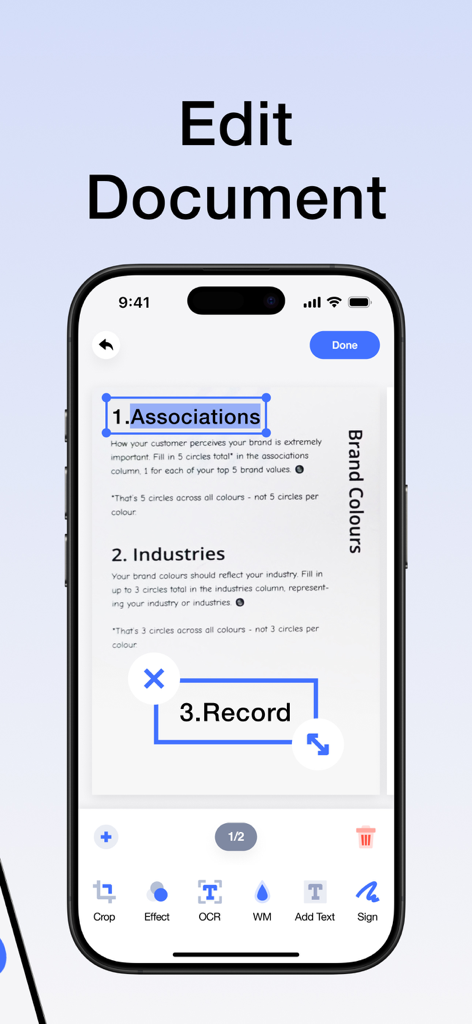
スマートフォン上のPDFエディターアプリのインターフェイスで、ドキュメント編集とテキスト認識機能が表示されています

スマートフォン上のPDFエディターアプリのインターフェイスで、ドキュメント編集とテキスト認識機能が表示されています

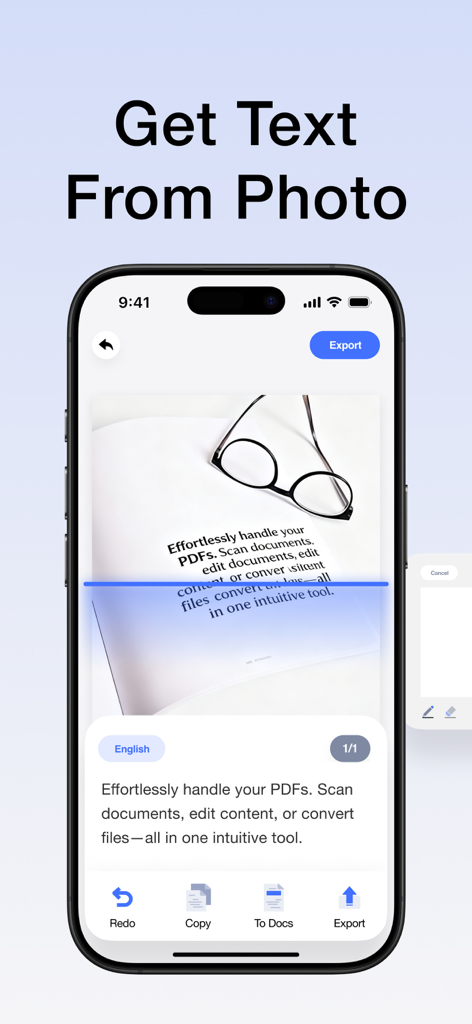
青いスキャンラインでドキュメント写真からテキストを抽出するOCR機能を示すスマートフォンのインターフェイス

青いスキャンラインでドキュメント写真からテキストを抽出するOCR機能を示すスマートフォンのインターフェイス

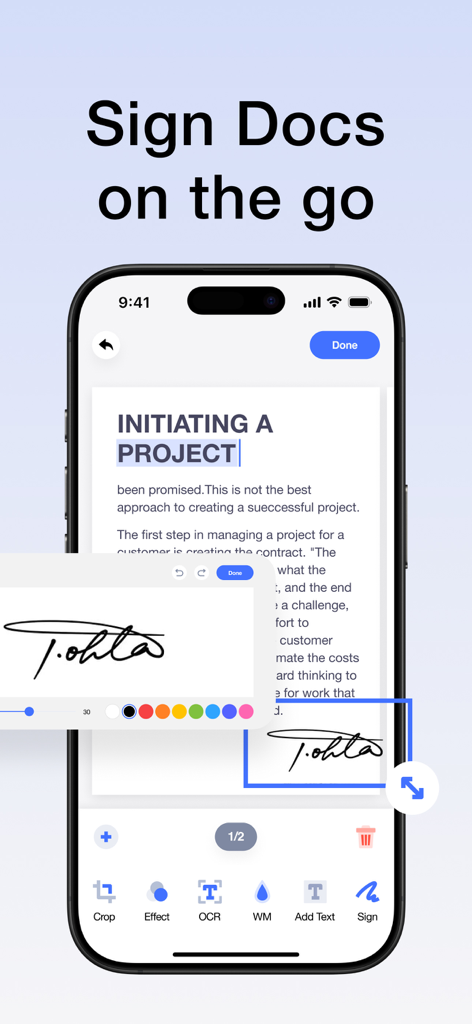
モバイル生産性のためにドキュメントに電子署名が適用されていることを示すiPhoneインターフェイス

モバイル生産性のためにドキュメントに電子署名が適用されていることを示すiPhoneインターフェイス

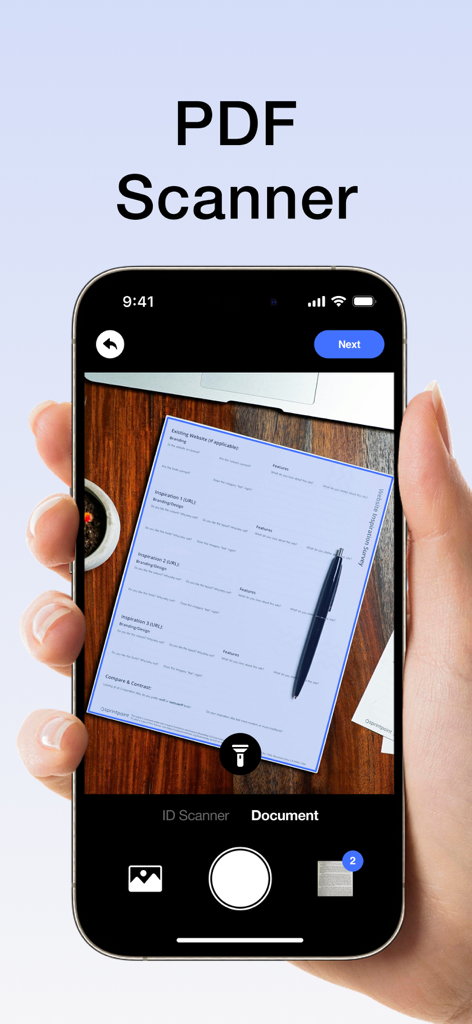
PDFスキャナーアプリのインターフェイスを使用して、木製の机の上にある紙のドキュメントをスキャンしているスマートフォン

PDFスキャナーアプリのインターフェイスを使用して、木製の机の上にある紙のドキュメントをスキャンしているスマートフォン

あなたのオールインワン・モバイルPDFオフィス

このアプリを際立たせるツール、 11K+ 人のユーザーが選択.

プロ仕様のスキャン&OCR

紙を瞬時に高解像度PDFに変換します。スマートOCRを使用して、スキャンしたテキストを抽出・編集し、手入力の手間を省きます。

✍️

編集、署名&注釈

プリンターなしで契約書やメモを管理できます。外出先でも、プロフェッショナルな電子署名、テキスト、注釈をドキュメントに追加できます。

🔄

ユニバーサルフォーマット変換

PDFをWord、Excel、または画像にワンタップで変換できます。ファイル形式間のギャップを埋め、高度な暗号化で機密データを安全に保ちます。

アプリについて

について知っておくべきこと PDF Converter & PDF Scanner.

説明

Your portable PDF assistant: easily scan,Clean-scan ,edit and convert! This is an intuitive and powerful PDF tool that allows you to effortlessly handle PDFs and enjoy a convenient experience. Whether you're scanning photos or paper documents, editing PDF content, or converting file formats, it's all made easy. Key Features: -High-Quality Scanning: Easily scan paper documents using your phone's camera to generate high-definition PDF files, with support for automatic cropping and image enhancement. -Smart OCR: Equipped with a powerful OCR text recognition engine, it can convert text in scanned documents into editable text, allowing you to copy, edit, translate, and more. -All-in-One Editing: Supports a variety of editing operations on PDF files, including adding text, images, annotations, signatures, watermarks, and more, meeting all your needs. -Format Conversion: Converts PDF files into various formats such as Word, Excel, and images, making it easy for further editing and sharing. -Secure Encryption: Utilizes advanced encryption technology to protect your PDF files and prevent information leaks. Whether you're a student, business professional, designer, or everyday user, you can efficiently handle PDF documents, easily edit PDF materials, and enjoy a convenient digital life. Download now to experience efficient and convenient PDF processing! About Subscription: Subscription automatically renews unless auto-renew is turned off at least 24 hours before the end of the current period. Account will be charged for renewal within 24-hours prior to the end of the current period, and identify the cost of the renewal. Subscriptions may be managed by the user and auto-renewal may be turned off by going to the user’s Account Settings after purchase. Any unused portion of a free trial period, if offered, will be automatically invalidated when the user purchases the applicable subscription. Privacy Policy: https://sites.google.com/view/pdfpp/home Terms of Use: https://sites.google.com/view/pdftou/home

最新バージョン

1.5.8

サイズ

42.3 MB

リリース日

2024年6月18日

あなたのオフィス全体を、いつもポケットに

11,000人以上のプロフェッショナルや学生がワークフローを簡素化しています。数秒でドキュメントをスキャン、編集、署名できます。

ダウンロード: App Store

App information, icons, screenshots, and descriptions displayed on this page are sourced from the Apple App Store and are the property of their respective developers. Download estimates and rankings are based on MWM's proprietary models and may not reflect actual figures. This page is provided for informational and analytical purposes only.

Believe this page infringes your intellectual property? File a dispute