PDF Converter - PDF to Word *

PDF Converter - PDF to Word *


ダウンロード: App Store
ロゴ: PDF Converter - PDF to Word *

PDF Converter - PDFからWordへ*:高速で安全なドキュメント変換のためのオールインワンワークスペース

高額なサブスクリプションの支払いはもうやめましょう。無制限の変換、高度な署名ツール、そしてMacのために構築された完全なデータプライバシーで、Word、HEIC、画像をプロフェッショナルなPDFに簡単に変換できます。

ダウンロード: App Store

開発元

TROSTUN LTD

カテゴリ

Business

ダウンロード

51K+

ユーザー評価

4.6/5

評価数

200

対応言語

49

プロフェッショナルなプレビュー

このインターフェースを利用する 51K+ 人のユーザー.

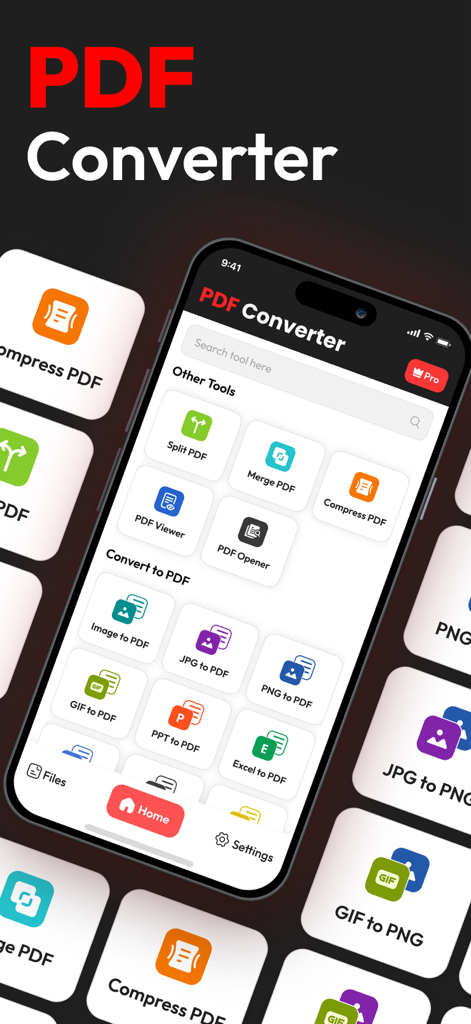
PDF Converterアプリのインターフェース。ファイル分割、結合、PDFへの変換ツールが表示されています。

PDF Converterアプリのインターフェース。ファイル分割、結合、PDFへの変換ツールが表示されています。

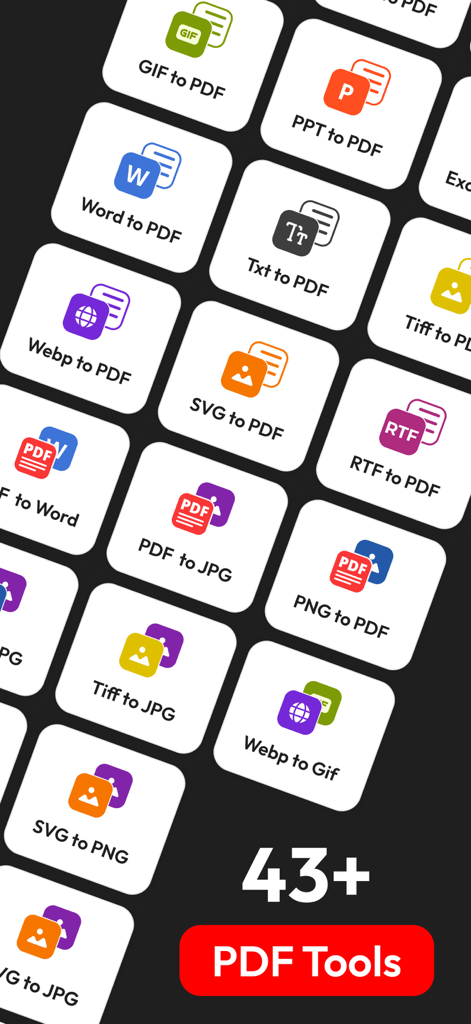
WordからPDF、画像フォーマットを含む43以上のファイル変換ツールのアイコンのグリッド。

WordからPDF、画像フォーマットを含む43以上のファイル変換ツールのアイコンのグリッド。

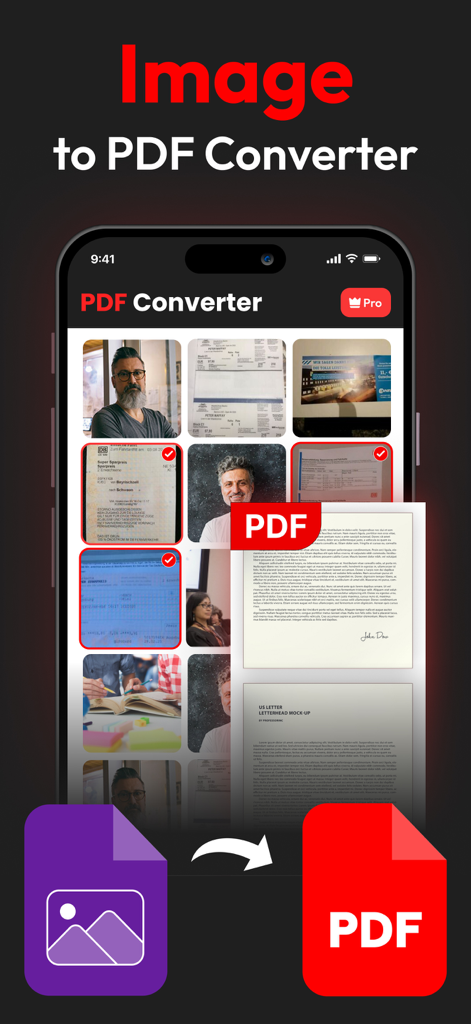
モバイルアプリのインターフェース。プロフェッショナルなPDFドキュメントに変換されている写真の選択が表示されています。

モバイルアプリのインターフェース。プロフェッショナルなPDFドキュメントに変換されている写真の選択が表示されています。

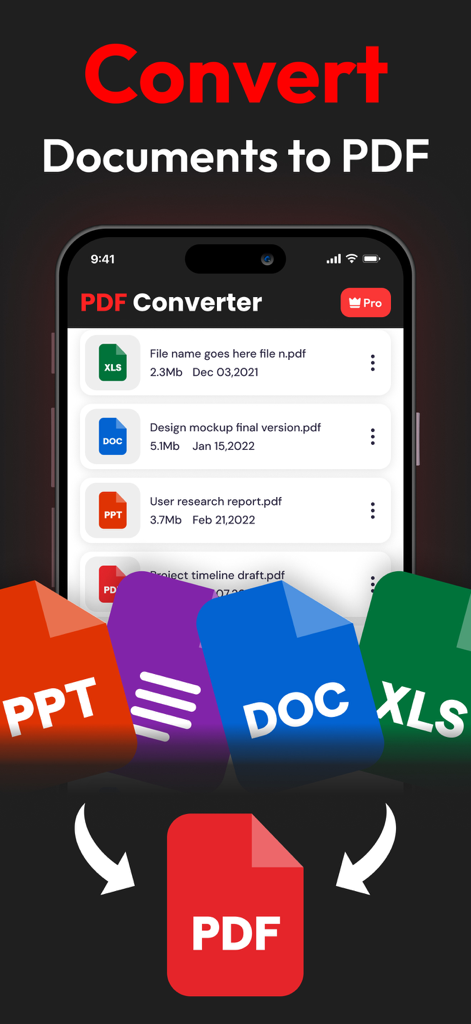
PDF Converterアプリのインターフェース。Word、Excel、PowerPointファイルがPDFに変換されている様子が表示されています。

PDF Converterアプリのインターフェース。Word、Excel、PowerPointファイルがPDFに変換されている様子が表示されています。

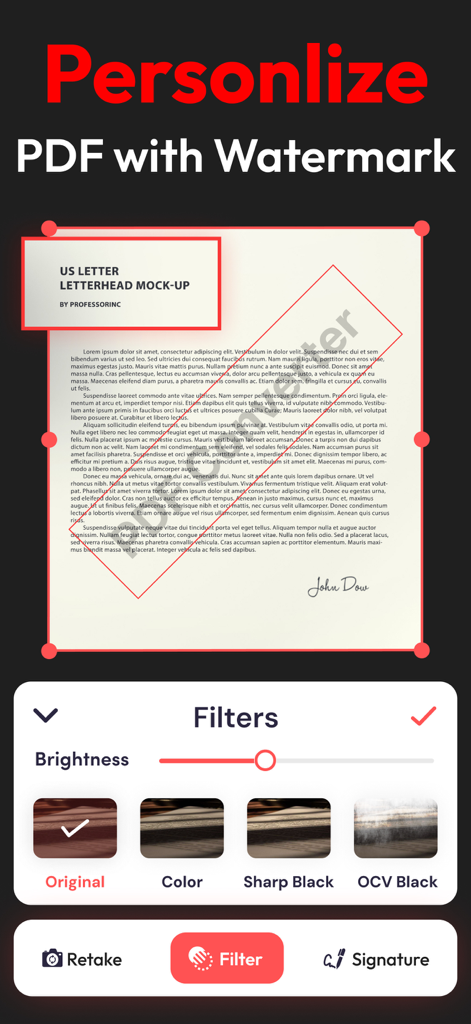
モバイルアプリのインターフェース。透かしとドキュメントフィルターでPDFをパーソナライズする方法が表示されています。

モバイルアプリのインターフェース。透かしとドキュメントフィルターでPDFをパーソナライズする方法が表示されています。

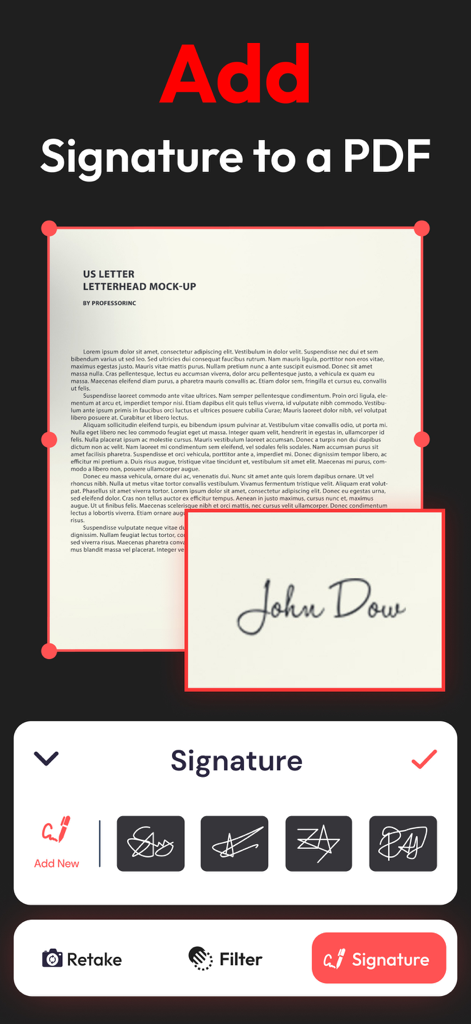
ユーザーインターフェース。PDFドキュメントにデジタル署名を追加する方法が表示されています。

ユーザーインターフェース。PDFドキュメントにデジタル署名を追加する方法が表示されています。

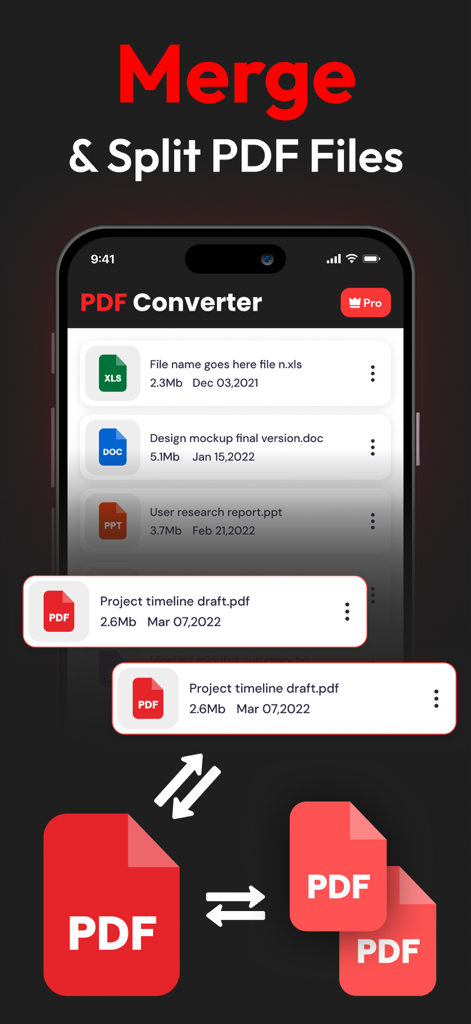
PDF Converterアプリのインターフェース。モバイルデバイスでPDFドキュメントを結合および分割する機能が表示されています。

PDF Converterアプリのインターフェース。モバイルデバイスでPDFドキュメントを結合および分割する機能が表示されています。

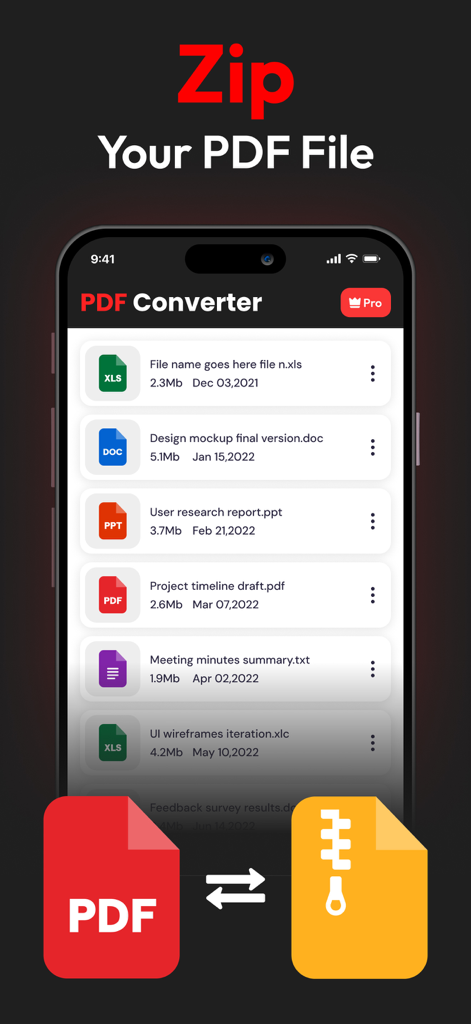
モバイルアプリのインターフェース。さまざまなファイルタイプのリストとともにPDFドキュメントのzip機能が表示されています。

モバイルアプリのインターフェース。さまざまなファイルタイプのリストとともにPDFドキュメントのzip機能が表示されています。

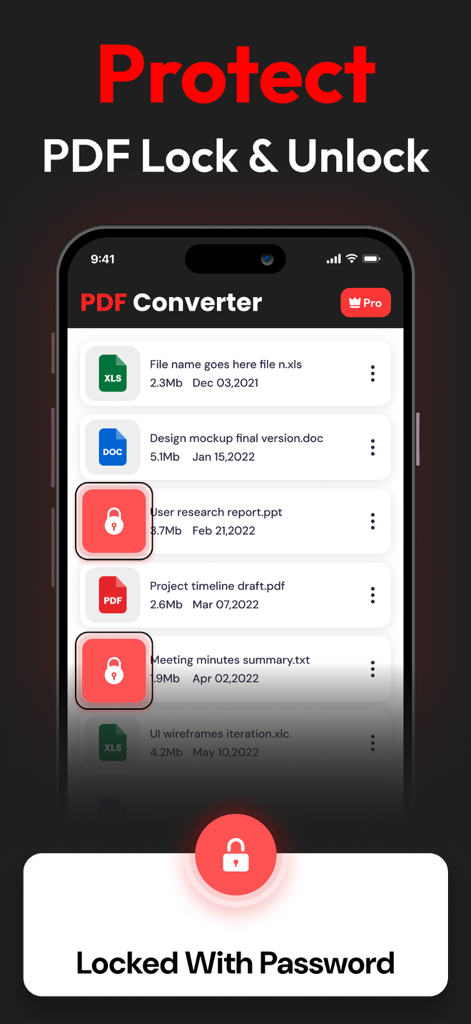
PDF Converterアプリのインターフェース。ドキュメントロックおよびパスワード保護機能が表示されています。

PDF Converterアプリのインターフェース。ドキュメントロックおよびパスワード保護機能が表示されています。

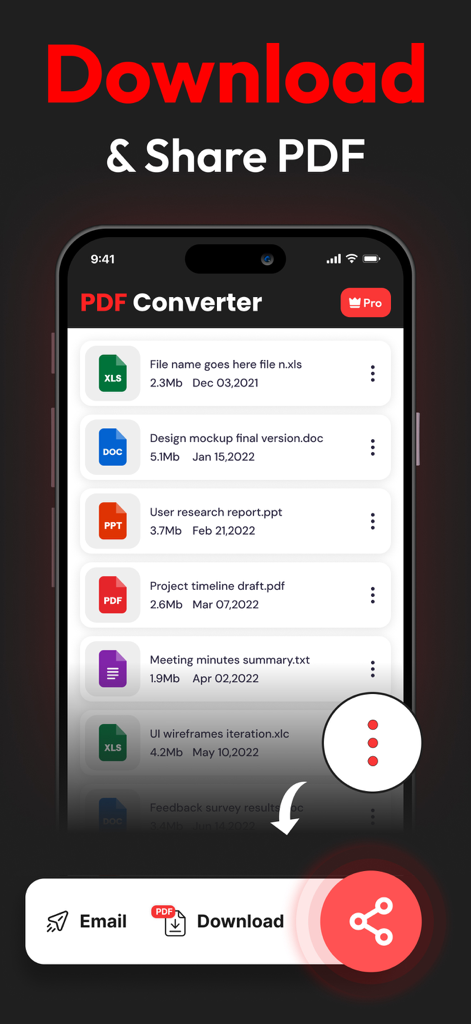
モバイル画面。変換されたドキュメントのリストと、メールでのダウンロードまたは共有オプションが表示されています。

モバイル画面。変換されたドキュメントのリストと、メールでのダウンロードまたは共有オプションが表示されています。

プロフェッショナルなドキュメント管理が簡単に

このアプリを際立たせるツール、 51K+ 人のユーザーが選択.

🔒

プライバシーファーストのアーキテクチャ

オンラインコンバーターのリスクを回避します。機密ファイルはローカルで処理され、サーバーに保存されることはないため、データは100%プライベートに保たれます。

🚀

無制限のユニバーサル変換

制限をなくし、WordやExcelからApple固有のHEIC画像まで、すべてを変換します。Macでの日次制限やファイルサイズ制限はありません。

✍️

署名、結合、最終化

プリンターは不要です。デジタル署名を追加したり、複数のレポートを1つのPDFに結合したり、大きなファイルをメール用に圧縮したりできます。すべて1つのアプリ内で数秒で完了します。

アプリについて

について知っておくべきこと PDF Converter - PDF to Word *.

説明

PDF CONVERTER & PDF TO WORD: THE ALL-IN-ONE MACOS CONVERSION TOOL If you frequently work with PDFs, the PDF Converter & PDF to Word app for macOS is an essential tool. Available on the Mac App Store, this all-in-one conversion utility allows quick and efficient file conversions to PDF, making it a must-have for anyone working with digital documents. KEY CONVERSION TOOLS AVAILABLE: Document Conversions: • WORD to PDF: Easily convert Word documents into secure, uneditable PDFs while preserving formatting. • EXCEL to PDF: Transform Excel spreadsheets into PDF format to prevent tampering or edits. • PPT to PDF: Convert PowerPoint presentations to PDFs, perfect for standardized sharing. • TEXT to PDF: Convert simple text files into PDFs for professional management. Image to PDF Conversion: • PNG to PDF: Convert PNG images to professional, shareable PDFs. • JPG to PDF: Save JPG images as PDFs, making them easy to share securely. • SVG to PDF: Ideal for designers to convert vector graphics to PDF. • GIF to PDF: Turn animated GIFs into PDFs for secure storage and sharing. FEATURES OF PDF CONVERTER & PDF MAKER: • Easy to Use: The app features a simple, user-friendly interface, allowing users of all experience levels to convert files with ease. • No Conversion Limits: Convert as many files as you need, with no daily restrictions. • Secure and Private: Your files are never stored after conversion, ensuring your data remains secure and private. • Additional PDF Tools: Compress, encrypt, watermark, and sign PDFs for added security and professionalism. OTHER USEFUL TOOLS: • HEIC to PDF: Convert HEIC image files from Apple devices to PDF format. • Split PDF: Split large PDF files into smaller, manageable sections. • Merge PDF: Combine multiple PDFs into a single document for easier sharing. • Sign PDF: Add digital signatures for authenticity and verification. HOW TO USE: 1. Open the App: Launch the app on your Mac. 2. Choose Your Tool: Select the conversion option that fits your needs. 3. Upload Your File: Drag and drop or upload your file. 4. Convert: Tap “Convert to PDF” and download the result instantly. PDF Converter & PDF Maker streamlines document management for Mac users by offering all the essential tools for converting, securing, and sharing PDFs. Whether you’re converting images, presentations, or text, this app ensures professional results every time. For more information, you can check out our Terms of Use here: https://www.trostun.com/terms-of-use/

最新バージョン

1.3.8

サイズ

38.8 MB

リリース日

2023年1月27日

ドキュメントワークフローをマスターする準備はできましたか?

安全でオールインワンなユーティリティを信頼する51,000人以上のプロフェッショナルに加わりましょう。Macで、完全なプライバシーとゼロ変換制限で、変換、署名、結合を行います。

ダウンロード: App Store

App information, icons, screenshots, and descriptions displayed on this page are sourced from the Apple App Store and are the property of their respective developers. Download estimates and rankings are based on MWM's proprietary models and may not reflect actual figures. This page is provided for informational and analytical purposes only.

Believe this page infringes your intellectual property? File a dispute