PDF Converter - Word to PDF

PDF Converter - Word to PDF

ダウンロード: App Store
ロゴ: PDF Converter - Word to PDF

PDF変換 - WordからPDFへ:高速で無駄のないドキュメント変換を3つの簡単なステップで

多忙なプロフェッショナルや学生向けの究極のモバイルツール。画像、Word文書、50以上のファイル形式をiPhoneまたはiPadから直接プロフェッショナルなPDFに変換—デスクは不要です。

開発元

Minimodev Technologies LTD

カテゴリ

Productivity

ダウンロード

4M+

ユーザー評価

4.7/5

評価数

37K+

対応言語

3

効率を行動で示す

このインターフェースを利用する 4M+ 人のユーザー.

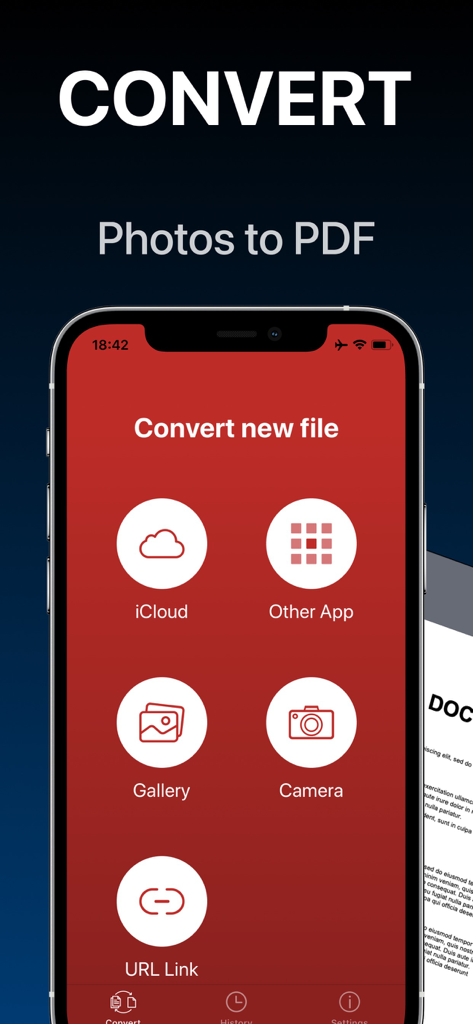
iCloudギャラリー、カメラ、または他のアプリからインポートするオプションを備えた、写真をPDFに変換するためのモバイルアプリインターフェイス

iCloudギャラリー、カメラ、または他のアプリからインポートするオプションを備えた、写真をPDFに変換するためのモバイルアプリインターフェイス

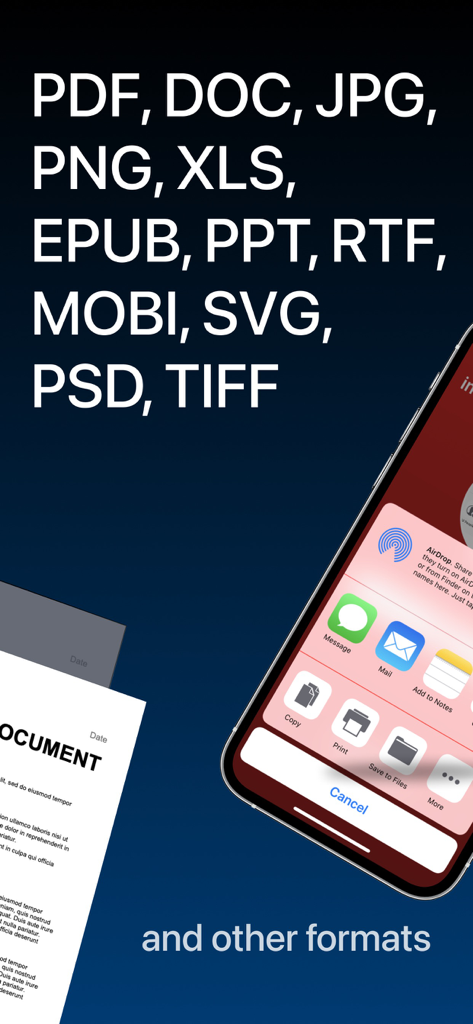
サポートされているファイル形式とiOS共有メニューオプションを表示するモバイルアプリのスクリーンショット

サポートされているファイル形式とiOS共有メニューオプションを表示するモバイルアプリのスクリーンショット

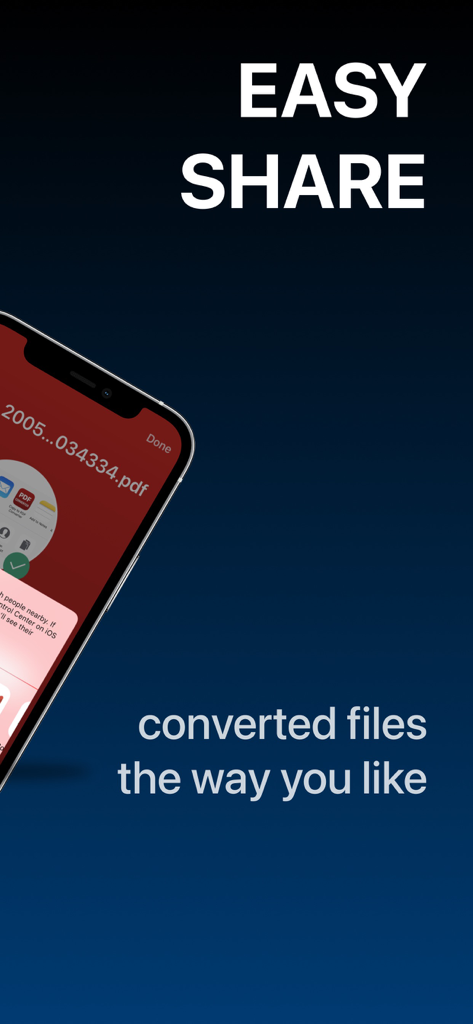
PDFドキュメントと「Easy Share」というテキストが表示されたiOS共有メニューを示すスマートフォンの画面

PDFドキュメントと「Easy Share」というテキストが表示されたiOS共有メニューを示すスマートフォンの画面

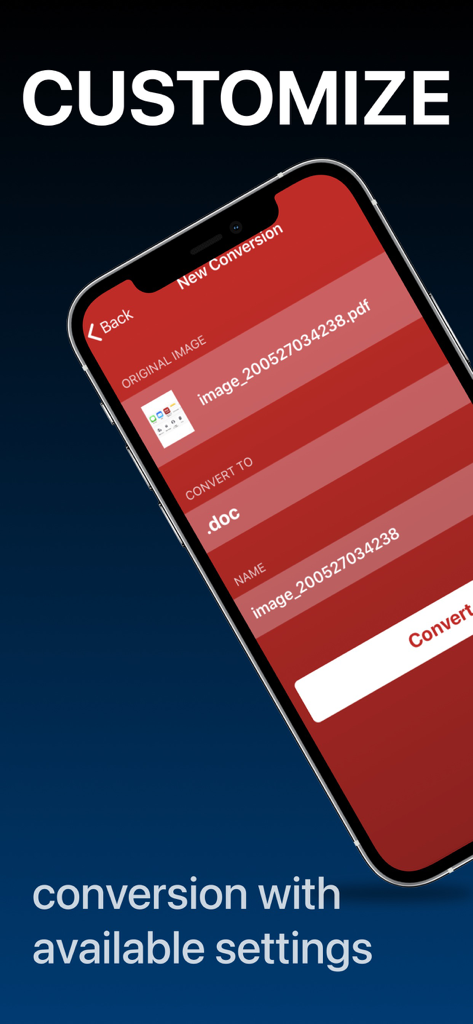
ドキュメント変換設定をカスタマイズするオプションを表示するモバイルアプリインターフェイス

ドキュメント変換設定をカスタマイズするオプションを表示するモバイルアプリインターフェイス

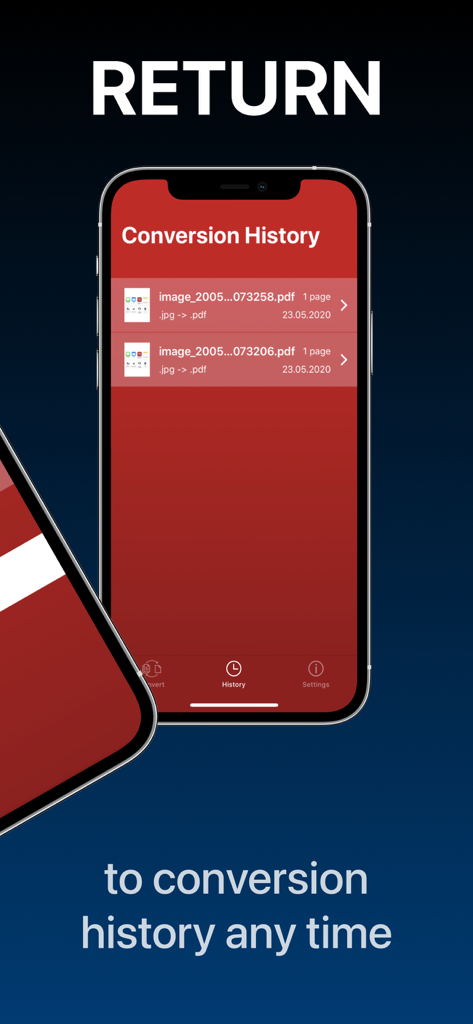
変換履歴リストを表示するPDF変換アプリ

変換履歴リストを表示するPDF変換アプリ

ドキュメントワークフローを効率化

このアプリを際立たせるツール、 4M+ 人のユーザーが選択.

無駄のない3ステップ変換

学習曲線をスキップしましょう。ファイルを選択し、形式を選び、変換するだけです。締め切りに追われる多忙なプロフェッショナルや学生のために、生産性をシンプルにしました。

🔄

ユニバーサル形式サポート

Word、Excel、AppleのHEICを含む50以上の形式を変換します。重要なビジネスまたは学校の提出時に「サポートされていないファイル」のエラーを心配する必要はもうありません。

📱

モバイルでの多忙な活動のために構築

完全な変換履歴にアクセスし、Slack、iCloud、またはiMessageに直接共有できます。デスクトップコンピューターを必要とせずに、ペーパーレスオフィス全体を管理できます。

アプリについて

について知っておくべきこと PDF Converter - Word to PDF.

説明

Convert your documents from and to PDF in a 3 steps! 1. Select your input file 2. Choose output format from available ones 3. Convert! It will take only a few seconds It's just as easy as it sounds! No need for overcomplicated apps with dozens of nonsense features. With PDF Converter app you can convert your documents to pdf or create pdf files from images in a matter of seconds. -- ADD -- You may chose between different sources like iCloud, gallery or just capture a new photo. You may also share file from other apps. -- SHARE -- Share all your converted files right from the app. Send via iMessage, Open in other apps, Print or save it to Files app on iPhone. -- RETURN -- Access your conversion history - there is a related tab in the app. There you may also repeat sharing of converted files or delete those you don't need anymore. -- FORMATS -- Supported file formats: pdf, jpg, png, doc, docx, txt, rtf, svg, xls, xlsm, xlsx, xps, epub, fb2 csv, djvu, docm, eml, eps, msg, odp, ods, odt, pps, ppsx, ppt, pptm, pptx, ps, heic, ai, cdr, emf, odg, pcx, psd, tga, wbmp, webp, wmf, bmp, gif, tiff, pub, wpd, wps, lit, mobi and more to come! (not all variations for initial and target file formats are available) Some conversions are done on a secure cloud server so you must have an internet connection to use this app. You should be aware that by using this app, you agree that your files will be sent over the internet from the app to the cloud server for conversion. Note: price may vary depending on location. Information about the auto-renewal of subscription: - Payment will be charged to iTunes Account at confirmation of purchase; – Subscriptions are billed weekly, monthly, quarterly, or annually at the rate based on the subscription plan - Subscription automatically renews unless auto-renew is turned off at least 24-hours before the end of the current period; - The account will be charged for renewal within 24-hours before the end of the current period. The cost depends on the selected plan; - Subscriptions may be managed by the user and auto-renewal may be turned off by going to the user’s Account Settings after purchase; Privacy Policy: https://minimodev.com/pdf/privacy Terms of Use: https://minimodev.com/pdf/terms For any questions or inquiries, please get in touch: pdf.converter.info@gmail.com

最新バージョン

1.7.13

サイズ

85.4 MB

リリース日

2020年5月29日

ワークフローを合理化する準備はできましたか?

3つの簡単なステップで任意のファイルをPDFに変換している400万人以上のプロフェッショナルや学生に加わりましょう。iPhoneにふさわしい、高速で無駄のないツールを入手してください。

ダウンロード: App Store
FAQ

よくある質問

について知っておくべきこと PDF Converter - Word to PDF

PDF Converter - Word to PDFアプリはどのように機能しますか?

PDF Converterアプリは、3つのステップでドキュメントをPDFに変換したり、PDFからドキュメントに変換したりします。入力ファイルを選択し、出力形式を選択して、変換します。画像からPDFファイルを作成することもできます。

PDF Converter - Word to PDFアプリの入力ソースは何ですか?

PDF Converter - Word to PDFは、iCloud、ギャラリー、カメラで撮影された新しい写真、および他のアプリから共有されたファイルからの入力をサポートしています。URLリンクもサポートしています。

PDF Converter - Word to PDFはどのファイル形式をサポートしていますか?

はい、PDF Converter - Word to PDFは、PDF、JPG、PNG、DOC、DOCX、XLS、PPT、EPUB、MOBIなど、多くの形式をサポートしています。すべての形式のバリエーションがすべての変換で利用できるわけではありません。

PDF Converter - Word to PDFにはインターネット接続が必要ですか?

はい、PDF Converter - Word to PDFアプリは、一部の変換が安全なクラウドサーバーで実行されるため、インターネット接続が必要です。

PDF Converter - Word to PDFで変換されたファイルを共有できますか?

はい、PDF Converter - Word to PDFアプリでは、ユーザーは変換されたファイルを直接共有できます。オプションには、iMessage、他のアプリでの開き、印刷、またはiPhoneのファイルアプリへの保存が含まれます。

PDF Converter - Word to PDFは変換履歴を保持しますか?

はい、PDF Converter - Word to PDFアプリには専用の「履歴」タブが含まれています。ユーザーはこのセクションから変換履歴にアクセスしたり、共有を繰り返したり、過去の変換を削除したりできます。

PDF Converter - Word to PDFの価格は地域によって異なりますか?

はい、PDF Converter - Word to PDFサブスクリプションの価格は、ユーザーの地理的な場所によって異なる場合があります。

PDF Converter - Word to PDFのサブスクリプション自動更新はどのように機能しますか?

PDF Converter - Word to PDFのサブスクリプションは、週、月、四半期、または年単位で請求されます。現在の期間が終了する24時間前にアカウント設定でオフにしない限り、自動的に更新されます。

PDF Converter - Word to PDFのプライバシーポリシーはどこで見つけられますか?

PDF Converter - Word to PDFアプリのプライバシーポリシーはhttps://minimodev.com/pdf/privacyで入手できます。このポリシーでは、ユーザーデータの処理方法が詳しく説明されています。

PDF Converter - Word to PDFのサポートにはどのように連絡できますか?

PDF Converter - Word to PDFのサポートには、質問や問い合わせがあればpdf.converter.info@gmail.comにメールで連絡できます。

App information, icons, screenshots, and descriptions displayed on this page are sourced from the Apple App Store and are the property of their respective developers. Download estimates and rankings are based on MWM's proprietary models and may not reflect actual figures. This page is provided for informational and analytical purposes only.

Believe this page infringes your intellectual property? File a dispute