PDF Reader PDF Viewer & Editor

PDF Reader PDF Viewer & Editor

ダウンロード: App Store
ロゴ: PDF Reader PDF Viewer & Editor

PDFリーダー PDFビューア&エディター:オールインワンAIドキュメントツールキット

契約書に署名し、ファイルを結合し、履歴書を数秒で要約します。外出先での書類管理、保護、共有に最適なプロフェッショナルコンパニオンです。

開発元

Web Triangle LLC

カテゴリ

Business

ダウンロード

67K+

ユーザー評価

2.6/5

評価数

0

対応言語

1

効率的な活用

このインターフェースを利用する 67K+ 人のユーザー.

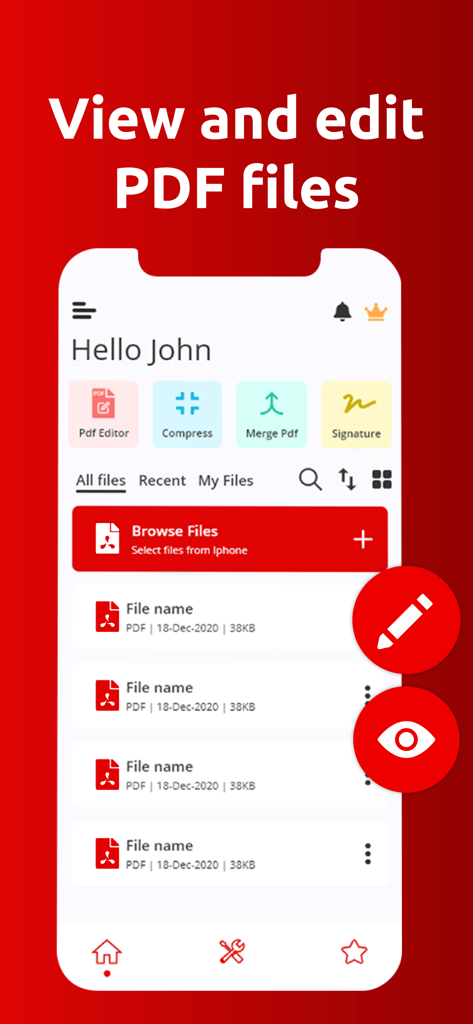
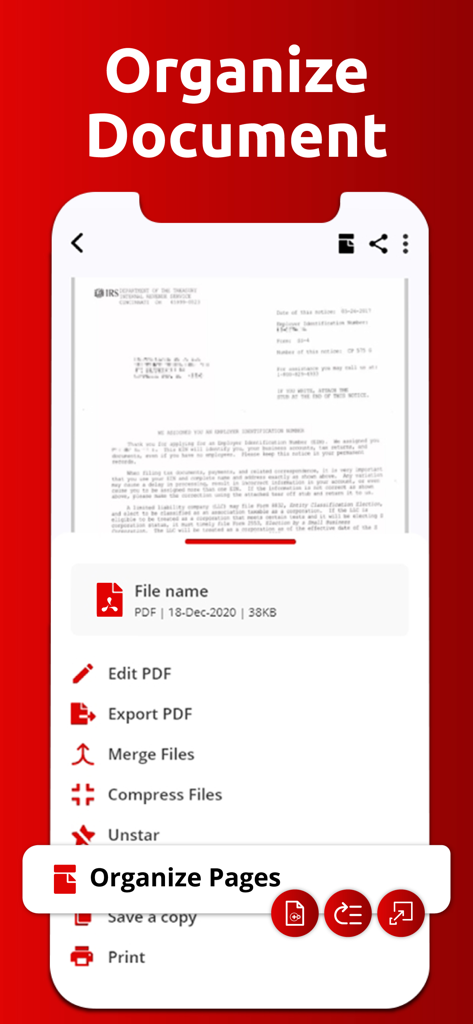
PDFリーダーアプリのインターフェース。書類管理機能とクイックアクションツールを表示しています。

PDFリーダーアプリのインターフェース。書類管理機能とクイックアクションツールを表示しています。

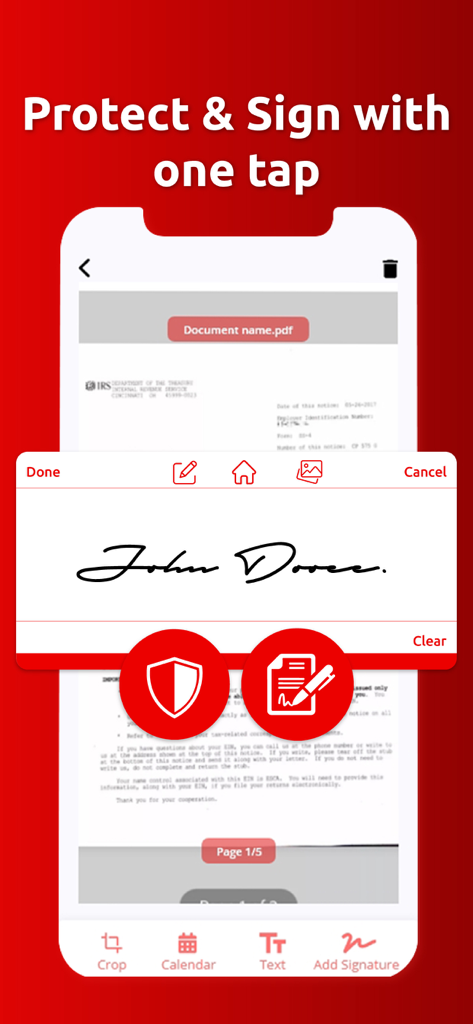
PDFドキュメントに署名および保護するためのデジタル署名機能を示すモバイルインターフェース。

PDFドキュメントに署名および保護するためのデジタル署名機能を示すモバイルインターフェース。

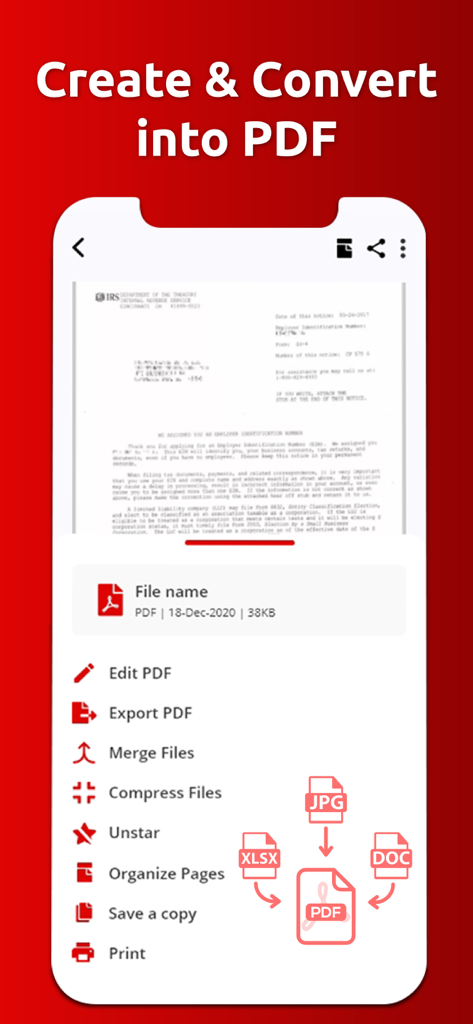
編集およびファイル結合ツールを使用してPDFを作成および変換するオプションを示すモバイルアプリインターフェース。

編集およびファイル結合ツールを使用してPDFを作成および変換するオプションを示すモバイルアプリインターフェース。

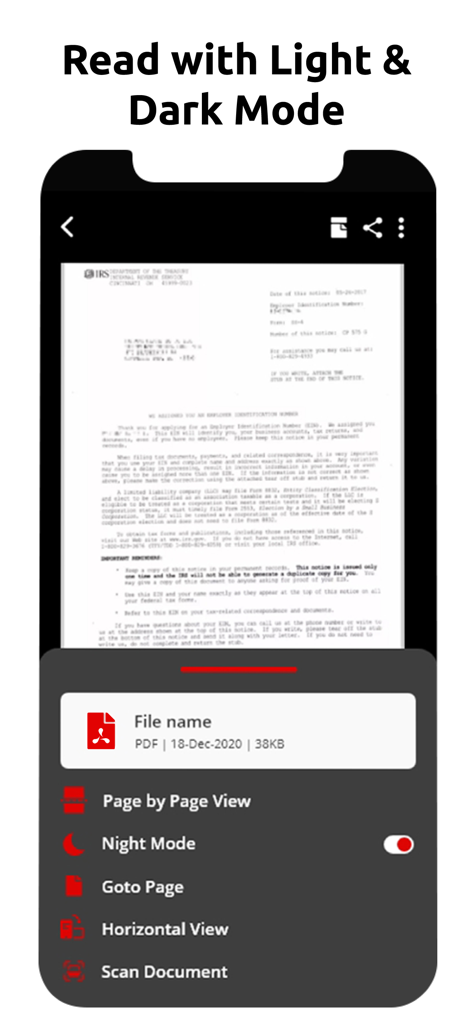
iPhoneでナイトモードが有効になっているドキュメントを表示するPDFリーダーアプリのインターフェース。

iPhoneでナイトモードが有効になっているドキュメントを表示するPDFリーダーアプリのインターフェース。

編集、結合、圧縮などのPDF管理ツールのリストを表示するモバイルアプリインターフェース。

編集、結合、圧縮などのPDF管理ツールのリストを表示するモバイルアプリインターフェース。

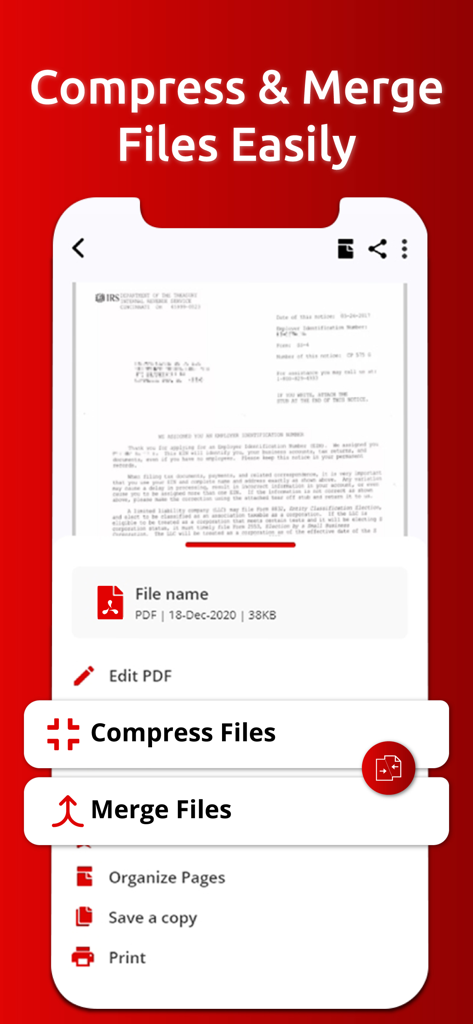
PDFファイルを圧縮および結合するオプションを表示するモバイルアプリ画面。

PDFファイルを圧縮および結合するオプションを表示するモバイルアプリ画面。

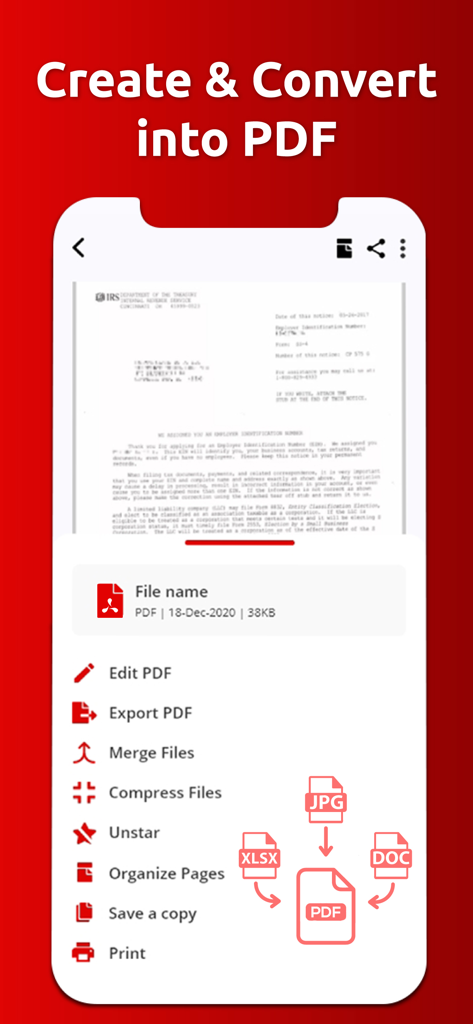
JPG、XLSX、DOCファイルをPDFドキュメントに変換および作成するオプションを表示するモバイルアプリインターフェース。

JPG、XLSX、DOCファイルをPDFドキュメントに変換および作成するオプションを表示するモバイルアプリインターフェース。

オールインワンモバイルオフィス

このアプリを際立たせるツール、 67K+ 人のユーザーが選択.

✍️

即座に記入&署名

iPhoneまたはiPadで直接デジタル署名を追加し、フォームに記入することで、数秒で契約を締結できます。

🪄

AIスマート要約

AIを使用して長いレポートを要約したり、履歴書を監査して重要な洞察や面接準備を得ることで、時間を節約できます。

📸

スキャン&変換

領収書の写真やテキストファイルを高品質のPDFに変換し、整理された共有可能な書類に結合します。

アプリについて

について知っておくべきこと PDF Reader PDF Viewer & Editor.

説明

Introducing the ultimate PDF Reader app, your all-in-one solution for managing, editing, and sharing PDF documents. This powerful app enhances your productivity by simplifying the way you work with PDFs, images, and text files. Whether you need to convert, edit, or secure your documents, our app is designed to meet all your document management needs. Key Features of PDF Reader, PDF Viewer & Editor App - Image to PDF - Text to PDF - Add/Remove Password - Merge PDFs - Unzip Files - Fill and Sign - Organized PDF - Rename files - Delete - Share - Copy Transform Your Documents: Image to PDF & Text to PDF Easily convert images and text into high-quality PDFs. Our intuitive conversion feature allows you to create PDFs from photos and text files, ensuring that your documents are always ready for sharing. Enhance Your PDFs: PDF Editor Utilize our PDF Editor to annotate and enhance your documents. Highlight key information, underline important points, and add notes to ensure your PDFs are informative and visually appealing. You can also include digital signatures for quick approvals. Keep Your Documents Safe: Add/Remove Password Protect your sensitive data with our password management feature. With just a few taps, you can add or remove passwords from your PDFs, ensuring that your documents remain secure and accessible only to authorized users. Streamline Document Handling: Merge PDFs & Unzip Files Easily merge multiple PDFs into one cohesive document, making it simpler to manage your files. Plus, the unzip feature lets you extract content from zip files directly in the app, enhancing your document organization. Complete Forms with Ease: Fill and Sign Simplify document completion with our Fill and Sign feature. Add text, dates, and your digital signature to forms, making it easy to handle contracts and agreements without any hassle. AI Generate Smart Summaries and Questions Take advantage of our AI Magic feature. Upload your resume to generate a concise summary and ask questions about the content for deeper understanding. This is particularly useful for job seekers and professionals looking to enhance their applications. Effortless Document Management: Rename, Delete, Copy, Share Manage your PDFs effortlessly with tools to rename, delete, copy, and share files. Our app provides essential document management functionalities, making it easy to keep your digital workspace organized. PDF Reader app is the perfect companion for anyone needing a comprehensive document management solution. Whether you’re managing business documents, studying for exams, or simply organizing your files, our app empowers you to handle it all efficiently. Experience the future of document management today! Terms of Use We are using default EULA. https://www.apple.com/legal/internet-services/itunes/dev/stdeula/

最新バージョン

3.9.4

サイズ

38.6 MB

リリース日

2021年7月28日

モバイルワークフローをマスターする準備はできましたか?

数秒で契約書に署名し、ファイルを結合し、AIを使用して履歴書を要約している67,000人以上の専門家に参加しましょう。今すぐiPhoneとiPad用のオールインワンPDFツールキットをダウンロードしてください。

ダウンロード: App Store

App information, icons, screenshots, and descriptions displayed on this page are sourced from the Apple App Store and are the property of their respective developers. Download estimates and rankings are based on MWM's proprietary models and may not reflect actual figures. This page is provided for informational and analytical purposes only.

Believe this page infringes your intellectual property? File a dispute