The only Scanner App you need!
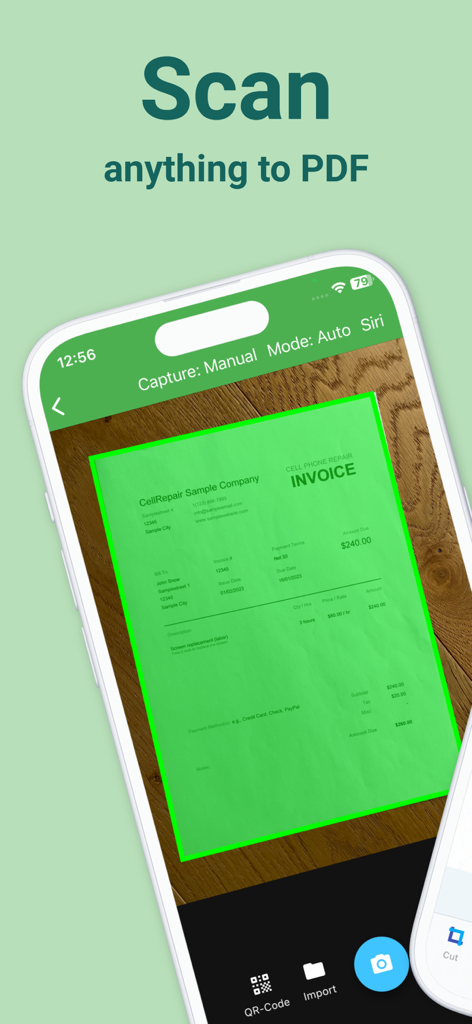
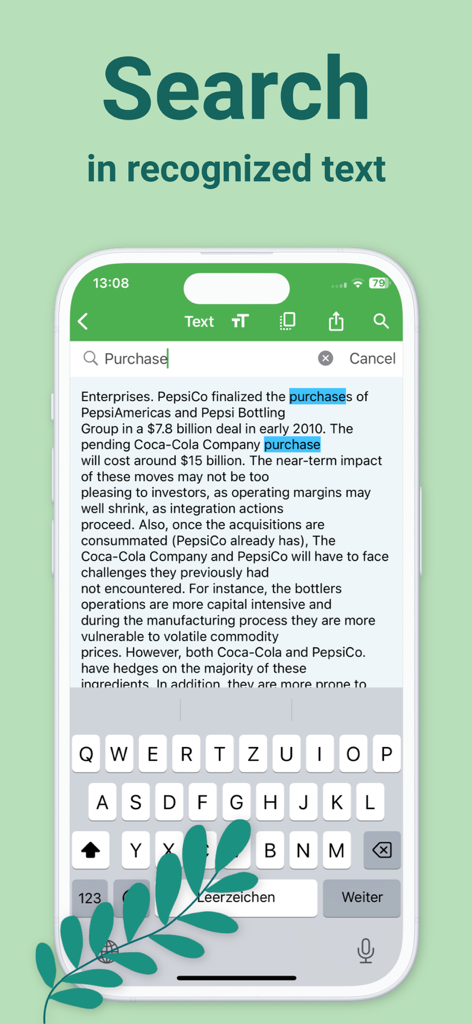
1) The integrated document scanner enables fast PDF scans in HD quality. The scan is readable and searchable thanks to automatic OCR text recognition.
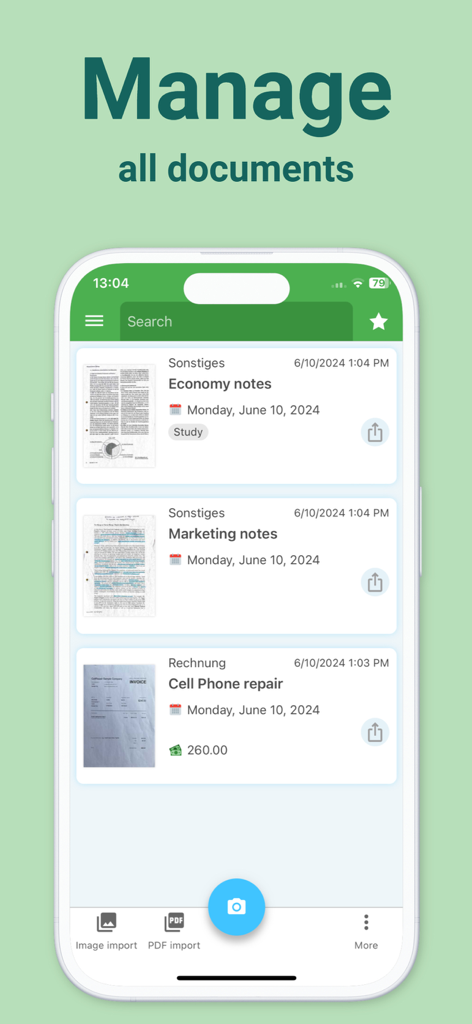
2) With the secure document management system and scanner, the right document is at hand in just one click. Paper chaos or going through paper folders are a thing of the past!
3) Optional cloud integration and local storage on the device for maximum security of your documents.
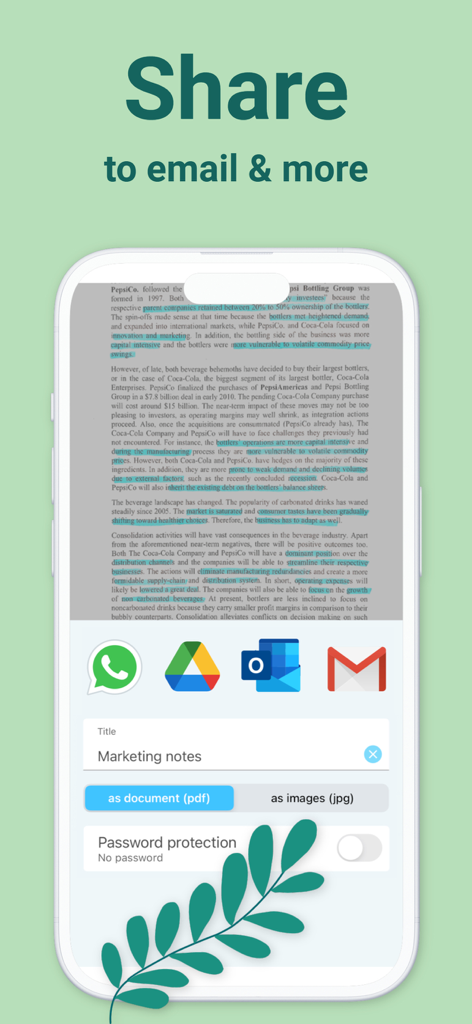
4) Share scannable documents directly via email or messenger.
*BENEFITS OF DOCUTAIN*
Scan in HD
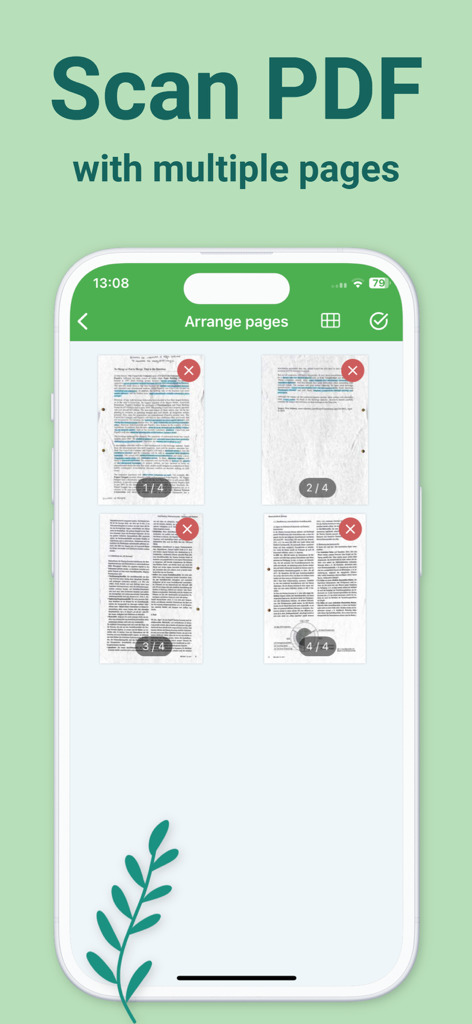
With intelligent document recognition and automatic shutter in the perfect moment, perspective correction, document edge detection, blur-reduction and color correction, you achieve a perfect scan with the PDF scanner app. Create a PDF scan or photo scan, use batch scanning for multiple pages and convert to PDF.
Edit
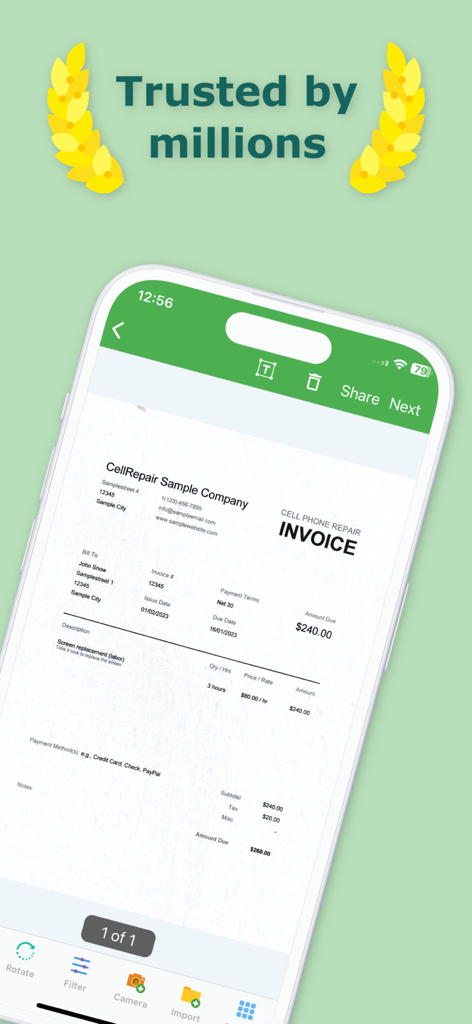
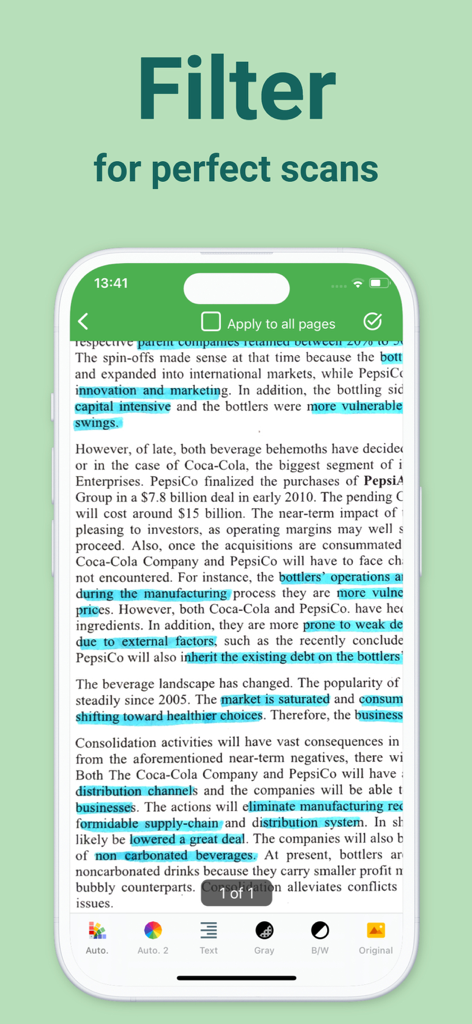
Manually crop, color filter, add, reorder, or remove pages. Even after saving, you can still edit the scan of documents.
Organize
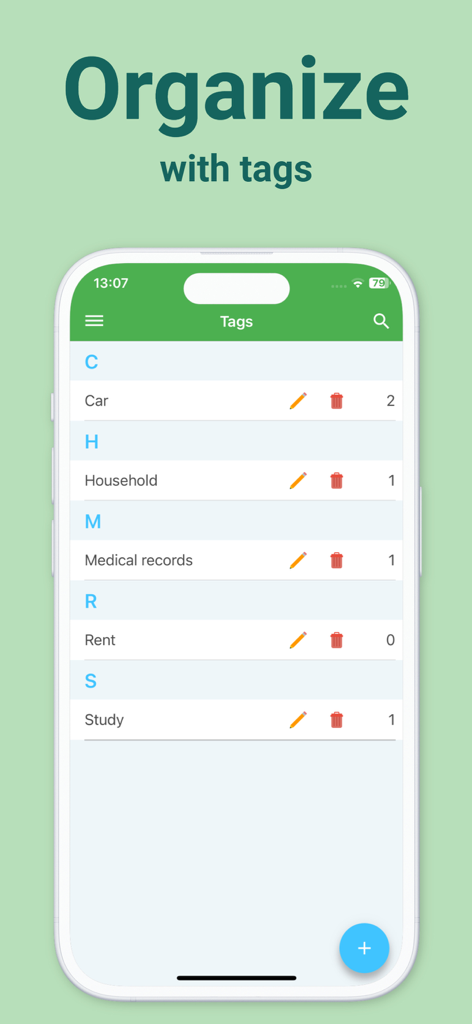
Optional index information when saving a scan (e.g. name, keywords, address, tax relevance, and optical character recognition (OCR)) helps organize and retrieve your digital documents.
Index information is automatically recognized so that you receive suitable suggestions for indexing scannable PDFs.
Docutain Pro also lets you pay your scanned invoices and monitor expenses through payment providers.
You can use the PDF scanner app to manage not only scannable documents with the camera, but also existing photos and PDF documents. This also enables to convert images to PDF files (jpg to pdf).
Search & Find
Find documents with the help of the detailed search mask, your self-defined criteria or via the full text search thanks to OCR. In addition, quick searches are available, e.g. via keywords or addresses.
Share
You can export your scannable docs as PDF files and send them directly by mail or text messenger with the mobile scanner.
Security & Privacy
With optional cloud connection you can protect documents from loss and synchronize them with all your end devices. Available cloud services: GoogleDrive, OneDrive, Dropbox, STRATO HiDrive, MagentaCLOUD, Web.de, GMX MediaCenter, Box, WebDAV, Nextcloud, ownCloud.
For maximum security, you can encrypt all data in the scanner app using state-of-the-art methods and protect app access with a password or fingerprint. No external servers are connected, data is stored locally on your device.
*USE CASES*
Invoices & Contracts
Receipts, warranties, business cards, passports, insurance documents + more scannable documents can be managed securely & clearly in one place with relevant information - e.g. end of contract reminder.
Tax return
Find all tax-related documents within one click. Save time to focus on tax return. Docutain supports you.
Rental
Documents for service charge settlements can be assigned to the rental parties by means of keywords, without duplications after scanning. This way, billing is done quickly. Apartment handover protocols, meter readings or defects can be easily stored in the DMS.
Studies, Homeschooling, Homeoffice
Exercise sheets, homework, lecture notes, book pages + more. Share transcripts with fellow students, scan books from the term paper, or send certificates to instructors as space-saving PDF scans.
Recipes
Create your own cookbook with document types + tags and browse with flexibility combining your criteria with the PDF scanner app and intuitive document manager.
Download Docutain, the scanning app, stay organized and keep track with the smart, mobile photo scanner!
Contact@Docutain.de
Terms of Use
http://www.docutain.de/AGBPrivat?Local=en
App information, icons, screenshots, and descriptions displayed on this page are sourced from the Apple App Store and are the property of their respective developers. Download estimates and rankings are based on MWM's proprietary models and may not reflect actual figures. This page is provided for informational and analytical purposes only.
Believe this page infringes your intellectual property? File a dispute