PDF Scanner App: Scan docs

PDF Scanner App: Scan docs

ダウンロード: App Store
ロゴ: PDF Scanner App: Scan docs

PDFスキャナーアプリ:書類をスキャン – あなたのプロフェッショナル向けオールインワンモバイルオフィス

iPhoneを生産性のパワーハウスに変えましょう。高度なOCRと安全な電子署名で、書類のスキャン、署名、整理を楽に行えます。外出の多い現代のプロフェッショナル向けに設計されています。

ダウンロード: App Store

開発元

Yuliia Ganziienko

カテゴリ

Business

ダウンロード

113K+

ユーザー評価

4.8/5

評価数

2K+

対応言語

4

ポケットの中の精度

このインターフェースを利用する 113K+ 人のユーザー.

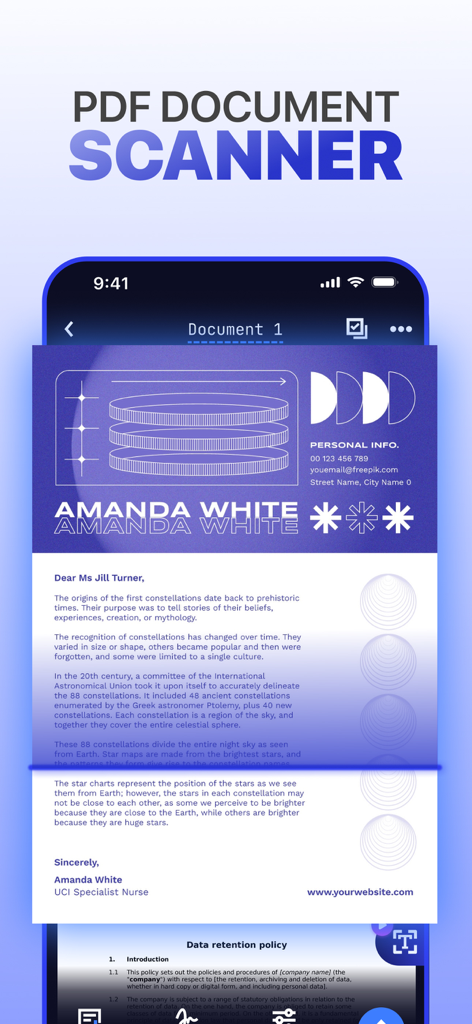
モバイルPDFスキャナーアプリが書類をスキャンしている様子を示すスマートフォンインターフェース。

モバイルPDFスキャナーアプリが書類をスキャンしている様子を示すスマートフォンインターフェース。

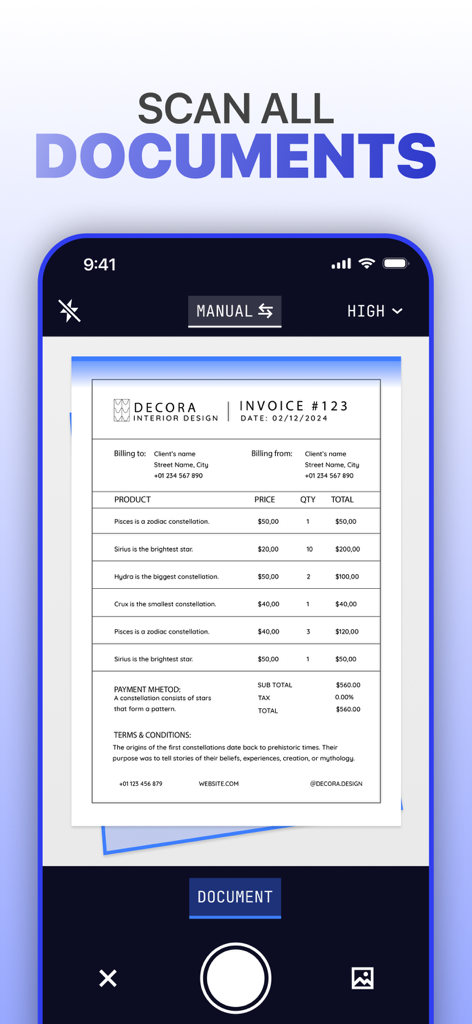
PDFスキャナーアプリのインターフェースがビジネス請求書をスキャンしている様子を示すスマートフォン画面。

PDFスキャナーアプリのインターフェースがビジネス請求書をスキャンしている様子を示すスマートフォン画面。

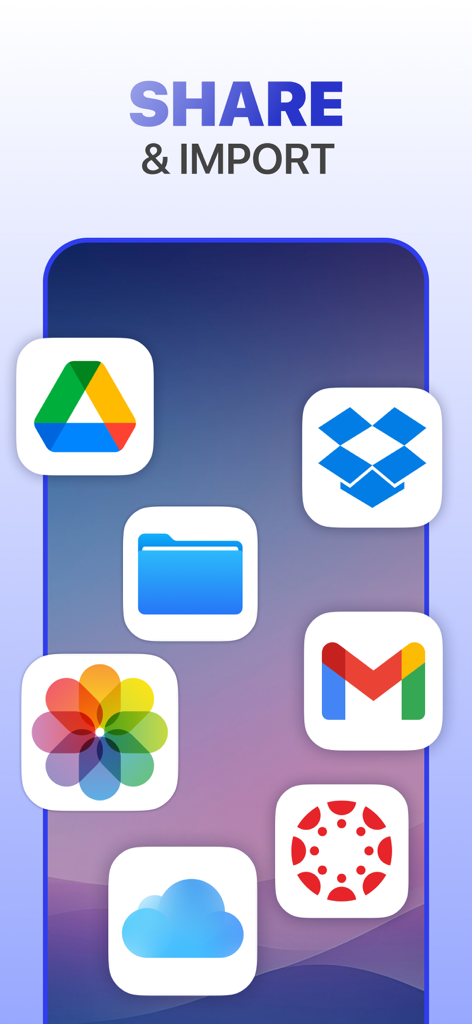
書類の共有とインポートのためのクラウドストレージおよびメールアプリのアイコンを示すグラフィック

書類の共有とインポートのためのクラウドストレージおよびメールアプリのアイコンを示すグラフィック

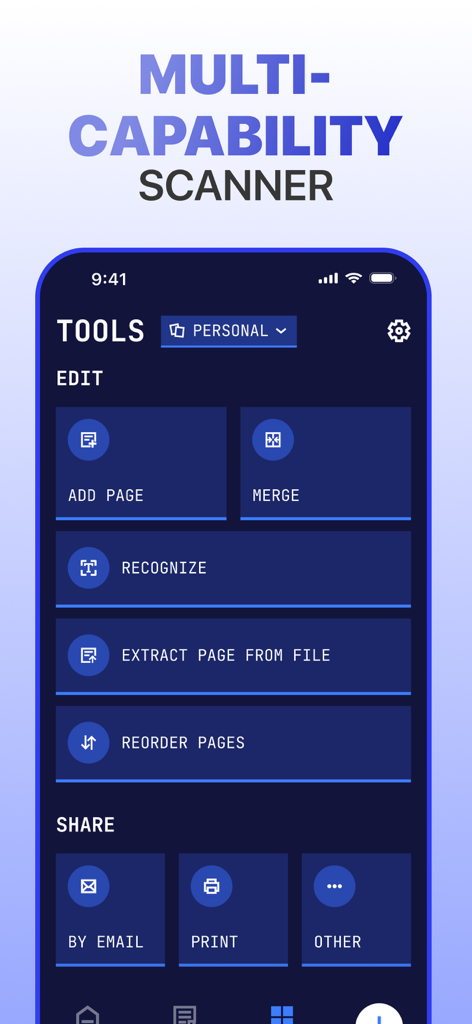
マージ、認識、共有オプションを含むドキュメント管理ツールを表示するモバイルアプリインターフェース

マージ、認識、共有オプションを含むドキュメント管理ツールを表示するモバイルアプリインターフェース

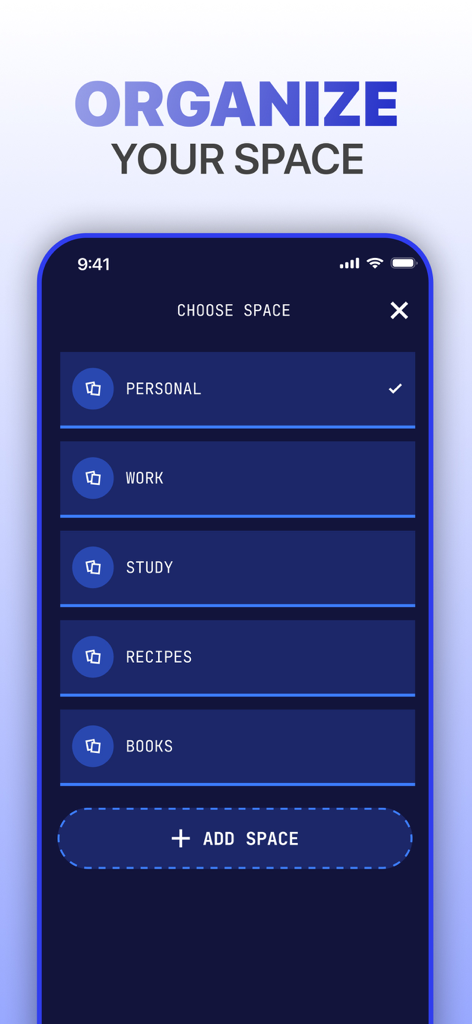
個人、仕事、学習ファイル用のドキュメント分類フォルダを表示するモバイルアプリインターフェース。

個人、仕事、学習ファイル用のドキュメント分類フォルダを表示するモバイルアプリインターフェース。

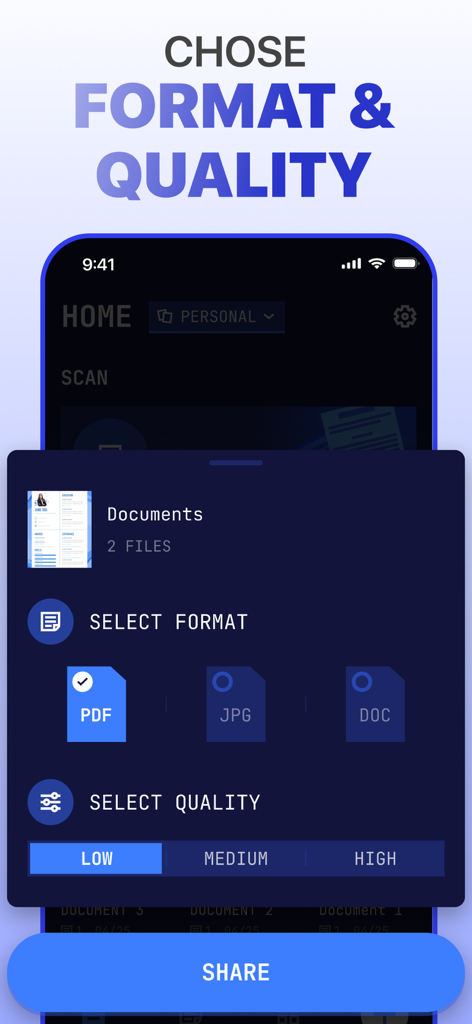
共有前にPDF、JPG、DOCなどのファイル形式と低から高までのドキュメント品質を選択するオプションを表示するPDFスキャナーアプリのインターフェース。

共有前にPDF、JPG、DOCなどのファイル形式と低から高までのドキュメント品質を選択するオプションを表示するPDFスキャナーアプリのインターフェース。

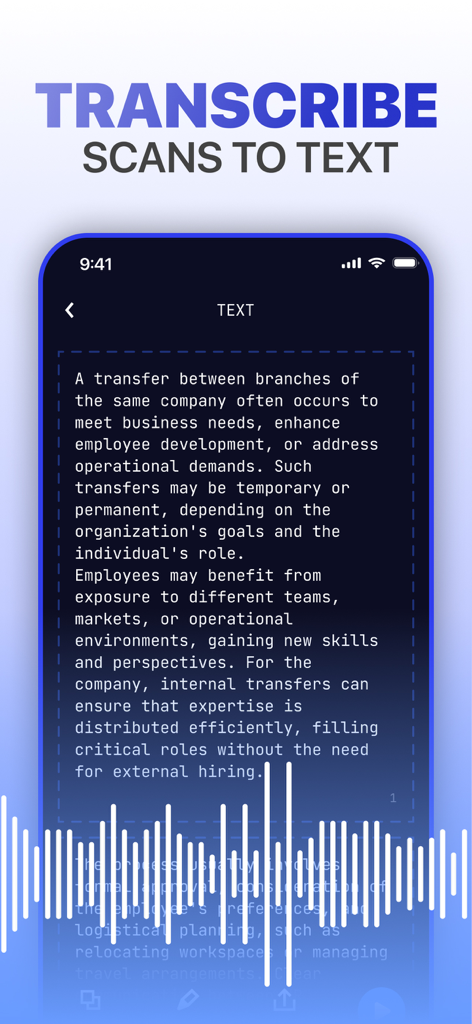
音声可視化により編集可能なテキストにスキャンされたドキュメントを文字起こしする様子を示すモバイルアプリインターフェース

音声可視化により編集可能なテキストにスキャンされたドキュメントを文字起こしする様子を示すモバイルアプリインターフェース

ポケットの中の究極のモバイルオフィス

このアプリを際立たせるツール、 113K+ 人のユーザーが選択.

瞬時にデジタル化

スマートな境界線検出と鮮明度向上フィルターで、どんな書類も高品質なPDFまたはJPGに変換します。

🔐

簡単署名&安全保護

内蔵の電子署名で契約を迅速に完了させ、堅牢なパスワード保護で個人データを安全に保ちます。

🗣️

スマート音声読み上げ

スキャンしたテキストを音声に変換して時間を最大化 – 通勤中にノートや契約を確認するのに最適です。

アプリについて

について知っておくべきこと PDF Scanner App: Scan docs.

説明

Scanner App – Revolutionizing Document Management Scanner App adapts to your workflow like a chameleon to its surroundings, delivering precision, clarity, and unmatched efficiency. Whether you're digitizing, organizing, or sharing, Scanner App empowers you to turn piles of paperwork into neatly organized digital assets, all with a few taps. With Scanner App , your mobile device becomes a powerhouse for productivity, ready to scan, save, and transform your documents anytime, anywhere. Key Features • Advanced Scanning Capabilities: Enjoy high-quality document scans with precise border detection and unique dynamic filter technology that enhances clarity, brightness, and contrast. • Transcribe Scans to Text: Go beyond simple scanning – listen to your document’s content or convert it into editable text for multitasking and accessibility. • Create Organized Spaces: Effortlessly group documents for work, study, or personal projects, keeping everything perfectly categorized. • PDF Converter: Save and share documents in various formats, including JPG, DOC, and PDF, for ultimate flexibility. • Save in Custom Quality: Tailor document quality to your needs – choose high-resolution for detailed prints or optimized sizes for quick sharing. • Quick Import and Sharing: Seamlessly import files and share them via email, messaging apps, or cloud storage platforms like Google Drive and Dropbox. • E-signatures Made Simple: Digitally sign contracts and agreements right within the app, eliminating the need for printing and scanning. • Editing and Management: Refine your scans with advanced filters, add watermarks, crop, merge, and manage your files with ease. • Password Protection: Keep your sensitive files secure by locking them with passwords for extra peace of mind. Whether you're a student navigating coursework, a professional managing critical business documents, or someone simply striving for better personal organization, Scanmeleon is your ultimate pocket companion. Scan anything – from handwritten notes to official contracts – extract text with cutting-edge OCR, save your files in multiple formats and qualities, and organize them securely with ease. Turn chaos into order and revolutionize the way you manage your documents. Start scanning, transforming, and sharing with Scanner App – the future of document management is here! Subscriptions automatically renew unless canceled at least 24 hours before the end of the current billing period. You can manage or disable auto-renewal at any time in your Apple ID account settings. Terms of use - http://tou.scanner2pdf.com/ Privacy Notice - http://pp.scanner2pdf.com/

最新バージョン

1.1.0

サイズ

46.3 MB

リリース日

2025年1月7日

ワークフローを改革する準備はできていますか?

113,000人以上のプロフェッショナルや学生がiPhoneを高性能デジタルオフィスに変えました。数秒で書類をスキャン、署名、安全に保ちましょう。

ダウンロード: App Store

App information, icons, screenshots, and descriptions displayed on this page are sourced from the Apple App Store and are the property of their respective developers. Download estimates and rankings are based on MWM's proprietary models and may not reflect actual figures. This page is provided for informational and analytical purposes only.

Believe this page infringes your intellectual property? File a dispute