PDFMaker : Scanner Converter

PDFMaker : Scanner Converter

ダウンロード: App Store
ロゴ: PDFMaker : Scanner Converter

PDFMaker:スキャナーコンバーター – 100%無料のオールインワンPDFパワーハウス

サブスクリプション、隠れた料金、クラウドアップロードはありません。究極のドキュメントツールで、ワンクリックでファイルをスキャン、マージ、変換できます。学生やフリーランサーに最適です。

開発元

Yuenhe Innovations Co., Ltd.

カテゴリ

Business

ダウンロード

834K+

ユーザー評価

4.1/5

評価数

3K+

対応言語

1

一目でわかる効率

このインターフェースを利用する 834K+ 人のユーザー.

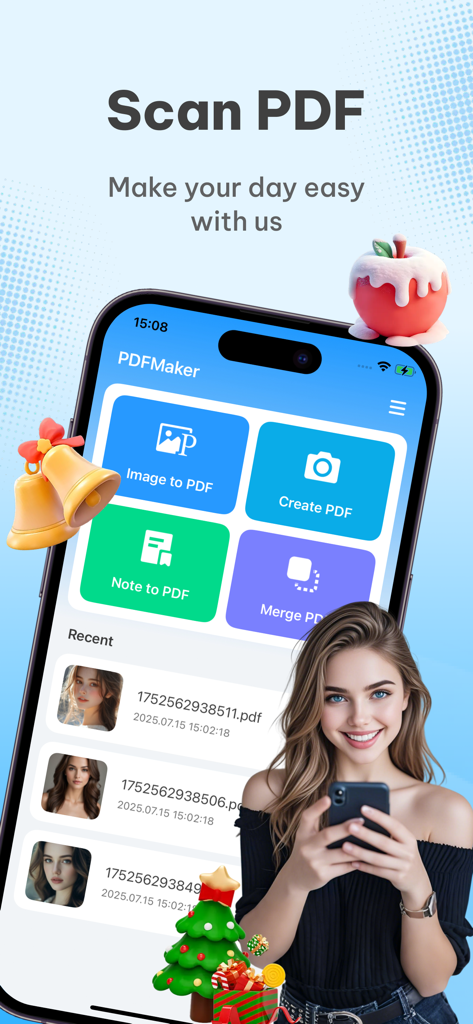
PDFMakerモバイルアプリのホーム画面。スキャンからPDFへの変換機能とドキュメント変換機能が表示されています。

PDFMakerモバイルアプリのホーム画面。スキャンからPDFへの変換機能とドキュメント変換機能が表示されています。

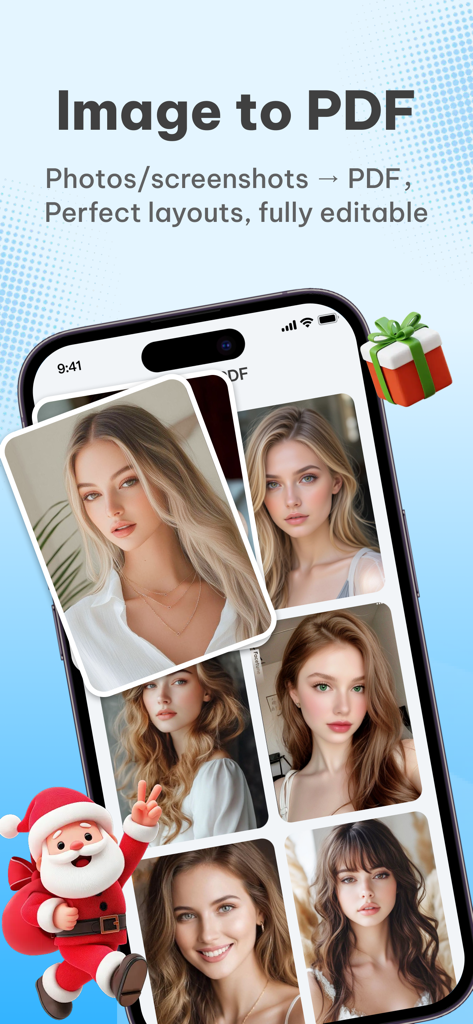
PDFMakerアプリのスクリーンショット。画像からPDFへの変換機能と、写真のギャラリー、お祭りのサンタクロースのイラストが表示されています。

PDFMakerアプリのスクリーンショット。画像からPDFへの変換機能と、写真のギャラリー、お祭りのサンタクロースのイラストが表示されています。

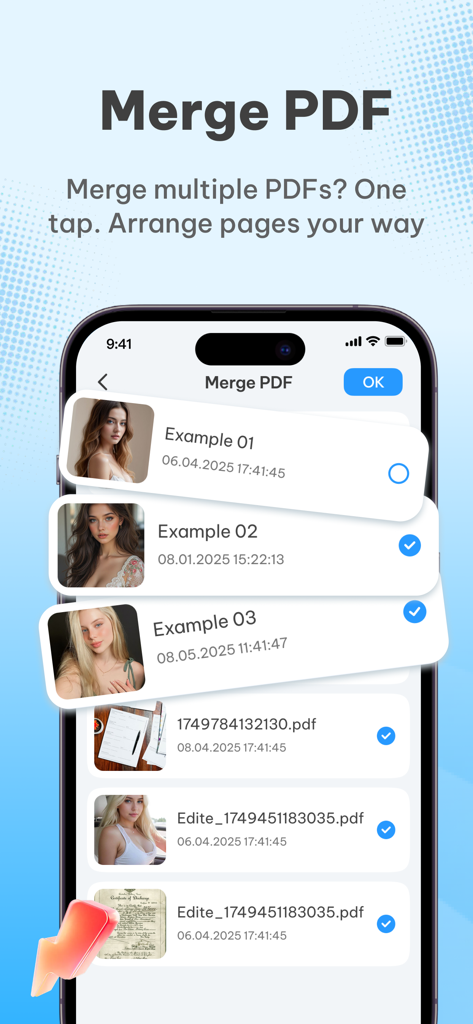
モバイルアプリのインターフェース。1つのPDFにマージするために選択されているドキュメントのリストが表示されています。

モバイルアプリのインターフェース。1つのPDFにマージするために選択されているドキュメントのリストが表示されています。

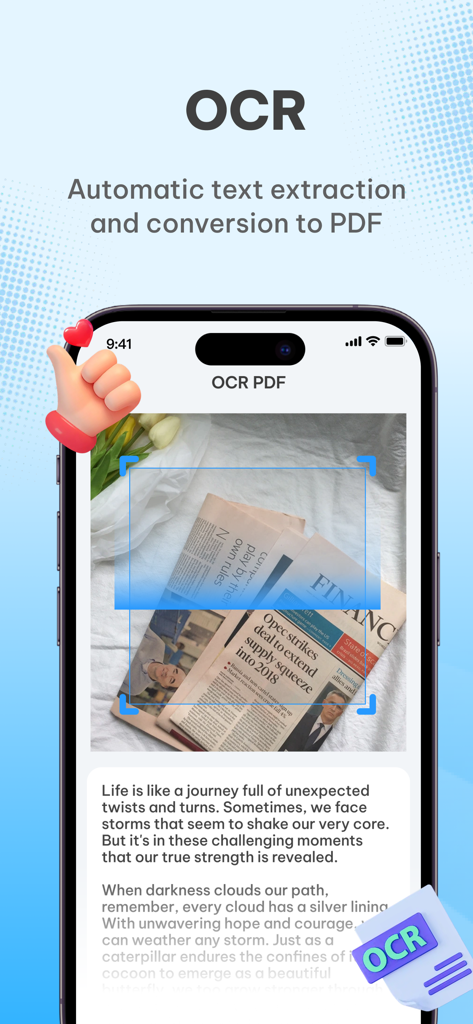
PDFMaker OCR機能が新聞からテキストを抽出し、PDFドキュメントに変換しているスマートフォンインターフェース。

PDFMaker OCR機能が新聞からテキストを抽出し、PDFドキュメントに変換しているスマートフォンインターフェース。

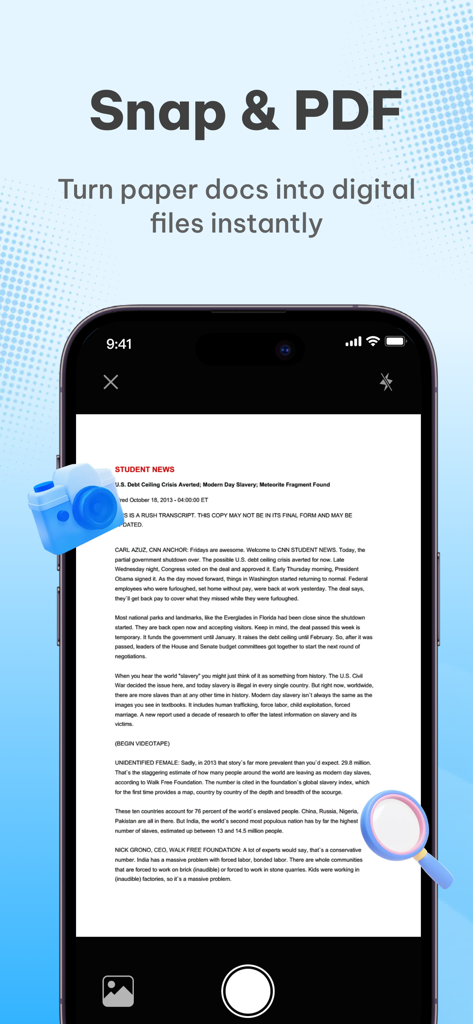
紙のドキュメントをデジタルファイルに変換するためのSnap and PDF機能を表示するスマートフォンの画面。

紙のドキュメントをデジタルファイルに変換するためのSnap and PDF機能を表示するスマートフォンの画面。

完璧なPDFに必要なすべて

このアプリを際立たせるツール、 834K+ 人のユーザーが選択.

📸

瞬時にスキャン&変換

インテリジェントなクロッピングとテキスト強化により、ノート、書籍、レシートの写真を高解像度PDFに変換します。

📂

ファイルをマージ&整理

複数の画像やドキュメントを1つのプロフェッショナルなPDFに結合します。作業を整理するために、ページを簡単に並べ替えることができます。

🔒

100%無料&プライベート

サブスクリプションや隠れた料金はありません。すべての処理はデバイス上で実行されるため、機密データが携帯電話から流出することはありません。

レビュー分析

ユーザーレビューの分析.

感情スコア

26%
ネガティブ

概要

This mobile app receives overwhelmingly negative feedback from users, with many uninstalling it due to a frustrating experience. The most significant and frequently cited issue is the excessive number of advertisements, which often render the app unusable. Many users also report the app as a 'scam' or containing 'false advertising,' leading to disappointment and immediate deletion. While there are a couple of positive ratings, these reviews lack specific praise for the app's features or functionality.

主なテーマ

Excessive Advertisements(8)
Scam/Misleading Content(7)
Poor User Experience(5)
Download Difficulty(1)
Positive Feedback(1)

アプリについて

について知っておくべきこと PDFMaker : Scanner Converter.

説明

PDFMaker - a free and all-around PDF conversion tool that can handle all document needs in one click! Easily create, convert, and merge PDFs, a must-have for efficient office and study! Whether you are a student, office worker, or freelancer, PDF Maker can be your right-hand man! No complicated operations are required, and your mobile phone can quickly complete various PDF processing, completely free! Core function highlights: Photo to PDF: Take pictures of class notes, contracts, and books, intelligently optimize the image quality, generate high-definition PDFs with one click, support automatic cropping, and enhance text clarity! Image to PDF: Supports merging multiple photos into PDF, freely adjusting the order and direction, and convenient for storage and sharing! Text to PDF: Directly enter text content to generate professional PDF documents, suitable for resumes, reports and other scenarios! Merge multiple files: Merge multiple files into one PDF to organize materials more efficiently! Why choose PDFMaker? Completely free - no subscription, no in-app purchase, all functions are free! Easy operation - complete the conversion in three steps, even novices can easily get started! Have problems? Contact us: yuanheinnovations@163.com Privacy and security commitment: All file processing is completed locally, not uploaded to the server, to protect your data security! Download PDFMaker now to make document processing simpler and more efficient!

最新バージョン

1.1.1

サイズ

12.8 MB

リリース日

2025年7月16日

PDFツールの支払いをやめて、よりスマートに働きましょう。

高額なサブスクリプションを解約した80万人以上のユーザーに加わりましょう。当社の100%無料、安全、オールインワンのスキャナーをご利用ください。隠れた料金やデータアップロードなし – ポケットに入る純粋な生産性です。

ダウンロード: App Store
FAQ

よくある質問

について知っておくべきこと PDFMaker : Scanner Converter

PDFMakerアプリは無料で使えますか?

はい、PDFMakerは完全に無料です。サブスクリプションやアプリ内購入は必要なく、すべての機能に無料でアクセスできます。

PDFMakerはどのような種類のドキュメントを変換できますか?

PDFMakerは、写真、画像、テキストコンテンツをPDFドキュメントに変換します。メモから新しいPDFを作成したり、複数のファイルを1つのPDFにマージしたりすることもサポートしています。

PDFMakerはユーザーデータとプライバシーをどのように保護しますか?

PDFMakerは、すべてのファイル変換をデバイス上でローカルに処理することで、データプライバシーを保証します。ユーザーファイルはどのサーバーにもアップロードされません。

PDFMakerは複数の画像を単一のPDFファイルに結合できますか?

はい、PDFMakerでは、複数の写真やスクリーンショットを1つのPDFにマージできます。これらの画像の順序や方向を調整することもサポートしています。

PDFMakerには既存のPDFドキュメントをマージする機能はありますか?

はい、PDFMakerでは、複数の既存のPDFファイルを単一のPDFドキュメントにマージできます。この機能はワンタップでアクセスできます。

PDFMakerには光学文字認識(OCR)機能が含まれていますか?

はい、PDFMakerにはOCR(光学文字認識)テクノロジーが搭載されています。これにより、ドキュメントからテキストを自動抽出し、PDF形式に変換できます。

PDFMakerは写真をPDFに変換するためにどのような機能を提供しますか?

PDFMakerは、ワンクリックで写真を高解像度のPDFに変換します。画像品質を最適化し、自動トリミングをサポートし、生成されるPDFのテキストの鮮明度を高めます。

App information, icons, screenshots, and descriptions displayed on this page are sourced from the Apple App Store and are the property of their respective developers. Download estimates and rankings are based on MWM's proprietary models and may not reflect actual figures. This page is provided for informational and analytical purposes only.

Believe this page infringes your intellectual property? File a dispute