
このページはアプリまたはその開発者の公式ページではなく、情報提供および論評を目的として作成された独立した編集出版物です。明示的に別段の記載がない限り、アプリおよびその開発者は、MWM、Apple、Google Play、アプリのパブリッシャー、またはアプリの開発者と提携、承認、後援、認可、またはその他の公式的な関係はなく、このページのいかなる内容も、アプリがMWMのサービスを使用して開発されたことを意味するものではありません。すべての商標、ロゴ、スクリーンショット、その他のコンテンツはそれぞれの所有者の財産です。

Philips HomeRun Robot App
ロボット掃除機、モップ、芝刈り機をどこからでも完全にコントロール。カスタムクリーニングスケジュールを設定し、正確に空間をマッピングして、完璧に管理された家と庭のために時間を確保しましょう。
ダウンロード
262K+ユーザー評価
評価数
17K+開発元
カテゴリ
Lifestyle対応言語
32最新バージョン
1.4.3サイズ
168.9 MBリリース日
2024年1月17日モダンな暮らしのためのスマートオートメーション
プロフェッショナルな精度で床と庭を管理するデジタル執事で時間を確保し、最も大切なことにもっと自由な時間を。
統合された家と庭のコントロール
屋内の掃除と屋外の芝刈りを同時に管理できる唯一のアプリで、いつでもゲストを迎えられる状態の家を維持します。
インテリジェントゾーンマッピング
異なる部屋ごとにカスタムクリーニングモードを定義し、繊細な花壇やラグを保護するために芝刈り機の正確な境界を設定します。
よくある質問
について知っておくべきこと Philips HomeRun Robot App
What is the primary function of the Philips HomeRun Robot App?
Philips HomeRunロボットアプリを使用すると、Philips HomeRunロボットを完全に制御でき、部屋の掃除と芝生の草刈りの正確なスケジュール設定と実行が可能になります。
Can I control my Philips HomeRun robot remotely using the app?
はい、Philips HomeRunロボットアプリを使用すると、どこからでもPhilips HomeRunロボットの掃除と草刈り操作をリモートで開始、一時停止、または停止できます。
How does the Philips HomeRun Robot App create maps?
最初の実行時に、Philips HomeRunロボットが自宅と庭のインタラクティブマップを作成します。このマップをアプリ内で使用して、掃除と草刈りのタスクを管理できます。
How many maps can the Philips HomeRun robot vacuum cleaner store?
Philips HomeRunロボット掃除機は、カスタマイズされた掃除のために、Philips HomeRun Robot App内で最大5つの異なるフロアプランのインタラクティブマップを保存できます。
Can I set no-go zones with the Philips HomeRun Robot App?
はい、Philips HomeRun Robot Appを使用すると、仮想壁または「進入禁止」ゾーンを定義して、ロボットが特定のエリアや貴重品を掃除またはモップしないようにすることができます。
What cleaning modes does the Philips HomeRun Robot App offer?
Philips HomeRun Robot Appは、ドライ、ウェット&ドライ、サイレント、インテンシブな掃除モードを提供します。各部屋に適したモードと、芝生用の特定の草刈りモードを選択できます。
Does the Philips HomeRun Robot App provide setup guidance?
はい、Philips HomeRun Robot Appは、Wi-Fi接続や初回操作を含む簡単なセットアップのための明確なステップバイステップガイドを提供しており、多くの場合、ハウツービデオも含まれています。
Does the Philips HomeRun Robot App use GPS for mowing?
はい、Philips HomeRun Robot AppはGPSマッピングを使用したインテリジェントな芝生草刈りをサポートしています。これにより、正確なカット、効率的な充電、および漏れのない継続的なカバレッジが保証されます。
How does the Philips HomeRun Robot App secure user data?
Philipsは、HomeRun Robot App内でのユーザーデータのセキュリティを確保するために、厳格なプライバシーポリシーを遵守しています。ユーザーはゲストとしてアプリを使用することもできます。
What Wi-Fi frequencies do Philips HomeRun robots connect to?
Philips HomeRunロボット掃除機はデュアルバンドWi-Fi(2.4または5.0GHz)に接続します。ロボット芝刈り機は、Philips HomeRun Robot Appを介して2.4GHzのホームWi-Fiにのみ接続します。
以下のスクリーンショットと説明は、アプリの公式ストアリスティングから直接取得されたものであり、アプリ開発者の所有物です。
アプリストア
スクリーンショット
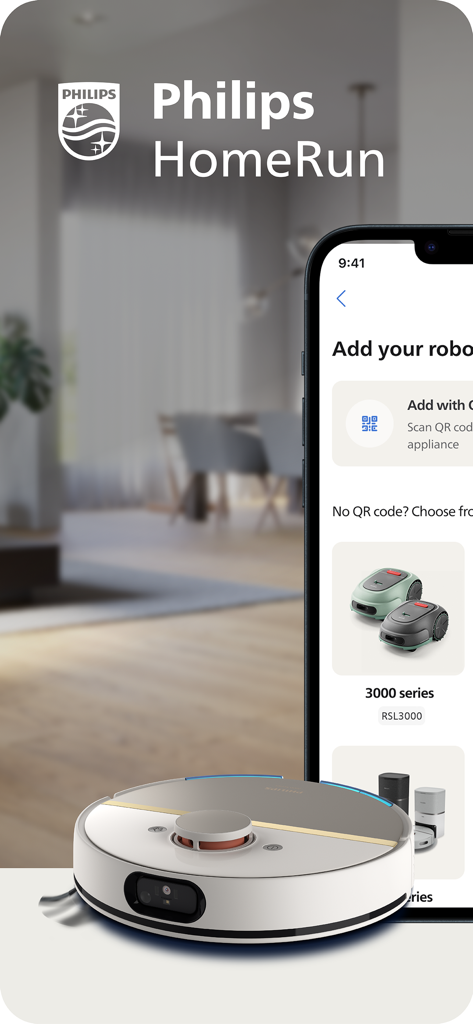
ロボット掃除機と芝刈り機のセットアップオプションを表示するPhilips HomeRunアプリ
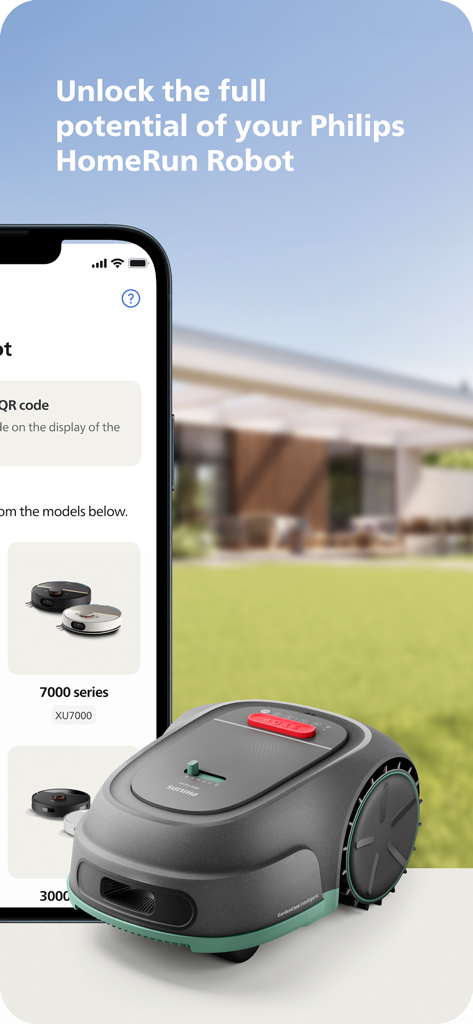
緑の芝生の上にあるロボット芝刈り機の隣に、Philips HomeRun Robotアプリを表示するスマートフォン
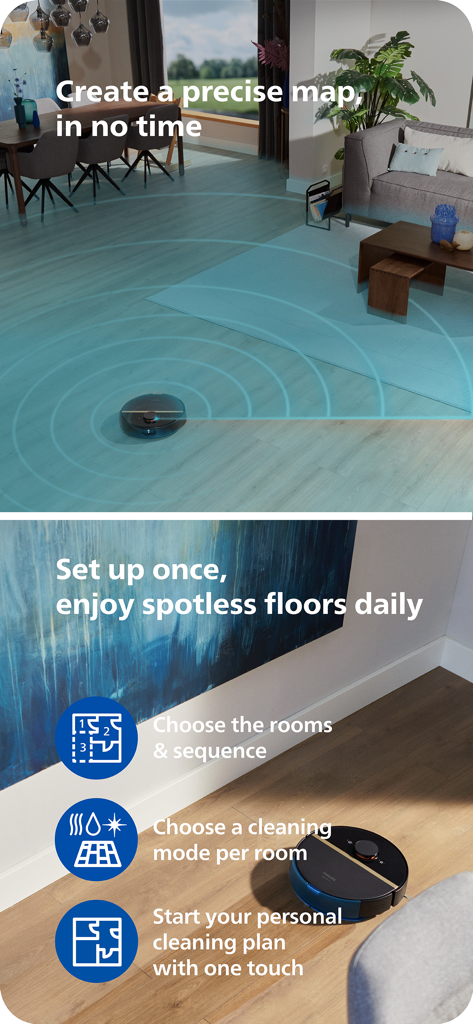
リビングルームをマッピングし、アプリの機能ハイライトで木製の床を掃除するPhilips HomeRunロボット掃除機
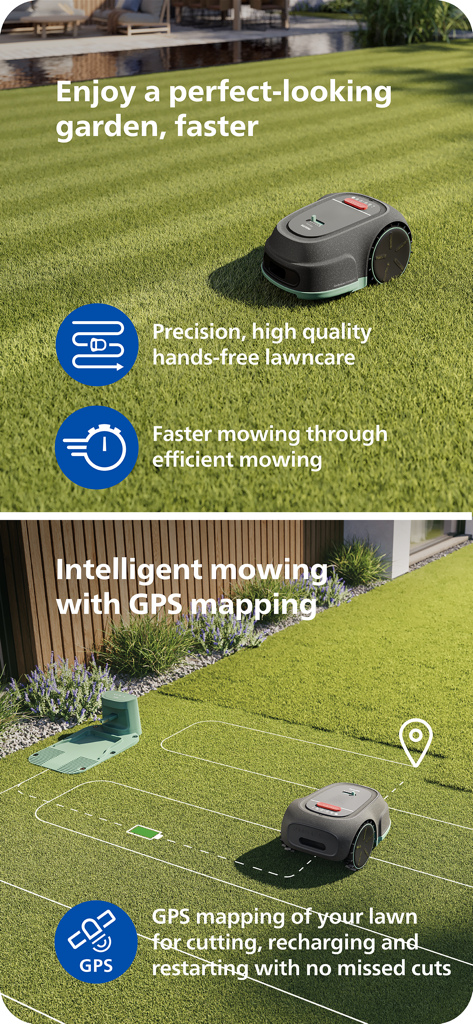
インテリジェントで効率的な芝生の手入れのためにGPSマッピングを使用するPhilips HomeRunロボット芝刈り機。
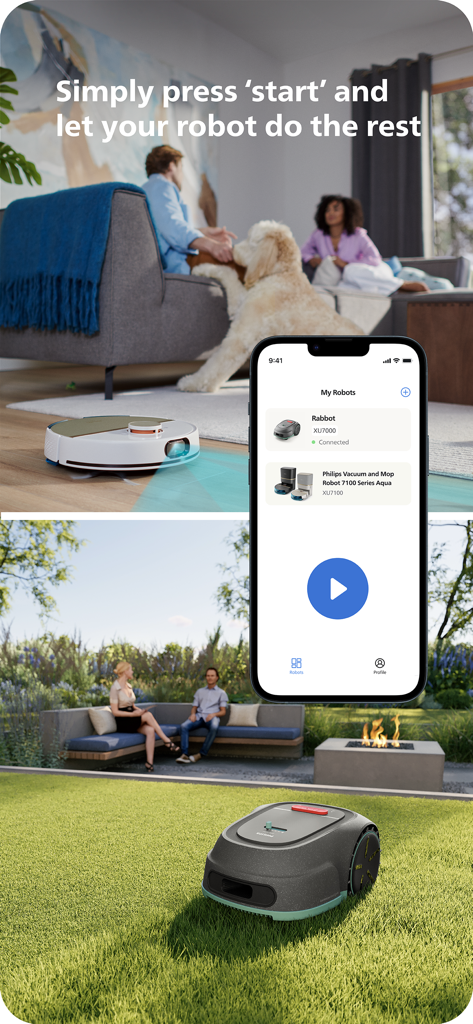
ロボット掃除機と芝刈り機の遠隔操作を示すPhilips HomeRunアプリのインターフェース
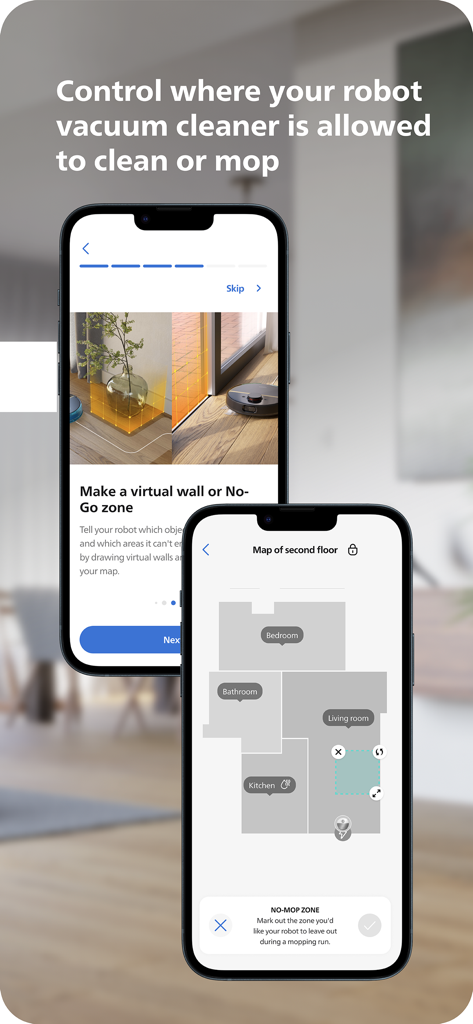
クリーニングとモッピングのためのフロアマッピングと仮想進入禁止ゾーンを表示するPhilips HomeRun Robot Appインターフェース
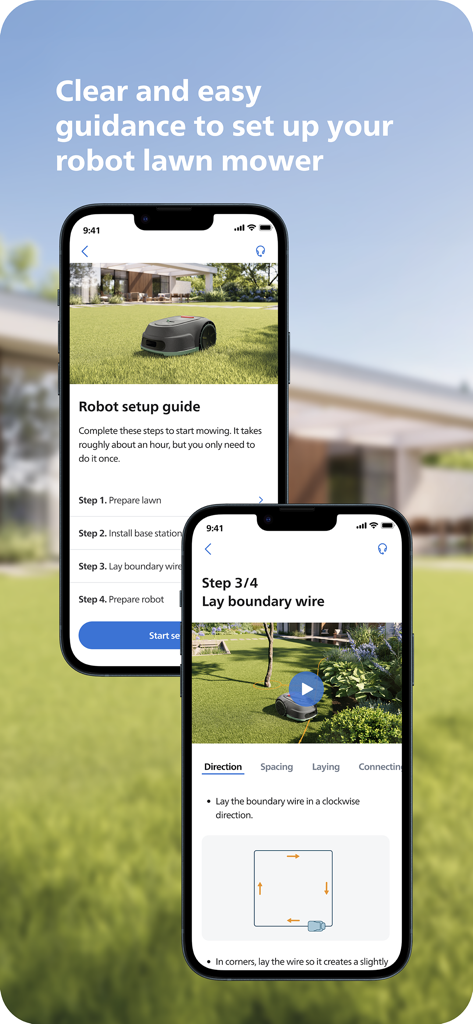
Philips HomeRunアプリでロボット芝刈り機のステップバイステップセットアップガイドを表示するスマートフォンの画面
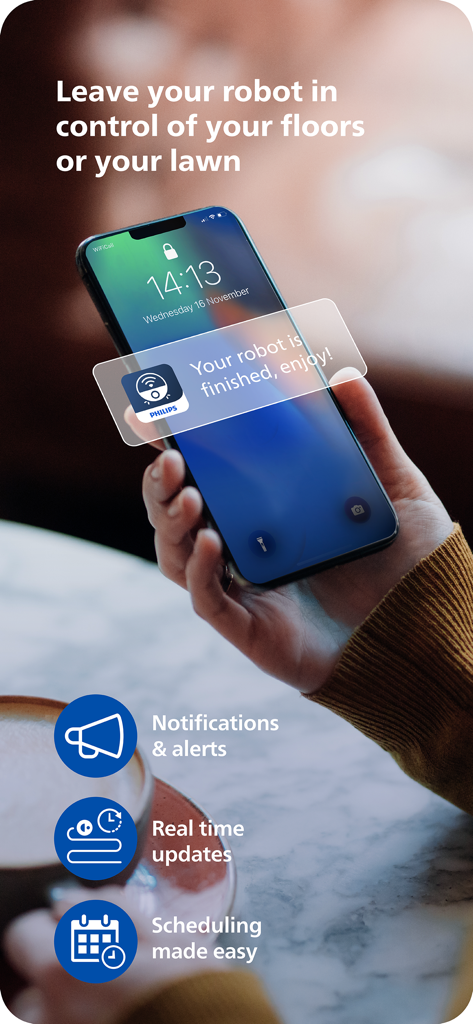
ロボットが終了したというPhilips HomeRunアプリの通知を表示するスマートフォンを持っている人。お楽しみください。
説明
Download
類似アプリ
似た機能とユーザー体験を持つアプリ

Roborock
Beijing Rockrobo Technology Co., Ltd.

Dreamehome
Dreame Innovation Technology (Suzhou) Co., Ltd.

Tineco Life
Tineco Appliances Co,.Ltd.

YEEDI
YEEDI TECHNOLOGY LIMITED

ECOVACS HOME
Ecovacs Robotics Inc.

Roomba Home
iRobot Corporation

iRobot Home (Classic)
iRobot Corporation

SharkClean
SHARKNINJA OPERATING LLC

Robot Vacuum App
GloryskyX Studio LLC
このページはアプリまたはその開発者の公式ページではなく、情報提供および論評を目的として作成された独立した編集出版物です。明示的に別段の記載がない限り、アプリおよびその開発者は、MWM、Apple、Google Play、アプリのパブリッシャー、またはアプリの開発者と提携、承認、後援、認可、またはその他の公式的な関係はなく、このページのいかなる内容も、アプリがMWMのサービスを使用して開発されたことを意味するものではありません。すべての商標、ロゴ、スクリーンショット、その他のコンテンツはそれぞれの所有者の財産です。