
このページはアプリまたはその開発者の公式ページではなく、情報提供および論評を目的として作成された独立した編集出版物です。明示的に別段の記載がない限り、アプリおよびその開発者は、MWM、Apple、Google Play、アプリのパブリッシャー、またはアプリの開発者と提携、承認、後援、認可、またはその他の公式的な関係はなく、このページのいかなる内容も、アプリがMWMのサービスを使用して開発されたことを意味するものではありません。すべての商標、ロゴ、スクリーンショット、その他のコンテンツはそれぞれの所有者の財産です。

Photo Translator : Translate!!
AI搭載のビジョンで世界を即座にアンロック。複雑なメニューから地元の道路標識まで、言語の壁を過去のものにする、迅速で正確な翻訳を手に入れましょう。
ダウンロード
1K+ユーザー評価
評価数
0開発元
カテゴリ
Travel対応言語
1最新バージョン
1.0.19サイズ
104.4 MBリリース日
2023年12月25日言語の壁なしで旅行
高度なAIテクノロジーで地元のように世界を体験しましょう。メニュー、標識、ドキュメントを瞬時に母国語に変換します。
スナップ&翻訳
複雑なレストランのメニューから公共の通知まで、どんなテキストにもカメラを向けて、瞬時に正確な翻訳を手に入れましょう。
AI搭載の精度
私たちのユニークなAIは単に翻訳するだけでなく、テキストを修正・再フォーマットして、読んでいるものが自然で、読みやすく、100%正確であることを保証します。
よくある質問
について知っておくべきこと Photo Translator : Translate!!
Photo Translator: Snap to Ask とは何ですか?
Photo Translator: Snap to Ask は、写真撮影によって商品ラベル、メニュー、通知、マニュアルなどの外国語テキストを翻訳するモバイルアプリケーションです。正確な認識とフォーマットのために、高度なOCRとAIを使用しています。
Photo Translator: Snap to Ask はどのようにテキストを翻訳しますか?
Photo Translator: Snap to Ask は、写真から外国語テキストを認識するために高度なOCR技術を使用しています。その後、ユニークなAI機能を使用してエラー訂正と再フォーマットを行い、読みやすい翻訳を提供します。
Photo Translator: Snap to Ask はAIエラー訂正を提供しますか?
はい、Photo Translator: Snap to Ask は、認識されたテキストのエラー訂正とフォーマットのためにユニークなAI機能を提供しています。これにより、すべての翻訳の正確性と可読性が保証されます。
Photo Translator: Snap to Ask は無料で利用できますか?
はい、Photo Translator: Snap to Ask は、AIエラー訂正とフォーマットサービスの1日3回無料利用を含む無料体験を提供しています。継続して利用するには、広告を視聴するか、サブスクリプションに登録してください。
Photo Translator: Snap to Ask プレミアムサブスクリプションには何が含まれますか?
Photo Translator: Snap to Ask プレミアムサブスクリプションは年間のサービスです。アプリのAIエラー訂正およびフォーマット機能の無制限利用を提供します。
Photo Translator: Snap to Ask のサブスクリプションを管理するにはどうすればよいですか?
ユーザーは、購入後にアプリの「アカウント設定」に移動することで、Photo Translator: Snap to Ask のサブスクリプションを管理し、自動更新をオフにすることができます。
Photo Translator: Snap to Ask はメニューを翻訳できますか?
はい、Photo Translator: Snap to Ask はレストランのメニューを翻訳することができます。AIを使用してテキストを解読およびフォーマットし、外国語のメニューを簡単に読めるようにします。
Photo Translator: Snap to Ask はどの言語をサポートしていますか?
Photo Translator: Snap to Ask は、英語、簡体字中国語、繁体字中国語、スペイン語、フランス語、ポルトガル語、ドイツ語、日本語、韓国語、その他のラテン文字スクリプトを含む多言語翻訳をサポートしています。
Photo Translator: Snap to Ask は旅行者にとって使いやすいですか?
はい、Photo Translator: Snap to Ask は旅行者向けにユーザーフレンドリーなインターフェースで設計されています。ワンクリックで写真を翻訳できるため、簡単かつ迅速です。
Photo Translator: Snap to Ask にはプライバシーポリシーまたはEULAがありますか?
はい、Photo Translator: Snap to Ask は、エンドユーザーライセンス契約(EULA)とプライバシーポリシーを提供しており、ユーザーはアプリの説明に記載されているリンクから表示できます。
以下のスクリーンショットと説明は、アプリの公式ストアリスティングから直接取得されたものであり、アプリ開発者の所有物です。
アプリストア
スクリーンショット
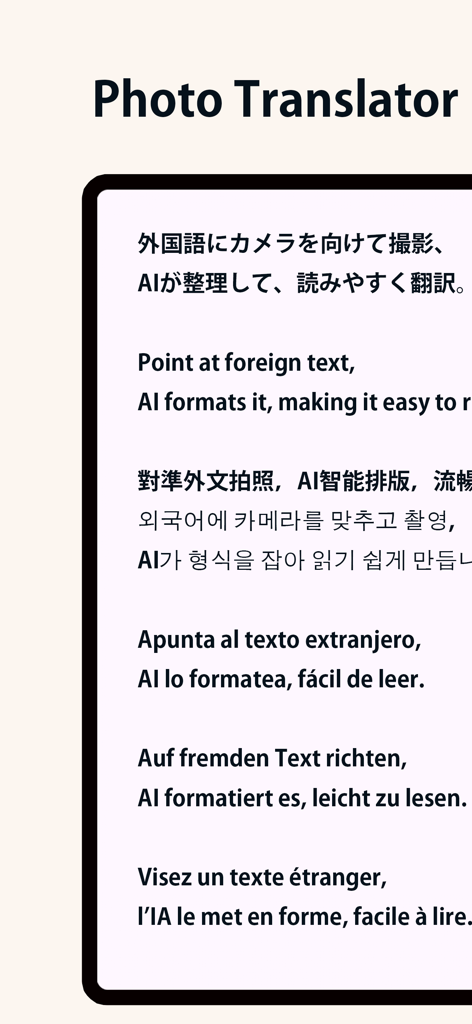
写真翻訳アプリのインターフェースが、複数の言語でAIテキストフォーマットと翻訳を表示しています。
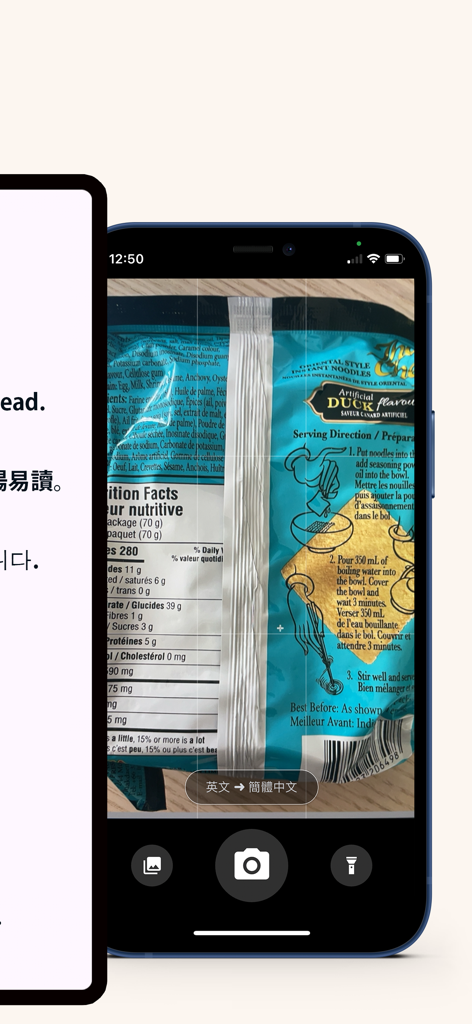
写真翻訳アプリのインターフェースで、製品ラベルをスキャンして即座に翻訳している画面。
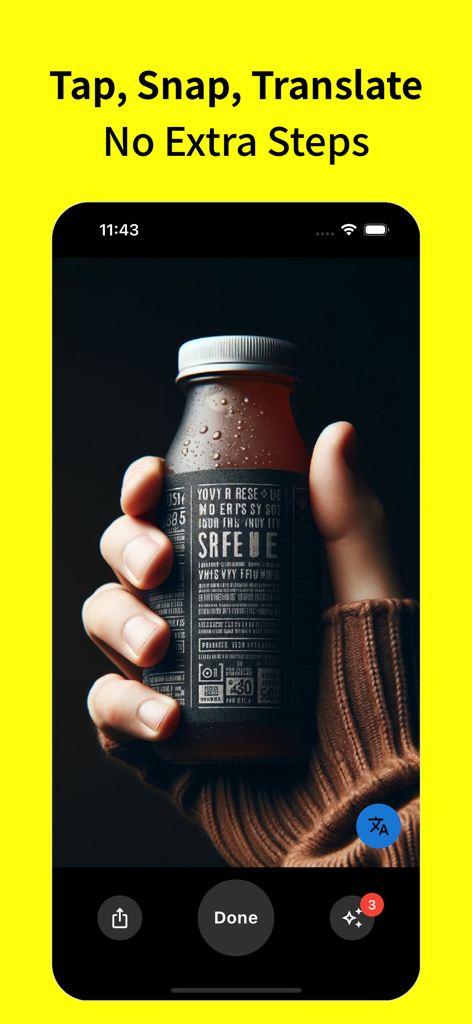
写真翻訳アプリのインターフェース内で、外国のラベルが付いたボトルを持っている手。テキストには「Tap Snap Translate」と表示されています。
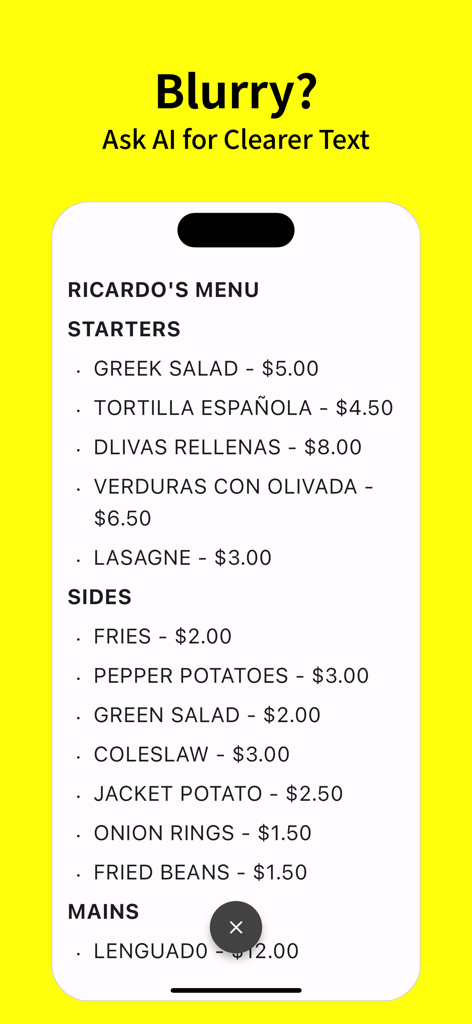
写真翻訳アプリのインターフェースが、レストランのメニューのAIテキスト修正を表示しています。
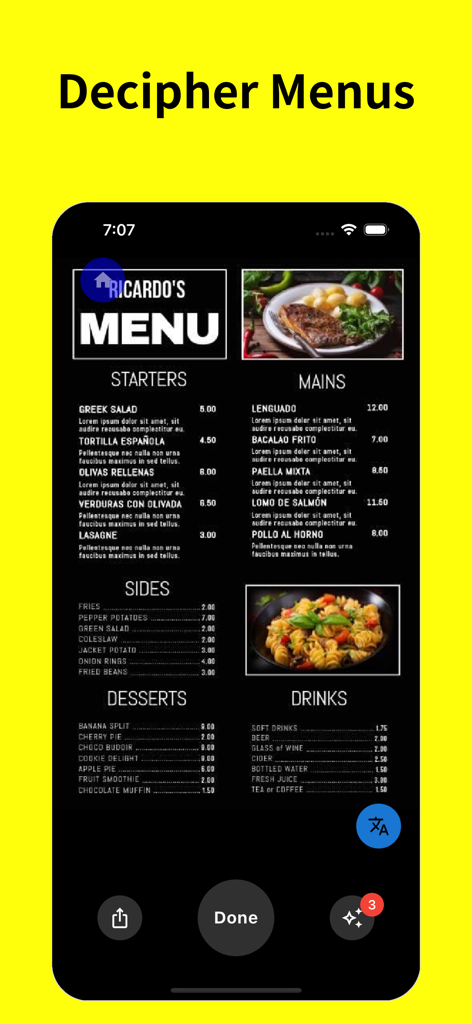
「メニューを解読する」と題されたモバイルアプリのスクリーンショット。食品や飲み物のオプションが翻訳されているレストランのメニューが表示されています。
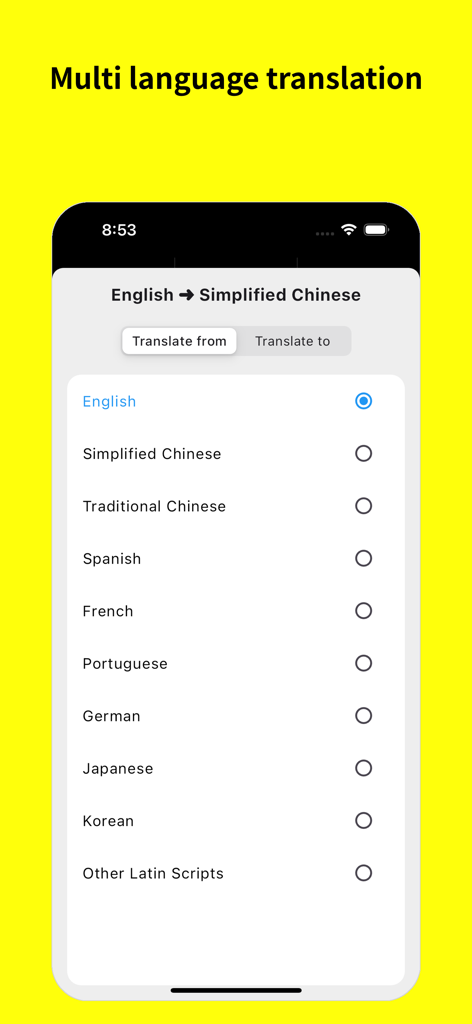
翻訳のソース言語とターゲット言語を選択するメニューを表示するモバイルアプリ画面。
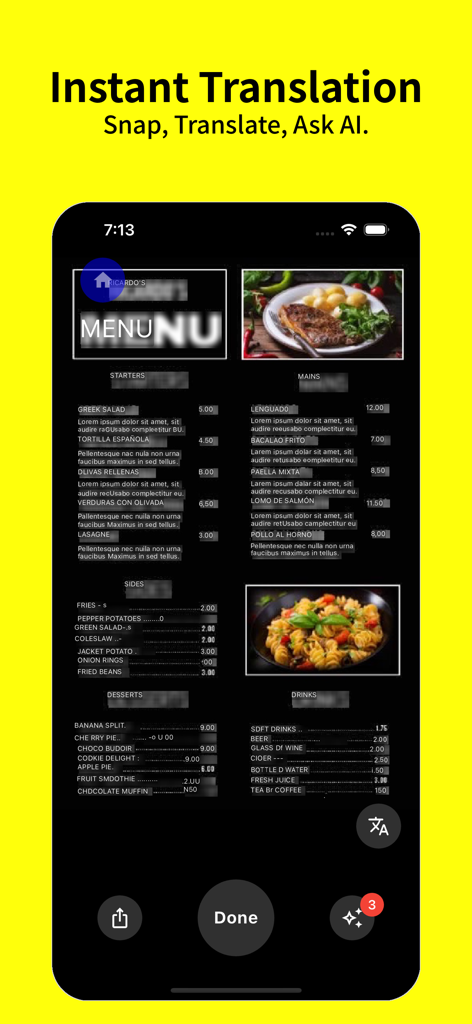
写真翻訳アプリを使用してスマートフォンで即座に翻訳されているレストランのメニュー。
説明
Download
類似アプリ
同じカテゴリのトップランクアプリ

Uber - Request a ride
Uber Technologies, Inc.

Airbnb
Airbnb, Inc.

铁路12306
ACADEMY OF RAILWAY SCIENCES CO., ltd.

Booking.com: Hotels & Travel
Booking.com B.V.

Grab: Taxi Ride, Food Delivery
GRABTAXI HOLDINGS PTE. LTD.

Trip.com: Book Flights, Hotels
Trip.com Travel Singapore Pte. Ltd.

DiDi China: Ride Hailing
Didi Chuxing (Beijing) Network Platform Technology Co., Ltd

去哪儿旅行-订酒店机票火车票
Beijing Qunar Information Technology Company Limit

Bolt: Request a Ride
BOLT TECHNOLOGY OU
このページはアプリまたはその開発者の公式ページではなく、情報提供および論評を目的として作成された独立した編集出版物です。明示的に別段の記載がない限り、アプリおよびその開発者は、MWM、Apple、Google Play、アプリのパブリッシャー、またはアプリの開発者と提携、承認、後援、認可、またはその他の公式的な関係はなく、このページのいかなる内容も、アプリがMWMのサービスを使用して開発されたことを意味するものではありません。すべての商標、ロゴ、スクリーンショット、その他のコンテンツはそれぞれの所有者の財産です。