Piano - Play any song & sheets
ダウンロード: App Store

このページはアプリまたはその開発者の公式ページではなく、情報提供および論評を目的として作成された独立した編集出版物です。明示的に別段の記載がない限り、アプリおよびその開発者は、MWM、Apple、Google Play、アプリのパブリッシャー、またはアプリの開発者と提携、承認、後援、認可、またはその他の公式的な関係はなく、このページのいかなる内容も、アプリがMWMのサービスを使用して開発されたことを意味するものではありません。すべての商標、ロゴ、スクリーンショット、その他のコンテンツはそれぞれの所有者の財産です。

ロゴ: Piano - Play any song & sheets
ダウンロード: App Store

Piano - Play any song & sheets

iPhoneとiPadのための究極のインタラクティブチューター。あなた自身の楽譜をインポートし、MIDIキーボードを接続して、リアルタイムのフィードバックを得ながら、あなた自身のペースでマエストロのように演奏しましょう。

主要数値

ダウンロード

12K+

ユーザー評価

3.8/5

評価数

0

開発元

T.V CO., LTD

カテゴリ

Music

対応言語

1

最新バージョン

1.1

サイズ

18.9 MB

リリース日

2021年10月5日
機能

数分でお気に入りの音楽をマスター

リアルタイムフィードバック、カスタム曲インポート、シームレスなMIDI接続で、あなたのデバイスをプロのピアノチューターに変えましょう。

スマートMIDI統合

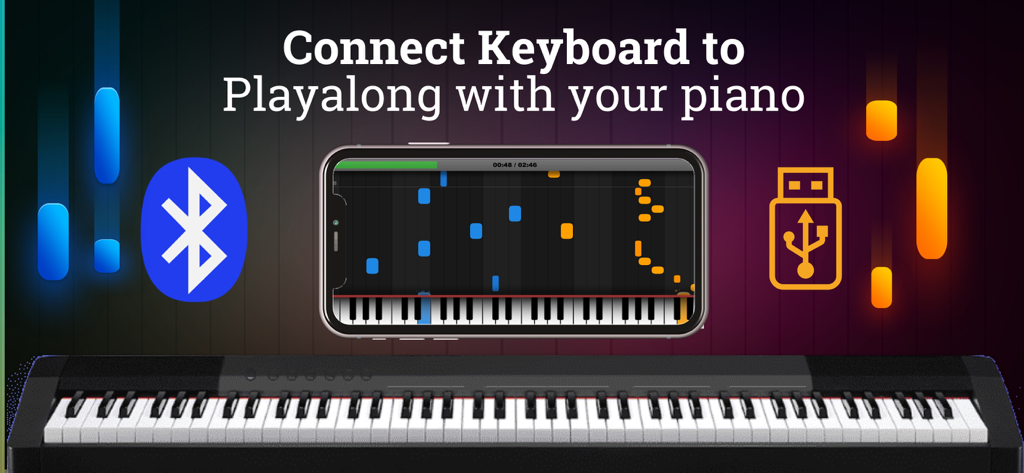
物理的なキーボードをBluetoothまたはUSB経由で接続し、即座にフィードバックを得ましょう。アプリは、次に進む前に正しい音符が演奏されるのを待ちます。

無制限の楽曲インポート

プリセットプレイリストから解放されましょう。自分で作成したMIDIファイルや楽譜をインポートして、実際に楽しめるトレンドのヒット曲やクラシックの名曲を学びましょう。

以下のスクリーンショットと説明は、アプリの公式ストアリスティングから直接取得されたものであり、アプリ開発者の所有物です。

アプリストア

スクリーンショット
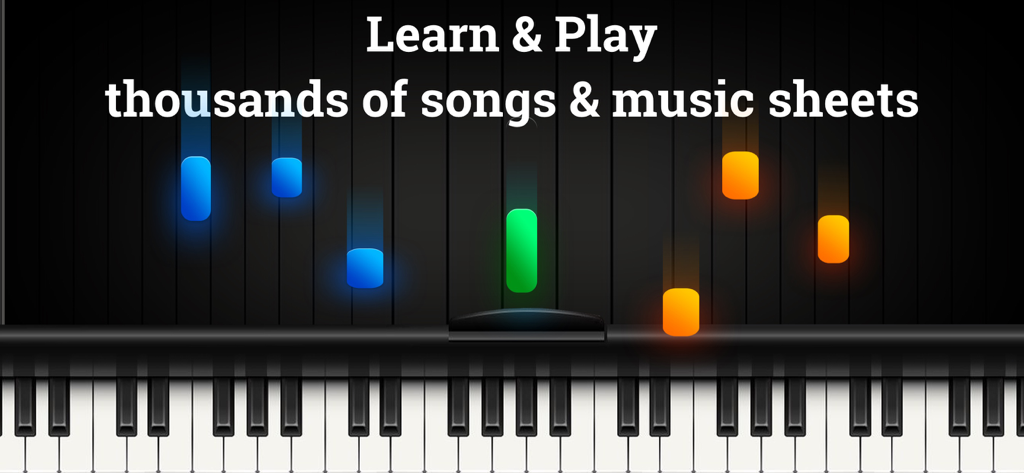
Piano - Play any song & sheets - デジタルピアノキーボードに、音楽学習レッスンを表す落下する色付きの音符が表示されています
デジタルピアノキーボードに、音楽学習レッスンを表す落下する色付きの音符が表示されています

Piano - Play any song & sheets - BluetoothおよびUSB接続オプションを備えたデジタルキーボード上のピアノ学習アプリインターフェースを示すスマートフォン
BluetoothおよびUSB接続オプションを備えたデジタルキーボード上のピアノ学習アプリインターフェースを示すスマートフォン

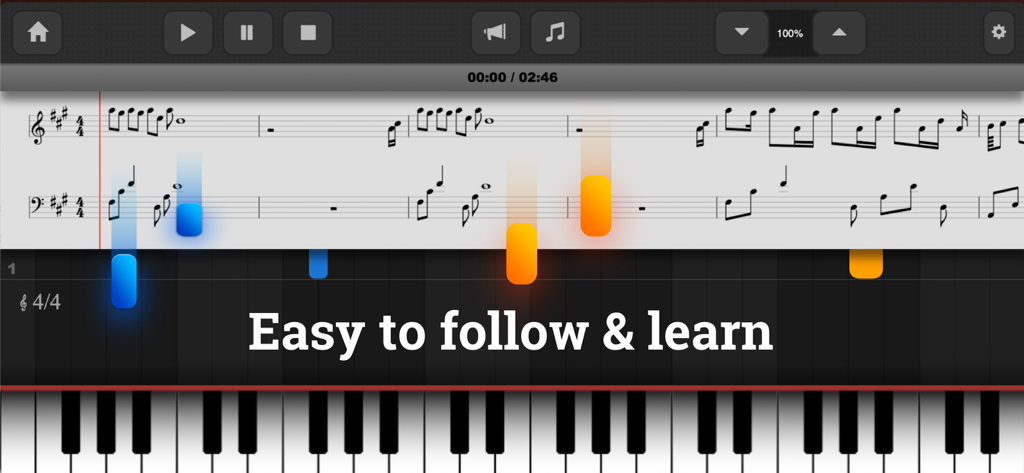
Piano - Play any song & sheets - デジタルキーボードの上に落下する音符が付いた楽譜を示すピアノアプリ画面。

デジタルキーボードの上に落下する音符が付いた楽譜を示すピアノアプリ画面。

説明

Want to learn the piano? Well, this is an app for that. While this app don’t replace playing an actual piano, this is the best piano apps for your Ipad and Iphones that will help you practice when you’re on the go. With this app, you will learn to play beautiful piano music from the very beginning. Import your most popular Songs & Music sheet files. Play & learn your favorites songs. With 88-key intelligent piano simulator not only serves as a teaching tool by guiding you through thousands of pieces of sheet music. The app also offers a Metronome, pedal, dual scrollable keyboard that could help you learn thousands of classic piano songs and become a music maestro. Learning a new song has never been that simple! New songs are added on the playbook every week for you to keep practicing. The app supports a USB MIDI keyboard / Bluetooth MIDI keyboard, so once you’re ready to graduate to a real live instrument, our Piano app can provide a smooth transition. FEATURES - Play & learn your favorites songs and sheet - Connect a MIDI-Keyboard to get instant feedback if you hit the correct notes. Support connect via USB / Lighning cable or Bluetooth MIDI Connect. - Musics play with notes and sheets as timeline. It easy for your start to learn any songs. - You can also use the keyboard as output device to play the MIDI-Files on your keyboard/Piano. - Playalong with your Piano. - Show note and sheet as song timeline - Awesome practice effects - View sustain-pedal events and sustained notes - Pause, Skip Forward or Backward, Adjust the Speed - Intuitive controls allow quick navigation through the song - Customize and only display or play the tracks you want - Customize colors, effects, instruments and much more HOW TO CONNECT YOUR PIANO - Your keyboard / Piano must support MIDI input/output port or Bluetooth Support MIDI connection. - Plugin your USB Cable (Mac version) or Lightning Cable converter from your piano to iPhone/Ipad devices. If your keyboard/piano support bluetooth connect. Make sure your devices & keyboard/Piano Bluetooth turn on. Go to app setting > Piano connection. Then start connect and pair your devices. - After connect, Piano build-in are ready to play sound & music node as input/output audio. To turn of each devices, go to MIDI setting on piano app. Then turn on/off per input/output devices - To play along with your keyboard/Piano. Go to Piano screen > Setting > select track > then turn on off request playalong follow your right or left hand. - Now, when music play & the node showing. When you hit the inconnect/correct notes. Music timeline will pause or continue. - Don’t have piano keyboard ? Don’t worry, try connect your computer keyboard or bluetooth keyboard. We also support it. If you’ve ever dreamt of learning to play the piano, there are about a hundred reasons why you should start. Premium Subscription: Piano app includes an optional auto-renewable subscription to access current and future premium (price may vary depending on location): - Subscription starts from USD 9.99. - a 1-month subscription - a 1-month subscription with 3 days free trial - a 1-year subscription - a 1-year subscription with 3 days free trial • Check in app for exact pricing in your region • Payment will be charged to your iTunes account at confirmation of purchase and will automatically renew (at the duration/price selected) unless auto-renew is turned off at least 24 hours before the end of the current period. • Account will be charged for renewal within 24-hours prior to the end of the current period, and identify the cost of the renewal. • You can manage your subscription and/or turn off auto-renewal by going to your iTunes Account Settings. Terms of Service: https://www.tvcorp.page/p/term-of-service.html Privacy: https://www.tvcorp.page/p/privacy-policy.html Download & Enjoy your dream.

Download

ダウンロード: App Store

このページはアプリまたはその開発者の公式ページではなく、情報提供および論評を目的として作成された独立した編集出版物です。明示的に別段の記載がない限り、アプリおよびその開発者は、MWM、Apple、Google Play、アプリのパブリッシャー、またはアプリの開発者と提携、承認、後援、認可、またはその他の公式的な関係はなく、このページのいかなる内容も、アプリがMWMのサービスを使用して開発されたことを意味するものではありません。すべての商標、ロゴ、スクリーンショット、その他のコンテンツはそれぞれの所有者の財産です。