Pixel Lab Photo Editor

Pixel Lab Photo Editor

ダウンロード: App Store
ロゴ: Pixel Lab Photo Editor

Pixel Lab 写真編集アプリ:写真と動画のためのオールインワン・クリエイティブスタジオ

1つのアプリで15種類以上の強力なツールを使い、メディアを様々に変化させましょう。見事なコラージュやカスタムフレームから、バイラル動画エフェクト、GIF作成まで、あなたのストーリーを共有するために必要なすべてが、タップするだけで手に入ります。

開発元

Parth Changela

カテゴリ

Photo & Video

ダウンロード

2M+

ユーザー評価

4.3/5

評価数

4K+

対応言語

1

あなたが必要とする唯一のクリエイティブツールキット

このアプリを際立たせるツール、 2M+ 人のユーザーが選択.

プロ並みの編集を簡単に

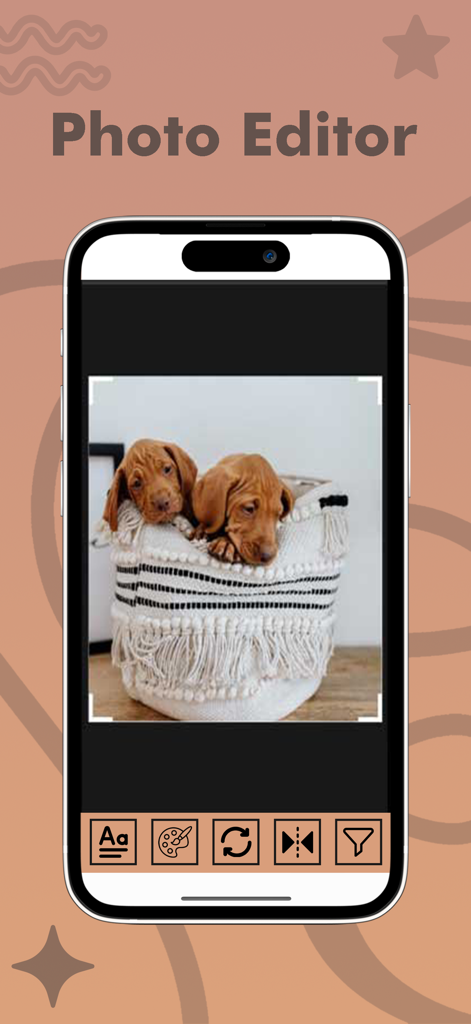
学習曲線はスキップ。直感的なツールで、スマイルホワイトニング、カラースプラッシュ、スマート調整を行い、あらゆるショットを数秒でソーシャルメディアに最適なものにしましょう。

🎬

ダイナミックな動画パワー

動画をGIFに変換したり、MP3を抽出したり、クリップを即座に結合したりできます。高性能な動画編集とユーティリティツールが、あなたのポケットにぴったり収まります。

💖

カスタムストーリーテリング

何千ものステッカー、ユニークなフレーム、引用テンプレートから選んで、あなたの人生の節目を思い通りに共有しましょう。

レビュー分析

ユーザーレビューの分析.

感情スコア

23%
ネガティブ

概要

This mobile app receives overwhelmingly negative feedback, primarily due to an excessive number of intrusive advertisements that severely disrupt the user experience and editing workflow. Many users, particularly on iOS, report significant performance issues including frequent crashes, freezing, and the app being deemed unusable, with some noting a superior experience on Android. While a small subset of users acknowledge its effectiveness for core editing tasks like creating logos, banners, and thumbnails, these positive aspects are often overshadowed by stability problems and interface complexities that arose after recent updates.

主なテーマ

Excessive Advertisements(25)
App Stability / Crashes(12)
General Satisfaction(8)
iOS Platform Disparity(4)
Core Editing Tools(2)
User Interface Complexity(2)

アプリについて

について知っておくべきこと Pixel Lab Photo Editor.

説明

- Pixel Lab Photo Editor and video editor is extremely powerful photo and video editing software with amazing filters, effects, frames and much more! - Pixel Lab Photo Editor is designed with the average user in mind, simple and fun to use. Everyone one can Pixel Lab Photo Editor & video editor within minutes of first use. No image and video editing experiences needed. - Edit your photos and video with Pixel Lab Photo & video Editor and Share photos & video with your friends with easy to use share feature. This app provide 15 main future. -> Photo editor -> Photo Frames creator -> Mirror Photo maker -> Collage Maker -> Quotes Creator -> Video To GIF -> Image To GIF -> Video To MP3 -> Video Cutter -> Video To Image -> Slow/Fast Video -> Add Watermark -> Video Filter -> Reverse Video -> Merge Video Here are some of the amazing features: • Add Endless Stickers • Apply Amazing Effects • Add Unique Frames & Overlays • Use Color Splash • Crop, Rotate, Flip & Straighten • Adjust Brightness, Contrast & Saturation • Draw and Paint on Photos • Add Text with Multiple Fonts • Smile Whitening • Vignette tool • And Much More! Easy and Fast Create a photo in seconds with our photo grid feature. Choose from a wide variety of grid layouts and pre-designed cards or use freestyle mode to create a photo of your own, unique style! Resize and filter your photo and share it on Instagram, Twitter, Facebook, Snapchat, and WhatsApp. Stickers for Every Occasion Edit your photos with thousands of fun and trendy stickers! Enjoy exclusive stickers from huge brands. Unleash Your Creativity Customize the photo border, background, photo grid, filters and more with Magic Photo Editors, Just choose the photos you want to use, and we will suggest different layouts and grids for you! Filter : This app provides best Filter future it provides many type color Filter. Enhance Bright user manage your photo bright Contrast hue Satur Temp Tint Vignette Sharp Crop Rotate Stickers Add text Paint Photo frames creator -------------------- This "Photo Frames" app has an easy and special user interface that gives a lovely and creative touch to your images and makes each photograph of yours something to remember by.
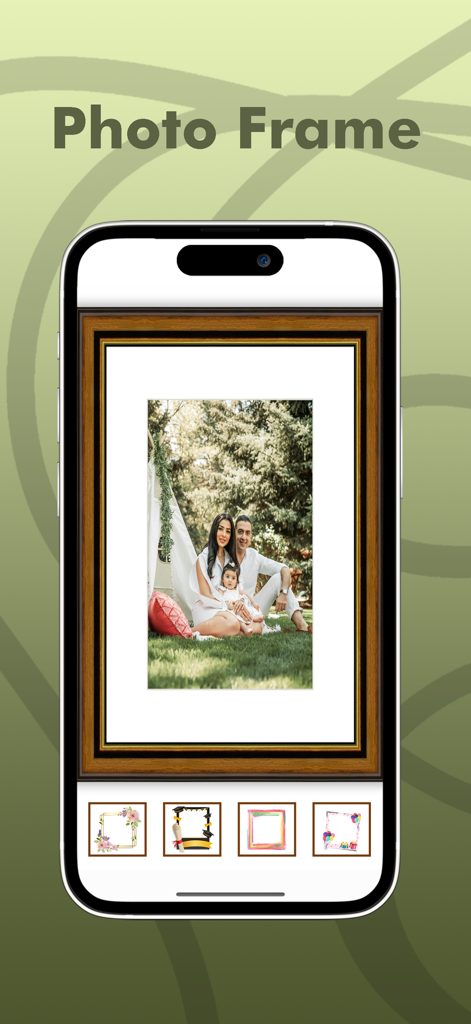
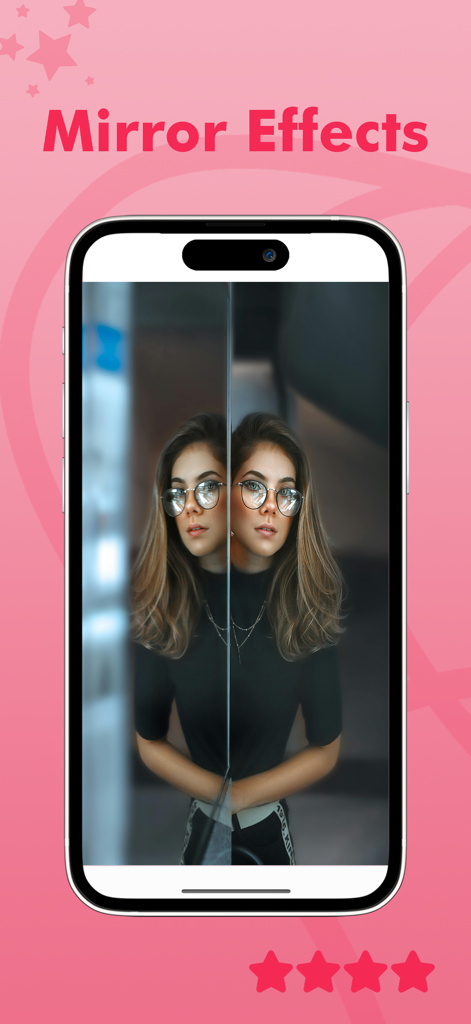
This ‘Photo Frame’ app is free to download. Photo frames types: Animal photo frames Anniversary photo frames Birthday photo frames Book photo frames Butterfly photo frames Coffee photo frames Flower photo frames Garden photo frames Kids photo frames Love photo frames Miss you photo frames Sorry photo frames Teddy photo frames Underwater photo frames Winter photo frames Wood wall photo frames. Quotes Creator ------------- Quotes creator provide best way to create your own quotes with your photo. We’re so happy you chose us as your favorite photo and photo editor app and excited to see what you make! Mirror Photo Creator -------------------- Mirror Photo Editor is an excellent and easy-to-use tool to mirror images. It is the best free mirroring app for you! You can easily mirror pictures of you and make amazing collages with your images through various layouts. Video To GIF —————— This function use for convert video to GIF image. Image To GIF ——————- This function use for create GIF image. Video To MP3 ——————— This function use for convert video to MP3. Video Cutter ——————— This function use for video cutting. Video To Image ———————— This function use video convert to image. Slow/Fast Video ———————— This function use for video slow or fast. Add Watermark ———————- This function use for add your watermark. Video Filter —————— This function use for add best effect in your video. Reverse Video ——————— This function use for video reverse. Merge Video —————— This function use 2 or more video join. Terms And Condition:- http://photoframe.pixelphotogallery.com/api/page/terms-and-condition Privacy Policy:- http://photoframe.pixelphotogallery.com/api/page/privacy-policy

最新バージョン

5.4

サイズ

162.0 MB

リリース日

2018年3月21日

オールインワン・クリエイティブスタジオがタップするだけで手に入ります

アプリを切り替えるのはもうやめましょう。200万人以上のクリエイターに加わり、数秒で見事な写真、動画、GIFを作成しましょう。今すぐPixel Labをダウンロード!

ダウンロード: App Store
FAQ

よくある質問

について知っておくべきこと Pixel Lab Photo Editor

Pixel Lab Photo Editorとは何ですか?

Pixel Lab Photo Editorは、強力な写真およびビデオ編集ソフトウェアです。フィルター、エフェクト、フレームなどが含まれており、平均的なユーザーが簡単に楽しく使えるように設計されており、事前の編集経験は必要ありません。

Pixel Lab Photo Editorにはビデオ編集機能が含まれていますか?

はい、Pixel Lab Photo Editorはビデオ編集機能を提供しています。機能には、ビデオからGIFへ、ビデオからMP3へ、ビデオカッター、スロー/ファストビデオ、ウォーターマークの追加、ビデオフィルター、ビデオの反転、ビデオのマージなどが含まれます。

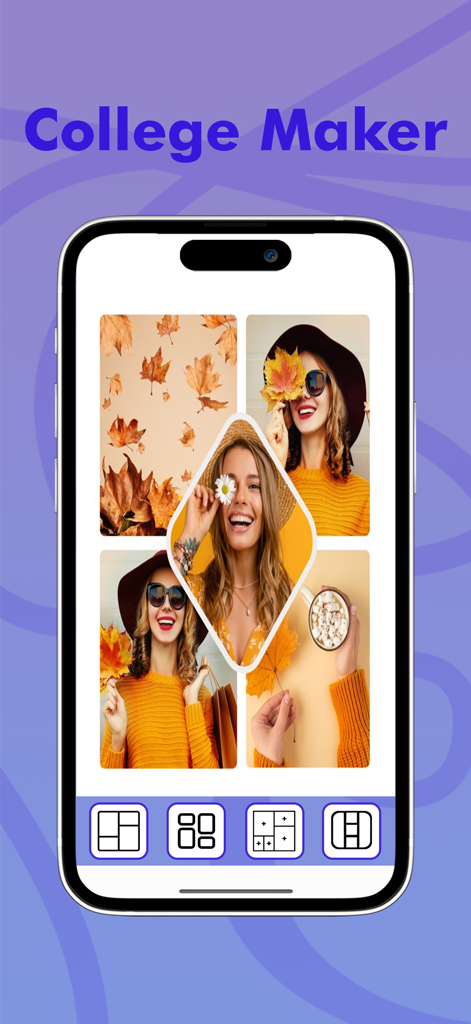
Pixel Lab Photo Editorでフォトコラージュを作成できますか?

はい、Pixel Lab Photo Editorではフォトコラージュを作成できます。コラージュメーカー機能が提供されており、さまざまなグリッドレイアウトとフリースタイルモードでユニークな写真構成をデザインできます。

Pixel Lab Photo Editorではどのような種類のフォトフレームが利用できますか?

Pixel Lab Photo Editorはフォトフレームクリエイター機能を提供しています。動物、記念日、誕生日、花、愛、子供など、さまざまな種類のフレームが含まれており、画像を強化します。

Pixel Lab Photo EditorはビデオをGIFに変換しますか?

はい、Pixel Lab Photo Editorには「ビデオからGIFへ」機能があります。これにより、ユーザーはアプリケーション内でビデオファイルを直接GIF画像にすばやく簡単に変換できます。

Pixel Lab Photo Editorで写真にミラーエフェクトを適用できますか?

はい、Pixel Lab Photo Editorは「ミラーフォトクリエイター」ツールを通じてミラーエフェクトを提供しています。ユーザーは簡単に画像をミラーリングし、さまざまなミラーリングレイアウトで素晴らしいコラージュを作成できます。

Pixel Lab Photo Editorで写真にテキストを追加するにはどうすればよいですか?

はい、Pixel Lab Photo Editorでは写真にテキストを追加できます。アプリには、テキストの追加をカスタマイズするための複数のフォントが用意されており、写真のパーソナライズを強化します。

Pixel Lab Photo Editorのプライバシーポリシーはどこで見つけられますか?

Pixel Lab Photo Editorのプライバシーポリシーは、アプリの説明に記載されているリンクからアクセスできます:http://photoframe.pixelphotogallery.com/api/page/privacy-policy。

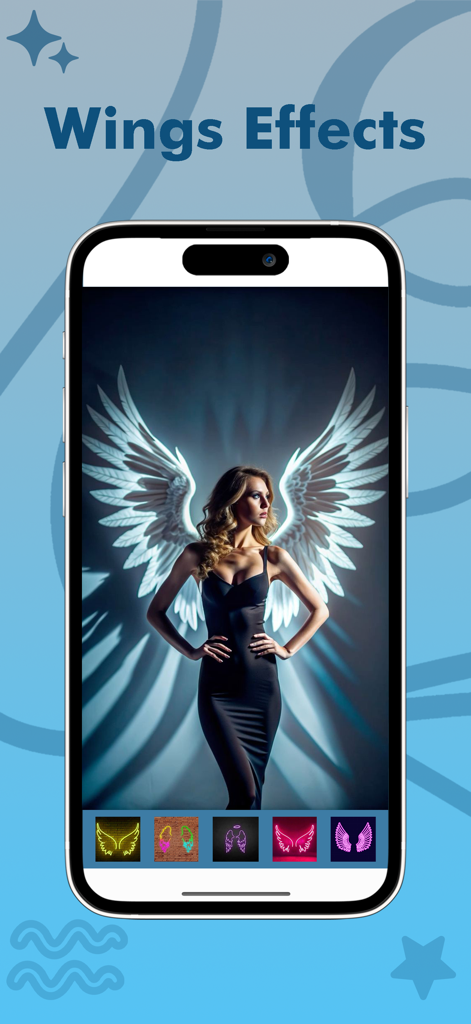
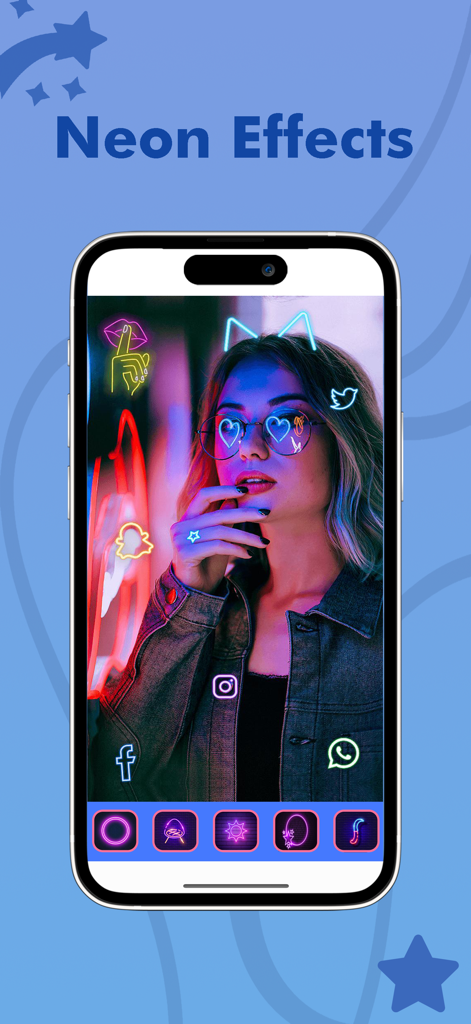
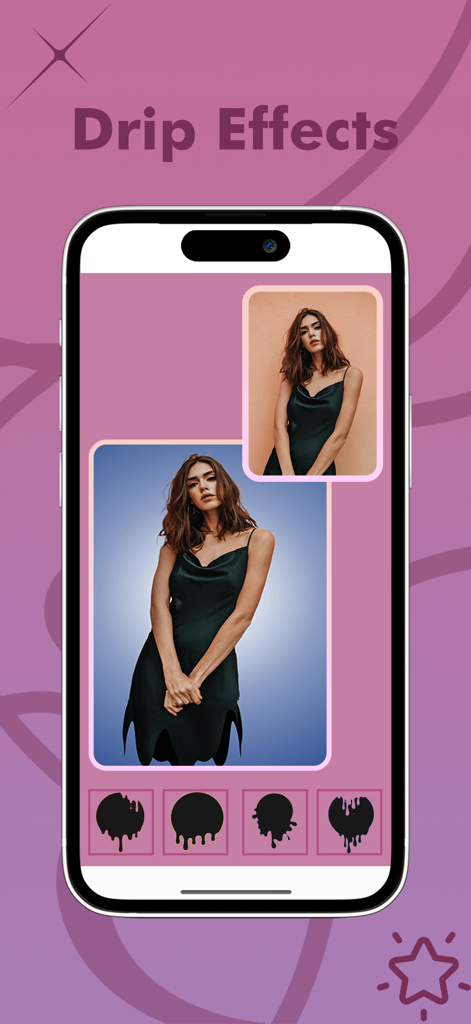
Pixel Lab Photo Editorはネオンや翼のような写真エフェクトを提供していますか?

はい、Pixel Lab Photo Editorでは、画像にさまざまなエフェクトを適用できます。例としては、翼エフェクト、ネオンエフェクト、ドリップエフェクト、および一般的な素晴らしいエフェクトが含まれます。

App information, icons, screenshots, and descriptions displayed on this page are sourced from the Apple App Store and are the property of their respective developers. Download estimates and rankings are based on MWM's proprietary models and may not reflect actual figures. This page is provided for informational and analytical purposes only.

Believe this page infringes your intellectual property? File a dispute