
このページはアプリまたはその開発者の公式ページではなく、情報提供および論評を目的として作成された独立した編集出版物です。明示的に別段の記載がない限り、アプリおよびその開発者は、MWM、Apple、Google Play、アプリのパブリッシャー、またはアプリの開発者と提携、承認、後援、認可、またはその他の公式的な関係はなく、このページのいかなる内容も、アプリがMWMのサービスを使用して開発されたことを意味するものではありません。すべての商標、ロゴ、スクリーンショット、その他のコンテンツはそれぞれの所有者の財産です。

Player for Watch
Experience true autonomy by playing videos and music directly from your wrist. Sync your favorite local files for offline enjoyment during workouts, commutes, or travel—no iPhone required.
ダウンロード
32K+ユーザー評価
評価数
400開発元
カテゴリ
Music対応言語
33最新バージョン
3.2.4サイズ
28.8 MBリリース日
2023年4月5日Total Media Freedom on Your Wrist
Leave your iPhone behind and enjoy your personal collection of music and videos with the most powerful standalone media player for Apple Watch.
True Phone-Free Workouts
Go for a run or hit the gym without your iPhone. Play high-quality audio directly from your Watch speaker or Bluetooth headphones.
Universal Format Support
Stop worrying about conversions. From lossless FLAC for audiophiles to MP4 videos, we support almost every major media format.
以下のスクリーンショットと説明は、アプリの公式ストアリスティングから直接取得されたものであり、アプリ開発者の所有物です。
アプリストア
スクリーンショット
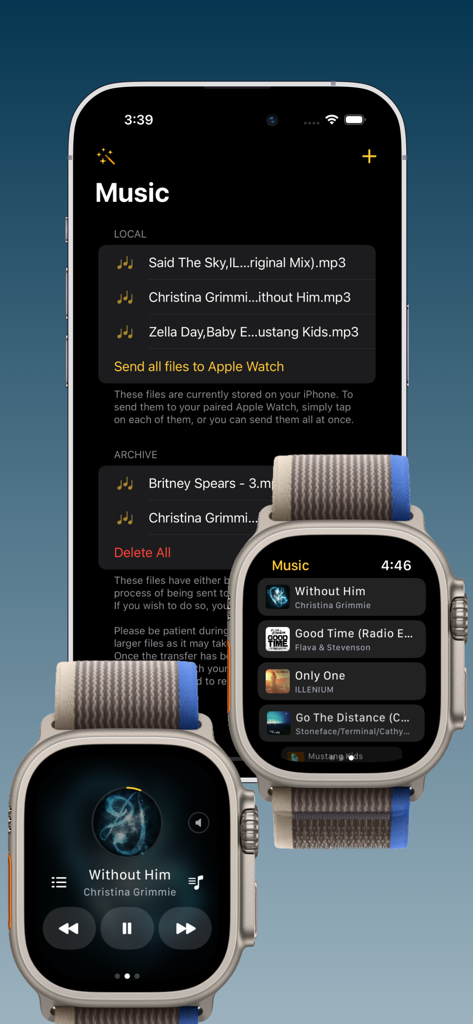
Player for WatchアプリのiPhoneとApple Watchのインターフェイス。音楽ファイルの転送と再生コントロールが表示されている。
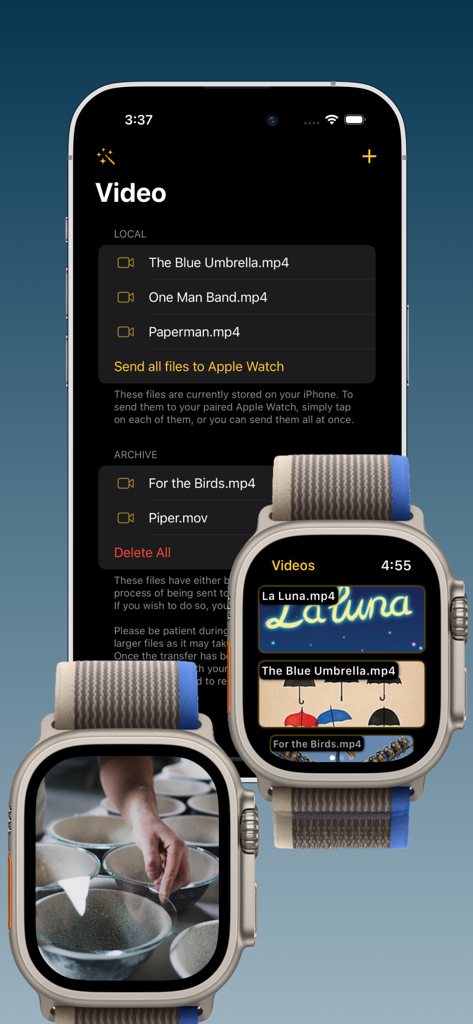
Player for Watchアプリのインターフェイス。iPhoneからApple Watchへのビデオファイルの同期と、ウォッチでのビデオ再生が表示されている。
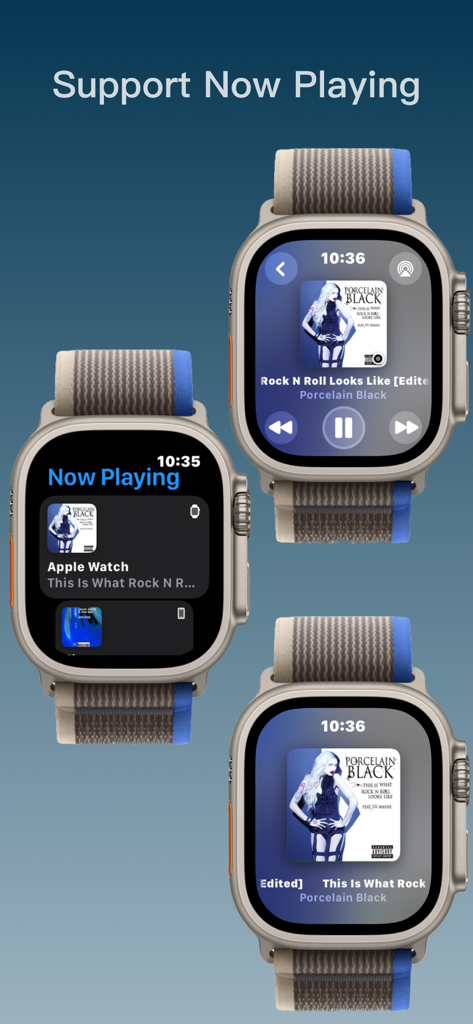
Apple Watchの「再生中」の音楽インターフェイスのスクリーンショット
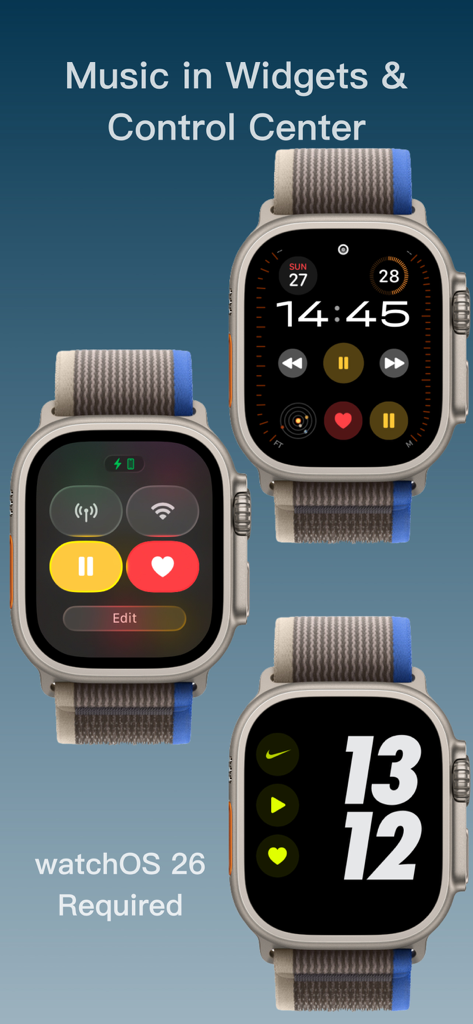
ウィジェットとコントロールセンターのApple Watchの音楽再生コントロール
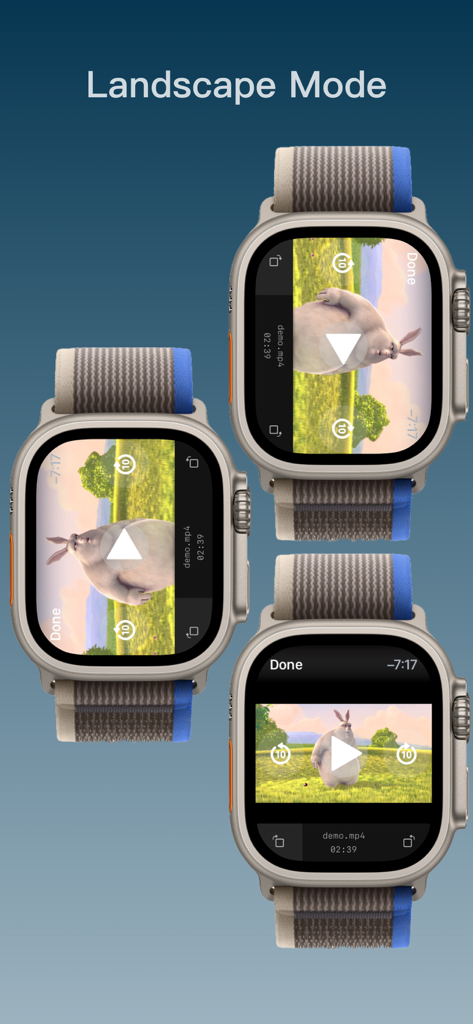
Player for Watchアプリを使用した横向きでのビデオ再生を示す3つのApple Watch
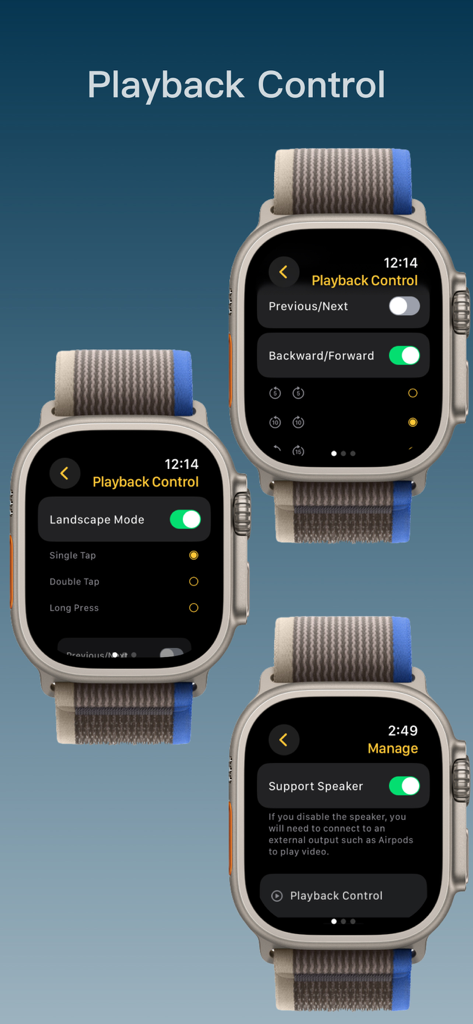
メディア再生コントロールの設定とスピーカー管理オプションを示す3つのApple Watchインターフェイス
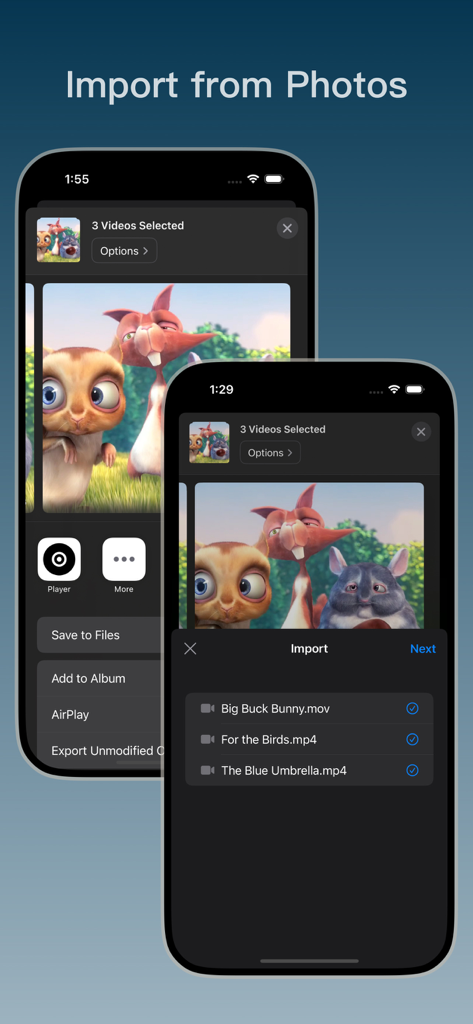
写真アプリからプレーヤーにビデオファイルをインポートするプロセスを示すiPhone画面
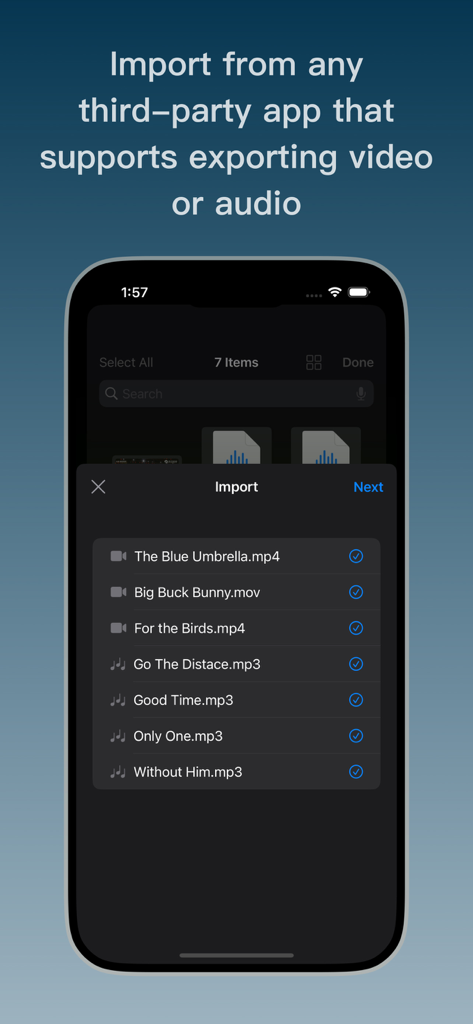
Player for Watchにビデオおよびオーディオファイルをインポートするためのインターフェイスを表示する画面
説明
Download
類似アプリ
同じカテゴリのトップランクアプリ

Spotify: Music and Podcasts
Spotify

YouTube Music
Google LLC

Shazam: Find Music & Concerts
Apple Inc.

SoundCloud: The Music You Love
SoundCloud Global Limited & Co KG

Suno - AI Songs & Music
Suno Inc.

QQ音乐 - 听我想听
Tencent Technology (Shenzhen) Company Limited

Audiomack - Play Music Offline
Audiomack, Inc.

GuitarTuna: Tune & Play Guitar
Yousician Ltd

BandLab – Music Maker & Beats
BandLab Singapore Pte Ltd
このページはアプリまたはその開発者の公式ページではなく、情報提供および論評を目的として作成された独立した編集出版物です。明示的に別段の記載がない限り、アプリおよびその開発者は、MWM、Apple、Google Play、アプリのパブリッシャー、またはアプリの開発者と提携、承認、後援、認可、またはその他の公式的な関係はなく、このページのいかなる内容も、アプリがMWMのサービスを使用して開発されたことを意味するものではありません。すべての商標、ロゴ、スクリーンショット、その他のコンテンツはそれぞれの所有者の財産です。