
このページはアプリまたはその開発者の公式ページではなく、情報提供および論評を目的として作成された独立した編集出版物です。明示的に別段の記載がない限り、アプリおよびその開発者は、MWM、Apple、Google Play、アプリのパブリッシャー、またはアプリの開発者と提携、承認、後援、認可、またはその他の公式的な関係はなく、このページのいかなる内容も、アプリがMWMのサービスを使用して開発されたことを意味するものではありません。すべての商標、ロゴ、スクリーンショット、その他のコンテンツはそれぞれの所有者の財産です。

ダウンロード
208K+ユーザー評価
評価数
100開発元
カテゴリ
Education対応言語
2最新バージョン
2.0.0サイズ
5.4 MBリリース日
2016年4月11日あなた専属のデジタル学芸員
専門家による音声、映像、歴史的洞察で、美術館訪問を没入型のストーリーテリング体験に。すべてあなたのポケットの中に。
瞬時にわかる展示品情報
アイテム番号を入力するだけで、目の前にある作品に関する詳細なテキスト、高解像度の写真、隠されたディテールを解き明かせます。
没入型マルチメディアガイド
専門家の解説を聞き、限定アニメーションを見て、古代の歴史や現代アートに命を吹き込もう。
以下のスクリーンショットと説明は、アプリの公式ストアリスティングから直接取得されたものであり、アプリ開発者の所有物です。
アプリストア
スクリーンショット
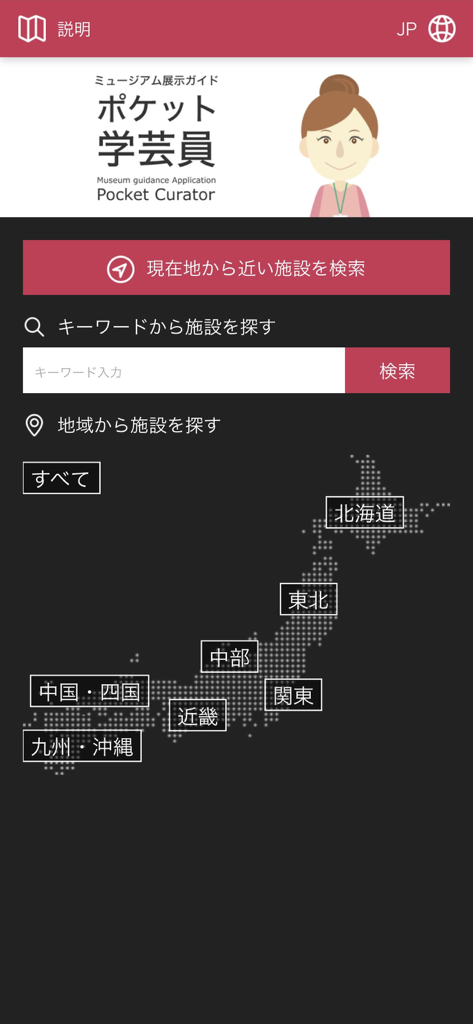
Pocket Curatorアプリの美術館検索オプションと日本の地図を表示したインターフェース
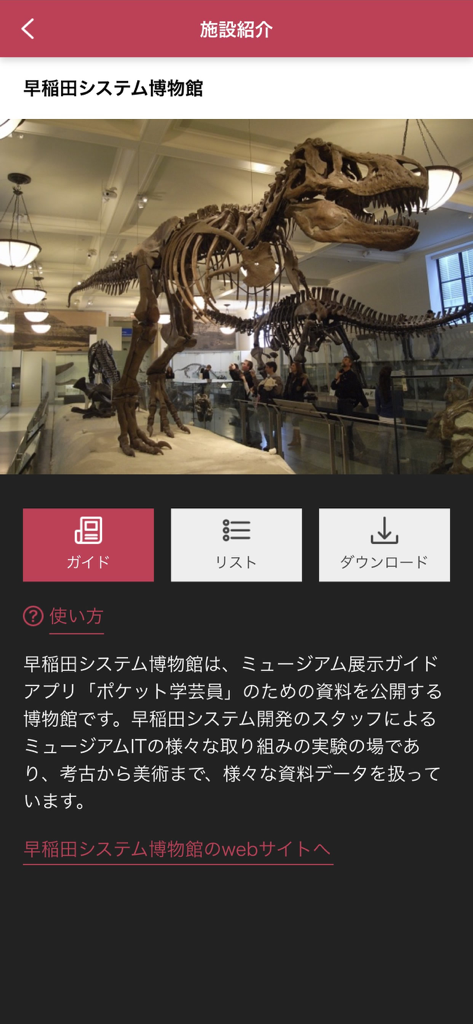
早稲田システム博物館の恐竜の骨格展示を特集したPocket Curatorアプリのスクリーンショット。
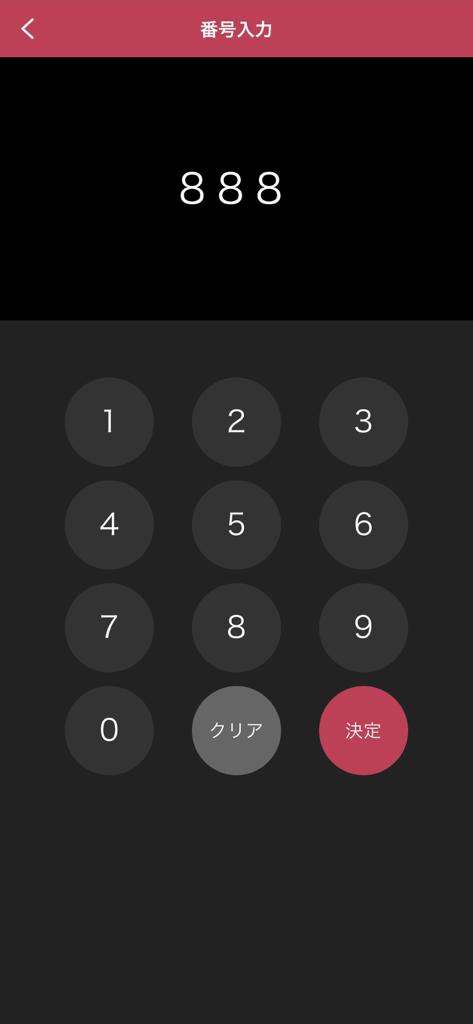
Pocket Curatorアプリで美術館のアイテム番号を入力するための数字キーパッドインターフェース
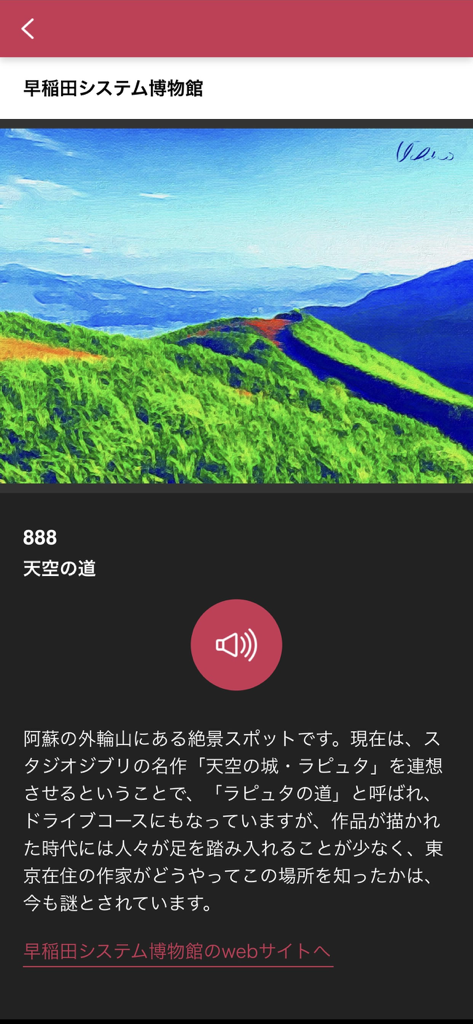
Pocket Curatorアプリの風景画とオーディオガイド再生ボタンを表示したインターフェース
説明
Download

類似アプリ
似た機能とユーザー体験を持つアプリ

Meow Wolf
Meow Wolf, Inc.

Smartify: Arts and Culture
SMARTIFY CIC

Louvre Abu Dhabi
Abu Dhabi Tourism & Culture Authority

StreetMuseum(LocationedVR)
TOPPAN PRINTING CO.,LTD.

Uffizi Gallery
ITCARES SRL

The O
Moorilla Estate Pty Ltd

Imperial Palaces Guide
The Imperial Household Agency

The Kikubijutsu audio guide
Acoustiguide Japan Ltd.

MyPompeii
Parco Archeologico di Pompei
このページはアプリまたはその開発者の公式ページではなく、情報提供および論評を目的として作成された独立した編集出版物です。明示的に別段の記載がない限り、アプリおよびその開発者は、MWM、Apple、Google Play、アプリのパブリッシャー、またはアプリの開発者と提携、承認、後援、認可、またはその他の公式的な関係はなく、このページのいかなる内容も、アプリがMWMのサービスを使用して開発されたことを意味するものではありません。すべての商標、ロゴ、スクリーンショット、その他のコンテンツはそれぞれの所有者の財産です。