
このページはアプリまたはその開発者の公式ページではなく、情報提供および論評を目的として作成された独立した編集出版物です。明示的に別段の記載がない限り、アプリおよびその開発者は、MWM、Apple、Google Play、アプリのパブリッシャー、またはアプリの開発者と提携、承認、後援、認可、またはその他の公式的な関係はなく、このページのいかなる内容も、アプリがMWMのサービスを使用して開発されたことを意味するものではありません。すべての商標、ロゴ、スクリーンショット、その他のコンテンツはそれぞれの所有者の財産です。


Private Browser,Incognito VPN
デフォルトのシークレットモード、統合VPNセキュリティ、暗号化された音楽プレーヤーでプライバシーを取り戻しましょう。広告による追跡を停止し、あらゆるネットワークでデジタルフットプリントを完全に制御しましょう。
ダウンロード
230K+ユーザー評価
評価数
3K+開発元
カテゴリ
Reference対応言語
1最新バージョン
5.9サイズ
123.8 MBリリース日
2022年11月21日完全なプライバシー、妥協ゼロ
統合VPN保護、ステルスブラウジング、デジタルな自由のために設計されたプライベートメディアプレーヤーで、より速く、より安全なインターネットを体験してください。
ステルスファースト・ブラウジング
履歴、Cookie、トラッカーはありません。セッションは自動的に消去され、検索、ログイン、個人情報は厳密に機密として保持されます。
安全な公共Wi-Fi
カフェや空港など、どこからでも安全にサーフィンできます。高度な暗号化とインテリジェントトラッキング防止機能が、覗き見からデータを保護します。
よくある質問
について知っておくべきこと Private Browser,Incognito VPN
Is Private Browser truly private?
はい、プライベートブラウザはデフォルトでシークレットモードの画面を提供し、安全なブラウジング体験を提供します。追跡を行わず、ユーザーのアクティビティや履歴の記録は一切保持しません。
Does Private Browser include a VPN?
はい、プライベートブラウザにはVPNが内蔵されています。この機能により、ユーザーはブロックされたサイトにアクセスし、シークレットモードで安全にブラウジングし、オンラインアイデンティティを保護できます。
Can I customize the Private Browser interface?
はい、プライベートブラウザはインターフェースのカスタマイズを完全に提供します。ユーザーは独自のスタイルに合わせてテーマを設定することで、ブラウジング体験をパーソナライズできます。
Which search engines does Private Browser support?
プライベートブラウザは複数の検索エンジンをサポートしています。Google、Bing、Yahoo、Wikipedia、WolframAlpha、Ecosia、DuckDuckGo、Qwantなどが含まれており、ユーザーに多様な選択肢を提供します。
Does Private Browser save my search history?
いいえ、プライベートブラウザのプライベートブラウジングモードは、閲覧履歴を記録しません。この機能は、サードパーティがターゲット広告目的でデータを収集するのを防ぎます。
Can Private Browser help me manage passwords?
はい、プライベートブラウザはパスワード管理を容易にします。ウェブサイトのパスワードを保存するプロンプトを表示し、セキュリティを維持しながらログインプロセスを合理化します。
Does Private Browser have a music player?
はい、プライベートブラウザには音楽プレイヤーが統合されています。この機能は、最先端の暗号化技術とユーザーフレンドリーなインターフェースにより、リスニング履歴の完全なプライバシーを保証します。
How do I clear tabs in Private Browser?
プライベートブラウザでは、ワンタップですべての開いているタブをクリアできます。この機能により、ブラウジングセッションの迅速かつ効率的な管理が可能になり、ユーザーの利便性が向上します。
Can Private Browser bookmark webpages?
はい、プライベートブラウザではウェブページをブックマークできます。ブックマークは、ウェブサイトのURLを後で参照できるように保存するため、サイトを再訪する際のユーザーとブラウザの時間を大幅に節約できます。
Is Private Browser using Apple Intelligent Tracking Prevention?
はい、プライベートブラウザはApple Intelligent Tracking Prevention(ITP)を利用しています。この技術は、ユーザーがプライベートかつ匿名でウェブを閲覧するのに役立ち、セキュリティを強化します。
以下のスクリーンショットと説明は、アプリの公式ストアリスティングから直接取得されたものであり、アプリ開発者の所有物です。
アプリストア
スクリーンショット
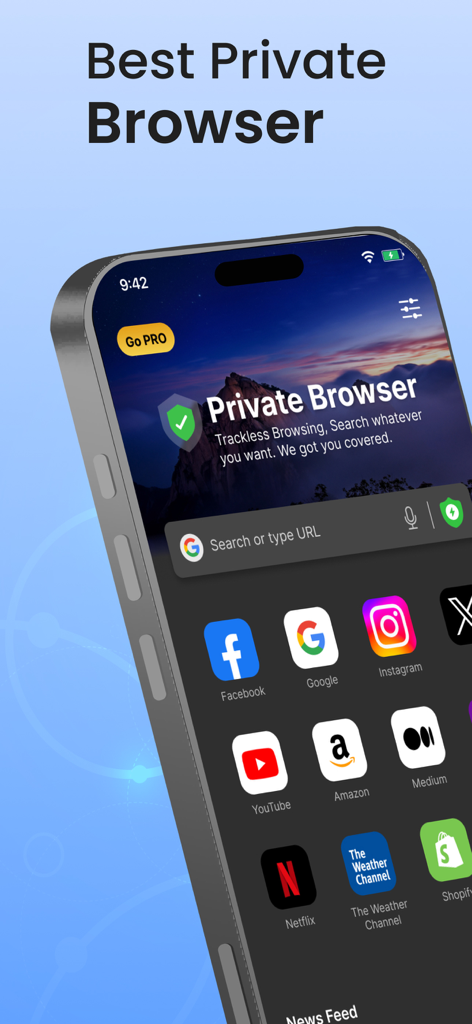
iPhone上のPrivate Browserアプリのインターフェース。検索バーとウェブサイトのショートカットが表示されています。
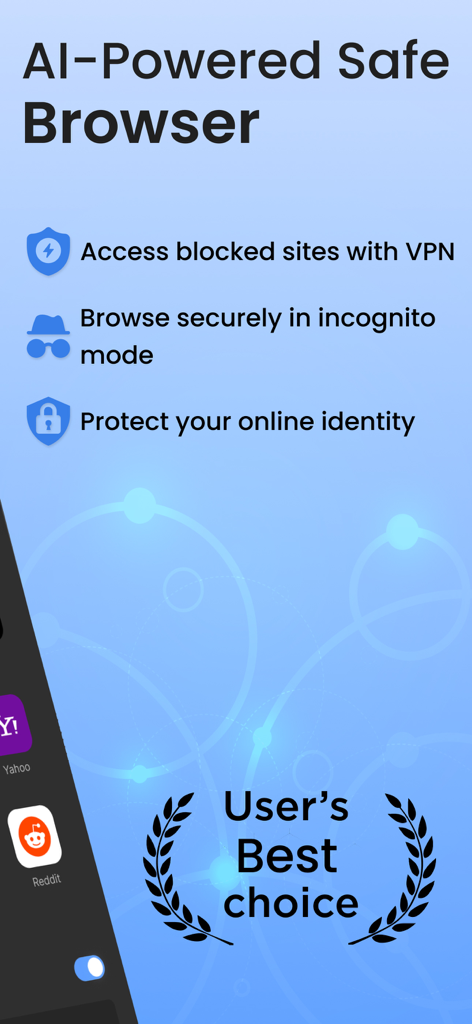
AI搭載のセーフブラウザのプロモーション画像。VPNおよびシークレットモードの機能を示しています。
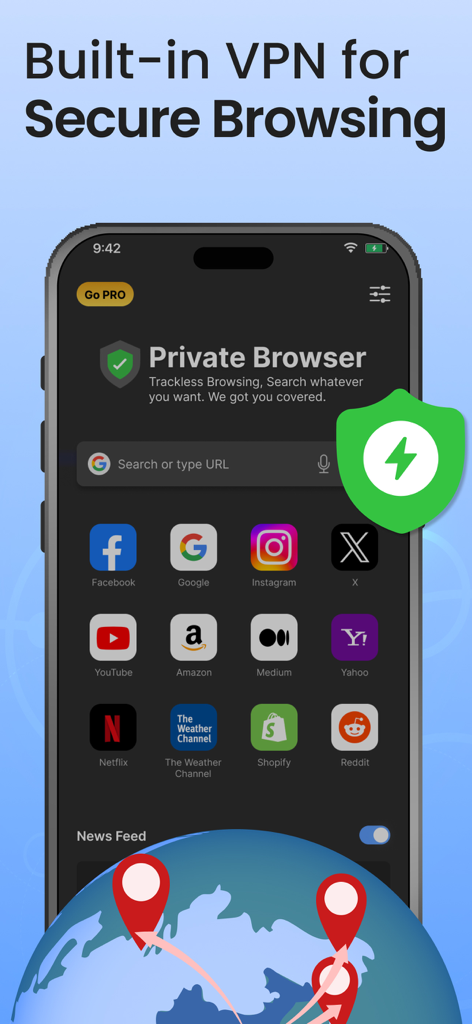
Private Browserアプリのインターフェース。安全なブラウジングのための内蔵VPNを強調しています。
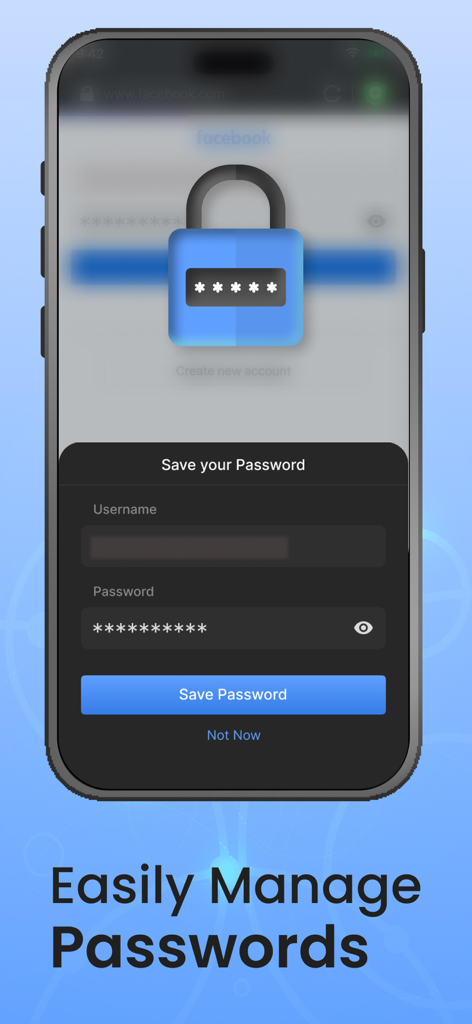
Private Browserアプリのモバイルインターフェース。南京錠アイコンが付いた安全なパスワード保存プロンプトが表示されています。
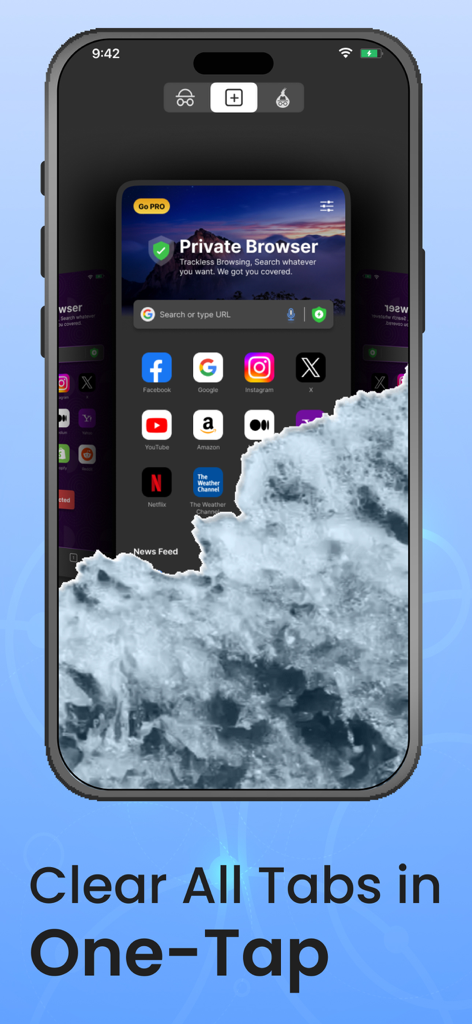
Private Browserアプリ内で、ワンタップですべてのブラウジングタブをクリアする機能を示すスマートフォンの画面。
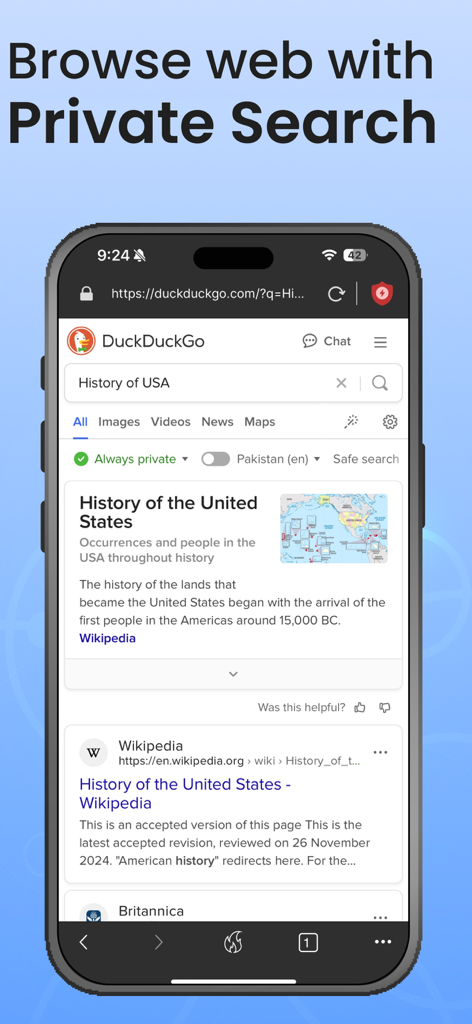
スマートフォンに、シークレットブラウザでDuckDuckGoを使用して、History of USAのプライベート検索が表示されています。
説明
Download
類似アプリ
似た機能とユーザー体験を持つアプリ

极速浏览器-安全快速上网
LANQI LIU

星so
涵钰 詹

Firefox Focus: Privacy browser
Mozilla Corporation

Private Browsing Web Browser
Savy Soda HK Limited

ReadSeek
旭瑞 杨

Phoenix Browser + Proxy VPN
TIMON SOFTWARE SOLUTIONS COMPANY LIMITED

Tvgarden: Movie, Sport Browser
Vaibhavi Padariya

浏览器-安全快速上网
立智 张

JM浏览器 全球版
元茂 张
このページはアプリまたはその開発者の公式ページではなく、情報提供および論評を目的として作成された独立した編集出版物です。明示的に別段の記載がない限り、アプリおよびその開発者は、MWM、Apple、Google Play、アプリのパブリッシャー、またはアプリの開発者と提携、承認、後援、認可、またはその他の公式的な関係はなく、このページのいかなる内容も、アプリがMWMのサービスを使用して開発されたことを意味するものではありません。すべての商標、ロゴ、スクリーンショット、その他のコンテンツはそれぞれの所有者の財産です。