
このページはアプリまたはその開発者の公式ページではなく、情報提供および論評を目的として作成された独立した編集出版物です。明示的に別段の記載がない限り、アプリおよびその開発者は、MWM、Apple、Google Play、アプリのパブリッシャー、またはアプリの開発者と提携、承認、後援、認可、またはその他の公式的な関係はなく、このページのいかなる内容も、アプリがMWMのサービスを使用して開発されたことを意味するものではありません。すべての商標、ロゴ、スクリーンショット、その他のコンテンツはそれぞれの所有者の財産です。


Pulsar Chess Engine
初心者からエキスパートレベルまで自分自身に挑戦し、フィッシャーからカールセンまでのマスターゲームを研究し、分析的なマインドのために設計された完全にアクセス可能な体験をお楽しみください。
ダウンロード
12K+ユーザー評価
評価数
0開発元
カテゴリ
Games対応言語
5最新バージョン
2.27サイズ
11.0 MBリリース日
2014年4月10日分析的プレイヤーのための究極のツールキット
深い研究、バリアントマスター、そして完全なアクセシビリティのために構築されたプログレードのチェスエンジンを体験してください。
エキスパートレベルのエンジンとバリアント
標準チェスをマスターするか、アクティブで戦術的なプレイを優先するエンジンでCrazyhouse、Atomic、Chess960などの6つのユニークなバリアントに飛び込みましょう。
グランドマスターゲームライブラリ
フィッシャー、カールセン、モーフィーなどのレジェンドによる厳選されたゲームコレクションで最高のプレイヤーから学び、Craftyエンジンの分析と組み合わせてください。
よくある質問
について知っておくべきこと Pulsar Chess Engine
Pulsar Chess Engineで利用可能なチェスのバリアントは何ですか?
Pulsar Chess Engineは、標準チェスと6つのバリアント(Chess960、Crazyhouse、Losers、Atomic、Three Checks、Giveaway)をサポートしています。すべてのバリアントで、プレイヤーの難易度を調整できます。
Pulsar Chess Engineはゲームの分析を提供できますか?
はい、Pulsar Chess Engineは、標準チェスとChess960ゲームのCraftyエンジン分析を提供します。この機能は、戦略的なレビューのために、手数、深さ、スコアに関する洞察を提供します。
Pulsar Chess Engineの最大のプレイ強度はどのくらいですか?
Pulsar Chess Engineは、推定でエキスパートレベルに近い最大のプレイ強度を達成します。そのプレイは、挑戦的なゲームプレイのためにモビリティとアクティブなポジションを重視しています。
Pulsar Chess Engineは視覚障害のあるユーザーにアクセス可能ですか?
はい、Pulsar Chess Engineの盤面はVoice Overを使用してアクセスできます。ユーザーはマスをタップしてその内容を聞き、次にダブルタップまたは代替方法を使用して指を動かすことができます。
Pulsar Chess Engineでゲーム設定と難易度を変更するにはどうすればよいですか?
ユーザーは、「ゲーム」ボタンと「ゲームの設定」メニュー項目を通じて、バリアントや難易度を含むゲーム設定を変更できます。アプリは再起動時にこれらの設定を自動的に保持します。
Pulsar Chess Engineは、同じデバイスで2人のプレイヤーがプレイすることを許可しますか?
はい、Pulsar Chess Engineは、1台のデバイスで2人のプレイヤーがプレイすることを許可します。新しいゲームセレクターで「コンピューターと対戦」のチェックを外すと、アプリは盤面として機能し、両方のプレイヤーの指の合法性を強制します。
Pulsar Chess Engineはプレイしたゲームをログに記録しますか?
はい、Pulsar Chess Engineは、結果または投了で終了したゲームをログに記録し、ユーザーがプレイした試合をレビューできるようにします。マスターゲームコレクションも含まれています。
以下のスクリーンショットと説明は、アプリの公式ストアリスティングから直接取得されたものであり、アプリ開発者の所有物です。
アプリストア
スクリーンショット
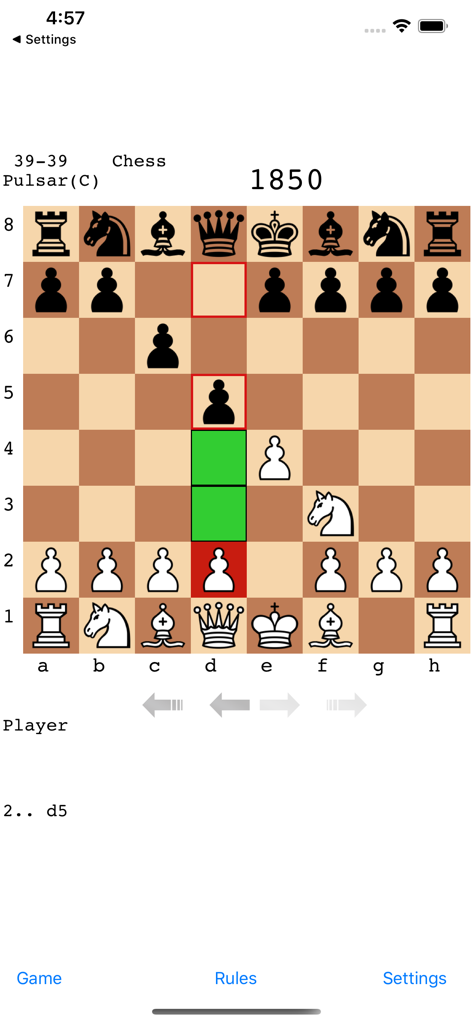
Pulsar Chess Engineモバイルアプリのゲームプレイインターフェース、進行中の試合を表示
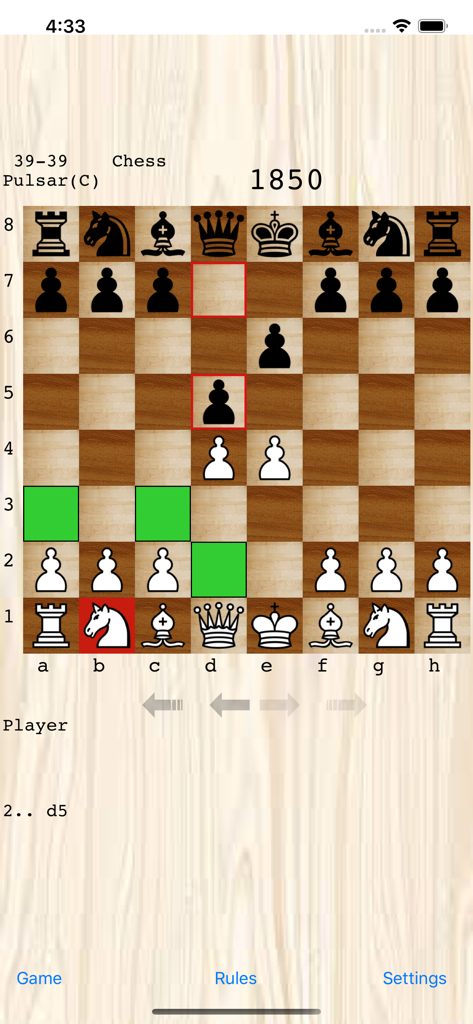
Pulsar Chess Engineアプリ、木製ボードインターフェースでチェスの試合を表示
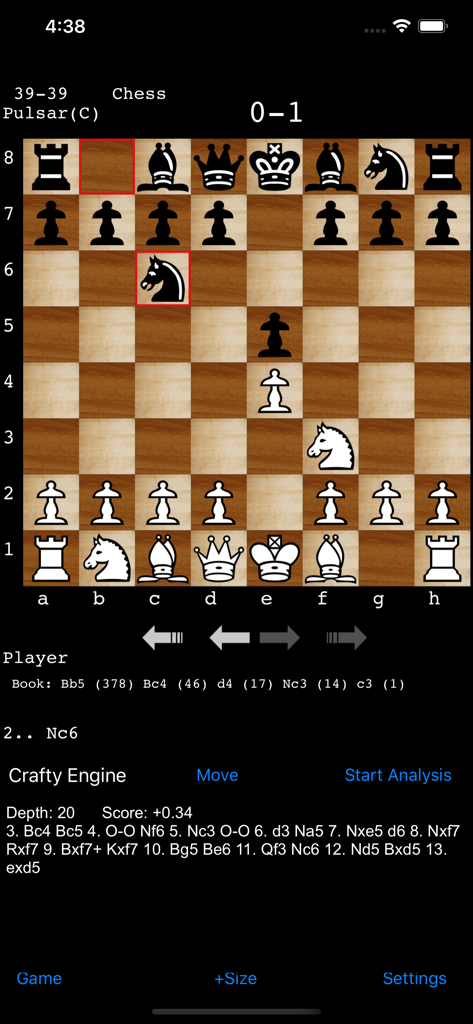
Pulsar Chess Engineアプリのスクリーンショット、Crafty Engineによる詳細な動き分析で進行中のチェスの試合を表示
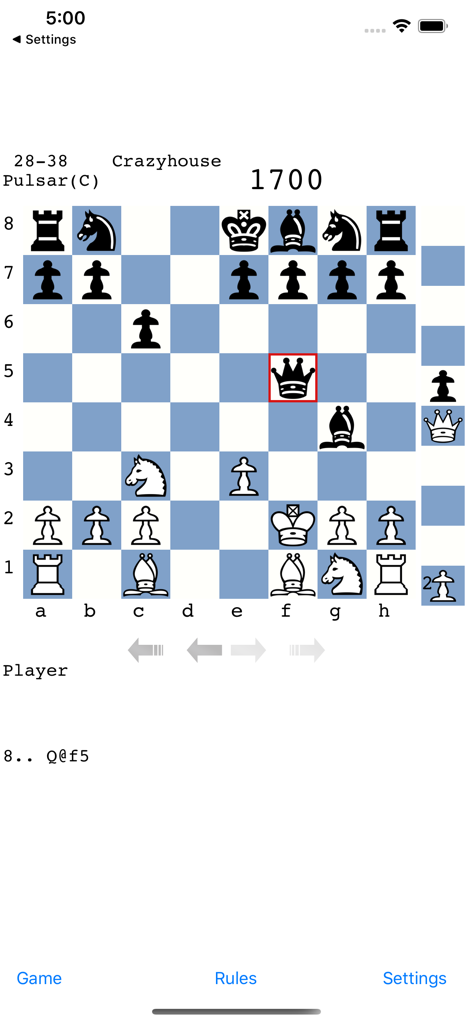
モバイルインターフェースでPulsar Chess Engineと対戦しているCrazyhouseチェスバリアントの試合のスクリーンショット
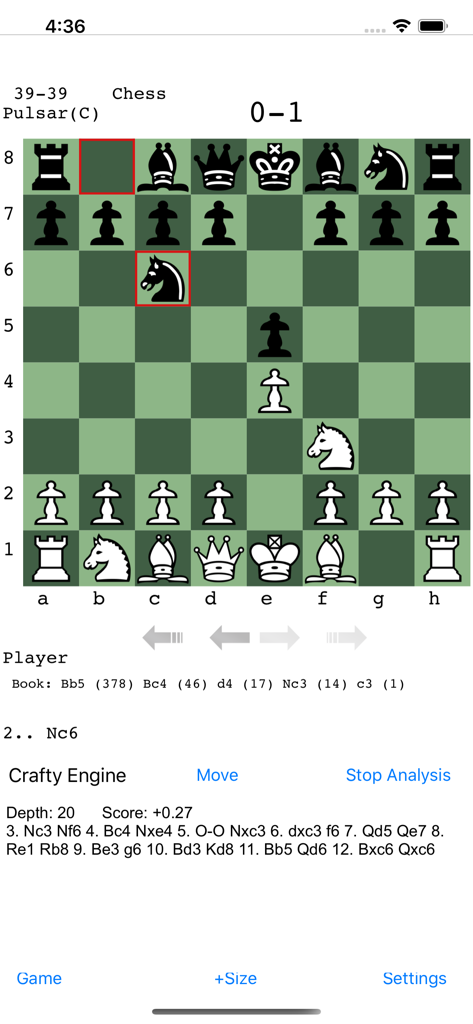
Pulsar Chess Engineのスクリーンショット、動きの表記とCrafty Engineの分析詳細が表示されたチェスゲームボードを表示
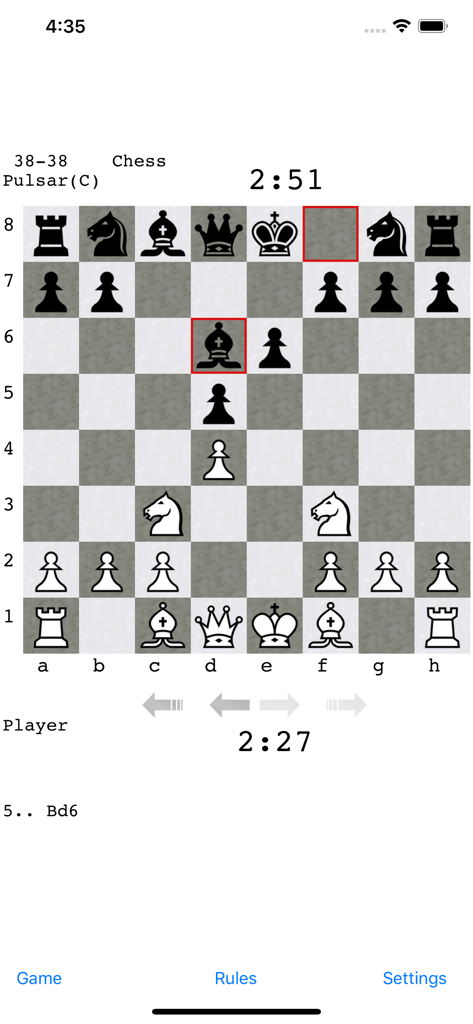
Pulsar Chess Engineモバイルアプリインターフェースで進行中の標準チェスの試合、ボードと時計を表示
説明
Download
類似アプリ
同じカテゴリのトップランクアプリ

Block Blast!
ARETIS LIMITED

Heartopia
XD Entertainment Co., Ltd.

Solitaire Associations Journey
Hitapps Games LTD

Roblox
Roblox Corporation

Gossip Harbor®: Merge & Story
Microfun Limited

Arrows – Puzzle Escape
Lessmore UG haftungsbeschraenkt

Township
PLR Worldwide Sales Limited

Last War:Survival
FUNFLY PTE. LTD.

Vita Mahjong
VITA STUDIO PTE. LTD.
このページはアプリまたはその開発者の公式ページではなく、情報提供および論評を目的として作成された独立した編集出版物です。明示的に別段の記載がない限り、アプリおよびその開発者は、MWM、Apple、Google Play、アプリのパブリッシャー、またはアプリの開発者と提携、承認、後援、認可、またはその他の公式的な関係はなく、このページのいかなる内容も、アプリがMWMのサービスを使用して開発されたことを意味するものではありません。すべての商標、ロゴ、スクリーンショット、その他のコンテンツはそれぞれの所有者の財産です。