Pulse Plus: Heart Rate Monitor
ダウンロード: App Store

このページはアプリまたはその開発者の公式ページではなく、情報提供および論評を目的として作成された独立した編集出版物です。明示的に別段の記載がない限り、アプリおよびその開発者は、MWM、Apple、Google Play、アプリのパブリッシャー、またはアプリの開発者と提携、承認、後援、認可、またはその他の公式的な関係はなく、このページのいかなる内容も、アプリがMWMのサービスを使用して開発されたことを意味するものではありません。すべての商標、ロゴ、スクリーンショット、その他のコンテンツはそれぞれの所有者の財産です。


ロゴ: Pulse Plus: Heart Rate Monitor
ダウンロード: App Store

Pulse Plus: Heart Rate Monitor

追加の機器は不要です。iPhoneのカメラだけで脈拍を監視し、長期的なウェルネストレンドを追跡し、Apple Healthとシームレスに同期します。

主要数値

ダウンロード

1M+

ユーザー評価

4.3/5

評価数

1K+

開発元

Cogvance Inc

カテゴリ

Health & Fitness

対応言語

11

最新バージョン

2.0.0

サイズ

198.5 MB

リリース日

2020年4月11日
機能

データ主導のインサイトでウェルネスを強化

Pulse PlusはiPhoneをプロ仕様の心拍数モニターに変え、高価なウェアラブルハードウェアなしでフィットネスの進捗を追跡し、ストレスを管理するのに役立ちます。

即時ハードウェア不要モニター

iPhoneのカメラだけで数秒で正確な心拍数測定値を取得できます。チェストストラップや時計は不要—忙しい一日やワークアウト後のクイックチェックに最適です。

視覚的な健康トレンド

直感的なダッシュボードで「Quantified Self」を可視化します。安静時心拍数と回復トレンドを時間とともに追跡し、パフォーマンスを最適化し、健康パターンを特定します。

以下のスクリーンショットと説明は、アプリの公式ストアリスティングから直接取得されたものであり、アプリ開発者の所有物です。

アプリストア

スクリーンショット
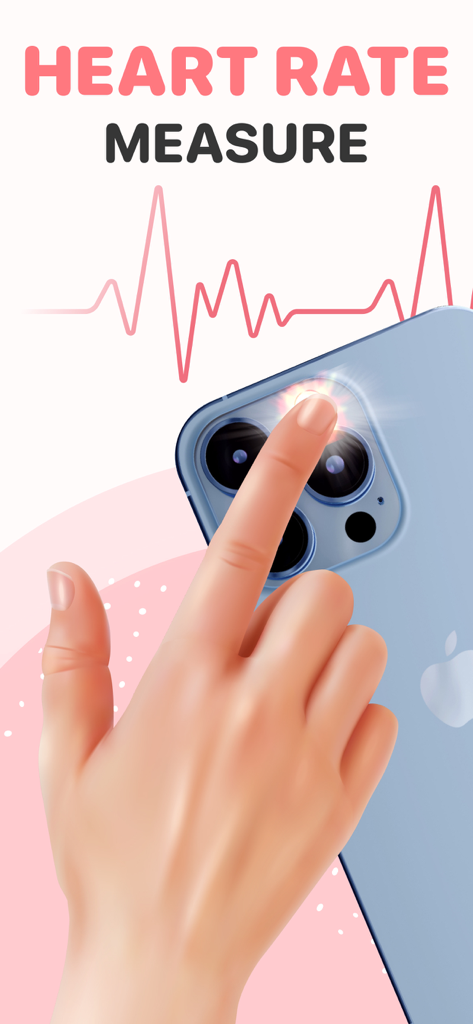
Pulse Plus: Heart Rate Monitor - スマートフォンカメラとフラッシュを介して心拍数を測定するために指を置く人

スマートフォンカメラとフラッシュを介して心拍数を測定するために指を置く人

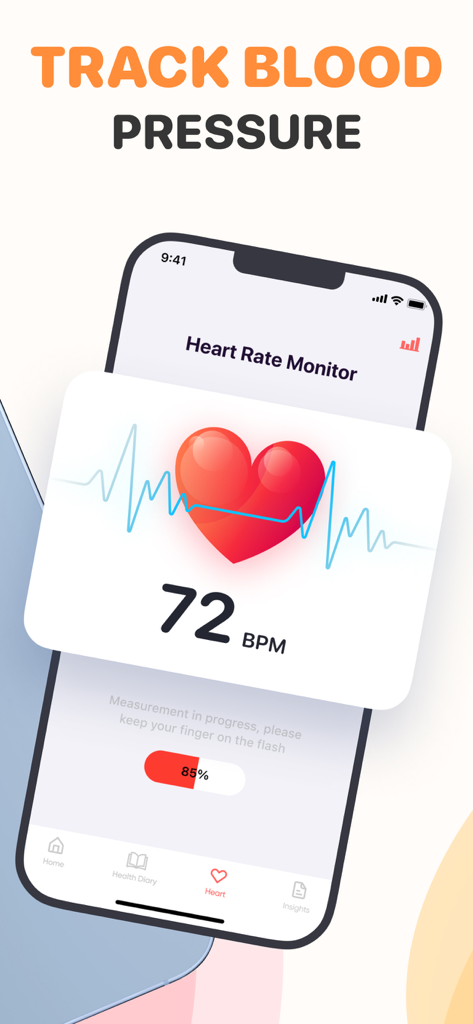
Pulse Plus: Heart Rate Monitor - Pulse Plusアプリのインターフェース、心拍数測定値72 BPMと血圧追跡機能を表示
Pulse Plusアプリのインターフェース、心拍数測定値72 BPMと血圧追跡機能を表示

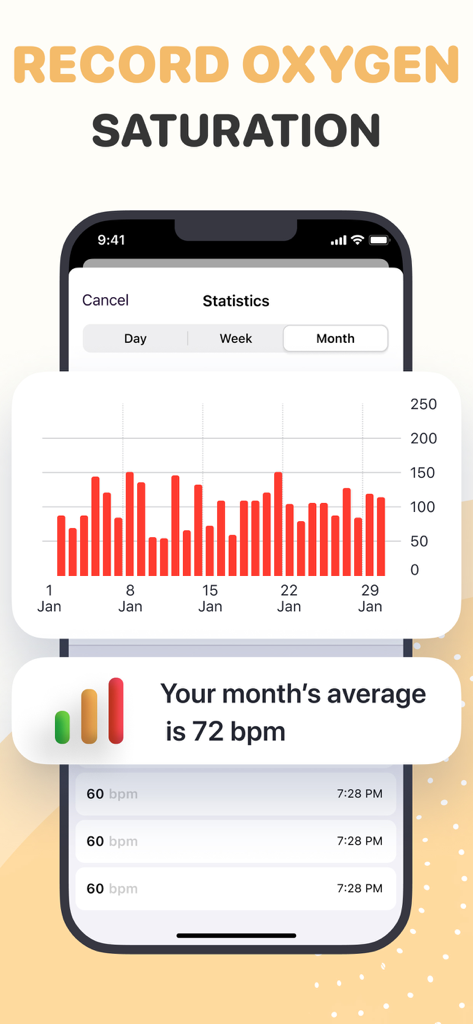
Pulse Plus: Heart Rate Monitor - Pulse Plusアプリ画面、月次心拍数統計の棒グラフと平均毎分拍数を表示
Pulse Plusアプリ画面、月次心拍数統計の棒グラフと平均毎分拍数を表示

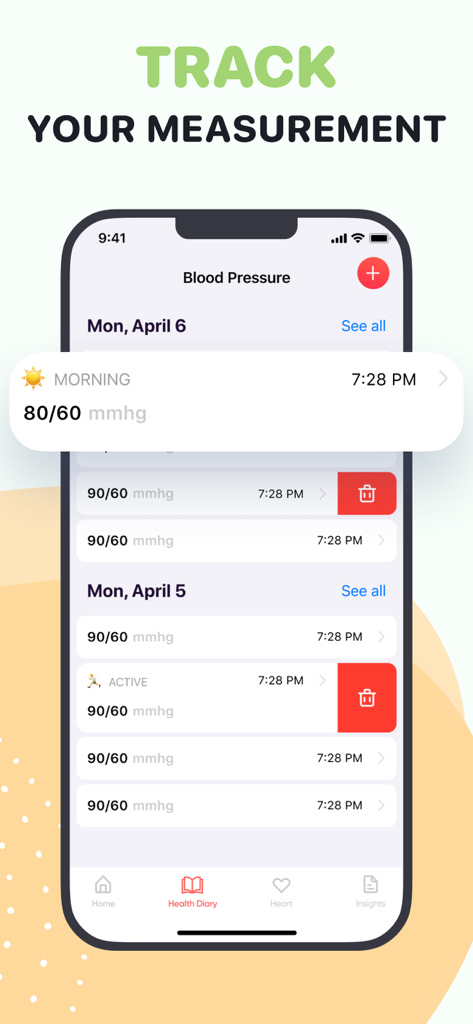
Pulse Plus: Heart Rate Monitor - Pulse Plusアプリ画面、日付と時刻ごとの記録された血圧測定値のリストを含む健康日記を表示
Pulse Plusアプリ画面、日付と時刻ごとの記録された血圧測定値のリストを含む健康日記を表示

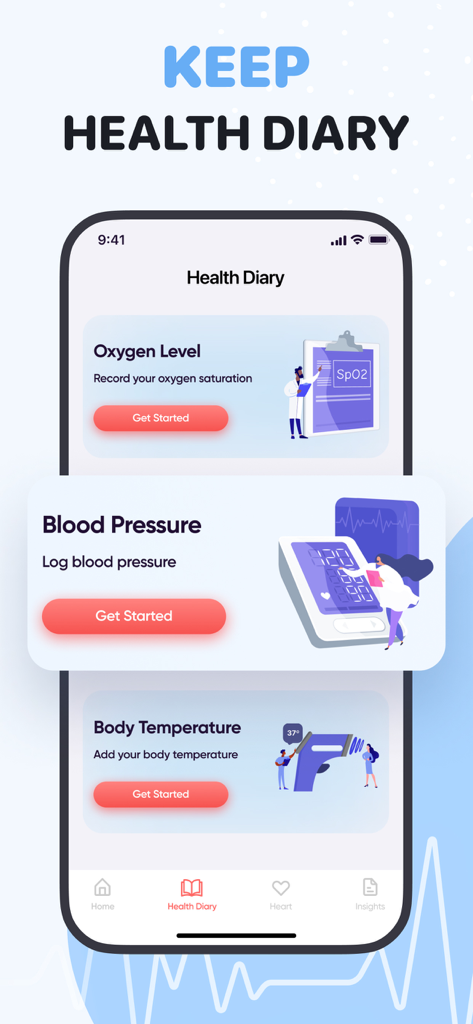
Pulse Plus: Heart Rate Monitor - Pulse Plusアプリのインターフェース、酸素レベル、血圧、体温を記録するための健康日記セクションを表示
Pulse Plusアプリのインターフェース、酸素レベル、血圧、体温を記録するための健康日記セクションを表示

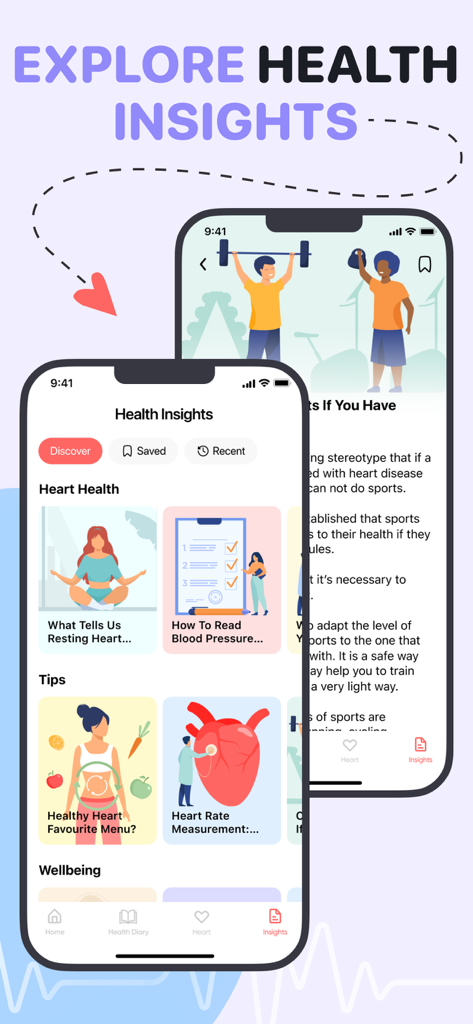
Pulse Plus: Heart Rate Monitor - Pulse Plusアプリの健康インサイト画面、さまざまなウェルネス記事とヒントを表示

Pulse Plusアプリの健康インサイト画面、さまざまなウェルネス記事とヒントを表示

説明

You don’t need any special medical equipment to get your pulse and to keep track of your health state, just your phone camera! Most accurate, fast and easy to use heart rate app. APPLIED METHOD: Our app is based on photoplethysmography (PPG), non-invasive optical technique. Each heart beat transmits the amount of blood to the tissues in your fingers, while the blood absorbs your camera’s light, it illuminates the skin and captures microvascular blood volume changes such as ebb and flow. That allows you to measure the pulse easily, accurately and efficiently. HOW TO USE: Cover the camera lens and flashlight with your fingertip completely. Do not press too intensively in order to avoid reducing blood flow. Hold your phone steady and keep still. Make sure your fingers are not cold. Press the button and get your results. TRACK YOUR MEASUREMENTS: Get visual display of the data at the given period of time. Personal dashboard with your measurement history. HEALTH KIT INTEGRATION: Support for sharing heart rate results with Apple Health App. REMINDER: Receive notifications in order to have your finger on the pulse. Staying healthy and fit is a systematic process. IMPROVE YOUR PERFORMANCE: Track your workout effectiveness to get in shape, improve your endurance and general wellness. NEVER MISS A BEAT! SUBSCRIPTION INFO: Yearly subscription with 3-day free trial period will give you full access to * Unlimited measurements per day, * Monthly statistics, * Health insights, * No ads. Disclaimer: App measurements are just recommendations and can’t be used for diagnostics or medical purpose. Always seek a doctor's advice before making any medical decisions. Please note that the app doesn't measure blood pressure, oxygen levels and body temperature, you can only record and keep measurement indexs! You need a thermometer, a tonometer and a pulse oximeter to measure values. Save your measurements in "Heart Rate". Payment will be charged to iTunes Account at confirmation of purchase. Subscription automatically renews unless auto-renew is turned off at least 24-hours before the end of the current period. Account will be charged for renewal within 24-hours prior to the end of the current period. Subscriptions may be managed by you and auto-renewal may be turned off by going to iTunes Account Settings. For more information please visit the link https://support.apple.com/en-us/HT202039. No cancellation of the current subscription is allowed during the active subscription period. Unused portion of a free-trial period will be forfeited when a user decides to subscribe. Privacy Policy: https://www.cogvance.io/privacy-policy/ Terms: https://www.cogvance.io/terms/

Download

ダウンロード: App Store

このページはアプリまたはその開発者の公式ページではなく、情報提供および論評を目的として作成された独立した編集出版物です。明示的に別段の記載がない限り、アプリおよびその開発者は、MWM、Apple、Google Play、アプリのパブリッシャー、またはアプリの開発者と提携、承認、後援、認可、またはその他の公式的な関係はなく、このページのいかなる内容も、アプリがMWMのサービスを使用して開発されたことを意味するものではありません。すべての商標、ロゴ、スクリーンショット、その他のコンテンツはそれぞれの所有者の財産です。