
このページはアプリまたはその開発者の公式ページではなく、情報提供および論評を目的として作成された独立した編集出版物です。明示的に別段の記載がない限り、アプリおよびその開発者は、MWM、Apple、Google Play、アプリのパブリッシャー、またはアプリの開発者と提携、承認、後援、認可、またはその他の公式的な関係はなく、このページのいかなる内容も、アプリがMWMのサービスを使用して開発されたことを意味するものではありません。すべての商標、ロゴ、スクリーンショット、その他のコンテンツはそれぞれの所有者の財産です。


ダウンロード
176K+ユーザー評価
評価数
200開発元
カテゴリ
Education対応言語
1最新バージョン
2.20260121.1サイズ
23.3 MBリリース日
2014年10月17日お子様が必要とするすべてが、すべてここに
書類仕事はもうやめましょう。スマートフォンから直接、成績表、スケジュール、学校での支払いにリアルタイムでアクセスして、つながりを保ちましょう。
ライブ学業インサイト
生徒の時間割、試験日、デジタル成績表に即座にアクセスして、すべての締め切りに遅れないようにしましょう。
効率的な出席管理
将来の欠席を学校に通知したり、過去の欠席理由を数秒で伝えたりできるため、忙しい日常の時間を節約できます。
よくある質問
について知っておくべきこと QParents
QParentsアプリは何のために使われますか?
QParentsアプリは、クイーンズランド州立学校の生徒の保護者に、生徒の情報への24時間安全なアクセスを提供し、学校とのコミュニケーションを簡単かつ効率的に行えるようにします。
QParentsアプリを利用できるのは誰ですか?
保護者は、生徒がQParentsプログラムに参加しているクイーンズランド州立学校に通っている場合、QParentsアプリを利用できます。学校管理者が保護者に登録を招待します。
保護者はQParentsアプリを通じてどの生徒情報にアクセスできますか?
保護者は、生徒の時間割、評価および試験日、出席状況、行動記録、今後のイベント、請求書、成績表、在籍履歴、生徒の写真にアクセスできます。
1つのQParentsアカウントで複数の子供を管理できますか?
はい、家族のすべての学校に通う生徒を1つのQParentsアカウントに追加して、1つの便利な場所から学校のニーズを管理できます。
QParentsアプリでは、保護者は生徒の詳細情報を更新できますか?
はい、保護者はQParentsを通じて、欠席の理由、今後の欠席の通知、住所や病状の変更の通知など、生徒の詳細情報の更新または変更をリクエストできます。
保護者はQParentsアプリで未払いの請求書を表示して支払うことができますか?
はい、QParentsアプリでは、保護者は未払いの請求書を表示、選択、および直接支払うことができます。この機能により、学校関連の経費の支払いが効率化されます。
QParentsでは生徒の時間割にアクセスできますか?
はい、QParentsアプリでは、毎日のスケジュールや完全な時間割表示を含む、生徒の時間割に直接アクセスできます。
QParentsで今後の学校遠足やイベントを表示できますか?
はい、QParentsには今後の学校遠足やイベントが表示され、保護者は情報を得ることができます。また、評価および試験日もリストされます。
保護者はQParentsプログラムにどのように登録しますか?
保護者は、プログラムが特定の学校で導入された後、学校管理者からQParentsへの登録招待を受け取ります。
以下のスクリーンショットと説明は、アプリの公式ストアリスティングから直接取得されたものであり、アプリ開発者の所有物です。
アプリストア
スクリーンショット
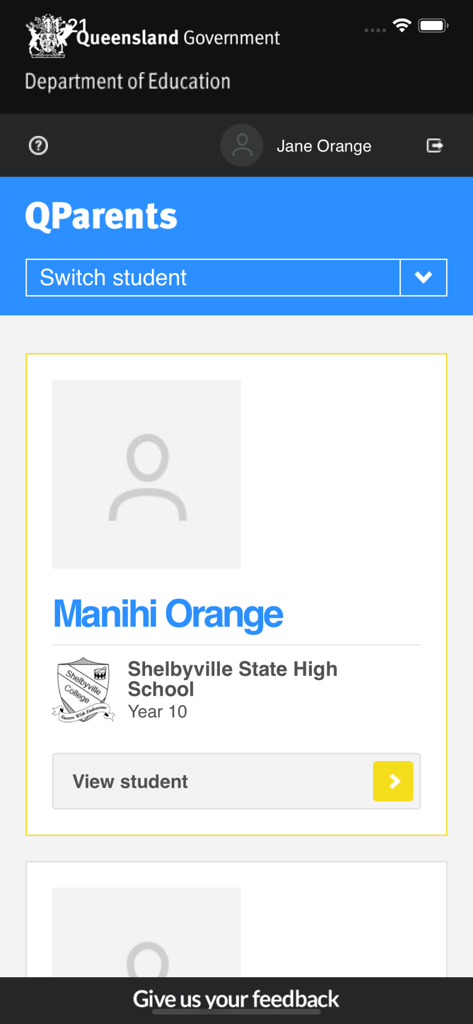
QParentsアプリのダッシュボード画面。生徒のプロフィールと学校の詳細が表示されています。
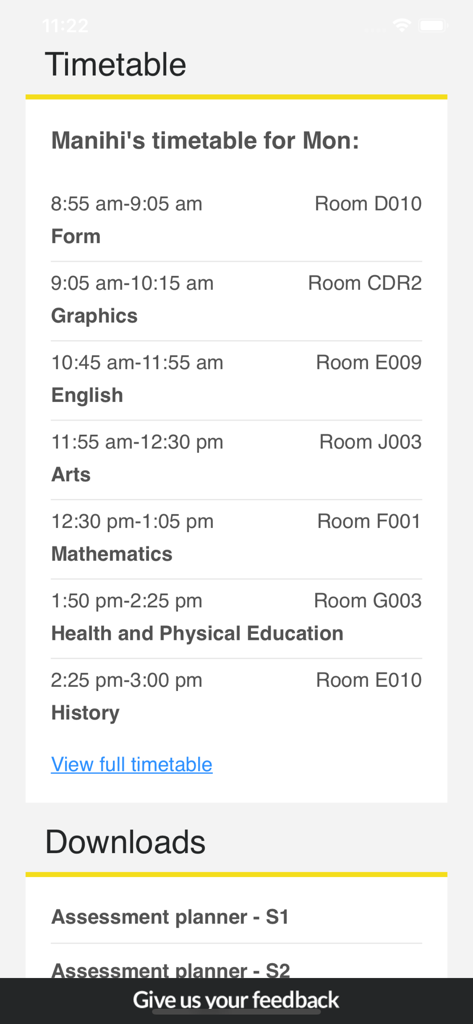
QParentsアプリのスクリーンショット。生徒の日ごとのクラスの時間割と評価計画のダウンロードが表示されています。
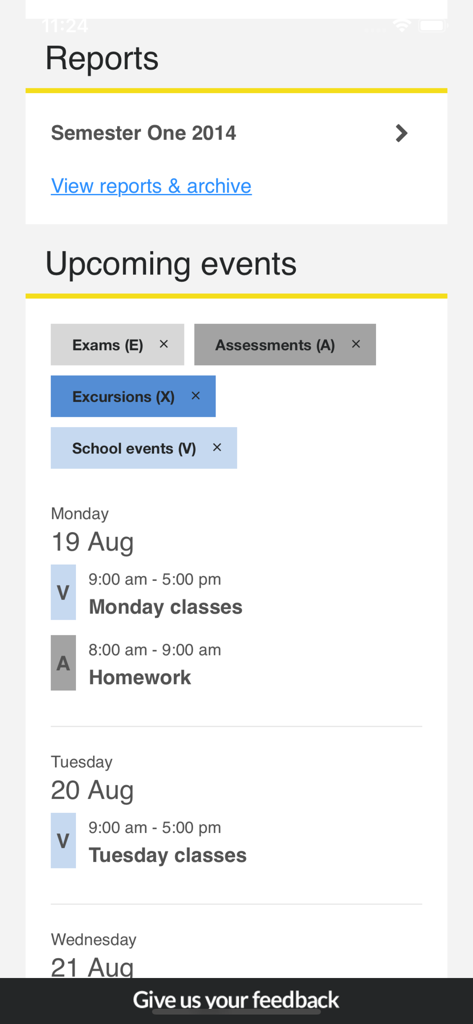
QParentsアプリのダッシュボード画面。学校の成績表と今後のイベントが表示されています。
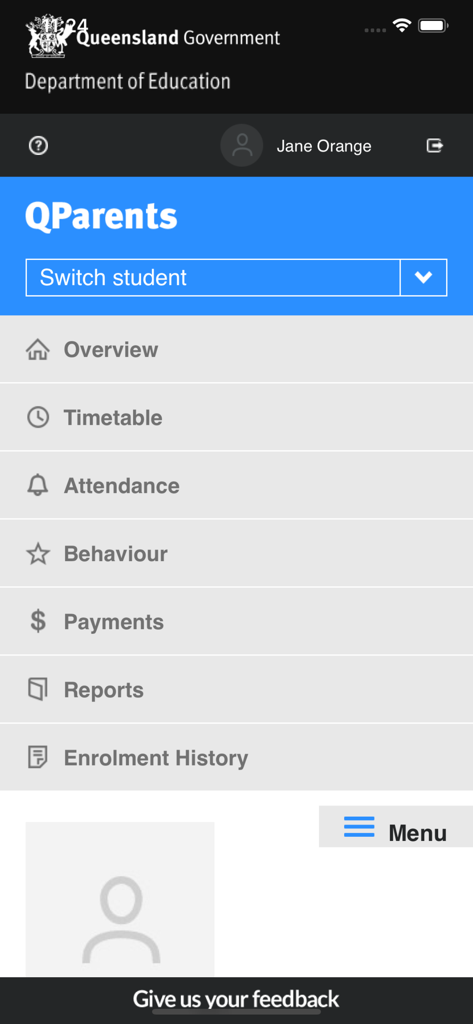
QParentsモバイルアプリのメインメニュー画面。生徒の時間割、出席、行動などのオプションが表示されています。
説明
Download
類似アプリ
似た機能とユーザー体験を持つアプリ

하이클래스: 똑똑한 학급소통앱
i-Scream Media CO.,LTD.

Parents Gateway
Ministry of Education (Singapore)

ولـي الأمر
The Ministry of Education

ParentOrbit
The Alpha School System Pty Ltd
MasterCom Famiglie 2.0
Master Training s.r.l.

Parro
Topicus Education B.V.

Sentral for Parents
Sentral Pty Ltd
このページはアプリまたはその開発者の公式ページではなく、情報提供および論評を目的として作成された独立した編集出版物です。明示的に別段の記載がない限り、アプリおよびその開発者は、MWM、Apple、Google Play、アプリのパブリッシャー、またはアプリの開発者と提携、承認、後援、認可、またはその他の公式的な関係はなく、このページのいかなる内容も、アプリがMWMのサービスを使用して開発されたことを意味するものではありません。すべての商標、ロゴ、スクリーンショット、その他のコンテンツはそれぞれの所有者の財産です。