
このページはアプリまたはその開発者の公式ページではなく、情報提供および論評を目的として作成された独立した編集出版物です。明示的に別段の記載がない限り、アプリおよびその開発者は、MWM、Apple、Google Play、アプリのパブリッシャー、またはアプリの開発者と提携、承認、後援、認可、またはその他の公式的な関係はなく、このページのいかなる内容も、アプリがMWMのサービスを使用して開発されたことを意味するものではありません。すべての商標、ロゴ、スクリーンショット、その他のコンテンツはそれぞれの所有者の財産です。


QR Code Reader App - ScanQR
カメラを超えて、即時のバーコードデコード、検索可能なスキャン履歴、CSVエクスポートを利用しましょう。比較ショッピング客や整理整頓されたプロフェッショナルにとって究極のツールです。
ダウンロード
365K+ユーザー評価
評価数
1K+開発元
カテゴリ
Utilities対応言語
1最新バージョン
2.2.4サイズ
54.1 MBリリース日
2023年8月2日あなたのポケットのためのプロフェッショナルツールキット
毎日、時間、お金、労力を節約するために設計された強力な機能スイートで、基本的なスキャンを超えましょう。
スマート履歴&CSVエクスポート
スキャンを整理して検索可能に保ちます。ビジネス在庫、経費追跡、または専門的な記録保持に最適です。
インテリジェントな価格比較
バーコードを即座にスキャンして価格を比較し、製品情報を表示し、常に最も賢いショッピングの選択をしてください。
よくある質問
について知っておくべきこと QR Code Reader App - ScanQR
What is QR Code Reader App - ScanQR (ScanMaster)?
QR Code Reader App - ScanQR、ScanMasterとしても知られる、はiOSアプリです。スマートフォンを、さまざまなバーコードやQRコードをスキャンしたり、カスタムQRコードを作成したりするための多用途ツールに変えます。
Can I scan both QR codes and barcodes with ScanMaster?
はい、ScanMasterはQRコードとさまざまな種類のバーコードの両方をスキャンします。ユーザーはデバイスのカメラを向けるだけで、アプリは製品バーコード、チケットQRコードなどの情報を迅速にデコードします。
Can QR Code Reader App - ScanQR create new QR codes?
はい、QR Code Reader App - ScanQRでは、ユーザーは独自のカスタムQRコードを簡単に作成できます。アプリにはこの機能のための「生成」機能が含まれており、ユーザーインターフェースに表示されています。
Does ScanMaster store a history of my scans?
はい、ScanMasterは過去のスキャンの包括的な履歴を保持します。ユーザーは、整理されたスキャン履歴を時系列で参照、アクセス、閲覧したり、キーワードで特定の検索結果を検索したりできます。
Can I export my scan history from ScanMaster?
はい、ScanMasterではスキャン履歴をエクスポートできます。スキャン結果をローカルに保存したり、共有、バックアップ、データ分析のために履歴全体をCSVファイルとしてエクスポートしたりできます。
Is QR Code Reader App - ScanQR accurate and fast?
はい、QR Code Reader App - ScanQR(ScanMaster)は高度な認識技術を利用しており、高い精度と高速なスキャンを保証します。低照度環境でもコードを簡単に読み取り、シームレスな体験を提供します。
Does ScanMaster offer customization options?
はい、ScanMasterはカスタマイズ可能な設定を提供します。ユーザーは、スキャン音の調整、さまざまなコードタイプに対するデフォルトのアクションの選択、表示設定の変更などを行うことで、ニーズに合わせてアプリを調整できます。
Does QR Code Reader App - ScanQR protect user privacy?
はい、QR Code Reader App - ScanQRはユーザーのプライバシーとデータセキュリティを優先します。アプリはスキャンから取得した個人情報や機密情報を一切保存せず、データが機密かつ保護された状態を保つことを保証します。
Can ScanMaster scan QR codes from screenshots or images?
はい、ScanMasterはスクリーンショットや画像から直接QRコードをスキャンできます。アプリにはこのための特定の機能が含まれており、ユーザーはデバイスに表示されているコードを処理できます。
What types of QR codes can ScanMaster generate for social media?
ScanMasterは、さまざまなソーシャルメディアプラットフォームやコミュニケーション方法のQRコードを生成します。これには、Instagram、Facebook、X(Twitter)、TikTok、Telegram、Viber、WhatsApp、Snapchat、Spotifyなどが含まれます。
以下のスクリーンショットと説明は、アプリの公式ストアリスティングから直接取得されたものであり、アプリ開発者の所有物です。
アプリストア
スクリーンショット
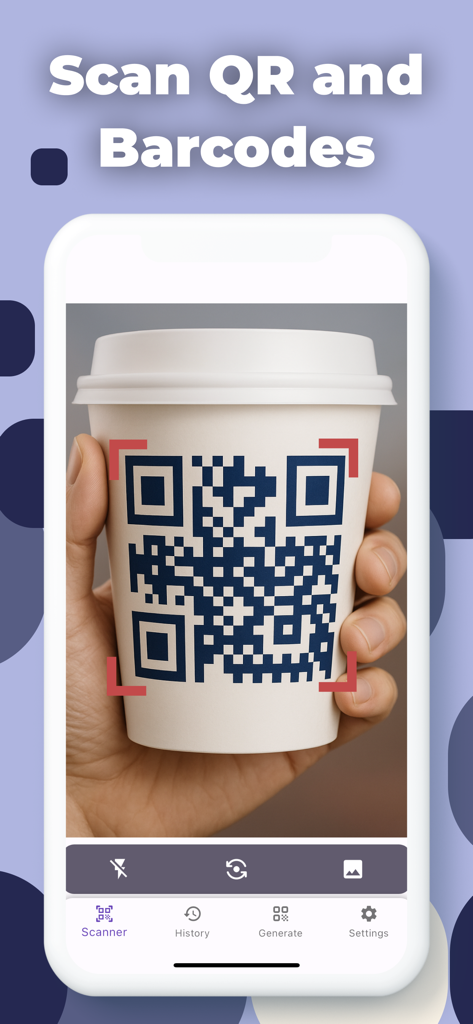
QRコードリーダーアプリがコーヒーカップのQRコードをスキャンしている様子
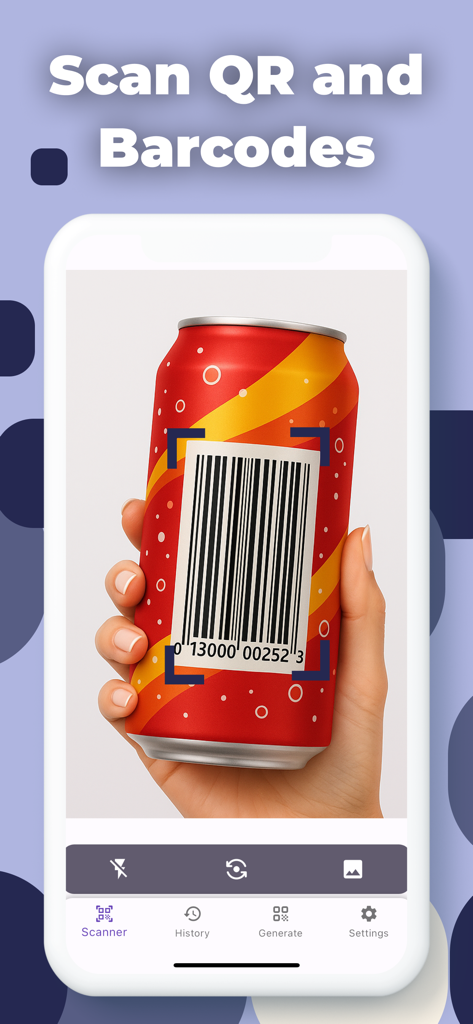
ScanQRアプリのインターフェースが赤いソーダ缶のバーコードをスキャンしている様子を示すiPhone画面
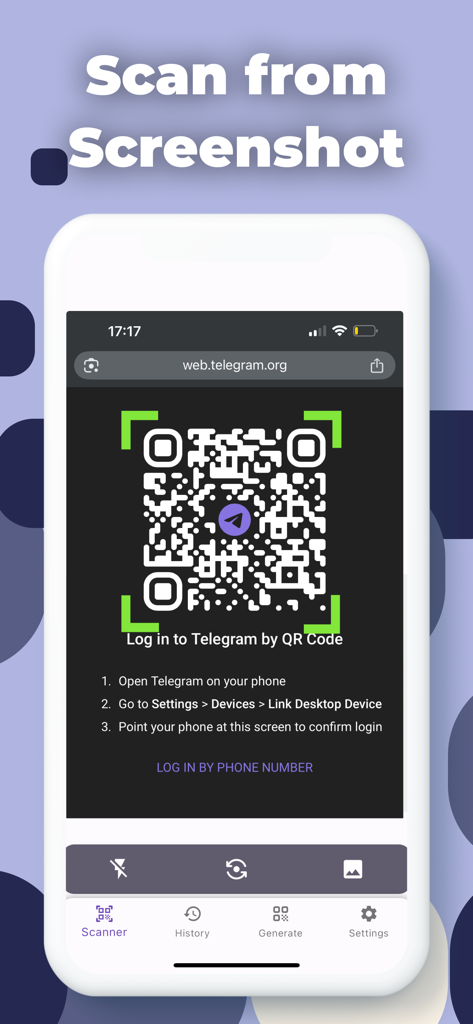
ScanQRアプリのインターフェースが、スマートフォンのスクリーンショットから直接QRコードをスキャンする方法を示している様子
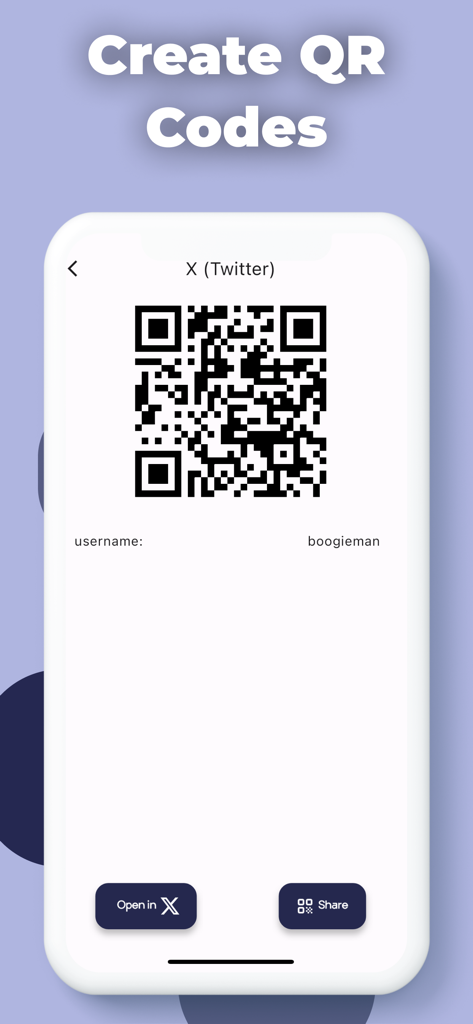
ScanQRアプリでX(旧Twitter)プロフィール用のカスタムQRコードを作成するインターフェース
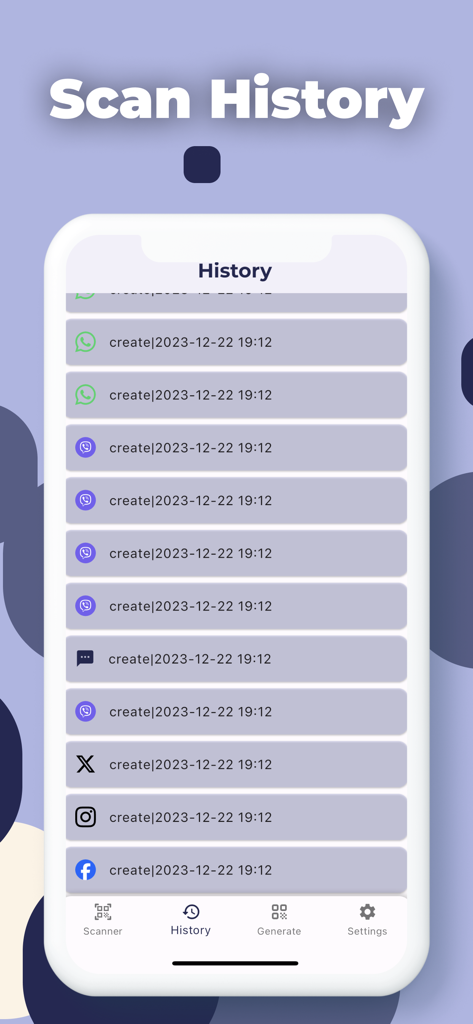
ScanQRアプリのスキャン履歴画面。保存されたQRコードスキャンの時系列リストが表示されている様子
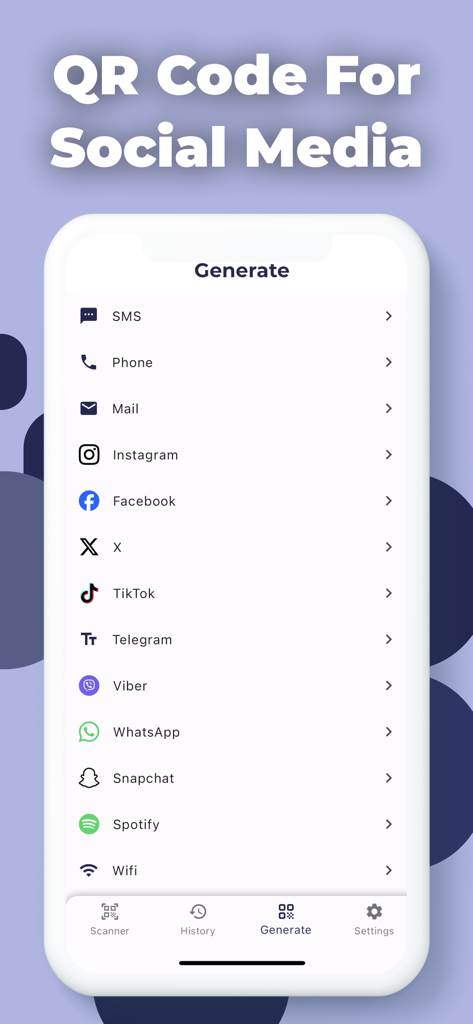
さまざまなソーシャルメディアやメッセージングプラットフォーム用のカスタムQRコードを生成するインターフェース
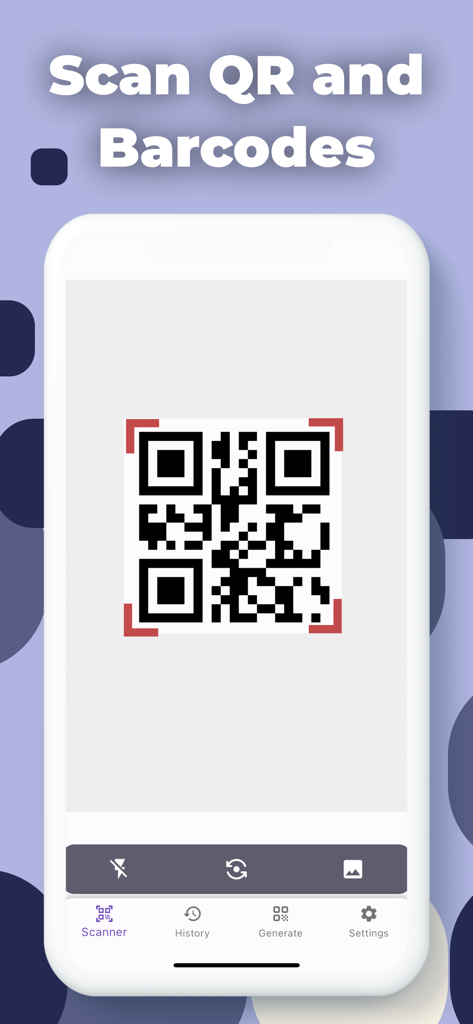
ScanQRアプリのスマートフォンインターフェース。ナビゲーションメニューでQRコードをスキャンしている様子
説明
Download
類似アプリ
似た機能とユーザー体験を持つアプリ

Me QR - QR Code Generator
ME TEAM LTD

QR Code Reader/QR Scanner App
MixerBox Inc.

QR Code Barcode: Scanner Maker
DE BITT LTD

QR Code Reader & QR Scanner ·
Simple Health Limited

Scan QR Code & Barcode
Mars Mobile LLC

QR Bot
Petr Polasek

QR Reader- Scanner & Generator
SAN MOBILE YAZILIM TICARET LIMITED SIRKETI

What's App -QR code scanner
DIGITALSTALK PRIVATE LIMITED

Power Barcode Scanner
Irvinesoft Inc
このページはアプリまたはその開発者の公式ページではなく、情報提供および論評を目的として作成された独立した編集出版物です。明示的に別段の記載がない限り、アプリおよびその開発者は、MWM、Apple、Google Play、アプリのパブリッシャー、またはアプリの開発者と提携、承認、後援、認可、またはその他の公式的な関係はなく、このページのいかなる内容も、アプリがMWMのサービスを使用して開発されたことを意味するものではありません。すべての商標、ロゴ、スクリーンショット、その他のコンテンツはそれぞれの所有者の財産です。