QR Code Reader: Quick Scan

QR Code Reader: Quick Scan


Download on App Store
Logo of QR Code Reader: Quick Scan

QR Code Reader: Quick Scan — Your All-in-One Scanning Utility

Effortlessly scan QR codes and barcodes, keep a searchable history of every link, and even scan images directly from your photo library. Designed for speed, reliability, and total organization.

Download on App Store

Publisher

Komorebi Inc.

Category

Productivity

Downloads

0

User Rating

4.6/5

Total Ratings

0

Locales

35

Efficiency at a Glance

Discover the interface used by 0 users.
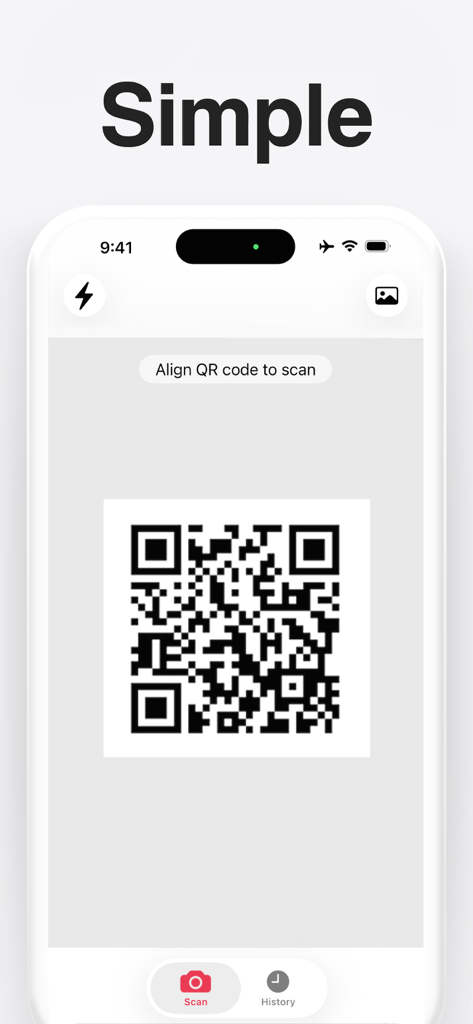
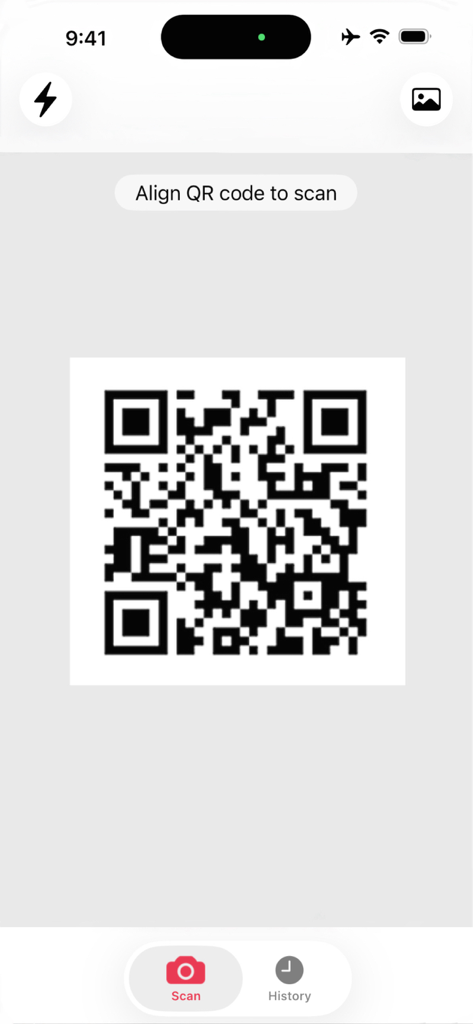
Simple QR code reader interface showing a camera viewfinder scanning a code with a minimalist design

Simple QR code reader interface showing a camera viewfinder scanning a code with a minimalist design

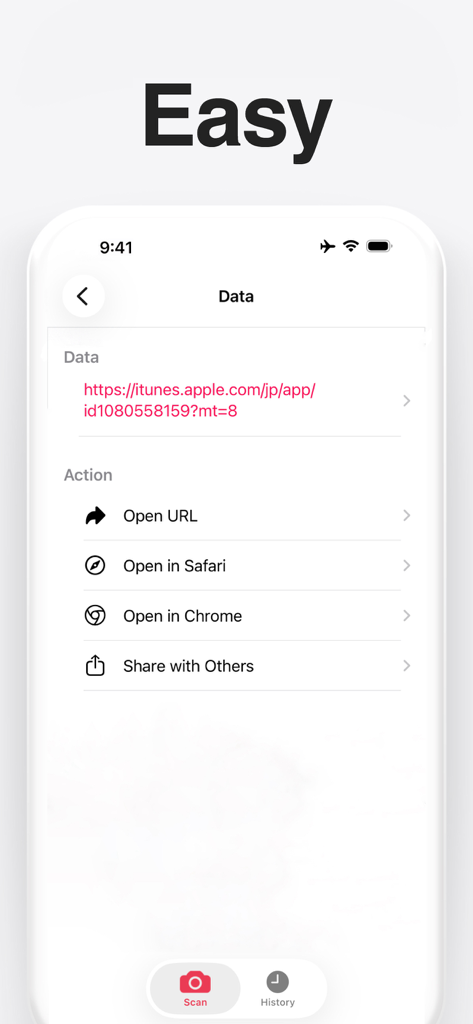
Screenshot of the QR code reader app showing options to open a scanned URL in Safari or Chrome.

Screenshot of the QR code reader app showing options to open a scanned URL in Safari or Chrome.

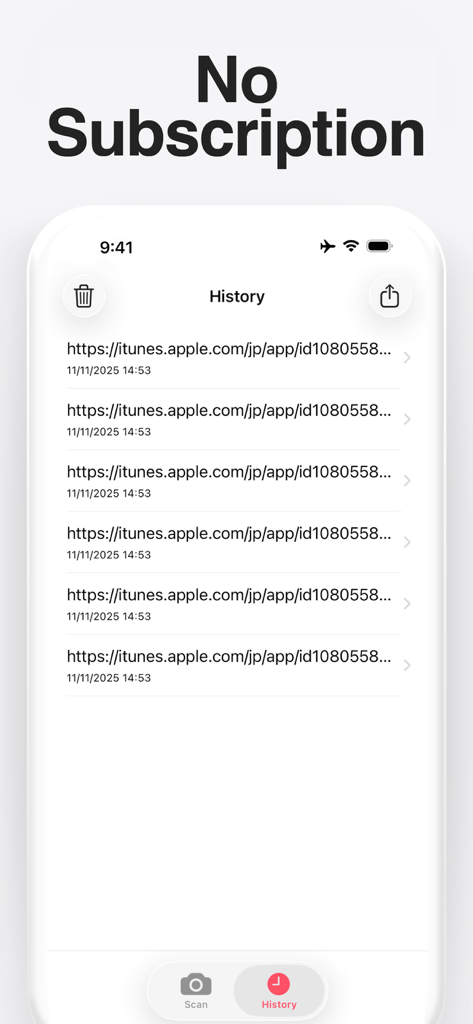
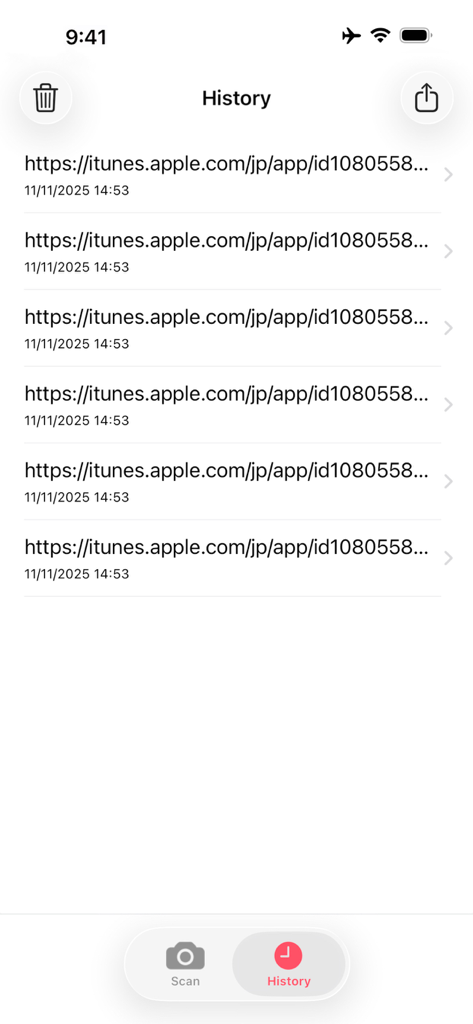
Interface showing the history log of scanned QR codes in the Quick Scan app with no subscription

Interface showing the history log of scanned QR codes in the Quick Scan app with no subscription

QR Code Reader app interface showing a QR code in the camera viewfinder with a scan button and history tab

QR Code Reader app interface showing a QR code in the camera viewfinder with a scan button and history tab

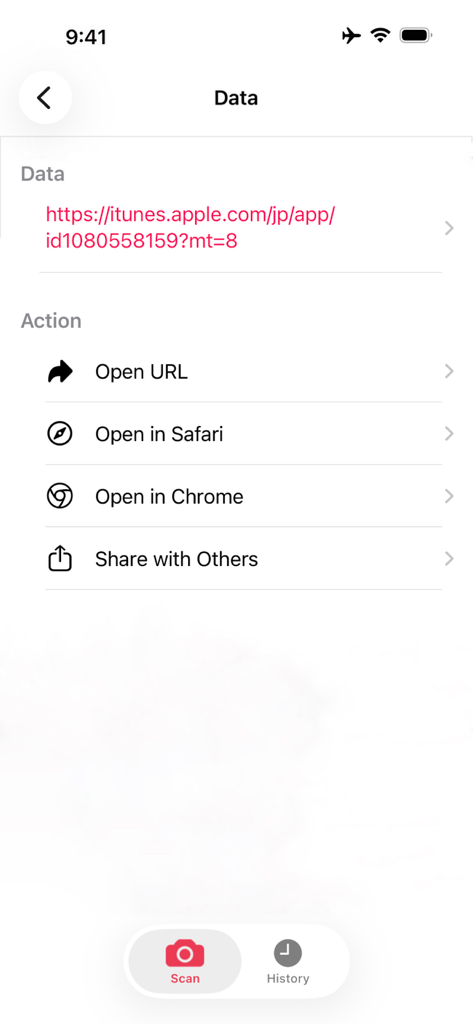
Interface of QR Code Reader showing options for a scanned URL

Interface of QR Code Reader showing options for a scanned URL

A list of scanned QR code links and timestamps in the history screen of the app

A list of scanned QR code links and timestamps in the history screen of the app

Stay Organized with Every Scan

The tools that make this app stand out, trusted by 0 users.

📂

Complete Scan History

Stop losing restaurant menus and product links. Every scan is automatically saved to a searchable archive for instant access whenever you need it.

🖼️

Scan Your Photo Library

Received a QR code via email or screenshot? Decode it directly from your camera roll without needing to point your phone at another screen.

📤

Batch Sharing & Export

Scan multiple items in seconds and share the entire list at once. The ultimate tool for price comparisons and professional workflows.

About the app

Everything you need to know about QR Code Reader: Quick Scan.

Description

QR Code Reader for iPhone is a free and handy QR code scanner and reader app. [Features] - The camera starts automatically when you launch the app. - Scan images directly from your photo library. - Quickly access your scan history. - Includes a light button for scanning in the dark. - Also supports barcode scanning. - Share your scan history list. * You can scan a large number of barcodes or QR codes and send them all at once. [Notes] Be sure to allow the QR Code Reader app to access your camera when you launch it. If the screen appears dark on startup, go to [Settings] → [Privacy & Security] → [Camera], and turn on [QR Code Reader].

Latest Version

4.0.1

Size

45.9 MB

First Released

Mar 19, 2016

Stop Just Scanning. Start Saving Your History.

Join thousands of organized professionals who never lose a link. Get the dedicated scanner that keeps a record of every menu, ticket, and barcode—even from your photo library.

Download on App Store

App information, icons, screenshots, and descriptions displayed on this page are sourced from the Apple App Store and are the property of their respective developers. Download estimates and rankings are based on MWM's proprietary models and may not reflect actual figures. This page is provided for informational and analytical purposes only.

Believe this page infringes your intellectual property? File a dispute