QR Code Reader・Barcode Scanner
ダウンロード: App Store

このページはアプリまたはその開発者の公式ページではなく、情報提供および論評を目的として作成された独立した編集出版物です。明示的に別段の記載がない限り、アプリおよびその開発者は、MWM、Apple、Google Play、アプリのパブリッシャー、またはアプリの開発者と提携、承認、後援、認可、またはその他の公式的な関係はなく、このページのいかなる内容も、アプリがMWMのサービスを使用して開発されたことを意味するものではありません。すべての商標、ロゴ、スクリーンショット、その他のコンテンツはそれぞれの所有者の財産です。


ロゴ: QR Code Reader・Barcode Scanner
ダウンロード: App Store

QR Code Reader・Barcode Scanner

プロフェッショナル向けの究極のユーティリティ。バーコードを簡単にスキャンし、ビジネス用のカスタムQRコードを生成し、検索可能な履歴をすべて1つの安全なアプリに保存します。

主要数値

ダウンロード

1K+

ユーザー評価

4.6/5

評価数

0

開発元

Artur Kolesnykov

カテゴリ

Utilities

対応言語

14

最新バージョン

1.0.4

サイズ

18.8 MB

リリース日

2021年12月31日
機能

プロフェッショナルなワークフローを効率化

基本的なカメラ以上の機能を必要とする方のために設計された高機能ツールキット。バーコードをスキャンし、カスタムQRコードを生成し、デジタルインタラクションの完全な記録を保持します。

生成&成長

名刺、ソーシャルメディア、ウェブサイト用のカスタムQRコードを瞬時に作成。よりスマートなネットワーキングを目指すフリーランサーやオーナーに最適です。

スマート履歴ログ

スキャンしたリンクや製品を二度と失くしません。履歴はローカルに保存され、簡単にアクセスでき、常にデータが手元にあることを保証します。

以下のスクリーンショットと説明は、アプリの公式ストアリスティングから直接取得されたものであり、アプリ開発者の所有物です。

アプリストア

スクリーンショット
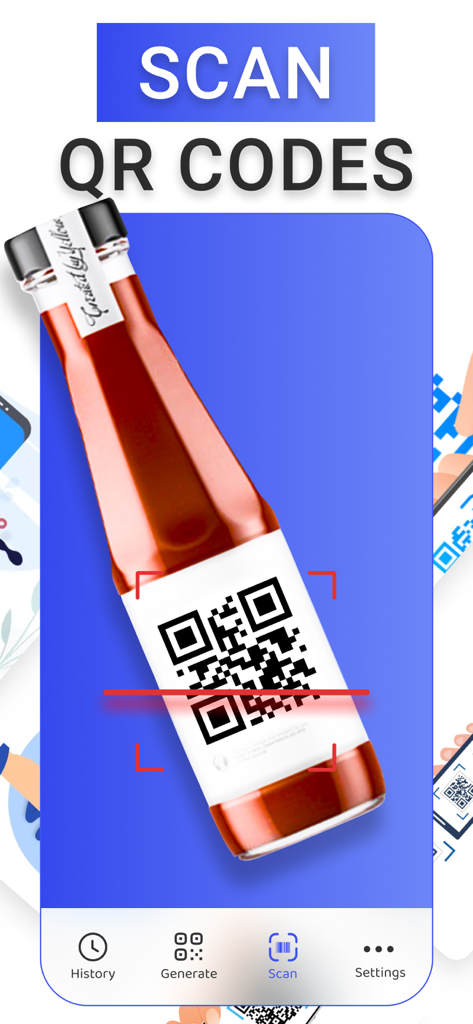
QR Code Reader・Barcode Scanner - 製品ボトルのラベルにあるQRコードをスキャンしている赤いレーザー線を示すモバイルアプリのインターフェース。
製品ボトルのラベルにあるQRコードをスキャンしている赤いレーザー線を示すモバイルアプリのインターフェース。

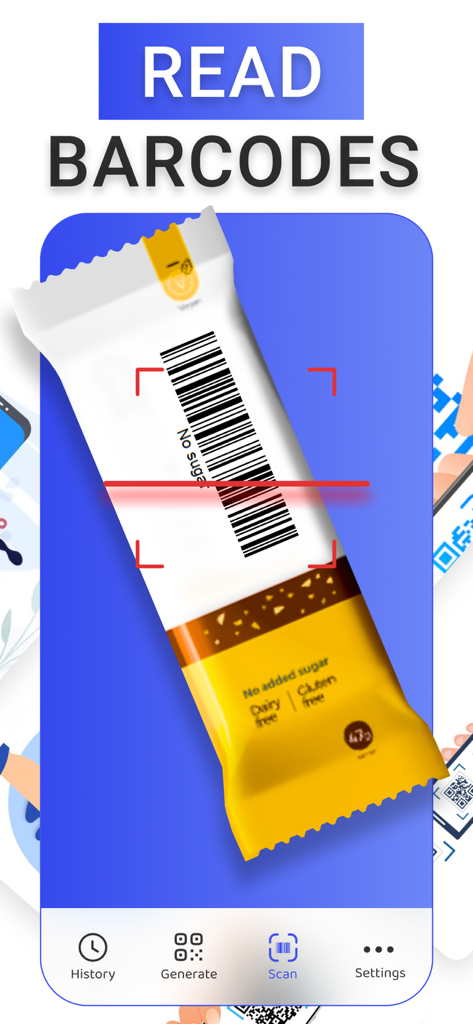
QR Code Reader・Barcode Scanner - 赤いレーザー線を使用してスナックバーのパッケージにあるバーコードをスキャンしているスマートフォンのアプリインターフェース。
赤いレーザー線を使用してスナックバーのパッケージにあるバーコードをスキャンしているスマートフォンのアプリインターフェース。

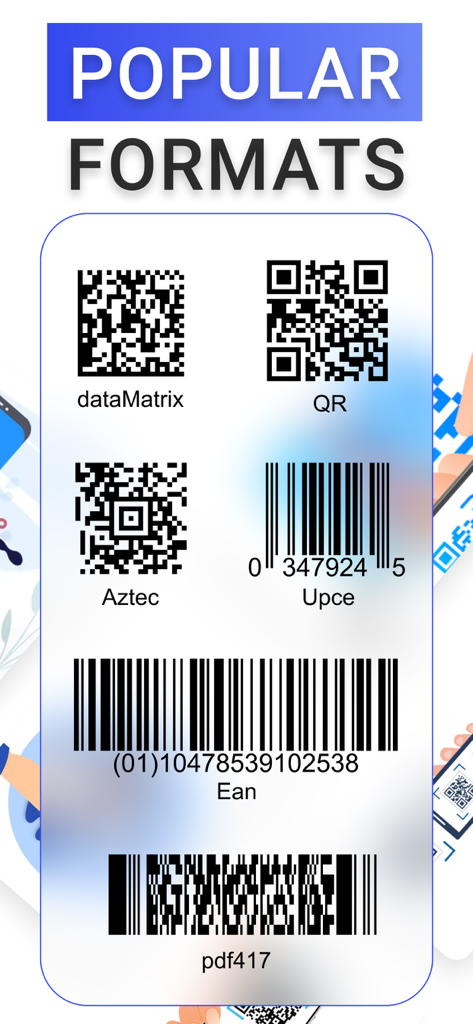
QR Code Reader・Barcode Scanner - アプリでサポートされているQRコード、アズテックコード、UPCやEANなどのバーコードを含む、一般的なスキャン形式のリスト。
アプリでサポートされているQRコード、アズテックコード、UPCやEANなどのバーコードを含む、一般的なスキャン形式のリスト。

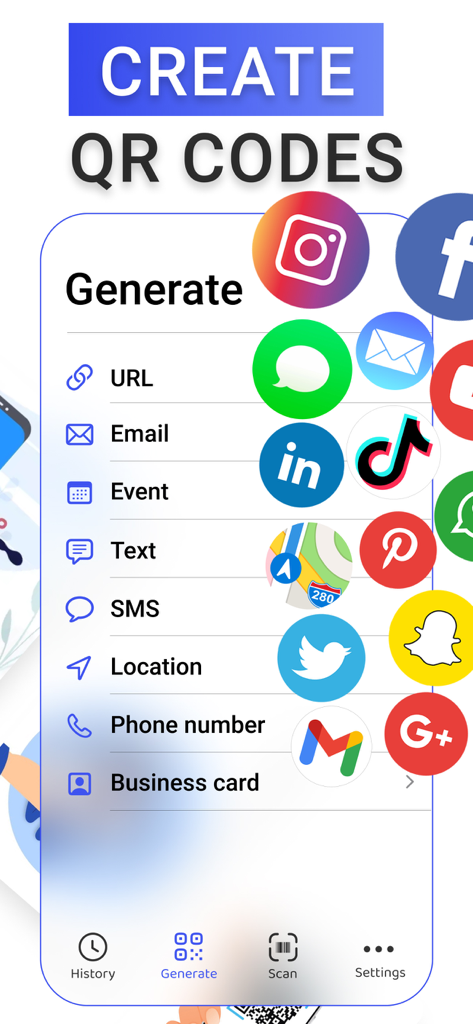
QR Code Reader・Barcode Scanner - ソーシャルメディア、URL、名刺用のコード作成オプションを表示するQRコードジェネレーターアプリのインターフェース。
ソーシャルメディア、URL、名刺用のコード作成オプションを表示するQRコードジェネレーターアプリのインターフェース。

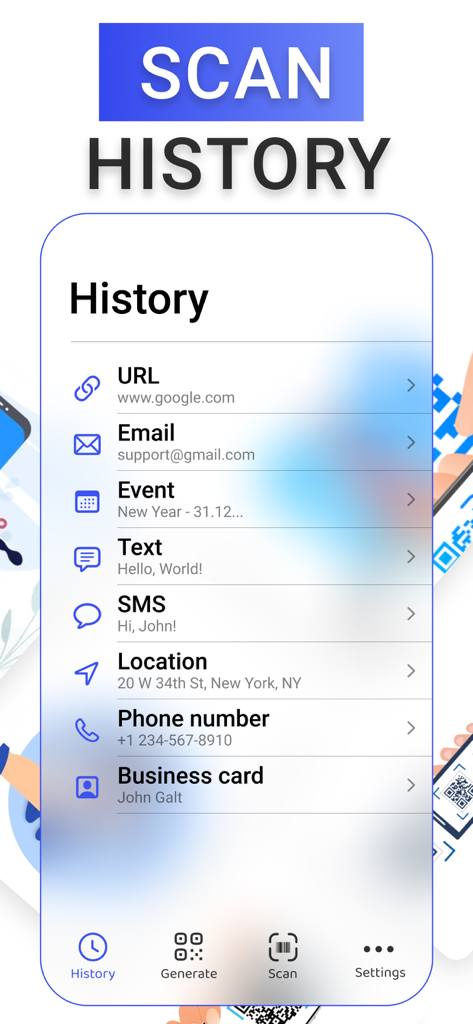
QR Code Reader・Barcode Scanner - 以前のQRおよびバーコードスキャンを表示する履歴ページ。

以前のQRおよびバーコードスキャンを表示する履歴ページ。

説明

SCAN QR & BARCODES With the unique technology camera automatically recognizes all popular types of qr and barcodes. You will receive detailed information on the code depending on its type and purpose. Just focus your camera on the code object, and get the result. All data is saved locally in the history section. GENERATE OWN QR CODE The app supports the creation of a wide range of qr codes, whether you need to create a link, that will lead to a certain website or social media account, or you need to schedule events automatically via qr code, or you need to configure a business card, that will automatically save itself into phone`s contacts. All functionality is provided in this app. SCANNED CODES HISTORY Get deep knowledge about scanned qr and barcodes in the history section of the app, where you can manage all the codes, read or delete, and use deep premium functionality, from scheduling events in Calendar to automatically searching locations in Maps. Subscription pricing and terms Payment may be charged to iTunes Account at confirmation of purchase. Subscription may be canceled at any time within the iTunes and App Store Apple ID Settings. Subscription automatically renews unless auto-renew is turned off at least 24-hours before the end of the current period. Account will be charged for renewal within 24-hours prior to the end of the current period, and identify the cost of the renewal. Subscriptions may be managed by the user and auto-renewal may be turned off by going to the user's Account Settings after purchase. No cancellation of the current subscription is allowed during the active subscription period. Any unused portion of a free trial period, if offered, will be forfeited when the user purchases a subscription to that publication, where applicable. By downloading and using this application, you accept the terms of use and privacy policy. Terms of Use: https://enzoapps.wordpress.com/terms-of-use/ Privacy Policy: https://enzoapps.wordpress.com/privacy-policy/

Download

ダウンロード: App Store

このページはアプリまたはその開発者の公式ページではなく、情報提供および論評を目的として作成された独立した編集出版物です。明示的に別段の記載がない限り、アプリおよびその開発者は、MWM、Apple、Google Play、アプリのパブリッシャー、またはアプリの開発者と提携、承認、後援、認可、またはその他の公式的な関係はなく、このページのいかなる内容も、アプリがMWMのサービスを使用して開発されたことを意味するものではありません。すべての商標、ロゴ、スクリーンショット、その他のコンテンツはそれぞれの所有者の財産です。








