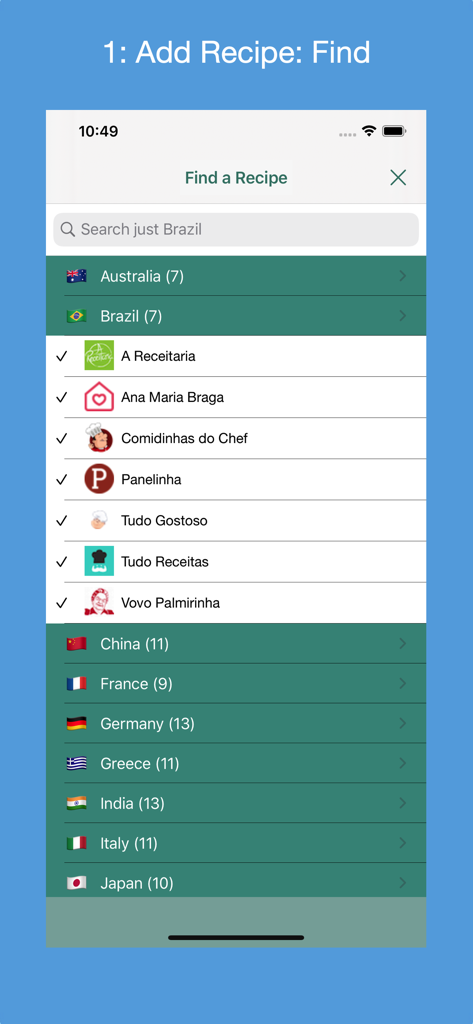
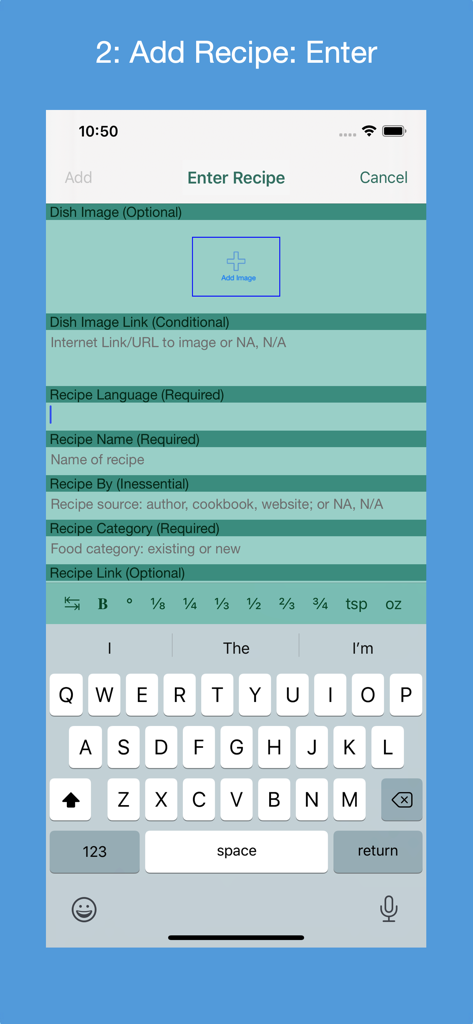
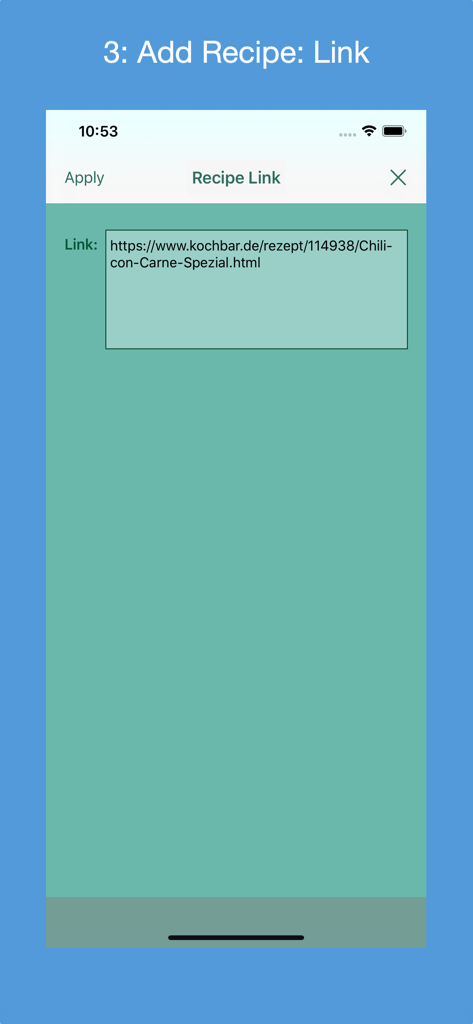
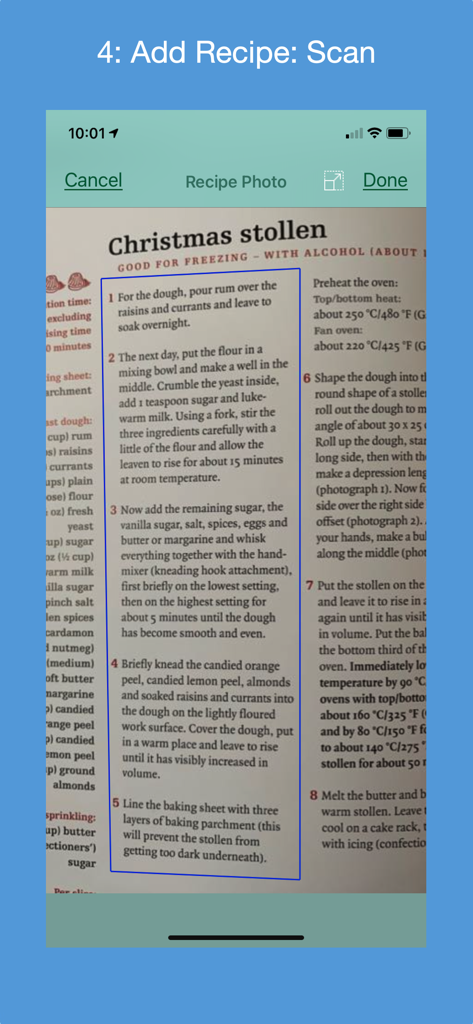
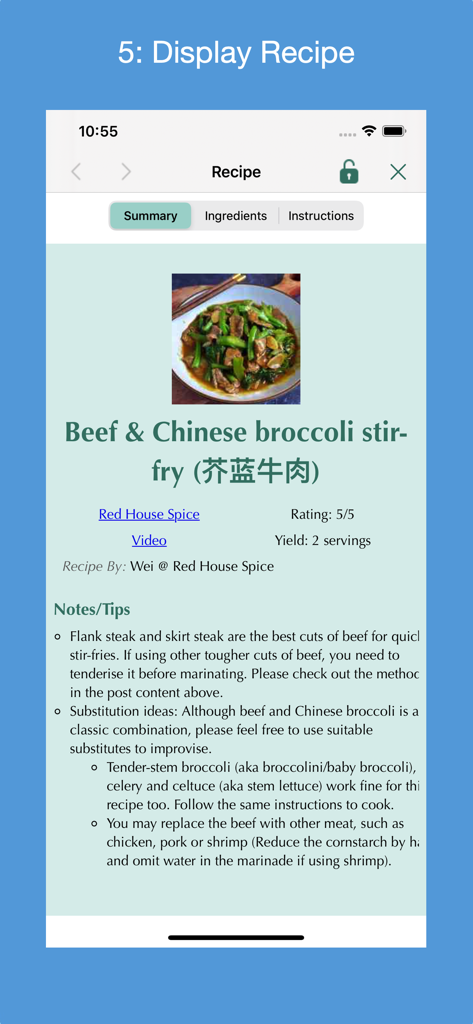
Gather into a cookbook 1) all of your personal recipes collected over the years; 2) your favorite recipes found on the Internet, in cookbooks and magazines; and 3) recipe print outs. There are 4 ways to add a new recipe: 1) manually entering its metadata (form-based); 2) finding the recipe by searching one or more of a supported country's recipe websites; 3) entering a link for a recipe from one of the supported country's recipe websites or from a non-curated recipe website that supports the recipe JSON-LD standard; or 4) (iOS 13+ only) scanning a recipe's photo(s) in English, French, Italian, German, Spanish or Portuguese (Brazil). Recipes can be categorized and indexed in one place, and viewed on your iOS device while preparing the recipe. Recipes can be AirDropped between macOS computers and iOS devices.
Features:
* Compatible with iOS 16+; supports Dark Mode.
* Find new recipes in a set of curated recipe websites from 18 countries: Australia (7), Brazil (9), Canada(18), China (11), France (11), Germany (18), Greece (11), Hong Kong (6), India (13), Italy (12), Japan (10), Mexico (13), Portugal (6), South Korea (8), Spain (13), Taiwan (6), United Kingdom (10) and United States (27). Can exclude websites from the search. Each country contains its most popular recipe websites.
* Recipe's metadata is extracted and displayed in the recipe's language. Bengali, Chinese, English, French, German, Greek, Hindi, Italian, Japanese, Portuguese, Spanish and Tamil are supported.
* Select a Preferred Language preference for displayed User Interface (UI) text.
* Go directly to a country's website's recipes and search there.
* When entering a recipe manually, a photo of the dish can be provided from the Photo Library or taking a picture with the device's camera.
* Add a new food category; rename a food category; delete a food category; restore a deleted food category; delete a deleted food category.
* Recipes can be added to one of 57 predefined food categories or a newly created food category.
* A common recipe presentation format customized for iPhone, iPad, printing and PDF.
* Selectively import new recipe websites used to find a recipe.
* Search all food categories or a selected food category for a recipe(s) that match the search criteria.
* Use Spotlight to find a recipe by its name, author and/or website name.
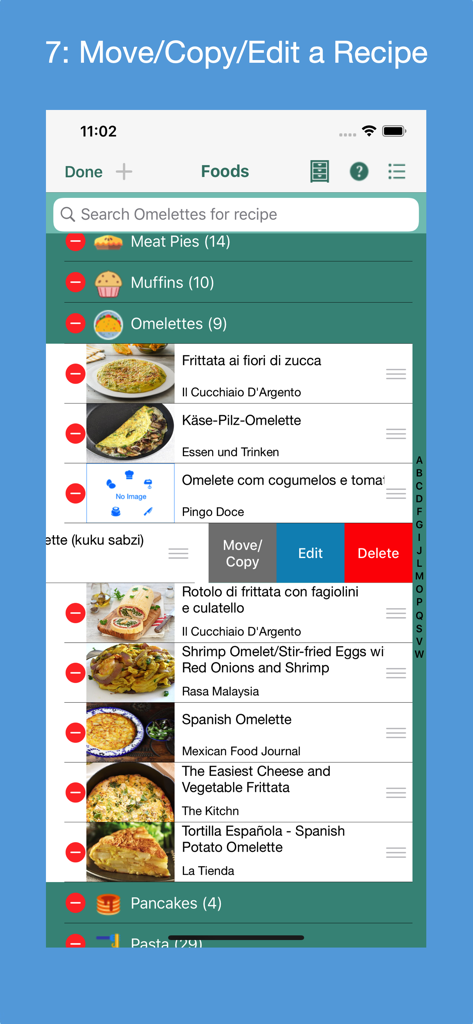
* Reorder the recipes in a food category.
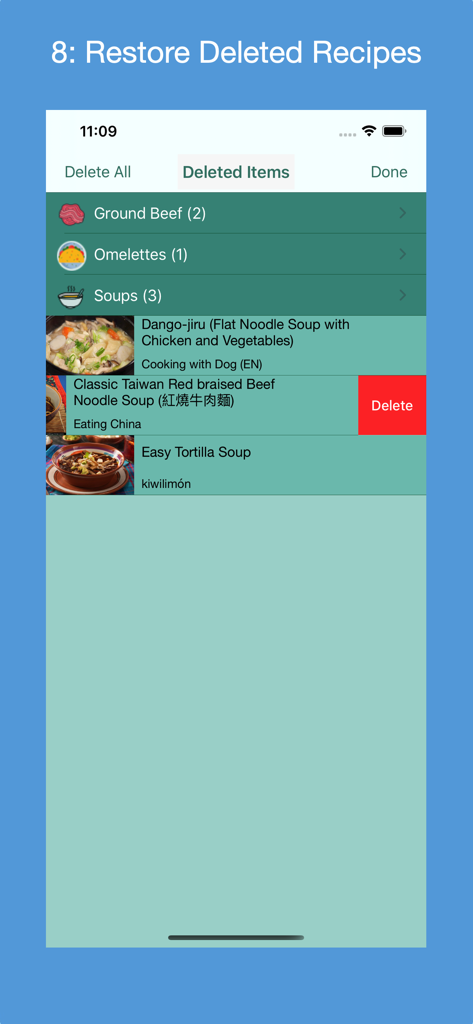
* Edit a recipe; delete a recipe; restore a deleted recipe; delete a deleted recipe.
* Copy or move a recipe to another food category.
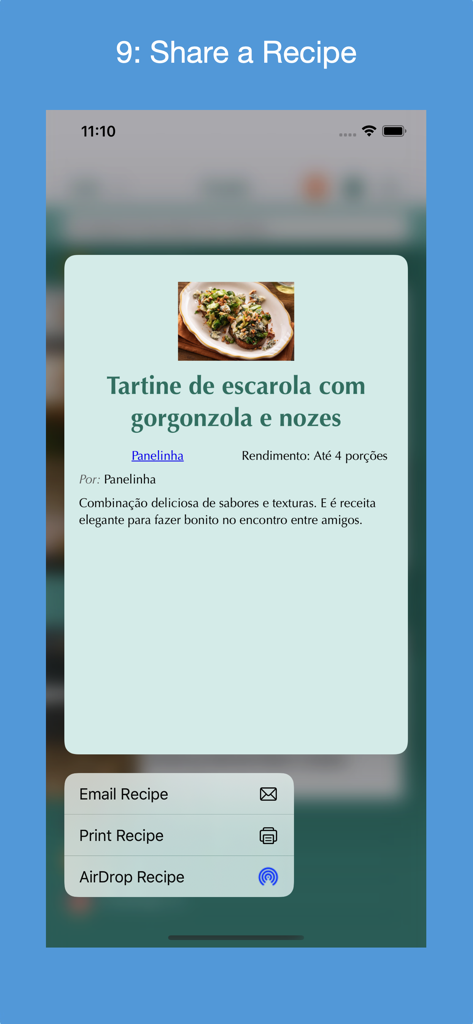
* In iOS 13+, tap and hold on a recipe to display a contextual menu from which the recipe can be displayed, printed, deleted or shared via AirDrop. For iOS 12 and sooner, print, delete or share recipe from displayed recipe.
* Supports Letter and A4 paper sizes.
* Optionally auto-lock screen during preparation time; control the auto-lock time.
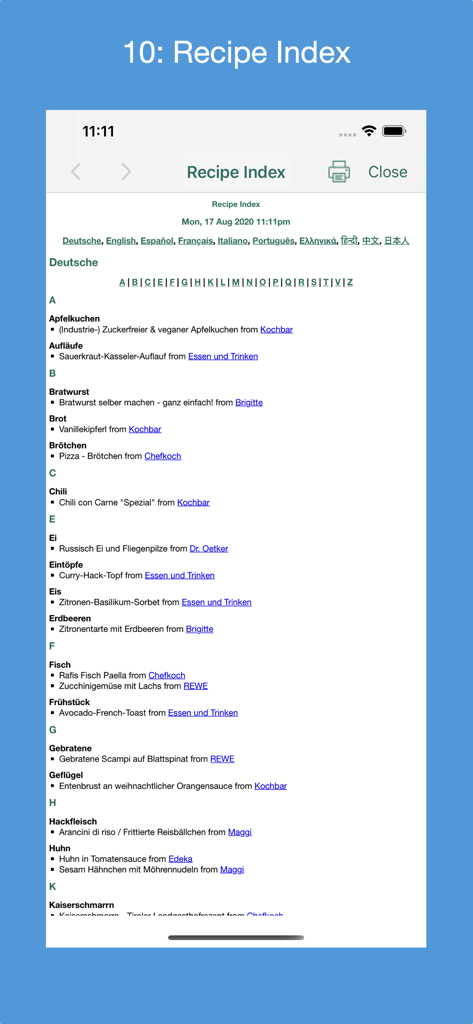
* Generate an index of all recipes by language; navigate within the index or to the actual recipe's website; print the index.
* State of the app can be saved to the device at any time and automatically restored the next time the app is launched.
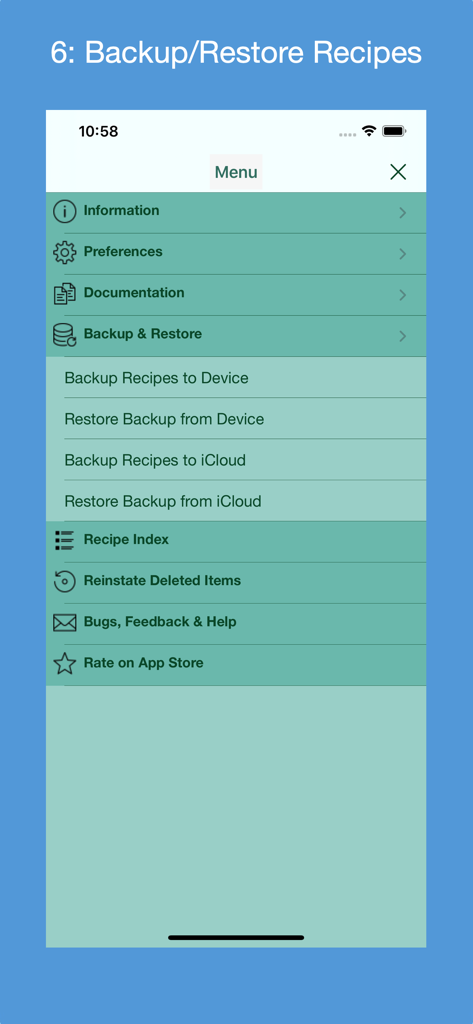
* Backup all recipes to device or iCloud; restore backup from device or iCloud. Backup files can be named and old ones deleted.
* Transfer all recipes to a new device running the app.
* A User Guide documents how to use the app and its features. See section "macOS Version's Differences" for an explanation of the differences between the macOS version and the iOS version of the app.
* A Quick Guide provides a fast way to learn how to use the app.
* A Quick Tour of the app, available on demand, that enumerates its features.
* A set of Frequently Asked Questions (FAQs).
* Display at any time advice from a set of tips.
* Rate the app in the App Store.
* Send e-mail to support@verusapps.com to report issues, suggest improvements or ask for help using the app.
No subscription fees or in-app purchases. One time purchase price includes all future releases.