Remote for VLC, PC & Mac

Remote for VLC, PC & Mac

ダウンロード: App Store
ロゴ: Remote for VLC, PC & Mac

VLC, PC & Mac用リモコン:ホームシアターのための究極のワイヤレスコントローラー

ソファとコンピュータの間を往復するのはもうやめましょう。iPhoneやApple Watchから、マウスやキーボードを直接管理しながら、VLC、Netflix、YouTubeを操作できます。

開発元

Adarsh Urs

カテゴリ

Entertainment

ダウンロード

144K+

ユーザー評価

4.2/5

評価数

0

対応言語

8

ソファからコマンド送信

このインターフェースを利用する 144K+ 人のユーザー.

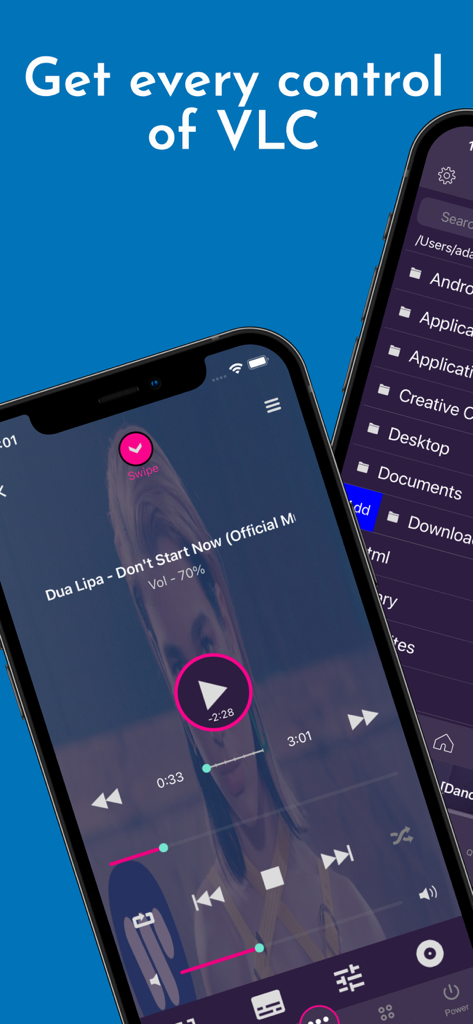
メディア再生コントロールとコンピュータのファイルブラウザをiPhone上に表示しているVLCリモコンアプリのインターフェース。
メディア再生コントロールとコンピュータのファイルブラウザをiPhone上に表示しているVLCリモコンアプリのインターフェース。

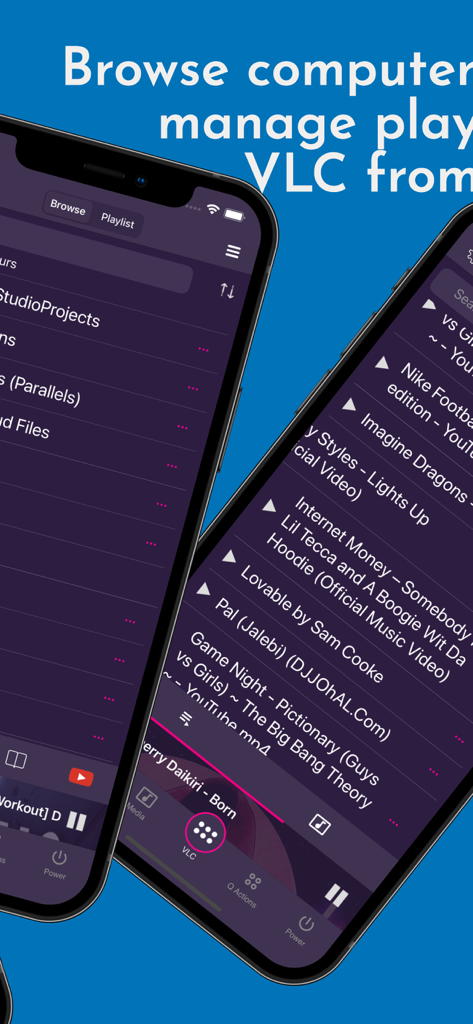
コンピュータのファイルを閲覧し、メディアプレイリストを管理するためのVLCリモコンアプリのインターフェースを表示しているスマートフォンの画面。
コンピュータのファイルを閲覧し、メディアプレイリストを管理するためのVLCリモコンアプリのインターフェースを表示しているスマートフォンの画面。

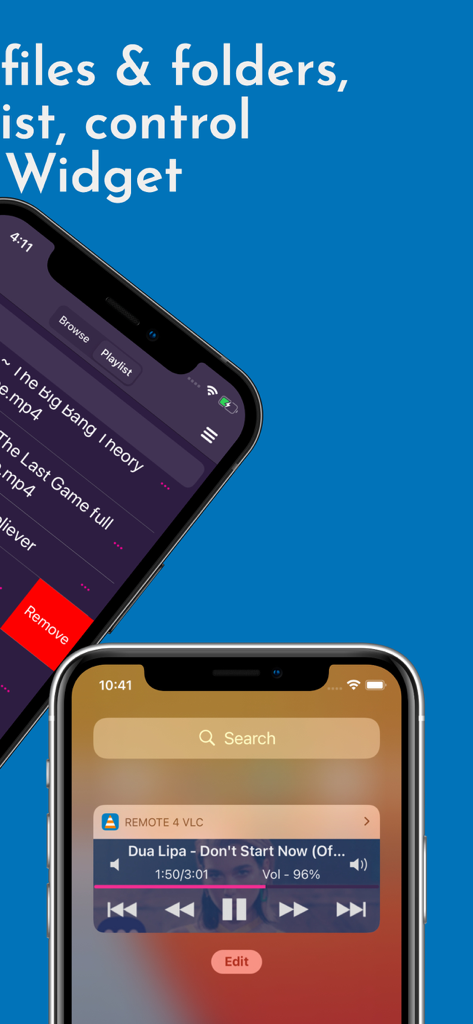
メディアプレイリストとロック画面の再生コントロールウィジェットを表示しているVLCリモコンアプリのインターフェース。
メディアプレイリストとロック画面の再生コントロールウィジェットを表示しているVLCリモコンアプリのインターフェース。

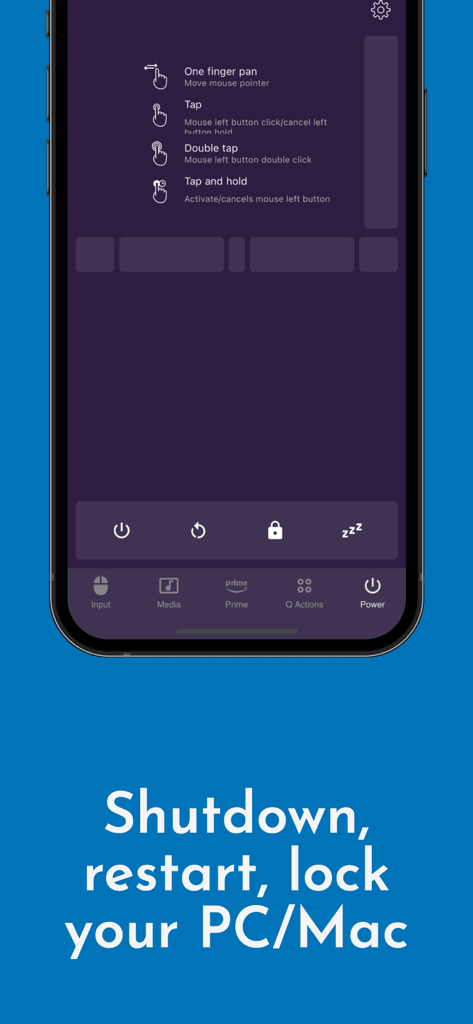
PCやMacのシャットダウン、再起動、ロックなどのシステム電源コントロールを表示しているVLC用リモコンアプリのインターフェース。
PCやMacのシャットダウン、再起動、ロックなどのシステム電源コントロールを表示しているVLC用リモコンアプリのインターフェース。

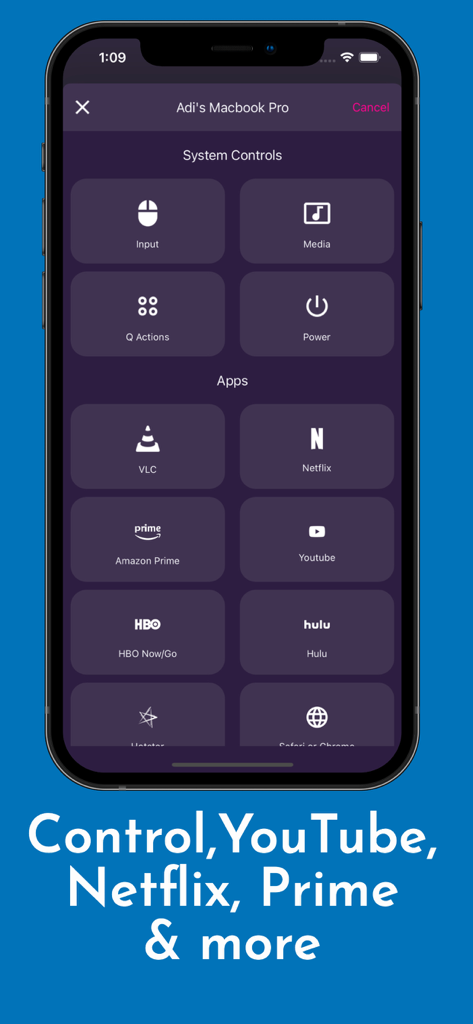
VLC、Netflix、YouTubeのシステムコントロールとストリーミングショートカットを備えたアプリインターフェース。
VLC、Netflix、YouTubeのシステムコントロールとストリーミングショートカットを備えたアプリインターフェース。

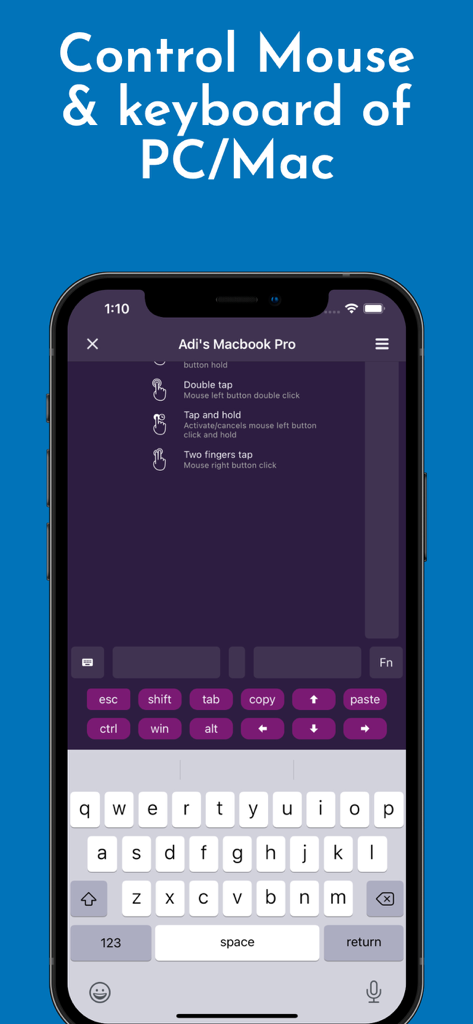
PCやMacのマウスとキーボード操作を表示しているVLCリモコンアプリのインターフェース。
PCやMacのマウスとキーボード操作を表示しているVLCリモコンアプリのインターフェース。

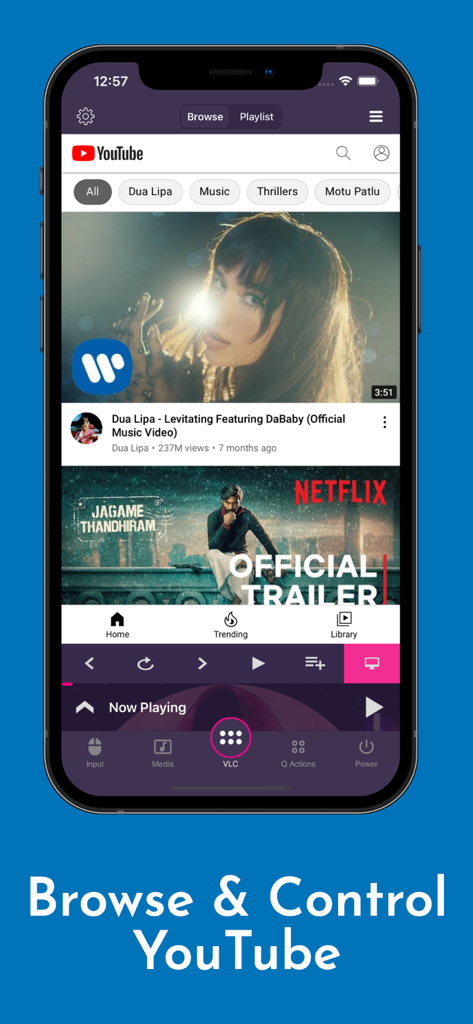
再生ボタンを使用してYouTubeビデオを閲覧および操作しているVLC用リモコンアプリのiPhoneスクリーンショット。
再生ボタンを使用してYouTubeビデオを閲覧および操作しているVLC用リモコンアプリのiPhoneスクリーンショット。

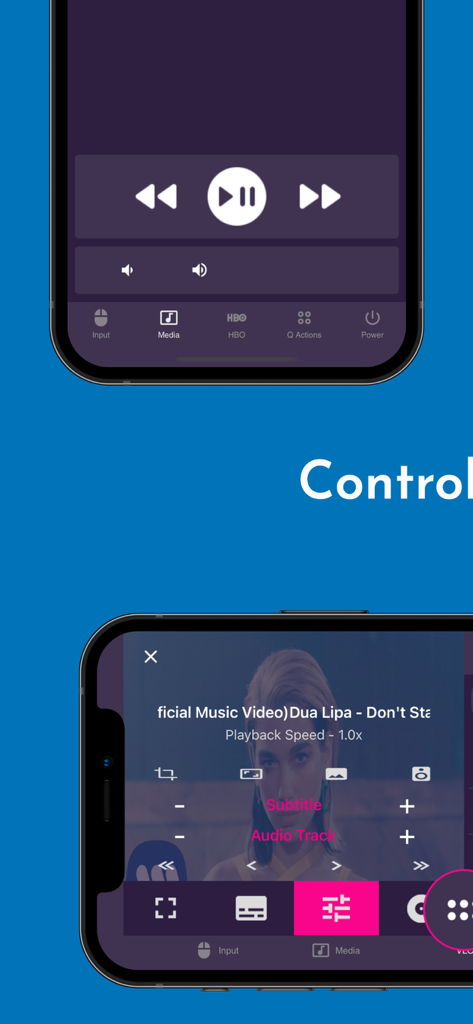
再生とメディア設定を備えたVLCリモコンのモバイルアプリインターフェース。
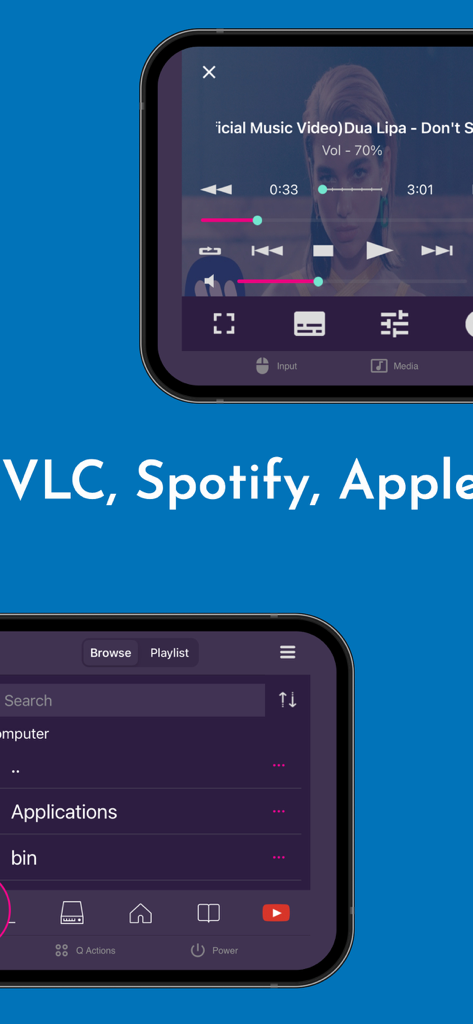
再生とメディア設定を備えたVLCリモコンのモバイルアプリインターフェース。

VLCリモコンアプリでのメディア再生とファイル閲覧を表示しているスマートフォンの画面。
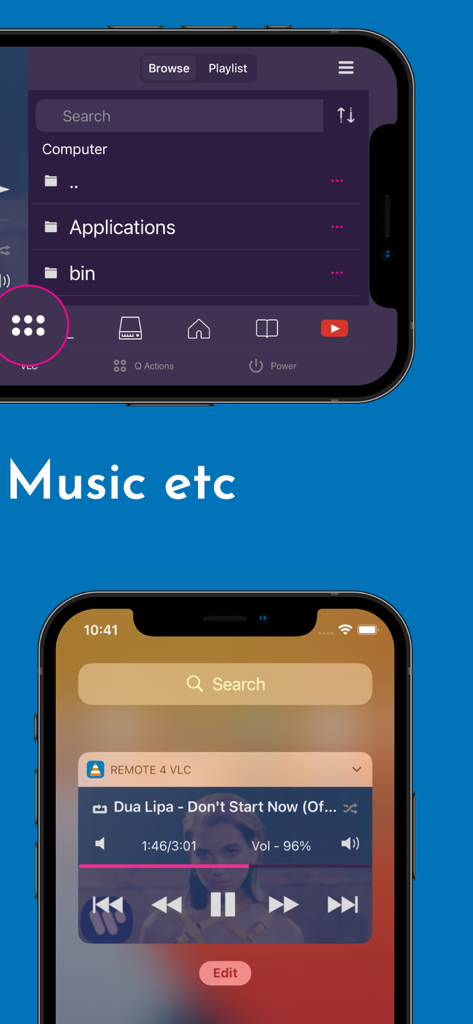
VLCリモコンアプリでのメディア再生とファイル閲覧を表示しているスマートフォンの画面。

コンピュータのファイルブラウザとロック画面の音楽再生コントロールを表示しているVLCリモコンのモバイルアプリインターフェース。

コンピュータのファイルブラウザとロック画面の音楽再生コントロールを表示しているVLCリモコンのモバイルアプリインターフェース。

ホームメディアを完全にコントロール

このアプリを際立たせるツール、 144K+ 人のユーザーが選択.

📺

VLCだけにとどまらない

VLC Media Player、Netflix、YouTube、Amazon Primeをシームレスに操作。キーボードに触れることなく、再生、一時停止、音量調整、トラックのスキップが可能です。

🖱️

完全なデスクトップリモコン

内蔵のマウスとキーボードでコンピュータをナビゲート。ファイルの管理、ブラウザの起動、さらにはベッドからリモートでPCやMacのシャットダウンや再起動も行えます。

手首での操作

Apple Watchやロック画面のウィジェットを使用して、携帯電話がポケットに入っている時でも、瞬時に再生を管理できる究極の利便性を体験してください。

アプリについて

について知っておくべきこと Remote for VLC, PC & Mac.

説明

The simplest VLC Remote you'll ever find. Period. But now the simplest VLC Remote is also a complete Mac Remote & PC Remote app. Groping in the dark for keyboard shortcuts whilst watching a movie or racing to your computer in the middle of a steamy date just to change the music track? well, you'll no longer have to do that. Meet VLC media player’s most compatible, up-to-date and user-friendly partner—VLC Mobile Remote for iOS. VLC M Remote is the most convenient way of controlling VLC Player from your smartphones and tablets. No more couch-to-computer workouts. If you watch movies and videos offline or online on your computers, this VLC Remote gives you the awesome power to control VLC Media Player wherever you're seated, whether in the kitchen or in the garden. Just install the app, sit back, relax and remotely control VLC Player, Netflix, YouTube and Amazon Prime from the couch. Works well with VLC running on both Desktops & Laptops based Windows, Mac OS or Linux. "This is the best remote app for VLC and can't even think about watching movies without it" - Vishal "App does everything I need it to with a modern UI and nice features. Setup is very in-depth and simple to understand" - Colby347 Remote for VLC This VLC Remote Control App lets you control VLC Media Player on your desktop or laptop and allows you to browse, play your computer files as well as YouTube videos. + With this VLC Remote App, You don't need to install any software on your PC or Mac! (or alternatively, install our helper app, VMR Connect to your PC/Mac for easy setup) + 'Setup Wizard' step by step guide makes it easy to setup VLC Media Player with this VLC Remote app. + Control VLC from Apple Watches + This VLC Remote App auto connects to VLC Player when you're on same Wi-Fi + Stop, Play and Pause + Control volume, next track and previous track + Seek control, fast forward and fast rewind + Toggle full-screen, Repeat, Shuffle, Loop, Aspect Ratio, Audio Track + Manage Subtitle, playback speed, crop + DVD Controls + Use this app as a PC remote to access all your media files. + Works as a YouTube remote. + Manage playlist + Add subtitle files to currently playing video (supports .srt files only and requires VLC v2.2.0 or up). + Play online media files (Website videos, radio channels etc) + Take screenshot or snap of video frame + Set a folder as 'Home location' + Save favourite folders + Home Screen Widget & Notification controls + Lock screen notification controls/widget + Incoming call handling with soft pause & soft resume options + Use device volume buttons to control VLC volume + Handle multiple files on the saved computer + Fast scrolling on browse & playlists + Switch Audio output devices + Sort Browse list + Save multiple host/computer addresses + Quit VLC Media player directly from the App PC Remote & Mac Remote (Windows & Mac) With VMR Connect on your Windows PC or Mac, it also works as a complete Remote for your PC or Mac. This app is the most convenient way to watch not only offline videos but also online videos from Netflix, YouTube, Amazon Prime, HBO, HotStar etc. + Mouse & Keyboard Remote + System Power Control (Shutdown, restart, sleep etc) + Works as Netflix Remote, Amazon Prime Remote, YouTube Remote. + Remote control for any media player. + Launch and Control Chrome, Firefox or any other internet browser on your PC/Mac. All You Need + VLC Media player ( v2.0 or newer) on your Windows PC, Mac computers or Linux PC + Common local network (LAN or WiFi) connection between your phone & desktop or laptop + Install VMR Connect (Optional) to Windows PC or Mac from https://vlcmobileremote.com/download Supported Operating Systems + Works as a VLC Remote with Windows, OSX/Mac OS and Linux operating systems. + With Windows systems, works as a PC Remote Controller. + Also Works as Mac Remote for Mac OS running devices. Visit our website for more info - https://vlcmobileremote.com/ "Terms of Use: https://vlcmobileremote.com/terms/"

最新バージョン

2.6.10

サイズ

38.0 MB

リリース日

2016年9月16日

ソファからメディアを自在に操る準備はできましたか?

iPhoneをVLC、Netflix、そしてPCやMac全体の究極のマスターコントローラーに変えた、144,000人以上の愛好家の仲間入りをしましょう。

ダウンロード: App Store

App information, icons, screenshots, and descriptions displayed on this page are sourced from the Apple App Store and are the property of their respective developers. Download estimates and rankings are based on MWM's proprietary models and may not reflect actual figures. This page is provided for informational and analytical purposes only.

Believe this page infringes your intellectual property? File a dispute