
このページはアプリまたはその開発者の公式ページではなく、情報提供および論評を目的として作成された独立した編集出版物です。明示的に別段の記載がない限り、アプリおよびその開発者は、MWM、Apple、Google Play、アプリのパブリッシャー、またはアプリの開発者と提携、承認、後援、認可、またはその他の公式的な関係はなく、このページのいかなる内容も、アプリがMWMのサービスを使用して開発されたことを意味するものではありません。すべての商標、ロゴ、スクリーンショット、その他のコンテンツはそれぞれの所有者の財産です。

RNI Films: Photo & RAW Editor
本物のアナログ銘柄をモデルにしたプロフェッショナルなRAW編集と洗練されたプロファイルで、本物のフィルムの魂をモバイルワークフローに。
ダウンロード
8M+ユーザー評価
評価数
17K+開発元
カテゴリ
Photo & Video対応言語
1最新バージョン
5.4.0サイズ
67.6 MBリリース日
2015年8月9日本物のフィルム体験
プロフェッショナルグレードのプロファイルとRAW編集により、現代のモバイル写真とアナログフィルムの時代を超越した魂の架け橋となります。
本物のフィルムキャラクター
本物のアナログスライドやネガからデジタル化されたプロファイルのライブラリにアクセスし、本物の色彩、肌のトーン、質感を手に入れましょう。
デスクトップ級のRAW編集
プロフェッショナルなデスクトップソフトウェアに匹敵する洗練されたモバイルワークフローで、高解像度のRAWファイルを処理します。
よくある質問
について知っておくべきこと RNI Films: Photo & RAW Editor
RNI Films: Photo & RAW Editor とは何ですか?
RNI Films は、アナログフィルムの真の個性をデジタル写真や動画に適用するモバイルアプリです。実際のフィルムストックをデジタル化し、洗練されたプロファイルと調整ツールを提供して、プロフェッショナルなフィルムルックを実現します。
RNI Films は無料のフィルムフィルターを提供していますか?
はい、RNI Films には、無料のフィルムフィルターの入門パッケージが豊富に含まれています。追加のフィルムフィルターパッケージは、アプリ内購入で追加できます。
RNI Films で RAW ファイルを編集できますか?
はい、RNI Films は、モバイルまたはサードパーティ製カメラからの RAW ファイルを開いて編集できます。RAW ファイルに対するアプリの出力品質は、プロフェッショナルなデスクトップソフトウェアに匹敵します。
RNI Films で利用できるフィルムフィルターの種類は何ですか?
RNI Films は、フィルムストックから派生した実際のフィルムフィルターを提供しており、ネガ、スライド、インスタント、白黒、ビンテージに分類されます。例としては、Kodak E200 や Agfacolor 50's などがあります。
RNI Films はビデオ編集をサポートしていますか?
はい、RNI Films にはビデオグレーディング機能が含まれており、現在ベータ版です。すべてのフィルムフィルターと多くの編集ツールがビデオをサポートしており、ユーザーはビデオのカラーグレーディングを行うことができます。
RNI Films で利用できる調整ツールは何ですか?
RNI Films は、切り抜き、回転、明るさ、コントラスト、カラー、シャドウ、ハイライト、ビネット、実際のフィルムグレインなど、さまざまな調整ツールを提供します。ユーザーは、フェード、ダスト、日付スタンプ、ビンテージレンズ効果を追加することもできます。
RNI Films から写真を共有するにはどうすればよいですか?
ユーザーは、RNI Films アプリから直接、編集した写真をソーシャルネットワークに共有できます。サポートされているプラットフォームには、Instagram、Facebook、Twitter が含まれます。
RNI Films にはアプリ内購入がありますか?
はい、RNI Films は、アプリ内購入を通じて追加のフィルムフィルターパッケージを提供しています。アプリには、開始するための無料の入門フィルターパッケージが含まれています。
RNI Films のフィルムプロファイルは何がユニークなのですか?
RNI Films は、カラー分離、肌のトーン、グレインの質感に焦点を当て、実際のフィルムの微妙な側面を高精度で再現します。プロの写真家は、これらのプロファイルがより洗練されており、実際のフィルムに忠実であると感じることがよくあります。
RNI Films でカスタム編集やプリセットを保存できますか?
はい、RNI Films では、ユーザーは最高の編集を保存できます。この機能は、カスタムスタイル「Kelly's Party」などが保存されているアプリインターフェイスの「MY EDITS」セクションで実証されています。
以下のスクリーンショットと説明は、アプリの公式ストアリスティングから直接取得されたものであり、アプリ開発者の所有物です。
アプリストア
スクリーンショット
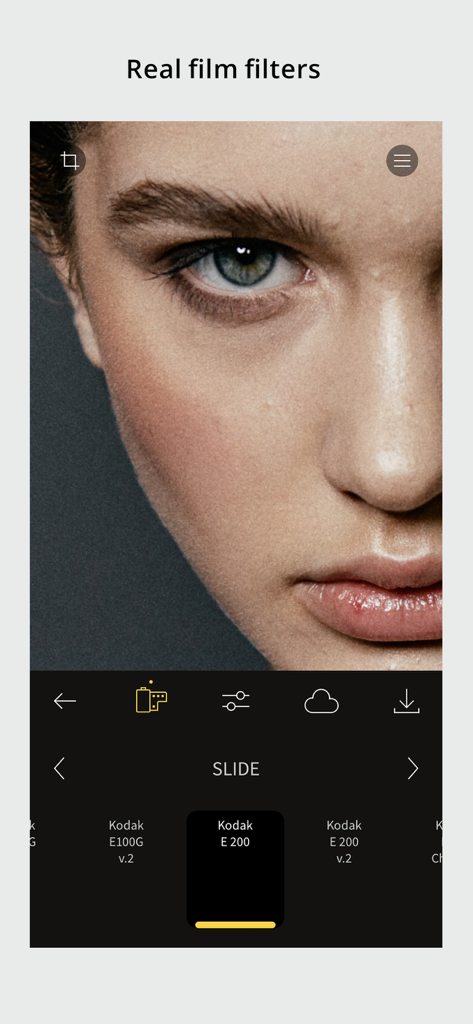
Kodak E 200スライドフィルムフィルターが適用された、RNI Filmsアプリインターフェース内の女性のクローズアップポートレート。
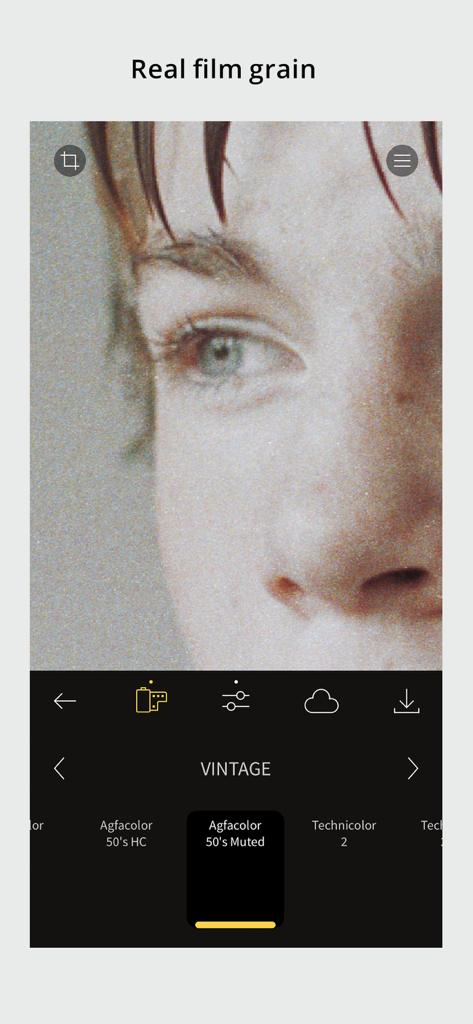
写真にヴィンテージのAgfacolorフィルターとリアルなフィルム粒子を適用しているRNI Filmsアプリのインターフェース。
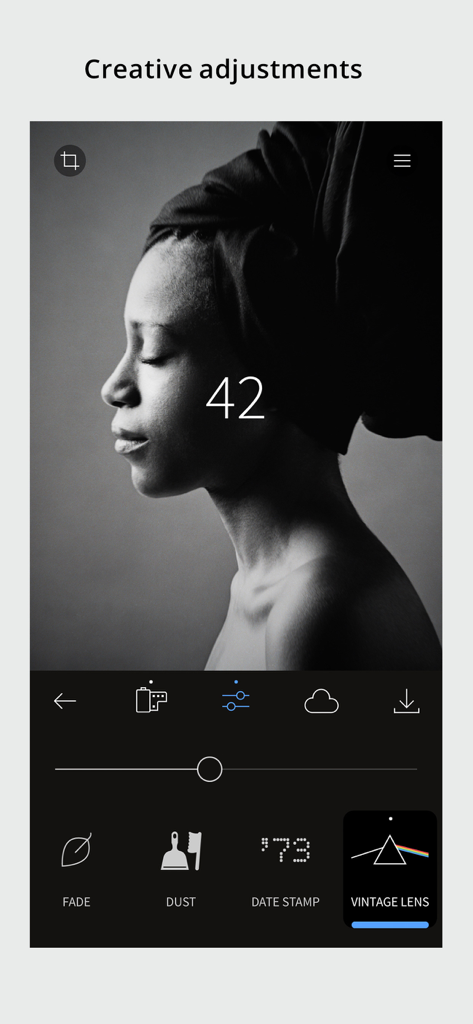
ヴィンテージレンズやフィルム粒子などのクリエイティブな調整ツールを使用して、RNI Filmsアプリで編集されている白黒のポートレート。
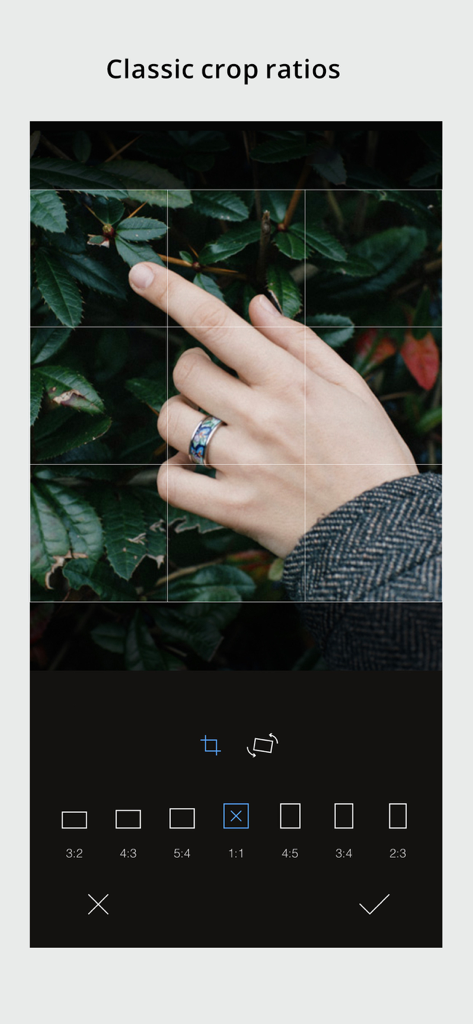
写真編集のためのクラシックなアスペクト比を表示しているRNI Filmsアプリのインターフェース。
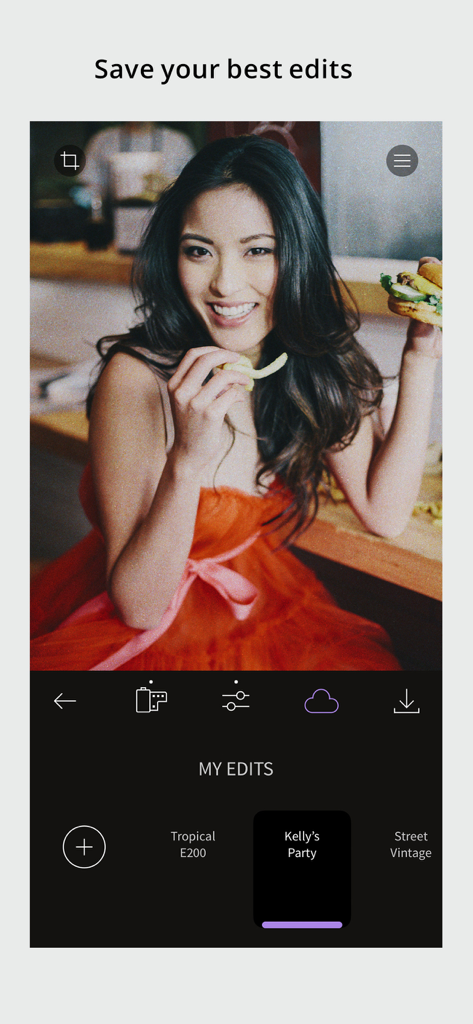
カスタム保存されたフィルムプリセットとヴィンテージポートレート編集が表示された、RNI Filmsアプリの「My Edits」画面。
説明
Download
類似アプリ
似た機能とユーザー体験を持つアプリ
Dazz Cam - Vintage Camera
DAZZ PTE. LTD.

Kapi - Vintage Film Camera
Shanghai Yuhuan Technology Co., Ltd.
ProCCD - Digital Film Camera
秉妍 蔡

Fomz - Vintage Analog Camera
Guangzhou Mengdong Information Technology Co., Ltd.

Liit - Photo & Video Editor
DAZZ PTE. LTD.
1998 Cam - Vintage Camera
Huu Nguyen Chi
y2k: 2000s photo editor
Abel Thomas Noble

Uplens: Photo & Video Editor
MPGAMES LTD

Buttercam
Beijing Muke Technology Co., Ltd.
このページはアプリまたはその開発者の公式ページではなく、情報提供および論評を目的として作成された独立した編集出版物です。明示的に別段の記載がない限り、アプリおよびその開発者は、MWM、Apple、Google Play、アプリのパブリッシャー、またはアプリの開発者と提携、承認、後援、認可、またはその他の公式的な関係はなく、このページのいかなる内容も、アプリがMWMのサービスを使用して開発されたことを意味するものではありません。すべての商標、ロゴ、スクリーンショット、その他のコンテンツはそれぞれの所有者の財産です。