
このページはアプリまたはその開発者の公式ページではなく、情報提供および論評を目的として作成された独立した編集出版物です。明示的に別段の記載がない限り、アプリおよびその開発者は、MWM、Apple、Google Play、アプリのパブリッシャー、またはアプリの開発者と提携、承認、後援、認可、またはその他の公式的な関係はなく、このページのいかなる内容も、アプリがMWMのサービスを使用して開発されたことを意味するものではありません。すべての商標、ロゴ、スクリーンショット、その他のコンテンツはそれぞれの所有者の財産です。

Roku・TV Remote Control
もう紛失したリモコンを探す必要はありません。iPhoneから、Roku TVを簡単に操作し、iPhoneのキーボードで入力し、プライベートリスニングを楽しめます。
ダウンロード
276K+ユーザー評価
評価数
1K+開発元
カテゴリ
Entertainment対応言語
1最新バージョン
1.6サイズ
66.4 MBリリース日
2024年3月19日エンターテイメントをマスターする
iPhoneを究極のRokuコントローラーに変えましょう。もうリモコンを探し回る必要はありません。ポケットからシームレス、高速、直感的なコントロールを実現します。
超高速タイピング
画面グリッドで文字を探すのはもうやめましょう。iPhoneのフルQWERTYキーボードを使って、数秒で映画やアプリを検索できます。
プライベートリスニングモード
夜遅くまで、家族を起こさずに好きな番組を binge-watch できます。テレビのオーディオを直接ヘッドフォンにストリーミングします。
以下のスクリーンショットと説明は、アプリの公式ストアリスティングから直接取得されたものであり、アプリ開発者の所有物です。
アプリストア
スクリーンショット
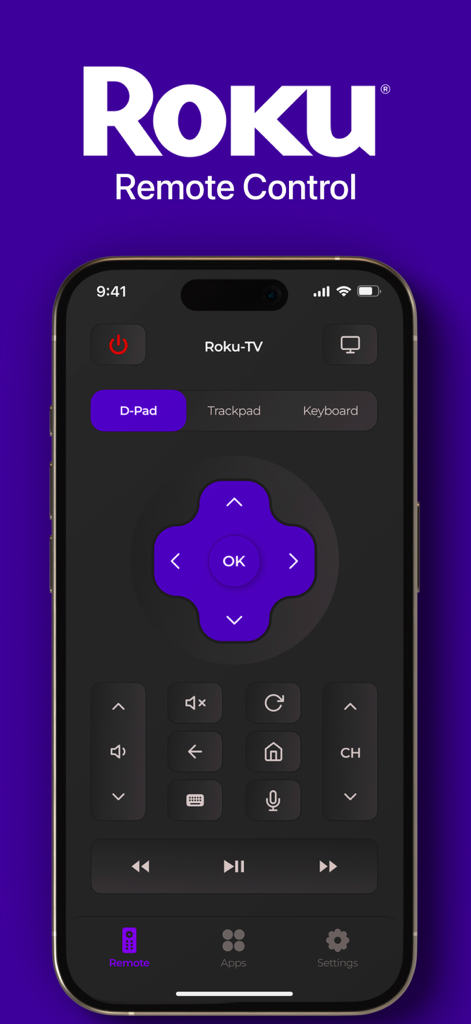
Roku TVリモコンアプリのインターフェイス。iPhone上に紫色のDパッドとナビゲーションボタンが表示されています。
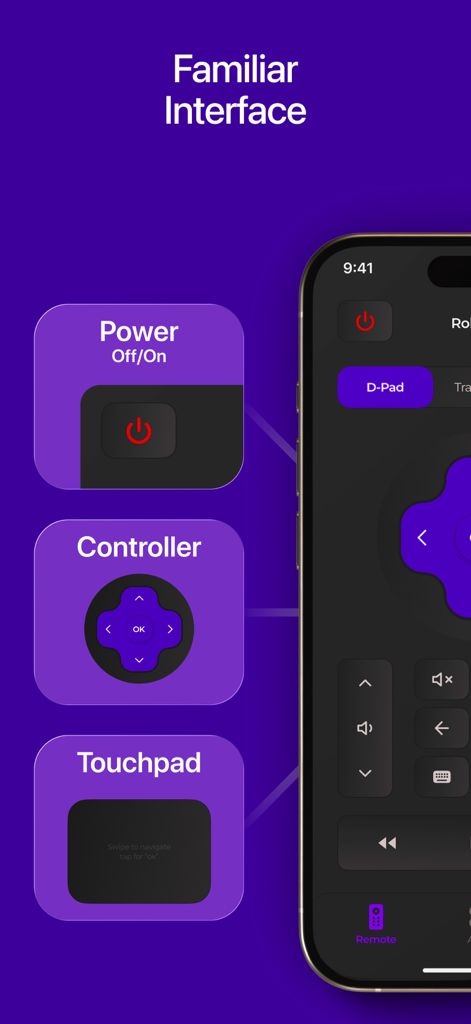
Roku TVリモコンアプリのインターフェイス。iPhone上で電源コントロール、Dパッド、タッチパッドナビゲーションが強調表示されています。
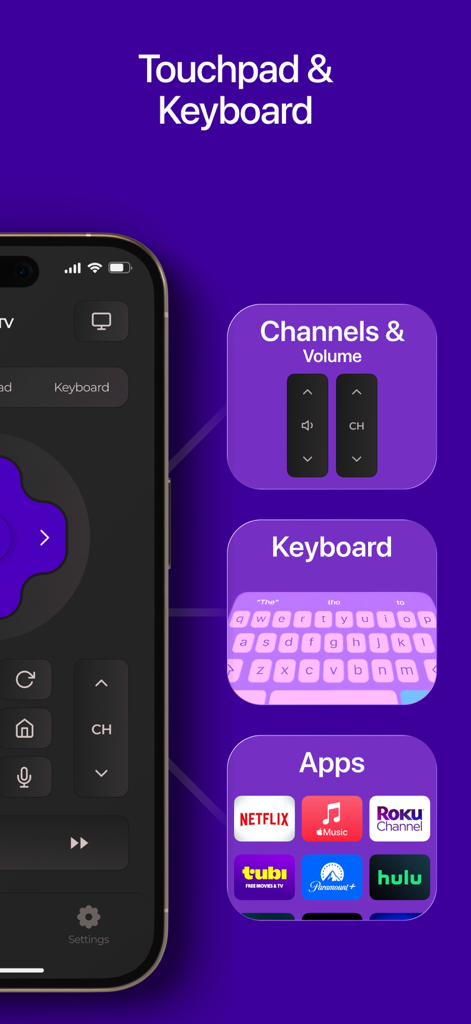
Rokuリモコンアプリのインターフェイス。タッチパッドナビゲーション、検索用のキーボード入力、NetflixやHuluなどのストリーミングアプリへのクイックアクセスが特徴です。
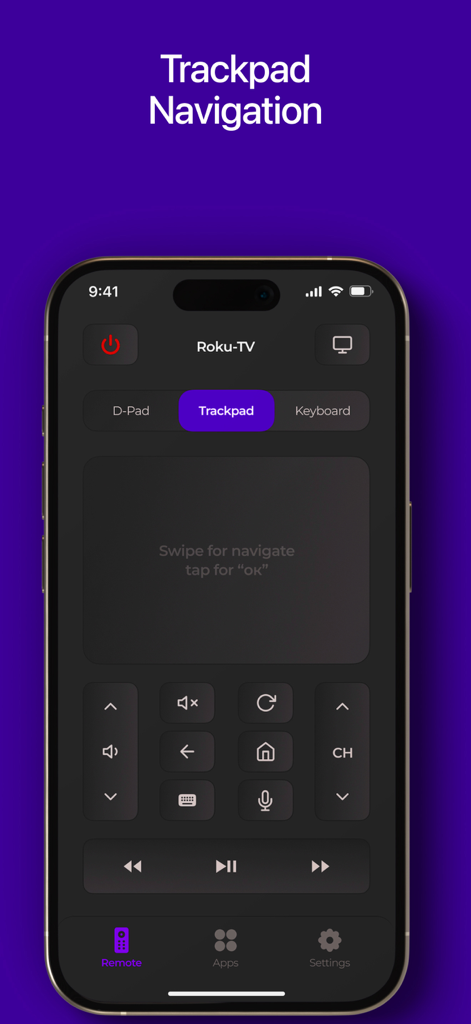
iPhone画面にRoku TVリモコンアプリのトラックパッドナビゲーションインターフェイスが表示されています。
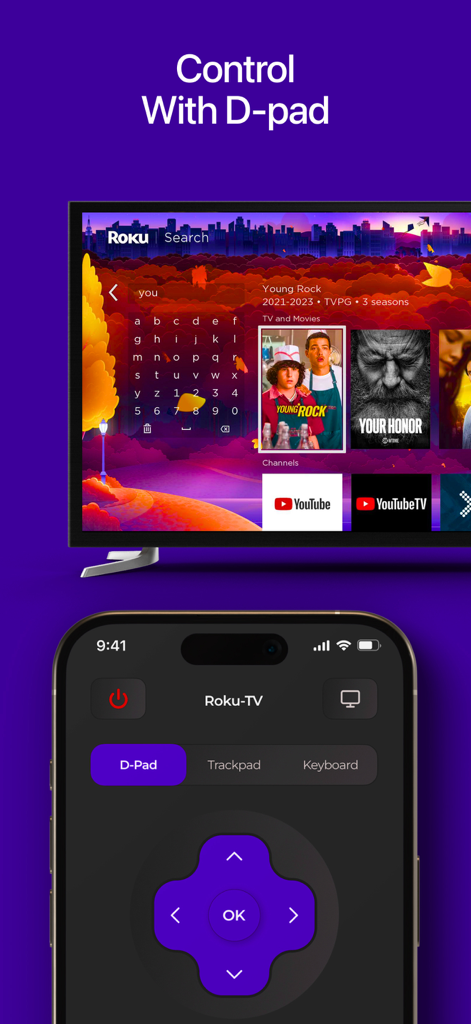
iPhoneアプリのインターフェイスに、Roku TV画面をナビゲートするための紫色の方向パッドが表示されています。
説明
Download
類似アプリ
同じカテゴリのトップランクアプリ

TikTok - Videos, Shop & LIVE
TIKTOK PTE. LTD.

Netflix
Netflix, Inc.

Freecash - Get Paid Real Money
256 REWARDS LTD

DramaBox - Stream Drama Shorts
STORYMATRIX PTE. LTD

HBO Max: Stream Movies & TV
WarnerMedia Global Digital Services, LLC

Amazon Prime Video
AMZN Mobile LLC

NetShort - Popular Dramas & TV
NETSTORY PTE. LTD.

ReelShort - Stream Drama & TV
New Leaf Publishing, Inc.

Disney+
Disney Electronic Content, Inc.
このページはアプリまたはその開発者の公式ページではなく、情報提供および論評を目的として作成された独立した編集出版物です。明示的に別段の記載がない限り、アプリおよびその開発者は、MWM、Apple、Google Play、アプリのパブリッシャー、またはアプリの開発者と提携、承認、後援、認可、またはその他の公式的な関係はなく、このページのいかなる内容も、アプリがMWMのサービスを使用して開発されたことを意味するものではありません。すべての商標、ロゴ、スクリーンショット、その他のコンテンツはそれぞれの所有者の財産です。