Scanner App: Fast PDF Doc Scan

Scanner App: Fast PDF Doc Scan

ダウンロード: App Store
ロゴ: Scanner App: Fast PDF Doc Scan

スキャナーアプリ: 高速PDFドキュメントスキャン – ペーパーレスな生活のためのプロフェッショナルな選択

iPhoneを強力なポータブルオフィスに変えましょう。エンタープライズレベルのセキュリティと即時クラウド同期で、ドキュメントを簡単にスキャン、署名、OCR処理できます。

ダウンロード: App Store

開発元

7270356 Canada Inc

カテゴリ

Business

ダウンロード

849K+

ユーザー評価

4.6/5

評価数

11K+

対応言語

11

あなたのオフィスをデジタル化

このインターフェースを利用する 849K+ 人のユーザー.

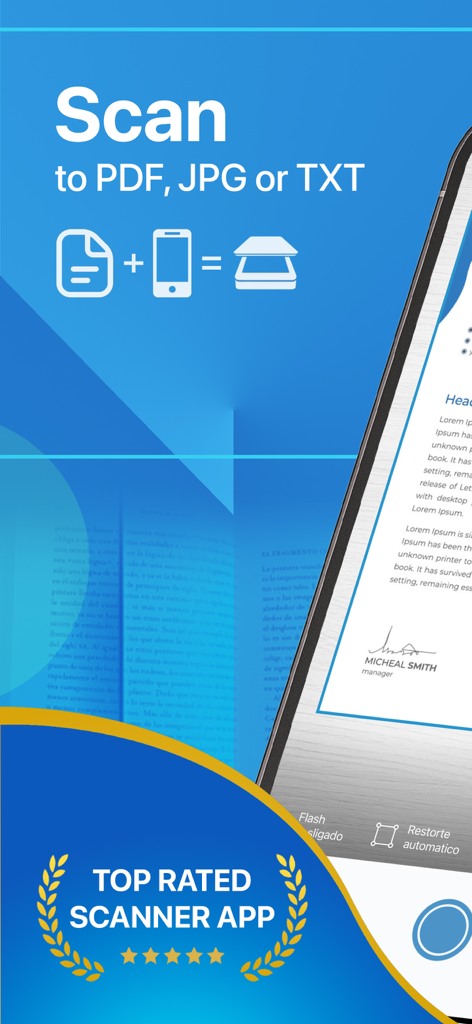
スキャナーアプリのプロモーションバナー。PDF、JPG、TXT形式へのスキャン機能と最高評価のバッジを強調。

スキャナーアプリのプロモーションバナー。PDF、JPG、TXT形式へのスキャン機能と最高評価のバッジを強調。

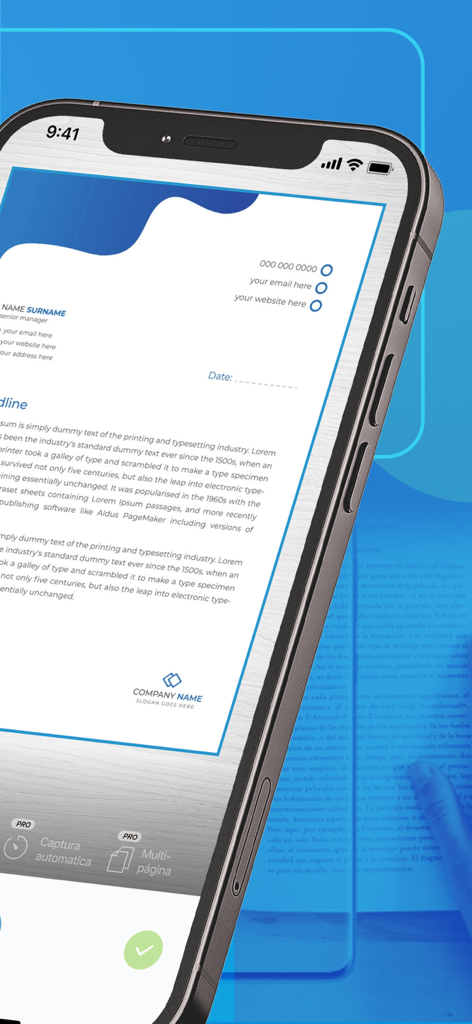
スキャナーアプリのインターフェースを使用して、プロフェッショナルなドキュメントがスキャンされているスマートフォンの画面。

スキャナーアプリのインターフェースを使用して、プロフェッショナルなドキュメントがスキャンされているスマートフォンの画面。

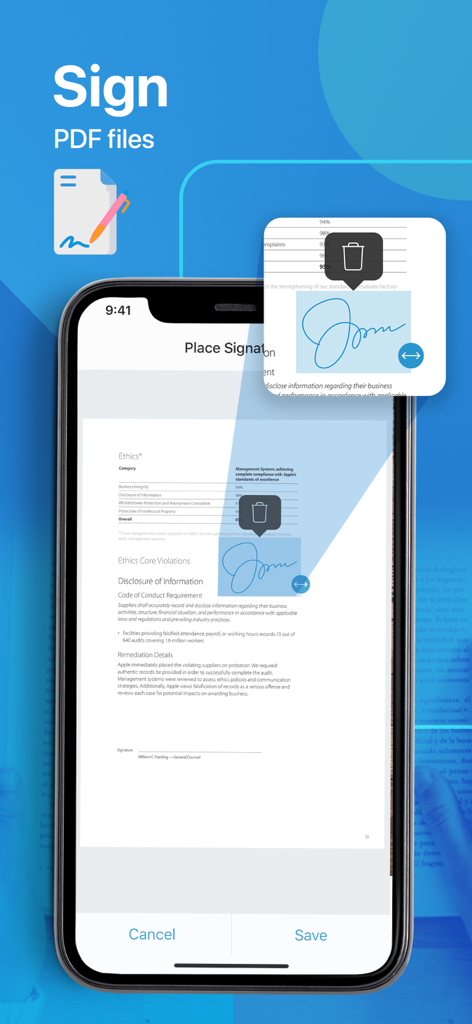
スキャナーアプリのインターフェース。iPhoneでPDFドキュメントにデジタル署名を追加・配置する方法を示す。

スキャナーアプリのインターフェース。iPhoneでPDFドキュメントにデジタル署名を追加・配置する方法を示す。

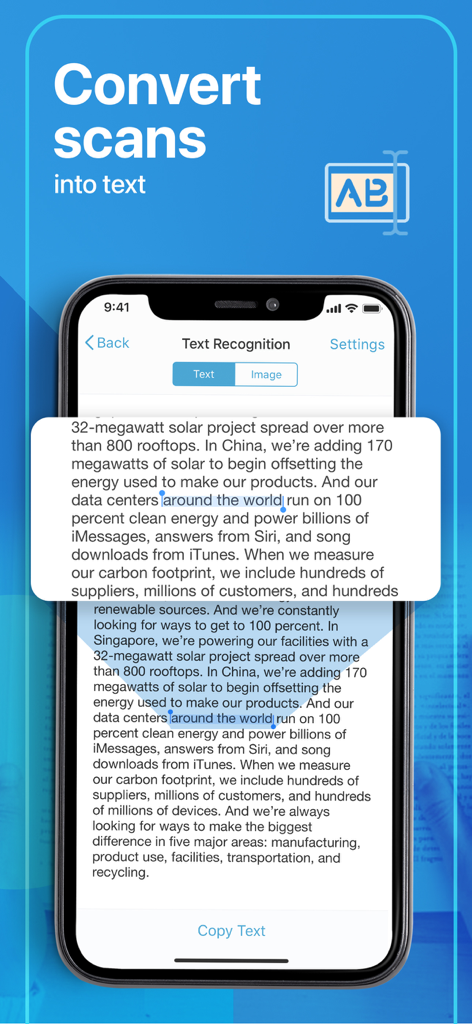
スキャナーアプリでスキャンを編集可能なテキストに変換するOCRテキスト認識機能を示すiPhone画面。

スキャナーアプリでスキャンを編集可能なテキストに変換するOCRテキスト認識機能を示すiPhone画面。

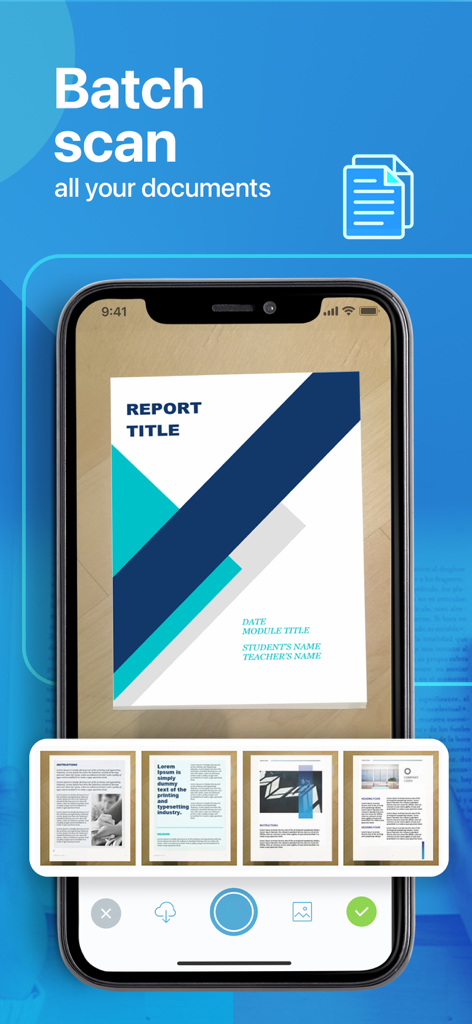
複数のドキュメントページを同時にデジタル化するバッチスキャン機能を示す携帯電話の画面。

複数のドキュメントページを同時にデジタル化するバッチスキャン機能を示す携帯電話の画面。

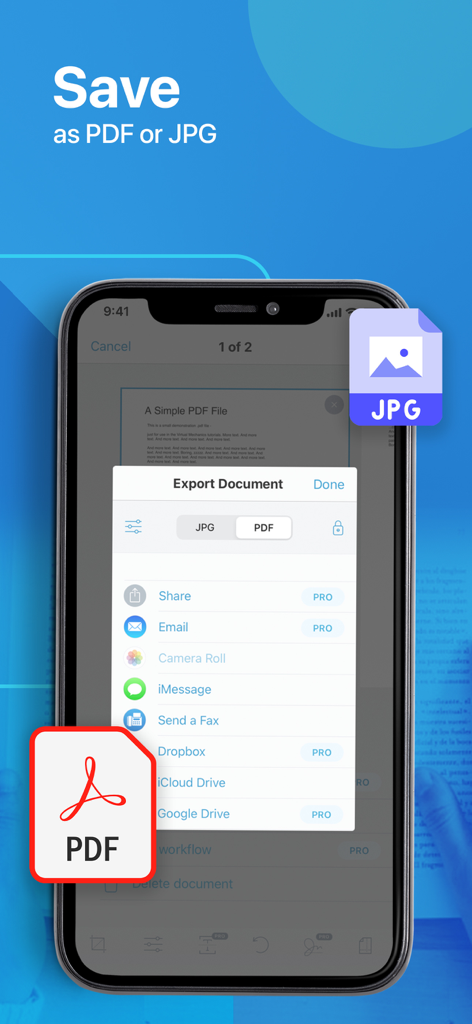
PDFおよびJPG形式でのドキュメントエクスポートオプションを表示するモバイル画面。

PDFおよびJPG形式でのドキュメントエクスポートオプションを表示するモバイル画面。

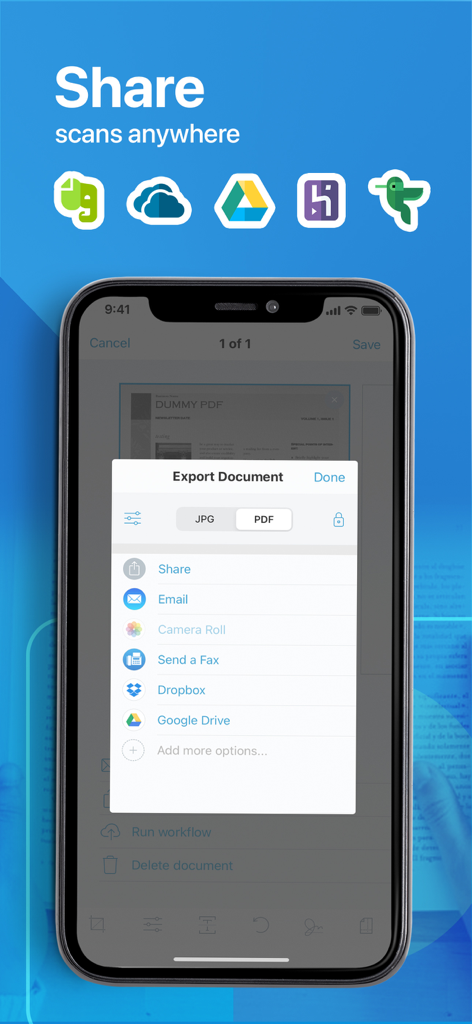
メール、Dropbox、Google Driveを介してPDFおよびJPGファイルを共有するためのドキュメントエクスポートオプションを示すモバイル画面。

メール、Dropbox、Google Driveを介してPDFおよびJPGファイルを共有するためのドキュメントエクスポートオプションを示すモバイル画面。

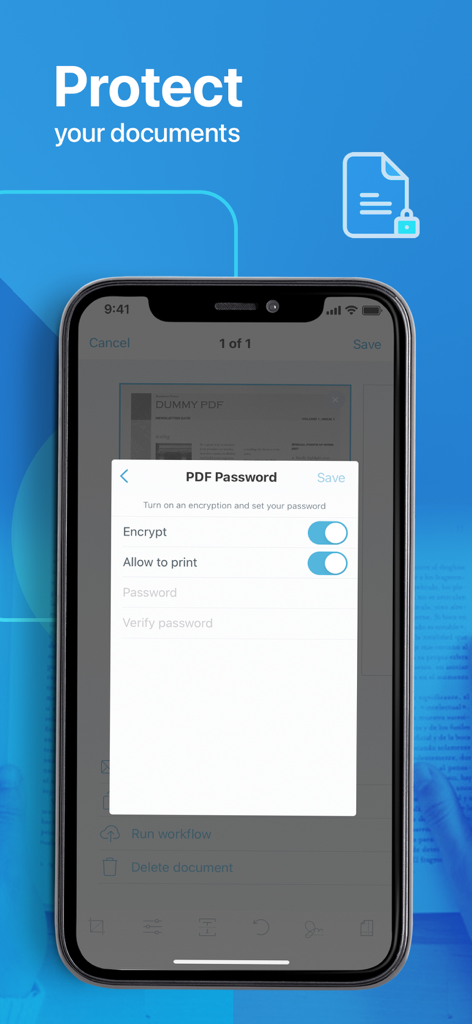
モバイルデバイスでのPDFパスワードおよび暗号化設定を示すスクリーンショット。

モバイルデバイスでのPDFパスワードおよび暗号化設定を示すスクリーンショット。

何でもスキャン。どこでも。

このアプリを際立たせるツール、 849K+ 人のユーザーが選択.

📄

プロフェッショナルなPDF品質

自動トリミングと高解像度強化技術で、契約書、領収書、身分証明書のあらゆる詳細をキャプチャします。

🖋️

デジタル署名&OCR

その場でドキュメントに署名し、画像を検索可能なテキストに変換して、手入力や紙の散乱をなくします。

🔒

安全なクラウド同期

パスワードで機密ファイルを保護し、iCloudまたはGoogle Driveとシームレスに同期して、どのデバイスからでも即座にアクセスできます。

アプリについて

について知っておくべきこと Scanner App: Fast PDF Doc Scan.

説明

PDF Scanner is a powerful all-purpose portable scanner with built-in OCR and Wi-fi access elements. Key features include: - High-quality Scans and Storage - OCR technology - Wireless documents transfer - Flexible formats - All kind of papers support - Auto-save and upload option - Anytime anywhere access Enjoy Information Security! In our busy and highly digitized World, it is crucial to keep all critical-to-business information accessible and ready to be presented any minute. Our PDF Scanner replaces all your cabinets and boxes to one compatible mobile app. Forget the risks of losing a document, since our platform stores your files directly to your computer or preferred cloud service. Experience an advanced Scanning! In addition to designed high-quality technology and flexible file formatting (PDF or JPG) the App enables you with: - All kinds of paper recognition (receipts, contracts, images, or even colored pictures); - Password-protected PDFs; - Filename and e-mail templates & tags; - Adjustable print and custom paper sizes; - Multiple platforms to scan and operate at (E-mail, iCloud, Notes) Upgrade to a PRO: PDF Scanner is also empowered with advanced PRO features designed to make your life even easier and enable you with even vaster Scan editing benefits. Only imagine the possibility to add multiple signatures to the scanned files, work with multi-step workflows and automated text recognition! PRO Subscription The app contains the following subscription options: - 1 year 39.99$ with 7 free trial days - 1 week 1.99$ Please note the subscription automatically renews unless auto-renew is turned off at least 24-hours before the end of the current period By using PDF Scanner, you are agreeing to our Privacy Policy and Terms of Use: Private Policy http://getscannerapp.com/privacy.html Terms of Use http://getscannerapp.com/terms.html Payment will be charged to iTunes Account at confirmation of purchase • Account will be charged for renewal within 24-hours prior to the end of the current period, and identify the cost of the renewal • Subscriptions may be managed by the user and auto-renewal may be turned off by going to the user's Account Settings after purchase • Any unused portion of a free trial period, if offered, will be forfeited when the user purchases a subscription to that publication, where applicable Why our App? - Zero operational cost with a possibility to upgrade to a PRO version - One-touch functionality (easy, fast, save scans and sharing) - Improved information security and storage - Digital filing system and all types of paper recognition - Continuous improvements and performance enhancements - 12 support languages Stay in Contact: Don't hesitate to contact shall you have any questions or ideas, our support team is entirely at your service: www.getscannerapp.com/support Website: www.getscannerapp.com

最新バージョン

3.7.1

サイズ

72.3 MB

リリース日

2017年4月5日

書類作業を一掃する準備はできましたか?

スキャナーアプリを使用して、わずか数秒でドキュメントをデジタル化、署名、保護している84.9万人以上のプロフェッショナルに加わりましょう。今日からポータブルオフィスの力を体験してください。

ダウンロード: App Store

App information, icons, screenshots, and descriptions displayed on this page are sourced from the Apple App Store and are the property of their respective developers. Download estimates and rankings are based on MWM's proprietary models and may not reflect actual figures. This page is provided for informational and analytical purposes only.

Believe this page infringes your intellectual property? File a dispute