ScanPlus - PDF Scanner, E-Signature & OCR
ScanPlus is a handy scanner app that turns your iPhone or iPad into a powerful mobile scanner. Easily scan, save, and share any document in high-quality PDF format.
Our scanner app will become an indispensable tool in your day-to-day life. Scan receipts, documents, paper notes, fax papers, books, and store your scans as multipage PDF files.
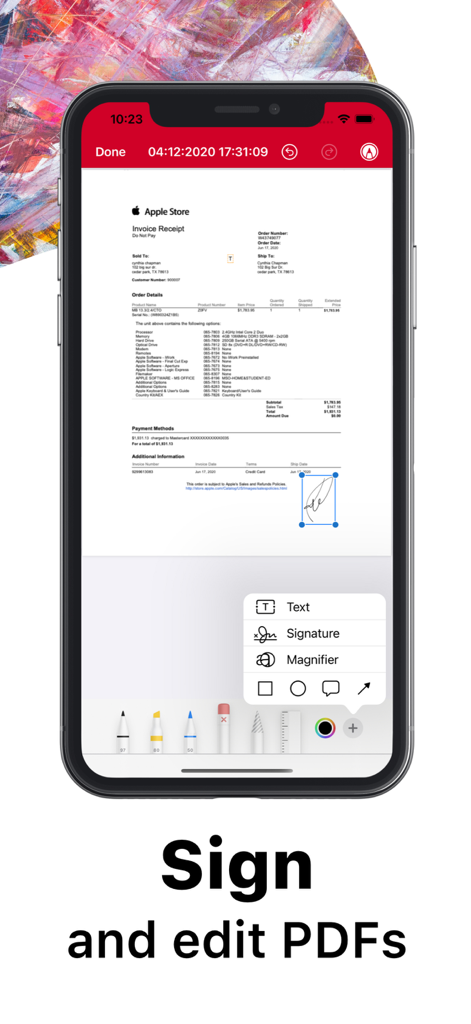
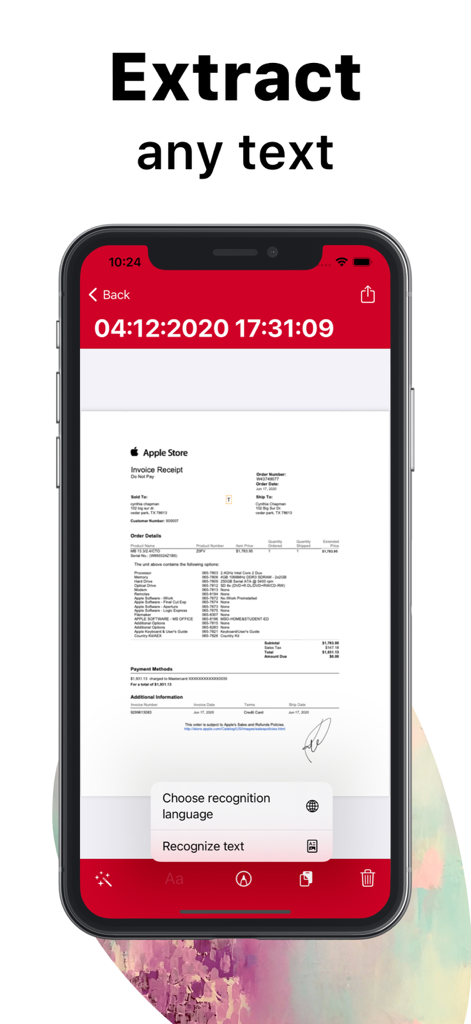
Save even more time with new features like OCR to recognize text from scans and e-sign to add a signature to your documents with just a few taps.
Take this portable document scanner anywhere you go for your daily business needs. No internet connection is required, as all scans are stored locally on your device. If you need to protect your valuable scans, you can set up a password for the entire app or lock particular folders or documents.
Say goodbye to bulky office scanners and get this ultra-fast PDF scanner app now — the one and only ScanPlus!
*** ScanPlus Main Features: ***
-- Advanced PDF Scanner APP--
* Scan to high-quality PDF
* Save scans in grayscale, black & white, magic, noir, threshold, or color
* Automatic shutter and border detection for any scannable object
* Advanced image processing with enhancement, color correction, noise removal, automatic perspective correction, and more
* Choose between low, medium, and HD scan quality
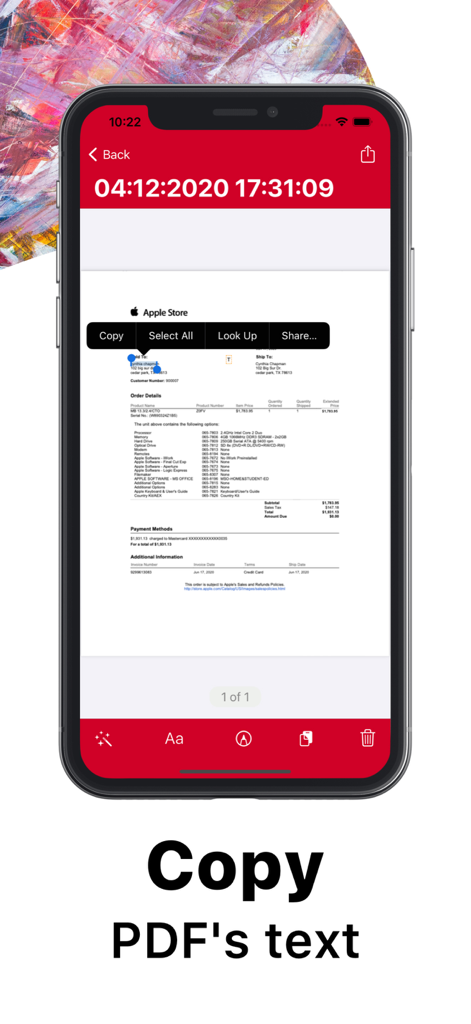
* Extract any text from scans or images using OCR
* Multipage scanning – scan as many pages as you need
-- Document Editor --
* Annotate or sign any document
* Recognize and copy any text from your scans
-- Text Recognition (OCR) --
* Convert any scan into selectable and copyable text. ScanPlus supports 61 languages:
Afrikaans, Albanian, Arabic, Basque, Bengali, Bulgarian, Catalan, Chinese (Traditional), Croatian, Czech, Danish, Dutch, English, Estonian, French, Georgian, German, Greek, Gujarati, Hebrew, Hindi, Hungarian, Icelandic, Indonesian, Irish, Italian, Japanese, Javanese, Korean, Latin, Latvian, Lithuanian, Macedonian, Malay, Malayalam, Maltese, Marathi, Nepali, Norwegian, Persian, Polish, Portuguese, Punjabi, Romanian, Russian, Serbian, Slovak, Slovenian, Spanish, Swahili, Swedish, Tamil, Telugu, Thai, Tibetan, Turkish, Ukrainian, Urdu, Uzbek, Vietnamese
-- File Manager --
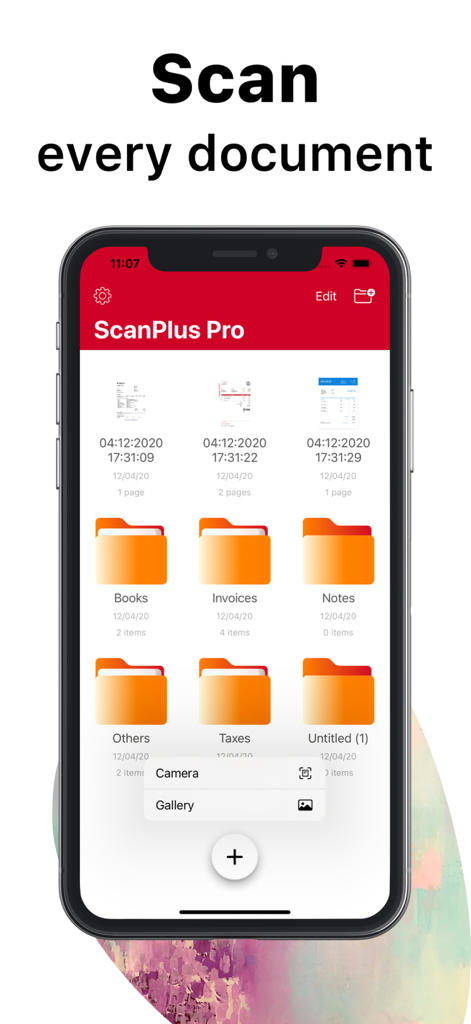
* Full-featured file manager with folders and document editing
* Long press on a file to open a context menu (share, rename, select, delete)
* Select multiple PDF files and merge them into one
* Select multiple files and move them to any folder
-- Document Sharing Tool --
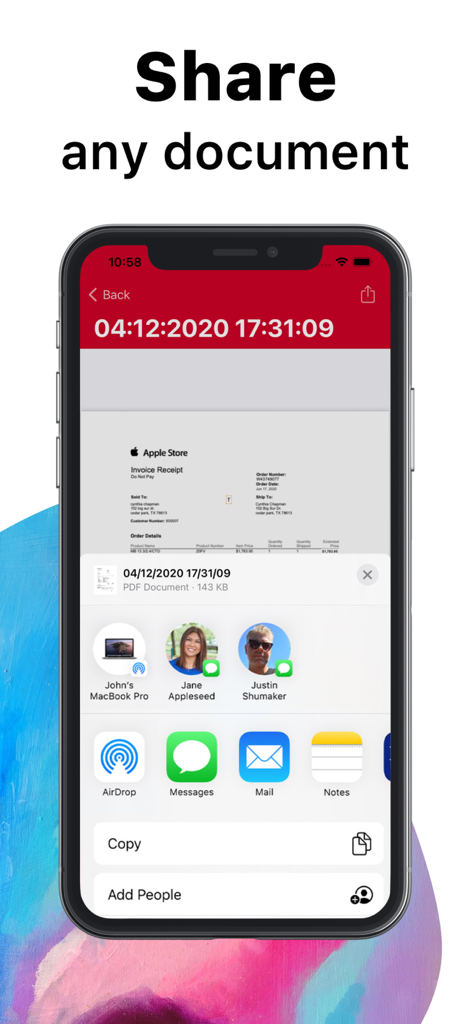
* Share your scans via email
* Print your scans with any Wi-Fi printer
* Share and upload scanned documents to cloud services like Dropbox, iCloud, or Google Drive
-- Share Your Scans --
* Just scan any document and tap the "Share" button. You can send scanned documents via email, export to Photos, or open them in any 3rd-party application. With ScanPlus, you can also print your documents.
-- Privacy --
* Add a passcode to make sure only those you want to can open your app
ScanPlus - PDF Scanner, E-Signature & OCR, the Original Mobile Scanner for your everyday scanning needs!