
Screen Mirroring TV Smart View

Instantly cast videos, photos, and documents to any Smart TV with zero lag. No cables or extra hardware required—just seamless mirroring for work and entertainment.
Publisher
Category
EntertainmentDownloads
40K+User Rating
Total Ratings
300Locales
10Discover the interface used by 40K+ users.
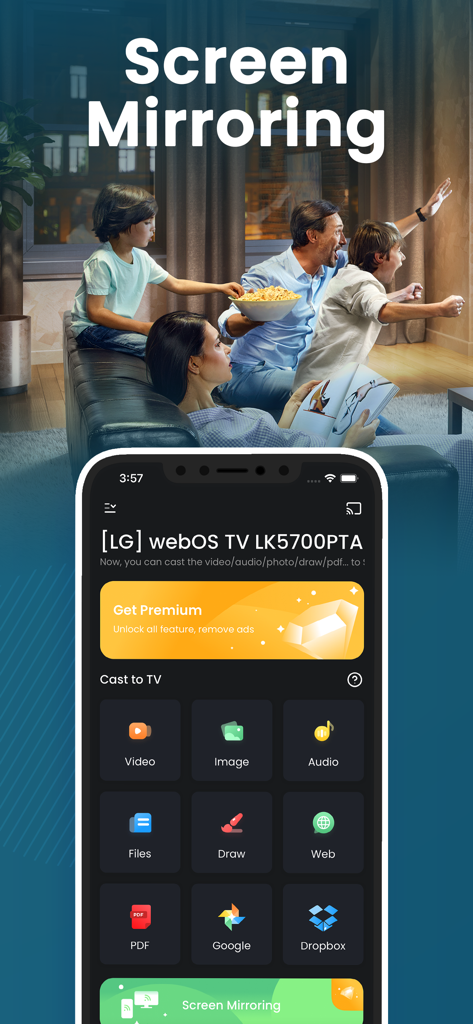
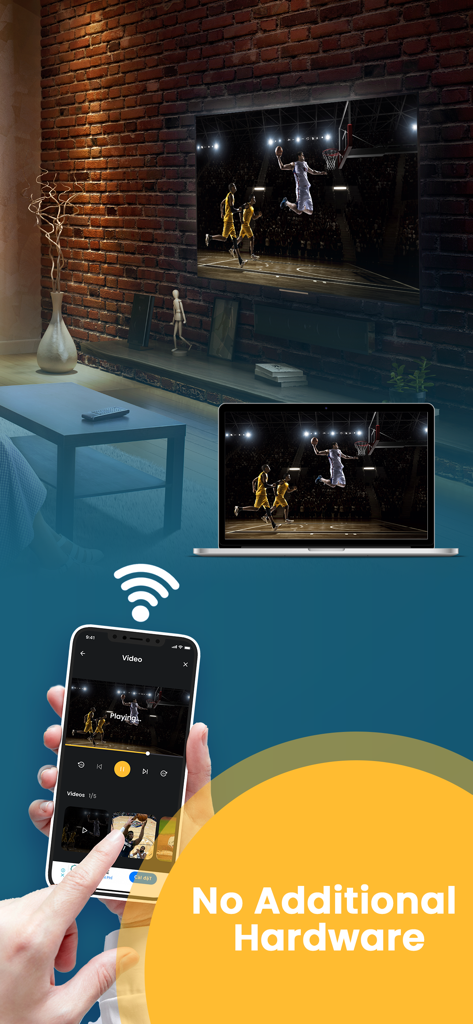
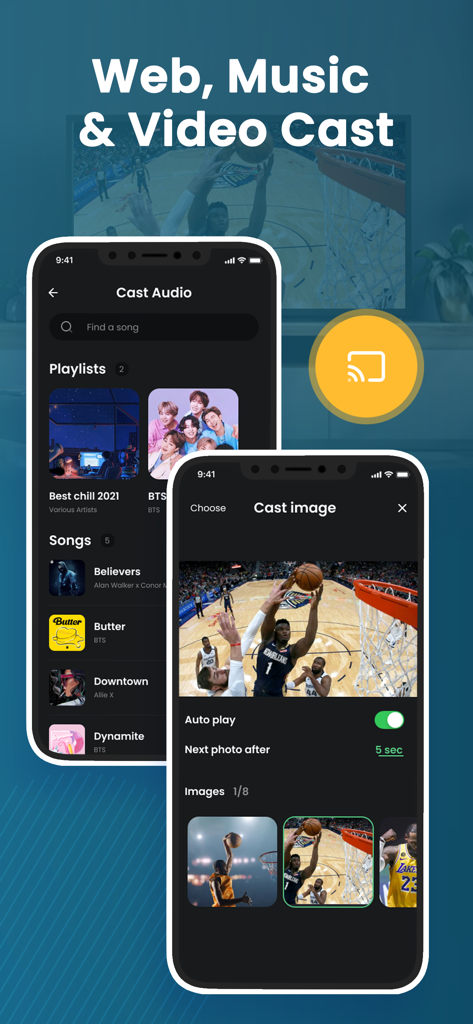
The tools that make this app stand out, trusted by 40K+ users.
Experience real-time screen sharing for smooth presentations and seamless app navigation without frustrating delays or latency.
Cast everything from professional PDFs and websites for work to personal 4K videos and interactive photo slideshows for family.
Save money and eliminate cable clutter. Connect wirelessly via Wi-Fi to your existing Smart TV—no expensive adapters or Apple TV box required.
Everything you need to know about Screen Mirroring TV Smart View.
Description
Latest Version
6.0
Size
30.1 MB
First Released
Jul 20, 2021
Join 40,000+ users who mirror photos, videos, and PDFs instantly with no lag and no extra hardware required.
Everything you need to know about Screen Mirroring TV Smart View
The Screen Mirroring TV Smart View app casts videos, photos, music, web content, and documents from your iPhone or iPad to a large TV screen. It also mirrors your iPhone screen without delay.
No, the Screen Mirroring TV Smart View app does not require any additional hardware to mirror your iPhone screen to a Smart TV. It connects via Wi-Fi.
To connect, ensure your iPhone and TV are on the same Wi-Fi network. Open the Screen Mirroring TV Smart View app, connect to your TV, then tap 'Cast' or 'Screen Mirroring' to start.
You can cast photos, videos, music, web content, and PDF documents from your iPhone and iPad using Screen Mirroring TV Smart View. It also supports drawing directly from your iPhone to TVs.
Yes, the Screen Mirroring TV Smart View app supports most popular smart TVs. It allows casting and mirroring from your iPhone or iPad to compatible television sets.
Users can remove ads and unlock all features in Screen Mirroring TV Smart View by upgrading to a Premium subscription. This is available via on-time payment or a monthly plan.
The free trial for Screen Mirroring TV Smart View Premium automatically renews to a paid subscription. Users must turn off auto-renew at least 24 hours before the trial ends to avoid charges.
You can cancel your Screen Mirroring TV Smart View subscription anytime by turning off auto-renewal through your iTunes account settings. This must be done 24 hours before the period ends.
Top-ranked apps in the same category

TIKTOK PTE. LTD.

256 REWARDS LTD

Netflix, Inc.

WarnerMedia Global Digital Services, LLC

STORYMATRIX PTE. LTD

AMZN Mobile LLC

Disney Electronic Content, Inc.

NETSTORY PTE. LTD.

Ticketmaster L.L.C
App information, icons, screenshots, and descriptions displayed on this page are sourced from the Apple App Store and are the property of their respective developers. Download estimates and rankings are based on MWM's proprietary models and may not reflect actual figures. This page is provided for informational and analytical purposes only.
Believe this page infringes your intellectual property? File a dispute