Screens 5: VNC Remote Desktop

Screens 5: VNC Remote Desktop

ダウンロード: App Store
ロゴ: Screens 5: VNC Remote Desktop

Screens 5:ワークスペース全体のための究極のリモートアクセス

世界中どこからでも、Mac、Windows、Linuxコンピュータを完全に制御できます。プロフェッショナルが求めるデスクトップクラスの精度と完全なプライバシーのために設計された、iPhone、iPad、Vision Proでの安全で高性能なリモートデスクトップ体験をお楽しみください。

開発元

Edovia Inc.

カテゴリ

Utilities

ダウンロード

20K+

ユーザー評価

4.2/5

評価数

700

対応言語

17

真のコントロールを体験する

このインターフェースを利用する 20K+ 人のユーザー.

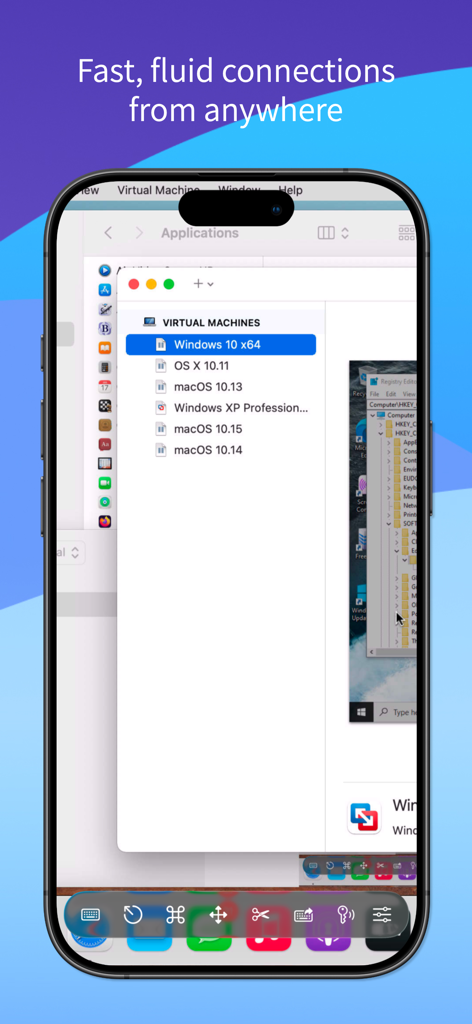
Screens 5のモバイルインターフェースに、仮想マシンのリストが表示されたリモートMacデスクトップが表示されています

Screens 5のモバイルインターフェースに、仮想マシンのリストが表示されたリモートMacデスクトップが表示されています

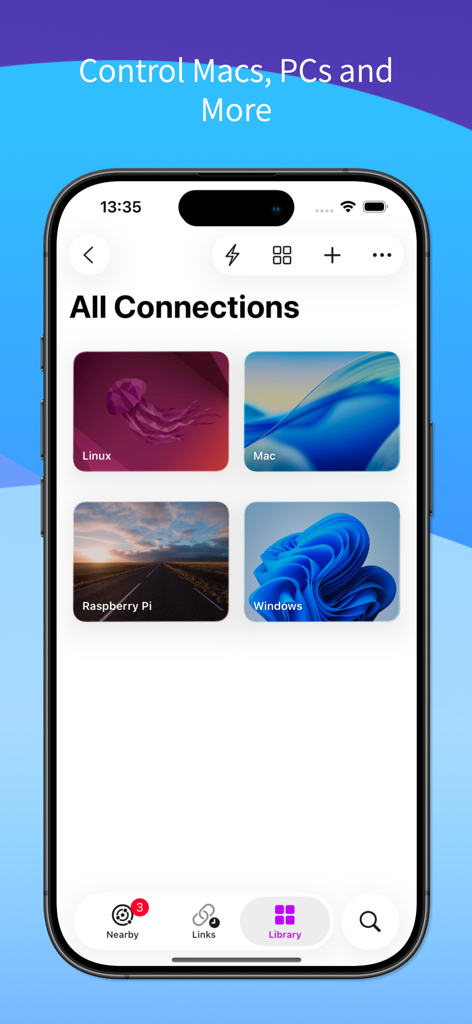
Screens 5モバイルアプリのインターフェースに、Mac、Windows、Linux、Raspberry Piのリモートデスクトップ接続の保存済みリストが表示されています。

Screens 5モバイルアプリのインターフェースに、Mac、Windows、Linux、Raspberry Piのリモートデスクトップ接続の保存済みリストが表示されています。

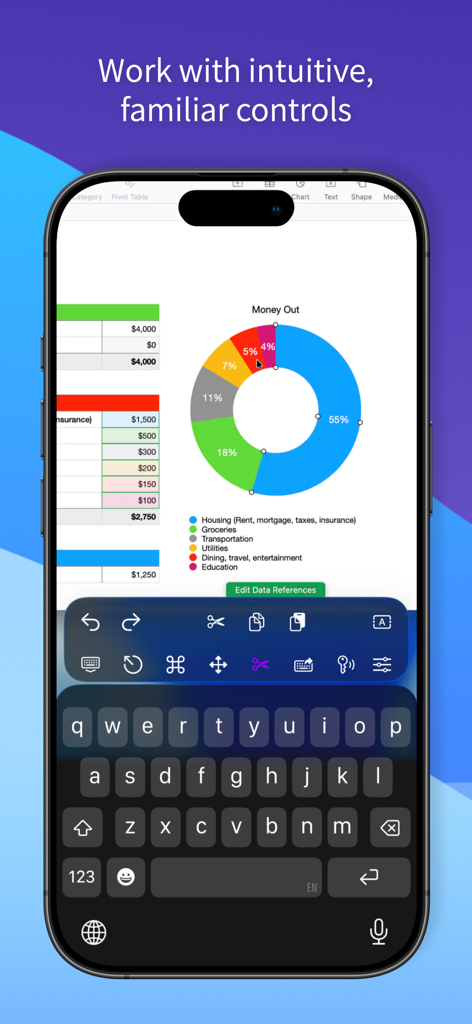
スプレッドシートと専門的な生産性コントロールが表示されたリモートデスクトップセッションを表示するiPhone。

スプレッドシートと専門的な生産性コントロールが表示されたリモートデスクトップセッションを表示するiPhone。

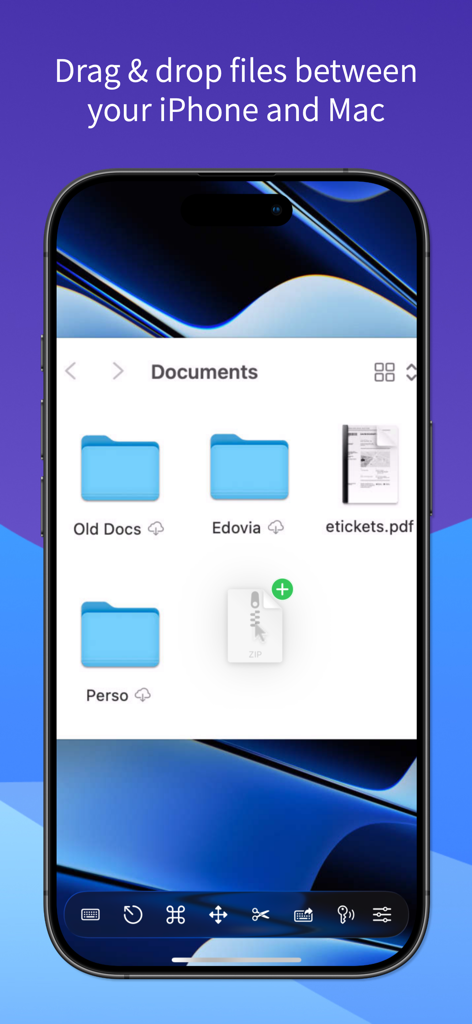
Screens 5を使用してiPhoneとMac間でファイルをドラッグ&ドロップします

Screens 5を使用してiPhoneとMac間でファイルをドラッグ&ドロップします

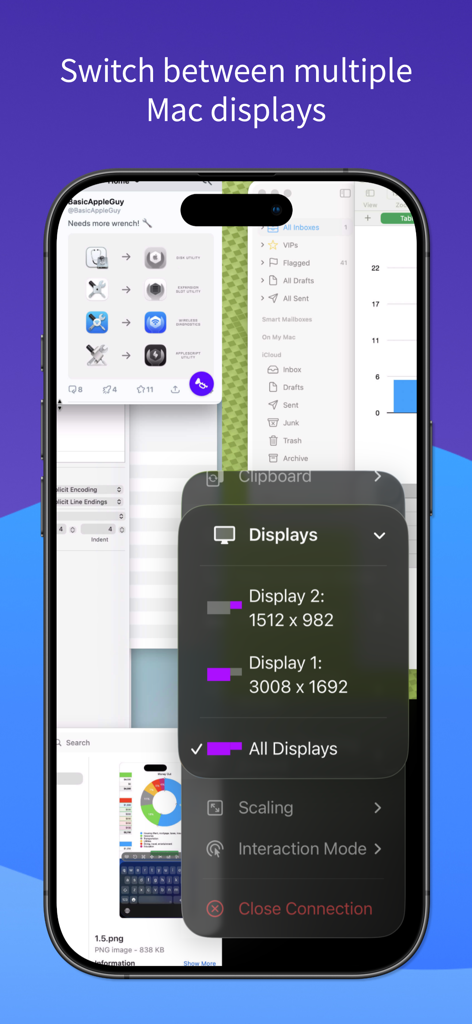
Screens 5アプリのiPhoneインターフェースで、リモートマルチディスプレイの選択と解像度設定を示しています。

Screens 5アプリのiPhoneインターフェースで、リモートマルチディスプレイの選択と解像度設定を示しています。

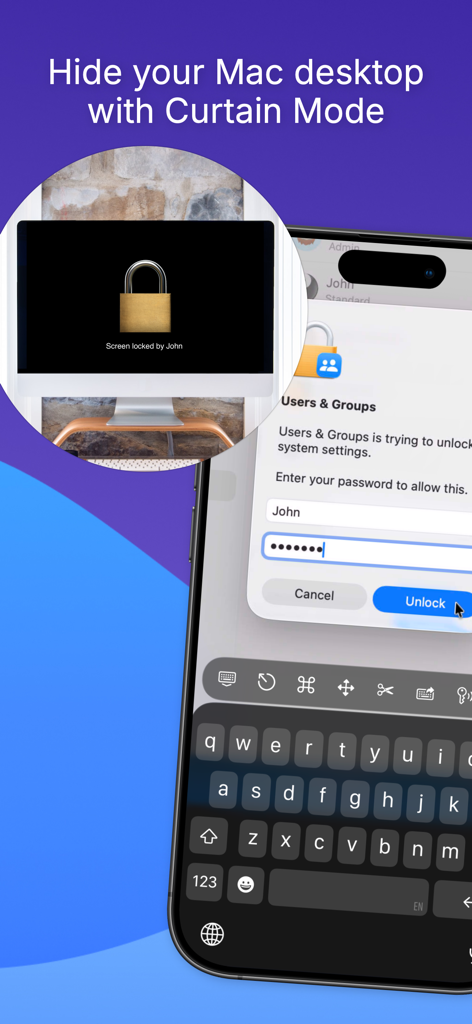
Screens 5アプリで、iPhoneからアクセス中にリモートMacデスクトップを非表示にするCurtain Modeを表示しています

Screens 5アプリで、iPhoneからアクセス中にリモートMacデスクトップを非表示にするCurtain Modeを表示しています

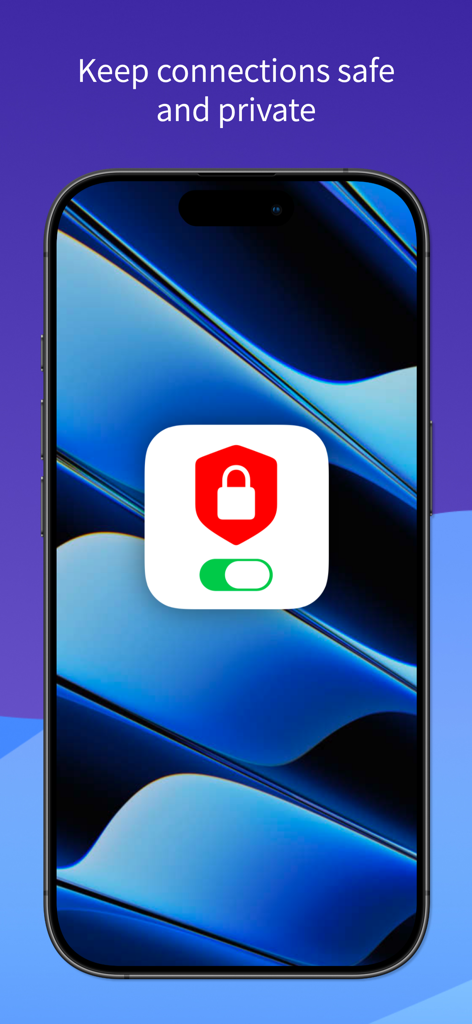
Screens 5アプリを使用してiPhoneで安全かつプライベートなリモートデスクトップ接続

Screens 5アプリを使用してiPhoneで安全かつプライベートなリモートデスクトップ接続

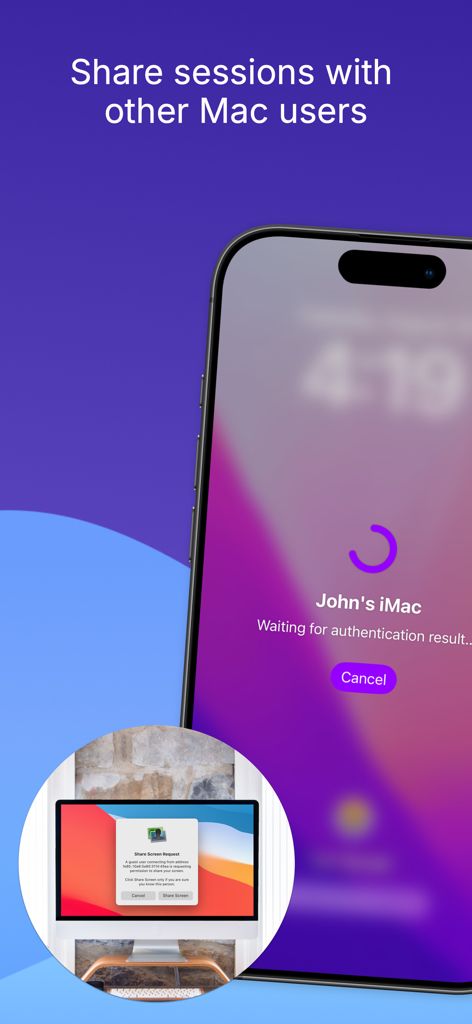
iPhoneアプリのインターフェースで、別のMacユーザーとのリモートデスクトップセッションを要求しています

iPhoneアプリのインターフェースで、別のMacユーザーとのリモートデスクトップセッションを要求しています

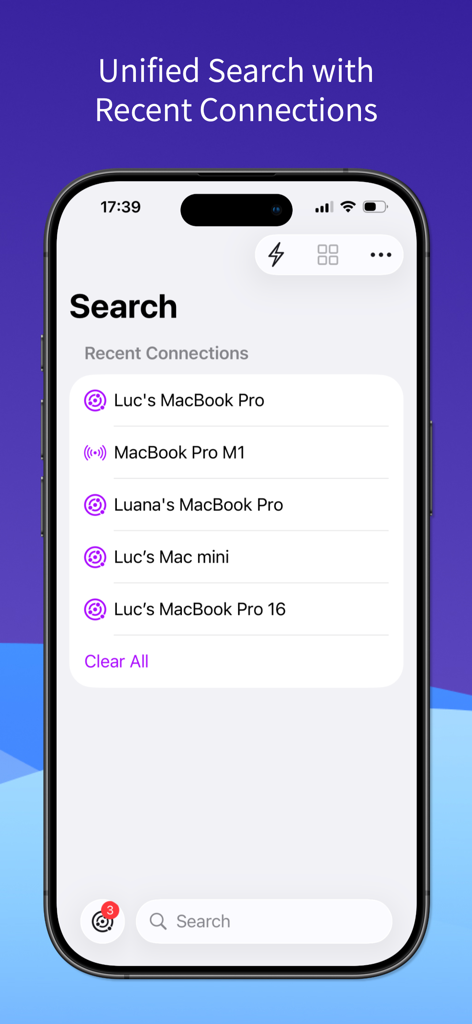
Screens 5アプリのインターフェースで、iPhoneでの統合検索と最近のリモート接続を表示しています。

Screens 5アプリのインターフェースで、iPhoneでの統合検索と最近のリモート接続を表示しています。

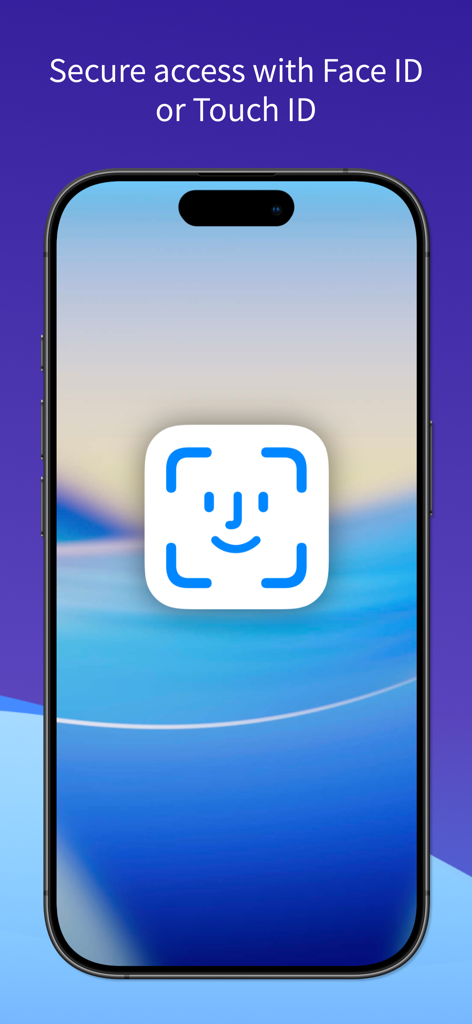
iPhone画面に、安全なリモートデスクトップアクセスのためのFace ID認証が表示されています

iPhone画面に、安全なリモートデスクトップアクセスのためのFace ID認証が表示されています

あらゆるデバイスからワークスペースをマスターする

このアプリを際立たせるツール、 20K+ 人のユーザーが選択.

🌐

いつでも、どこでも接続

Screens ConnectとTailscaleの統合により、iPhone、iPad、またはVision ProからMac、Windows、Linux PCに簡単にアクセスできます。

⌨️

デスクトップクラスの操作性

Magic Keyboard、Apple Pencil、マルチディスプレイ設定の完全サポートにより、ネイティブな操作性を体験し、iPadをモバイルパワーハウスに変えます。

🔒

プロフェッショナルグレードのセキュリティ

SSH暗号化とCurtain Modeにより、接続をプライベートに保ち、リモートアクティビティが安全であなただけに見えることを保証します。

アプリについて

について知っておくべきこと Screens 5: VNC Remote Desktop.

説明

Take control of your computers, wherever you are. Screens 5 lets you remotely access your Mac, Windows PC, Linux PC, or Raspberry Pi from anywhere—whether you’re at home, in a coffee shop, or on the other side of the world. With speed, security, and reliability, Screens delivers a seamless remote desktop experience on iPhone, iPad, Mac, and Vision Pro. Here's what makes Screens your ideal choice: Connect from Anywhere Install Screens Connect on your Mac or Windows PC for effortless access worldwide. Need to connect to a Linux PC or Raspberry Pi? Screens fully integrates with Tailscale for secure, hassle-free remote connections. Curtain Mode Maintain privacy by masking the remote Mac’s display when connected, perfect for shared environments. Secure & Effortless Connections Enable Remote Login on your Mac or configure your Windows PC, Linux PC, or Raspberry Pi for SSH support. Screens also supports SSH keys for added security. Fast & Convenient Logins Screens automates password entry, letting you connect quickly and efficiently. Multi-Display Support Easily select which display to view on multi-screen Macs or show them all. Screens remembers your preference. Clipboard Sharing Seamlessly transfer rich text, URLs, images, and more between your local and remote clipboards. Session Selection When someone is logged into a remote Mac, you can either share their screen or start a new session. Raspberry Pi 5 Compatibility Screens fully supports Bookworm and WayVNC via RSA-AES authentication for smooth performance. Assist Friends & Family With the free Screens Assist utility (Mac), you can help troubleshoot, update apps, and more remotely. External Keyboard & Input Support Enhance control with a Magic Keyboard or any compatible external keyboard and pointing device. Transfer Files Share files between your iPhone or iPad and your Mac using simple drag and drop. Apple Pencil Interact with remote content naturally using Apple Pencil Additional Features: • Adaptive and Full display quality • Control or observe the remote computer • iCloud Synchronization • Full URL Schemes support • Secure content with Touch ID, Face ID, Apple Watch, or a password Requirements: • Windows PC connections require a VNC server like UltraVNC or TightVNC. • Clipboard sharing on Windows and Linux PCs supports text and URLs only. • Sound transmission is not supported due to VNC protocol limitations. • Screens Connect requires macOS 10.13 High Sierra or later, or Windows 10 SP1 or later. A free Screens ID is required. • Screens supports remote access from iPhone, iPad, Mac, and Vision Pro but does not support connections to iOS or iPadOS devices. Screens is your trusted remote control companion, ensuring accessibility, security, and full control over your devices—anytime, anywhere. Privacy Policy: https://screens.app/privacy Terms of Use: https://screens.app/terms

最新バージョン

5.8

サイズ

52.9 MB

リリース日

2023年12月6日

どこからでもMacの全機能を解き放て。

安全でデスクトップクラスのリモートアクセスにScreens 5を信頼する何千人ものプロフェッショナルに加わりましょう。iPadやVision Proを究極のモバイルワークステーションに変える準備はできましたか?

ダウンロード: App Store

App information, icons, screenshots, and descriptions displayed on this page are sourced from the Apple App Store and are the property of their respective developers. Download estimates and rankings are based on MWM's proprietary models and may not reflect actual figures. This page is provided for informational and analytical purposes only.

Believe this page infringes your intellectual property? File a dispute