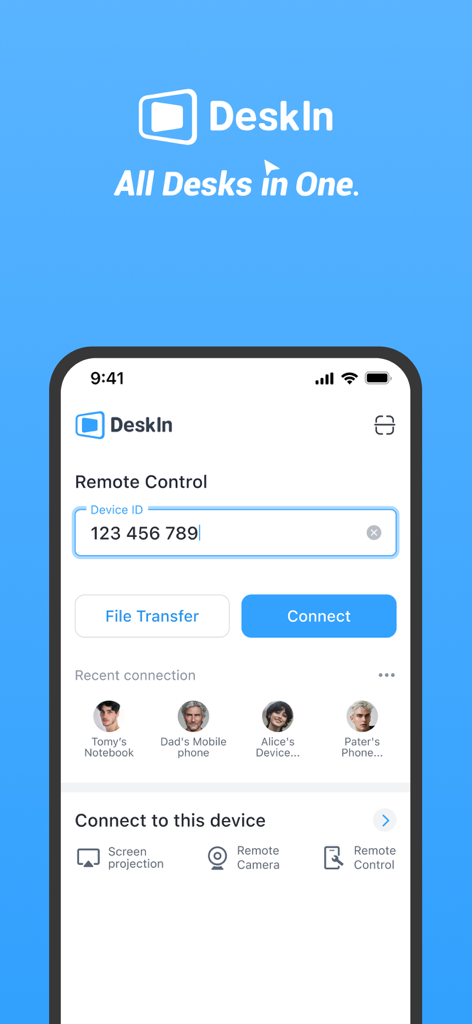
DeskIn is a free remote desktop app providing fast, secure, and stable remote access service for personal use. You can control one or multiple remote devices from your iPad or iPhone with a secure and high-performance connection. Whether you're working remotely, offering IT support, studying, designing, or helping friends and family, DeskIn helps you stay efficient and productive. A powerful alternative to Windows App, Splashtop, AnyDesk, Parsec, Moonlight, and Unified Remote.
Why DeskIn?
Feature-Rich
Remote access, file transfer, screenshare, screen extension, real-time voice chat, mobile control, remote play, and remote support—ideal for both work and entertainment.
Excellent Performance
4K60FPS / 2K144FPS ultra-HD resolution, 40ms latency, smooth experience even in gaming and design.
Fast & Stable
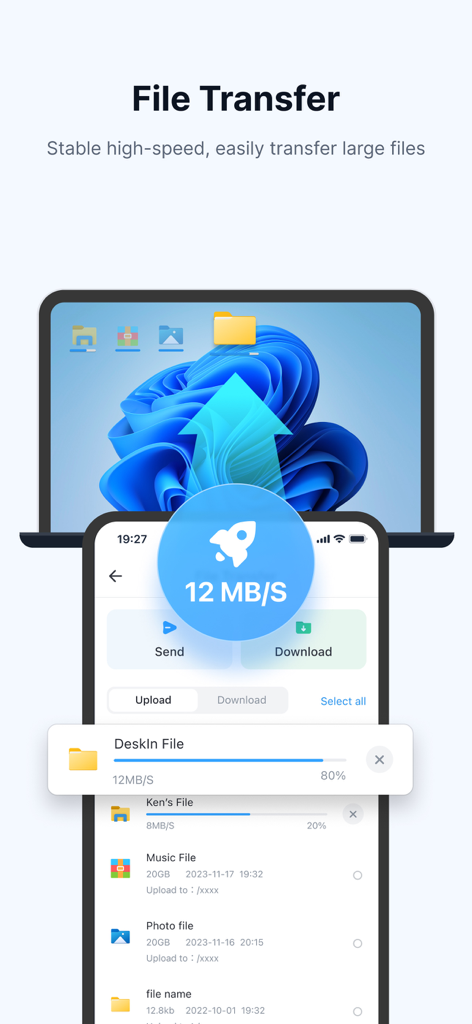
Stable connection with 12MB/s file transfer speed. No drops even in low-bandwidth environments.
Cross-Platform
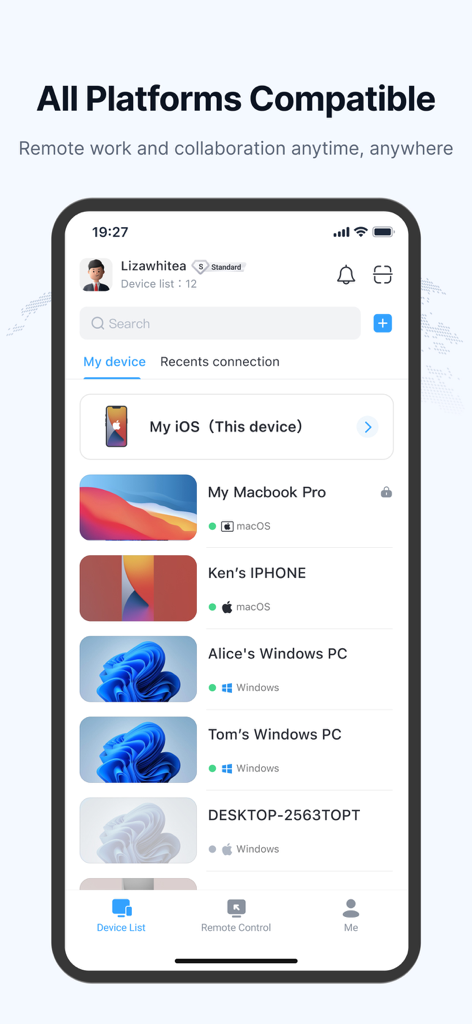
Access across major OS and devices—seamless link to Windows, macOS, and more.
Secure & Flexible
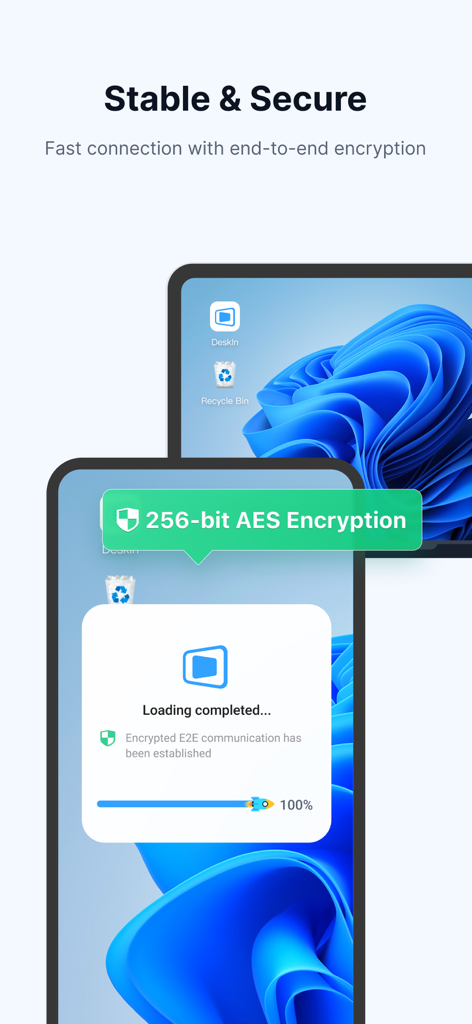
Bank-level E2E encryption, two-factor authentication, allow/block lists, and custom passwords for unattended remote desktop connection.
What You Can Do with DeskIn
- Cross-Platform Remote Access
Remotely access and control computers (Windows 10/11, Mac) and mobile clients from your iPhone or iPad. Use remote desktop, mobile transfer express, and connect to Windows remotely. A full-featured alternative to Microsoft Remote Desktop and RDP Remote Desktop Connection.
- Secure Unattended Access
Set passwords for unattended access, activate privacy mode to hide remote screens. Ideal for productive, always-on scenarios like mobile work or PC remote sessions.
- File Transfer & Sync
Quickly transfer files between phone and PC without format/size limits. Send documents, images, or videos and print files from the remote device locally.
- Quick Remote IT Support
Use quicksupport and quickconnect features for fast IT help. Run CMD or SSH commands remotely. Offer Apple Remote Support or Airdroid Remote Support. Wake-on-LAN (WOL), start, shut down, or troubleshoot remote systems instantly.
- Remote Work & Collaboration
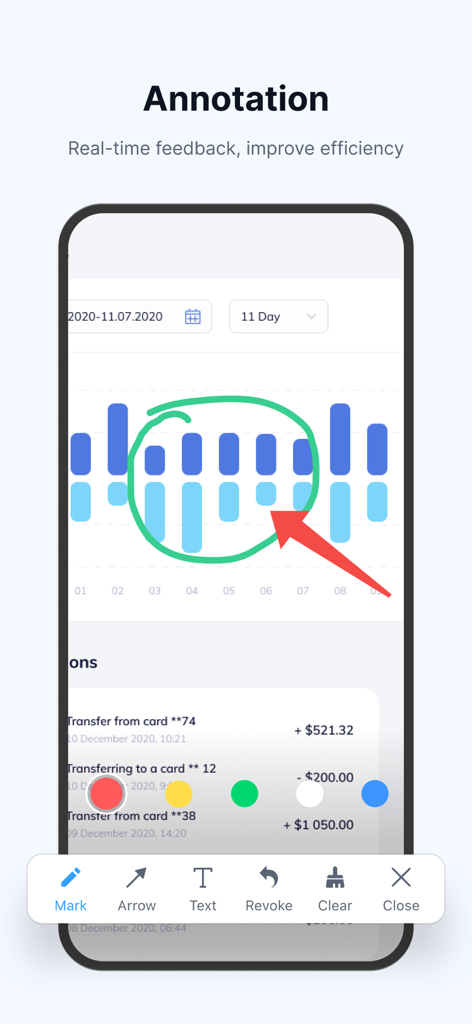
Perfect mobile work and remote access tool. Share clipboards, annotate, and communicate during remote sessions. Works seamlessly with Microsoft 365, Microsoft Access, and other enterprise tools.
- Screen Mirroring & Extension
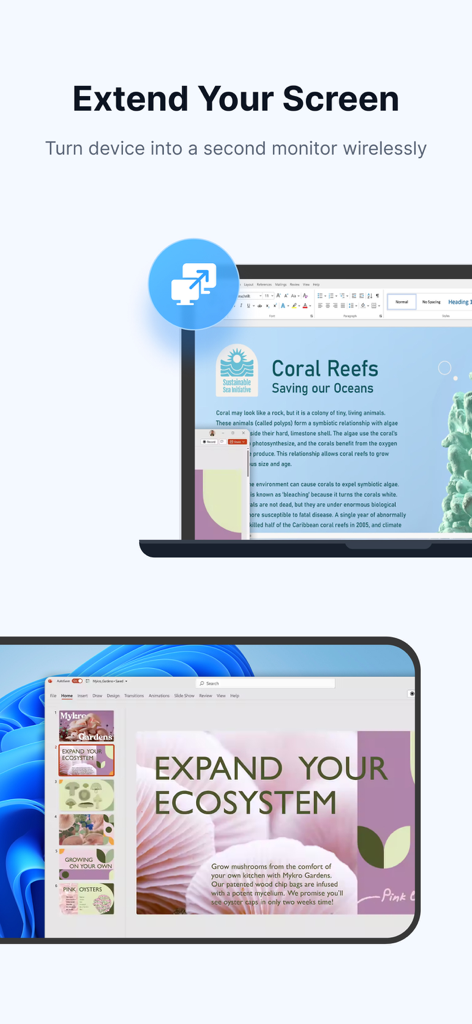
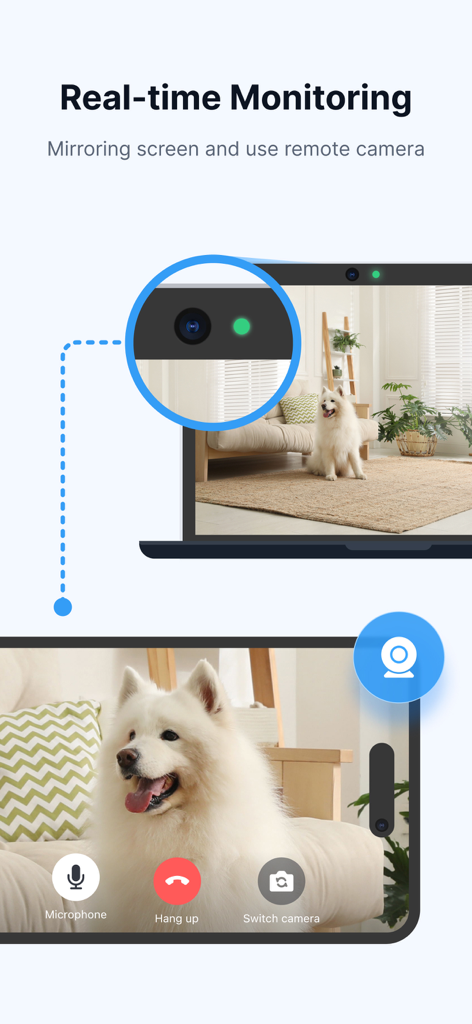
Cast or extend screen to PC, Mac, tablets, or even remote control TV. Ideal for presentations or second-screen use. DeskIn offers the simplest screenshare and screen extension solution without needing to be on the same network.
- Mobile Control & App Remote
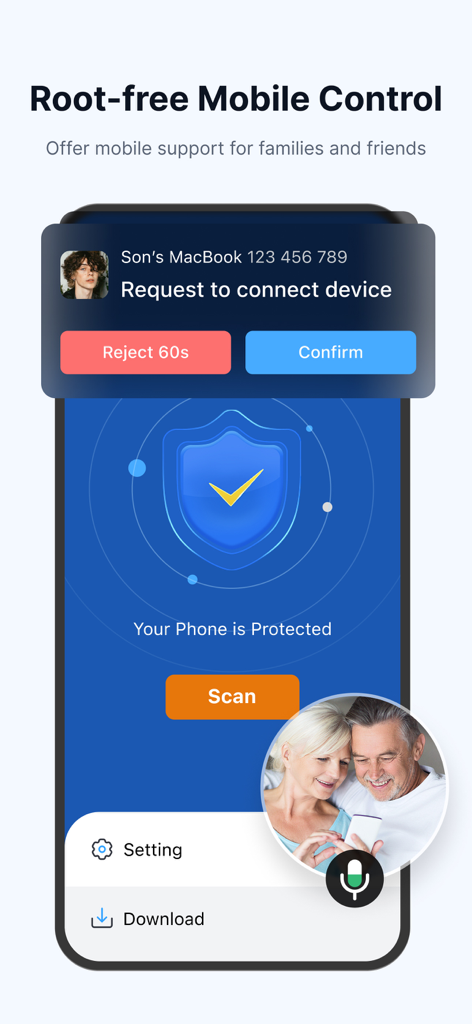
Use your computer to control mobile devices remotely via virtual phone or app remote functions. It’s like turning your computer into a touchpad or remote link.
- Remote Gaming
Play Steam or PC games remotely on iPhone or iPad using customizable keyboard/gamepad. Supports remote play, low-latency moonlight-like experience. A powerful Parsec and Moonlight alternative with support for 3D game view.
- Remote Design & Creative Work
Perfect for designers—true-color 4:4:4 display, digital pen support, and seamless drawing tablet input.
- Virtual Screens & Multi-Session
Create virtual screens for multitasking or separate workspaces. Break hardware limits by extending desktop sessions virtually.
DeskIn is the best free remote desktop software for iPhone and iPad. Whether you need remote desktop control, mobile client access, remote support, or screen mirroring, DeskIn offers it all in one app. It's also compatible with third-party tools like Microsoft Teams, Quick Remote, Touchpad, and Remote Link.
Quick Start Guide
Install DeskIn on both devices.
Sign in and enter the remote device's ID and password.
You're connected! Start your remote session now.
DeskIn is free for both personal and commercial use. We also offer an advanced Enterprise Edition—visit deskin.io for more information.
Questions or suggestions? Contact us at support@deskin.io