Sheet Music Scanner

Sheet Music Scanner

ダウンロード: App Storeダウンロード: Google Play
ロゴ: Sheet Music Scanner

楽譜スキャナー:印刷された楽譜を瞬時に音楽に

どんな曲も簡単にスキャン、再生、マスター。学生、教師、合唱団のディレクターが、すべての音符を聴き、パートを分離し、MIDIまたはMusicXMLに即座にエクスポートするための不可欠なツールです。

ダウンロード: App Store

開発元

Remusician Limited

カテゴリ

Music

ダウンロード

1M+

ユーザー評価

4.5/5

評価数

14K+

対応言語

16

聞けばわかる

このインターフェースを利用する 1M+ 人のユーザー.

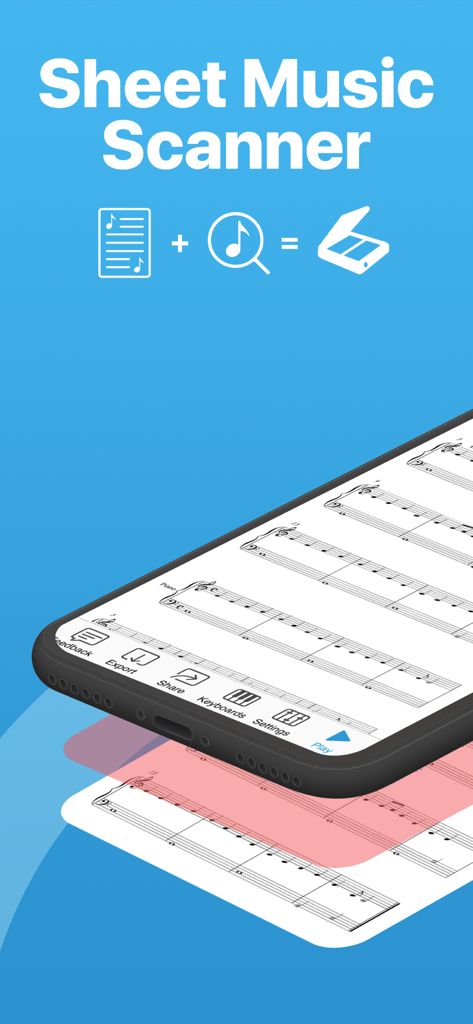
楽譜スキャナーアプリのスマートフォンのインターフェース。再生およびエクスポートコントロールを備えた楽譜が表示されています。
楽譜スキャナーアプリのスマートフォンのインターフェース。再生およびエクスポートコントロールを備えた楽譜が表示されています。

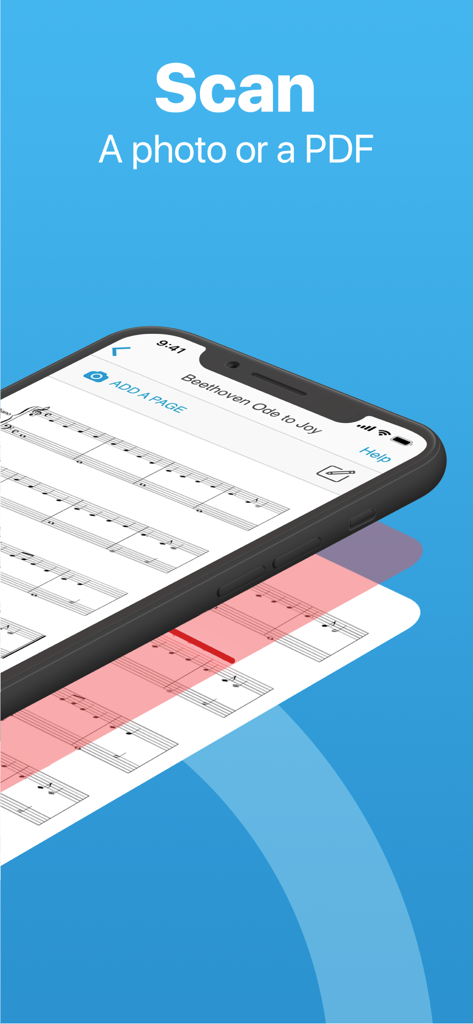
楽譜の写真をデジタル形式に変換するためにスキャンしているスマートフォンの楽譜スキャナー。
楽譜の写真をデジタル形式に変換するためにスキャンしているスマートフォンの楽譜スキャナー。

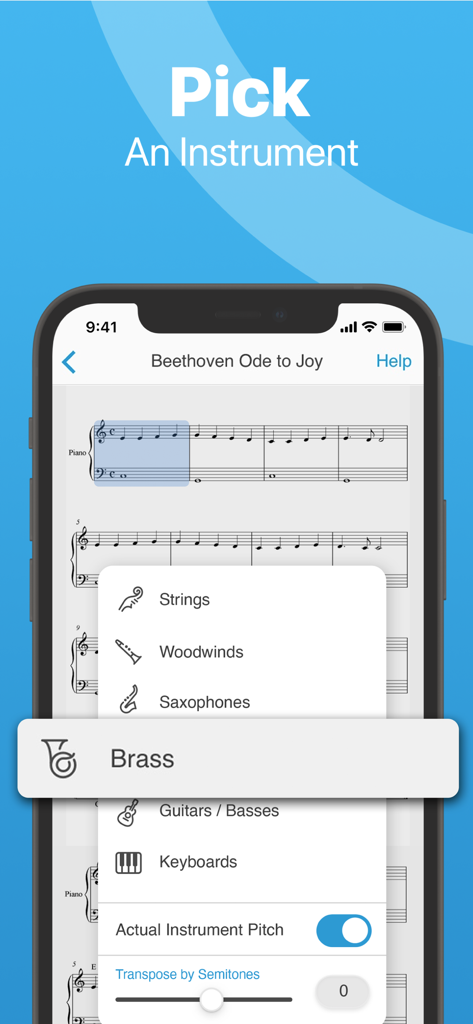
楽譜スキャナーアプリのモバイルインターフェース。ベートーヴェンの「歓喜の歌」のデジタル楽譜の上に選択可能な再生楽器のリストが表示されています。
楽譜スキャナーアプリのモバイルインターフェース。ベートーヴェンの「歓喜の歌」のデジタル楽譜の上に選択可能な再生楽器のリストが表示されています。

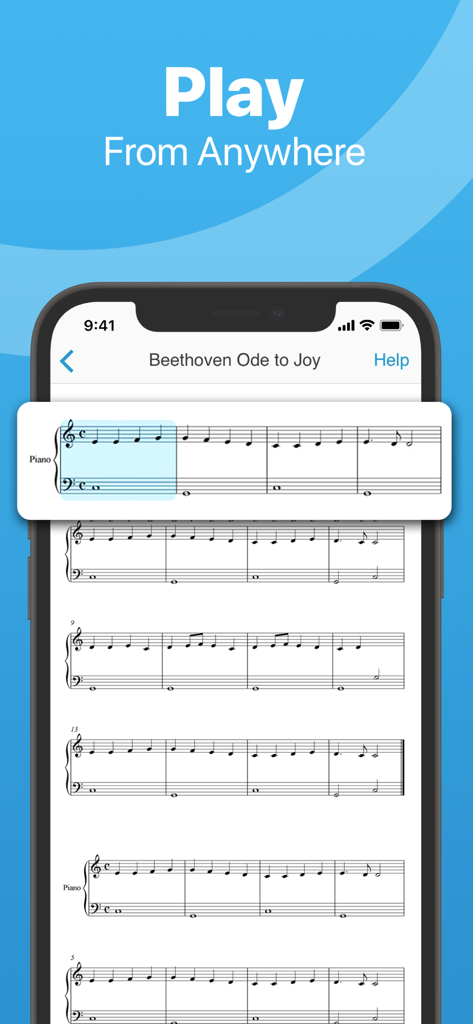
スマートフォンの画面に、アプリで再生中のハイライトされた小節があるベートーヴェンの「歓喜の歌」の楽譜が表示されています。
スマートフォンの画面に、アプリで再生中のハイライトされた小節があるベートーヴェンの「歓喜の歌」の楽譜が表示されています。

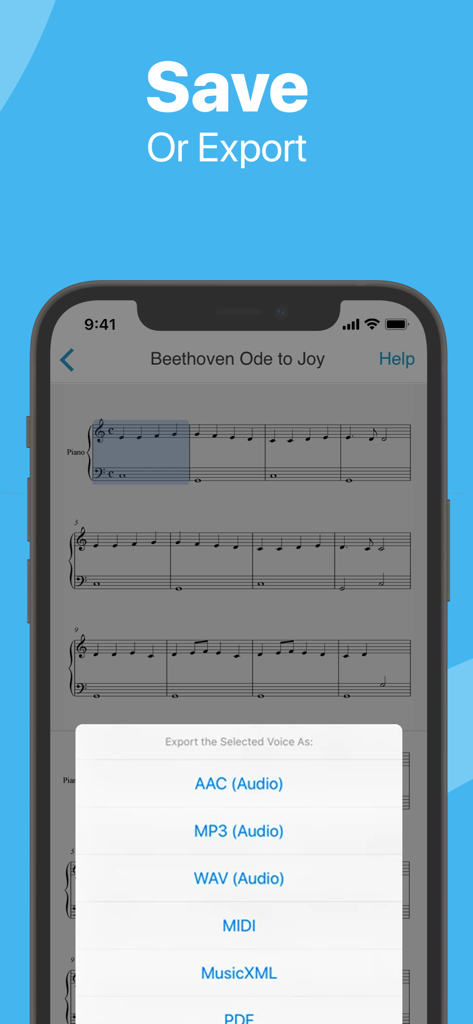
楽譜スキャナーモバイルアプリ。楽譜をMIDI、MusicXML、およびオーディオファイルとしてエクスポートするオプションが表示されています。
楽譜スキャナーモバイルアプリ。楽譜をMIDI、MusicXML、およびオーディオファイルとしてエクスポートするオプションが表示されています。

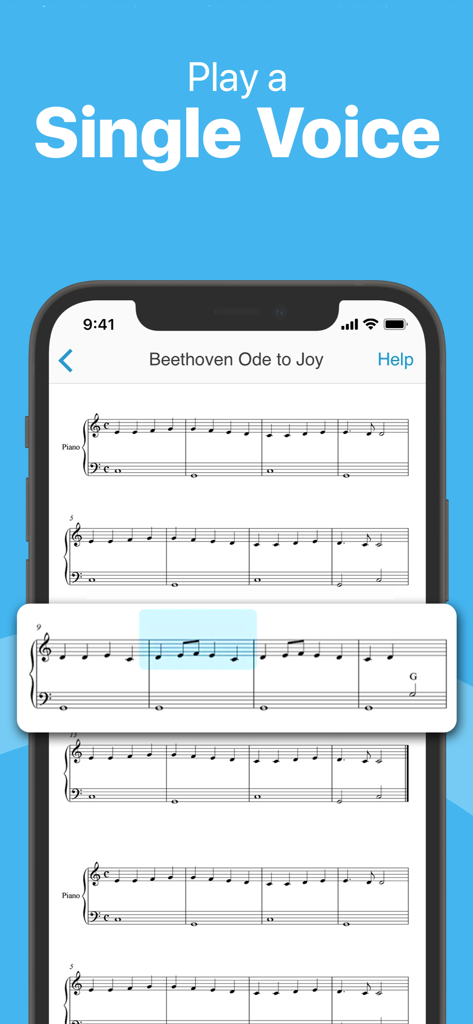
ベートーヴェンの「歓喜の歌」の単一のボイスを再生している楽譜スキャナーアプリが表示されているスマートフォン。
ベートーヴェンの「歓喜の歌」の単一のボイスを再生している楽譜スキャナーアプリが表示されているスマートフォン。

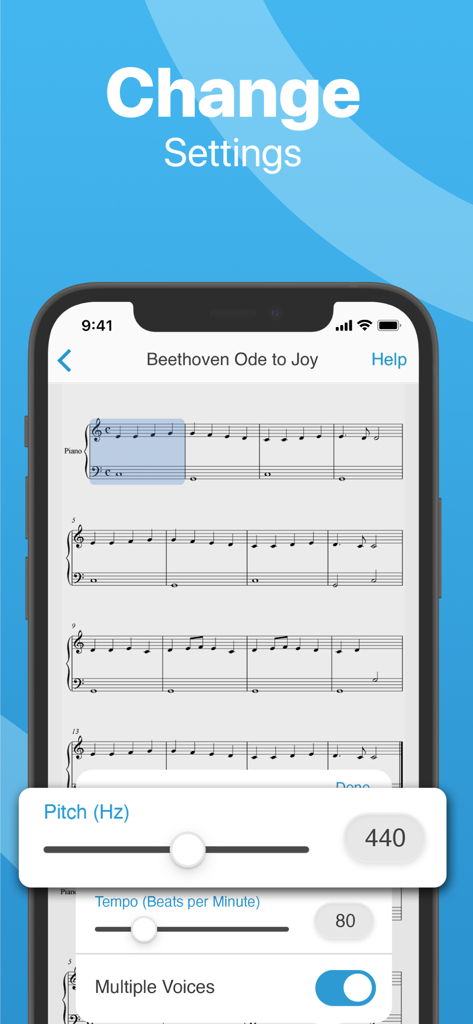
楽譜スキャナーアプリの設定画面。ピッチとテンポの調整が表示されています。
楽譜スキャナーアプリの設定画面。ピッチとテンポの調整が表示されています。

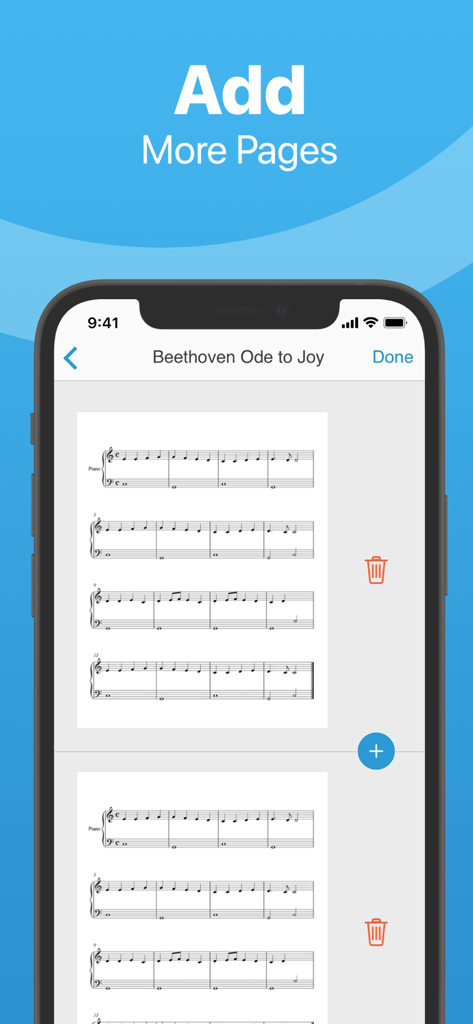
楽譜スキャナーアプリのインターフェース。ベートーヴェンの「歓喜の歌」のスキャンにページを追加するオプションが表示されています。

楽譜スキャナーアプリのインターフェース。ベートーヴェンの「歓喜の歌」のスキャンにページを追加するオプションが表示されています。

すべての音符を正確にマスター

このアプリを際立たせるツール、 1M+ 人のユーザーが選択.

📸

ポイントしてスキャン、そして聴く

曲がどのように聞こえるか疑問に思うのはやめましょう。印刷された楽譜にカメラを向けるだけで、メロディーとリズムが驚くほど正確に再生されます。

🎹

あなたのパーソナルリハーサルパートナー

テンポを遅くしたり、特定の合唱パートを分離したり、ピアノの手を分けたりして、あなたに合ったペースで複雑なパッセージをマスターしましょう。

📤

シームレスなデジタルワークフロー

面倒な手入力はスキップしましょう。スキャンしたファイルをMIDIまたはMusicXMLファイルとして、MuseScore、Sibelius、Finaleなどのソフトウェアに直接エクスポートします。

アプリについて

について知っておくべきこと Sheet Music Scanner.

説明

Scan sheet music and instantly listen with music with Sheet Music Scanner. Sheet Music Scanner makes it easy for you to scan or upload printed sheet music. Listen to the music printed on the page in a number of different formats and instruments, directly on your device. Ever wanted to know how that interesting-looking piece of sheet music actually sounds? Now you can know instantly. Just point your iPhone or iPad at the sheet and let it play the notes for you. Listen to the notes and help yourself learn along the way. Sheet Music Scanner lets you scan and playback from any part of the song, just tap the measure and listen to your sheet music. You can even choose the instrument, pick the speed and enjoy! Download Sheet Music Scanner and scan your sheet music today! 2 for 1 universal iOS app: iPhone / iPod touch and iPad - you get Sheet Music Scanner for all your iOS devices for the price of one. SHEET MUSIC SCANNER FEATURES - Scan the whole sheet instantly using your built-in camera - Scan and playback from any image in your Photo library or from a PDF * - Playback from anywhere in the song - simply tap the measure, the notes and symbols are highlighted as they're played - Reads and recognizes the following symbols of musical notation pertaining to melody, harmony, and rhythm: treble, bass, and alto (viola) clefs, notes, duration dots, rests, accidentals, note ties, triplets and other tuplets, repeat signs * - Support for voices played in tandem, e.g. both piano hands at the same time, or all the choir voices - Support for playing individual staffs separately, e.g. right or left piano hand - Support for multiple pages - Accommodates speeds between 50 and 330 beats per minute - Cloud synchronization. Access your music library on any iPhone, iPad, or Mac with iCloud Drive. * Some limitations apply - please see at the bottom of the page. EXPORT OPTIONS - Export as MIDI, MusicXML, audio (M4A / AAC, MP3, WAV), PDF to cloud storage, directly to other apps or via AirDrop - All major cloud storages supported: iCloud, Dropbox, Google Drive, One Drive, etc. Note that the appropriate cloud storage client app has to be installed for this to work. INSTRUMENTS - Accordion, Acoustic Bass, Alto Sax, Bagpipes, Banjo, Bass Guitar, Celeste, Cello, Choir, Clarinet, Double Bass, Flute, French Horn, Guitar - Classical, Clean, Distortion, Glockenspiel, Harp, Mandolin, Marimba, Oboe, Organ (Percussive, Pipe, Reed, Rock, Tonewheel), Piano, Recorder, Tenor Sax, Trombone, Trumpet, Tuba, Vibraphone, Viola, Violin, Xylophone - Supports actual instrument pitch for transposing instruments - Change your pitch standard based on instrument, from standard 440Hz to 380-480 Hz SUBSCRIPTIONS - The subscription automatically renews unless auto-renew is turned off at least 24-hours before the end of the current period. - Your account will be charged for renewal within 24-hours prior to the end of the current period. Limitations - Reads printed sheet music, not handwritten or mimicking handwriting, tablatures, etc. - Reads standard oval note heads only, no special symbols like shape notes. - The following symbols are not currently supported: codas, percussion notation, dynamics, double sharps, double flats, and grace notes. These are planned to come in the future updates. - Use high-quality printed sheet music and take photos under good enough light, when scanning from your camera, for optimal results. For scanning from a file, the recommended resolution is 300 DPI or 8-12 MPx per page. - Some older prints and unusual fonts may not be recognizable. If you experience any problems, please contact support at support@sheetmusicscanner.com Terms of Use: https://www.apple.com/legal/internet-services/itunes/dev/stdeula/

最新バージョン

6.9

サイズ

46.3 MB

リリース日

2014年6月11日

楽譜を聴く準備はできましたか?

新しい曲をより速くマスターするために楽譜スキャナーを使用している100万人以上のミュージシャンに加わりましょう。合唱練習からソロ練習まで、今日最初のページをスキャンして、演奏方法を変えましょう。

ダウンロード: App Storeダウンロード: Google Play
FAQ

よくある質問

について知っておくべきこと Sheet Music Scanner

Sheet Music Scannerで楽譜をスキャンするにはどうすればよいですか?

デバイスのカメラで瞬時に楽譜をスキャンできます。Sheet Music Scannerでは、フォトライブラリの画像やPDFファイルからのスキャンと再生も可能です。

Sheet Music Scannerはどのような音楽記号を認識しますか?

Sheet Music Scannerは、ト音記号、ヘ音記号、ハ音記号、音符、付点、休符、変化記号、タイ、トリプレット、その他の連符、リピート記号を認識します。同時に演奏されるボイスや個々の譜表に対応しています。

Sheet Music Scannerから他の形式に楽譜をエクスポートできますか?

はい、Sheet Music ScannerはMIDI、MusicXML、オーディオ(M4A/AAC、MP3、WAV)、PDFとしてエクスポートできます。クラウドストレージ、他のアプリ、またはAirDrop経由でエクスポートできます。

Sheet Music Scannerは手書きの楽譜に対応していますか?

いいえ、Sheet Music Scannerは印刷された楽譜のみを読み取ります。手書きの楽譜、タブ譜、シェイプノートのような特殊な記号には対応していません。

Sheet Music Scannerで再生できる楽器は何ですか?

Sheet Music Scannerには、アコーディオン、ピアノ、ギター、サックス、フルート、トランペット、バイオリンなど、幅広い楽器が用意されています。ユーザーは音律の基準を変更することもできます。

Sheet Music Scannerで再生速度を調整するにはどうすればよいですか?

はい、Sheet Music Scannerは1分あたり50〜330拍の再生速度に対応しています。ユーザーはアプリケーション内でテンポ設定を調整できます。

Sheet Music Scannerで曲の特定の部分を再生できますか?

はい、Sheet Music Scannerでは曲のどこからでも再生できます。再生したい小節をタップするだけで、再生中に音符や記号がハイライト表示されます。

App information, icons, screenshots, and descriptions displayed on this page are sourced from the Apple App Store and are the property of their respective developers. Download estimates and rankings are based on MWM's proprietary models and may not reflect actual figures. This page is provided for informational and analytical purposes only.

Believe this page infringes your intellectual property? File a dispute