
このページはアプリまたはその開発者の公式ページではなく、情報提供および論評を目的として作成された独立した編集出版物です。明示的に別段の記載がない限り、アプリおよびその開発者は、MWM、Apple、Google Play、アプリのパブリッシャー、またはアプリの開発者と提携、承認、後援、認可、またはその他の公式的な関係はなく、このページのいかなる内容も、アプリがMWMのサービスを使用して開発されたことを意味するものではありません。すべての商標、ロゴ、スクリーンショット、その他のコンテンツはそれぞれの所有者の財産です。


Singpass
個人情報の管理、リモートでの書類署名、生体認証セキュリティによる政府サービスへのアクセス。アメリカからシンガポールへの、パスワード不要でシームレスな接続を必要とするグローバルプロフェッショナルのために設計されています。
ダウンロード
3M+ユーザー評価
評価数
289K+開発元
カテゴリ
Productivity対応言語
4最新バージョン
25.4.1サイズ
300.5 MBリリース日
2018年10月20日シンガポールへのデジタルブリッジ
世界中どこからでも、政府取引や個人データを安全に管理できる、グローバルプロフェッショナルのためのオールインワンデジタルID。
パスワード不要のログイン
SMS OTPや国際ローミング不要で、生体認証またはQRコードでデジタルサービスに即座にアクセス。
リアルタイムのプロフィール洞察
CPF、HDB、パスポートの詳細を単一のダッシュボードで追跡し、シンガポールでの事務をリモートで整理。
よくある質問
について知っておくべきこと Singpass
Singpassアプリとは何ですか?
Singpassアプリは、信頼できるデジタルIDとして機能します。これにより、デジタルサービスへの安全なアクセス、政府情報の閲覧、および文書へのデジタル署名が可能になり、取引方法が変わります。
Singpassアプリにログインするにはどうすればよいですか?
指紋、顔、または6桁のパスコードを使用してSingpassアプリにログインできます。または、QRコードをスキャンまたはタップして、資格情報を入力せずにデジタルサービスのIDを確認することもできます。
海外でもSingpassアプリを使用できますか?
はい、海外でもSingpassアプリを使用できます。これにより、海外から安全にデジタルサービスにアクセスするためにSMS OTPを必要としなくなり、モビリティが向上します。
Singpassアプリでどのような政府情報が利用できますか?
Singpassアプリを使用すると、CPFアカウントの詳細、HDBの物件情報、パスポートの有効期限など、さまざまな政府ソースからの情報を1か所で閲覧およびカスタマイズできます。
Singpassアプリは文書のデジタル署名をサポートしていますか?
はい、Singpassアプリはデジタル署名をサポートしています。ユーザーは文書や契約書に安全にデジタル署名でき、物理的な存在や紙ベースの署名方法が不要になります。
デバイスにSingpassアプリを設定するにはどうすればよいですか?
Singpassアプリを設定するには、スマートフォンにインストールするだけです。手順に従って、一度だけセットアップを完了してください。これにより、信頼できるデジタルIDがすぐに使用できるようになります。
Singpassアプリの最小iOS要件は何ですか?
最適化されたユーザーエクスペリエンスのために、SingpassアプリはデバイスがiOSバージョン15.0以降に最小限更新されている必要があります。
Singpassアプリを複数のデバイスに同時にインストールできますか?
いいえ、Singpassアプリは一度に1つのデバイスにのみインストールできます。このポリシーは、デジタルIDとトランザクションのセキュリティと整合性を確保します。
iOSでSingpass QRコードログインの問題を解決するためのトラブルシューティング手順は何ですか?
iOSでSingpass QRコードログインがウェブサイトにリダイレクトされる場合は、後でもう一度試す、電話を再起動する、またはアプリをアンインストールして再インストールしてください。これらの手順は、設定の遅延に対処します。
Singpassアプリは対面での本人確認をどのように支援しますか?
Singpassアプリは、QRスキャンを使用して安全な対面での本人確認を支援します。この機能により、個人は物理的な書類を必要とせずに本人確認を行うことができます。
以下のスクリーンショットと説明は、アプリの公式ストアリスティングから直接取得されたものであり、アプリ開発者の所有物です。
アプリストア
スクリーンショット
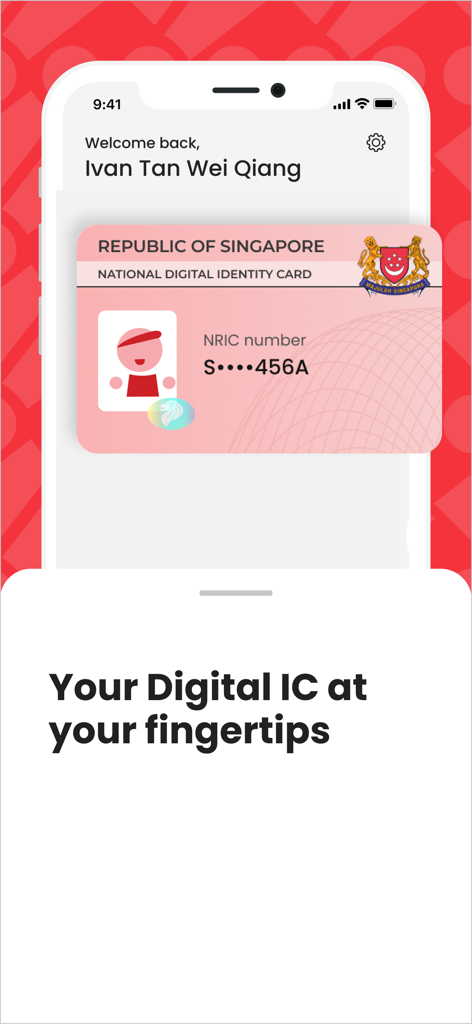
スマートフォンにシンガポール国民デジタルIDカードを表示するSingpassアプリのインターフェース。
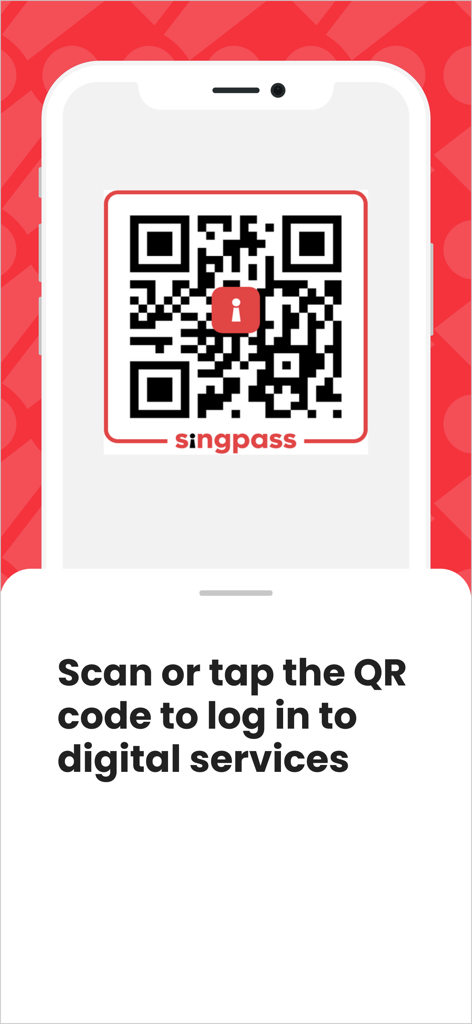
デジタルサービスへのログイン用のSingpass QRコードを表示するスマートフォンの画面。
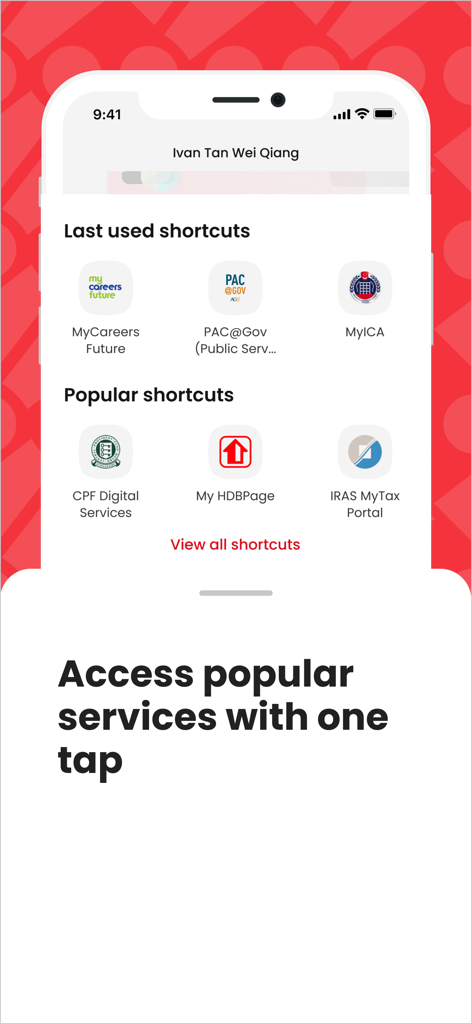
CPF、HDB、IRASなどのシンガポール政府サービスへのクイックアクセスショートカットを表示するSingpassアプリ画面。
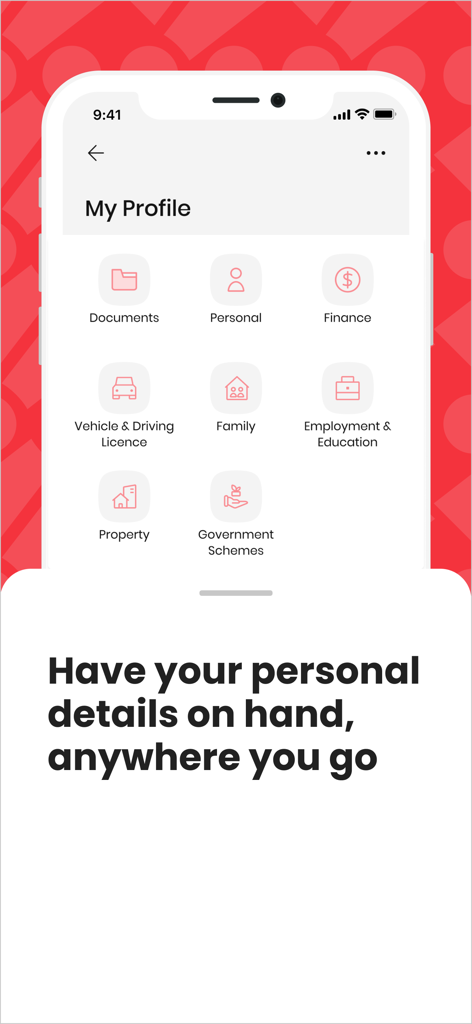
My Profileセクションを表示するSingpassアプリのスクリーンショット。ドキュメント、個人情報、金融、不動産のアイコンが表示されています。
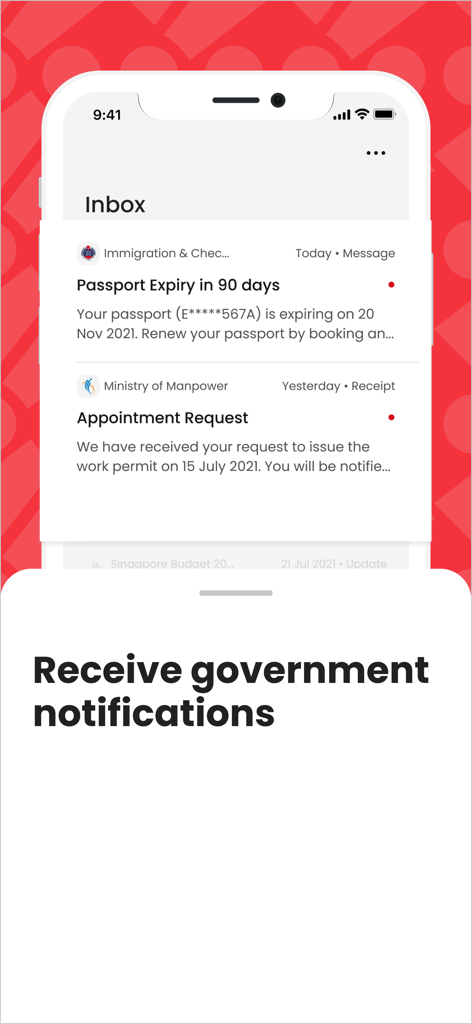
パスポート期限切れアラートや予約リクエストなどの公式政府通知を表示するSingpassアプリの受信トレイ画面。
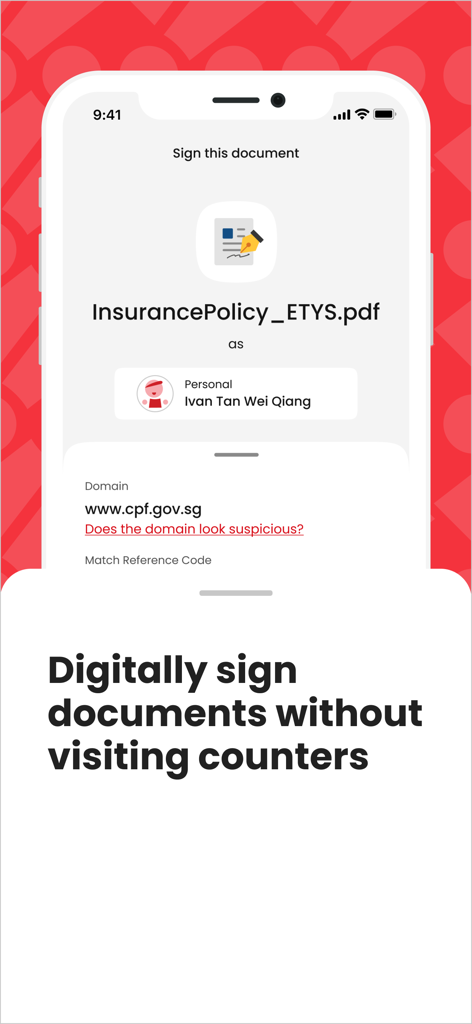
「カウンターに行かずに書類にデジタル署名」というキャプションが付いた、書類のデジタル署名機能を表示するSingpassアプリ画面。
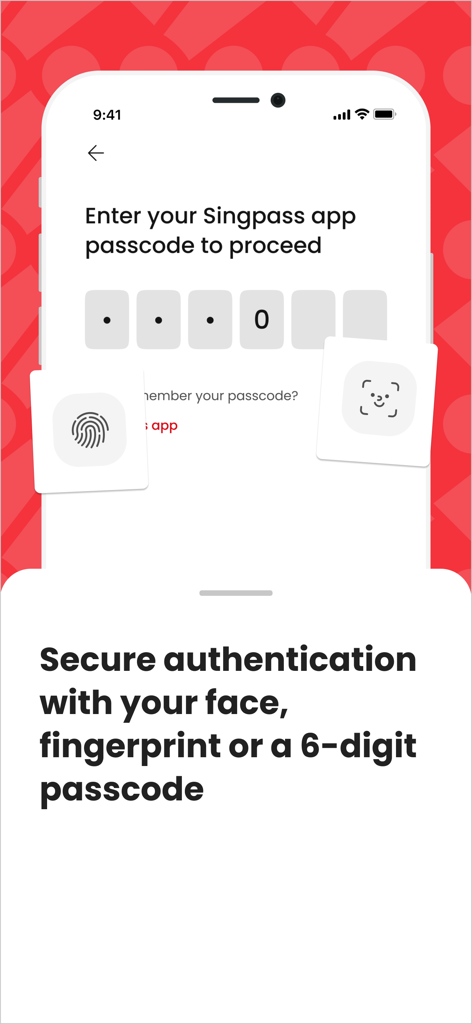
顔認識、指紋、6桁のパスコードのオプションを備えたSingpassアプリの安全なログイン画面。
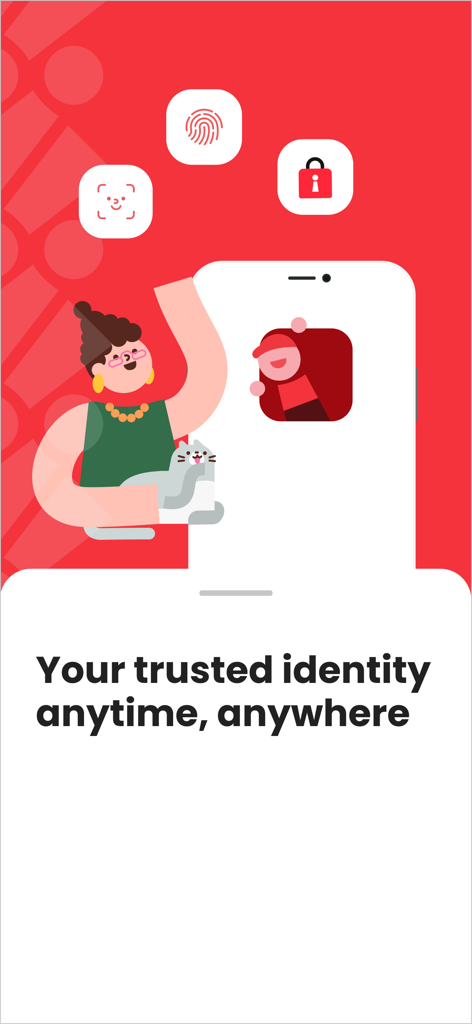
生体認証セキュリティアイコンと「いつでもどこでもあなたの信頼できるID」というスローガンをフィーチャーしたSingpassアプリのプロモーション画面。
説明
Download
類似アプリ
似た機能とユーザー体験を持つアプリ

itsme
Belgian Mobile ID SA

myDSS 2.0
SafeTech Ltd
SİMA - Rəqəmsal İmza
Data Processing Center of the Ministry of Communications and High Technologies

SoyYo - Identidad Digital
Servicios de Identidad Digital SAS

VIDaaS
valid certificadora digital ltda

TrustMe: Your Digital Identity
A3BC GROUP

Bird ID
Vault Id Solucoes em Criptografia e Identificacao Ltda ME
eDO App
Polska Wytwornia Papierow Wartosciowych S.A.
DigiD
Rijksoverheid
このページはアプリまたはその開発者の公式ページではなく、情報提供および論評を目的として作成された独立した編集出版物です。明示的に別段の記載がない限り、アプリおよびその開発者は、MWM、Apple、Google Play、アプリのパブリッシャー、またはアプリの開発者と提携、承認、後援、認可、またはその他の公式的な関係はなく、このページのいかなる内容も、アプリがMWMのサービスを使用して開発されたことを意味するものではありません。すべての商標、ロゴ、スクリーンショット、その他のコンテンツはそれぞれの所有者の財産です。