
このページはアプリまたはその開発者の公式ページではなく、情報提供および論評を目的として作成された独立した編集出版物です。明示的に別段の記載がない限り、アプリおよびその開発者は、MWM、Apple、Google Play、アプリのパブリッシャー、またはアプリの開発者と提携、承認、後援、認可、またはその他の公式的な関係はなく、このページのいかなる内容も、アプリがMWMのサービスを使用して開発されたことを意味するものではありません。すべての商標、ロゴ、スクリーンショット、その他のコンテンツはそれぞれの所有者の財産です。


Smart Assist
Sennheiser Evolution Wireless Digitalシステムを60秒でセットアップ。周波数を自動割り当てし、スマートフォンから直接各チャンネルをコントロール。ワイヤレスの専門知識は不要です。
ダウンロード
27K+ユーザー評価
評価数
100開発元
カテゴリ
Music対応言語
1最新バージョン
2.6.1サイズ
76.3 MBリリース日
2021年5月31日あなたのプロフェッショナルサウンドエンジニアが、あなたのポケットに
複雑さを伴わずに完璧を求めるクリエイターのために設計された、自動セットアップとインテリジェントコントロールで、Sennheiser Evolution Wireless Digitalシステムをマスターしましょう。
60秒ラピッドセットアップ
マニュアルはスキップして、すぐにパフォーマンスを開始。自動ペアリングと周波数割り当てにより、ワイヤレスシステム全体を1分以内に準備完了。
集中型コマンドセンター
複雑なハードウェアメニューは不要。スマートフォンからゲインをコントロールし、チャンネルに名前を付け、最大15台のデバイスを同時に管理。
以下のスクリーンショットと説明は、アプリの公式ストアリスティングから直接取得されたものであり、アプリ開発者の所有物です。
アプリストア
スクリーンショット
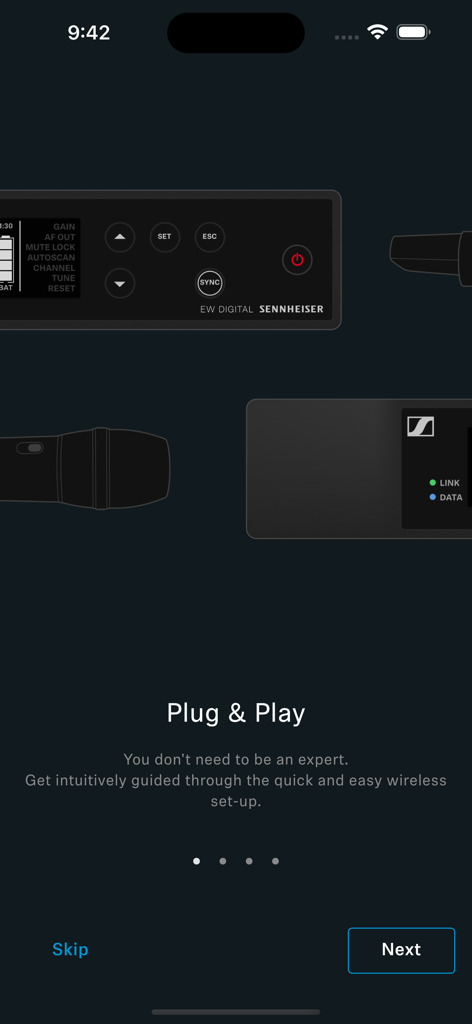
Sennheiser Smart Assistアプリのオンボーディング画面で、簡単なワイヤレスセットアップを実現
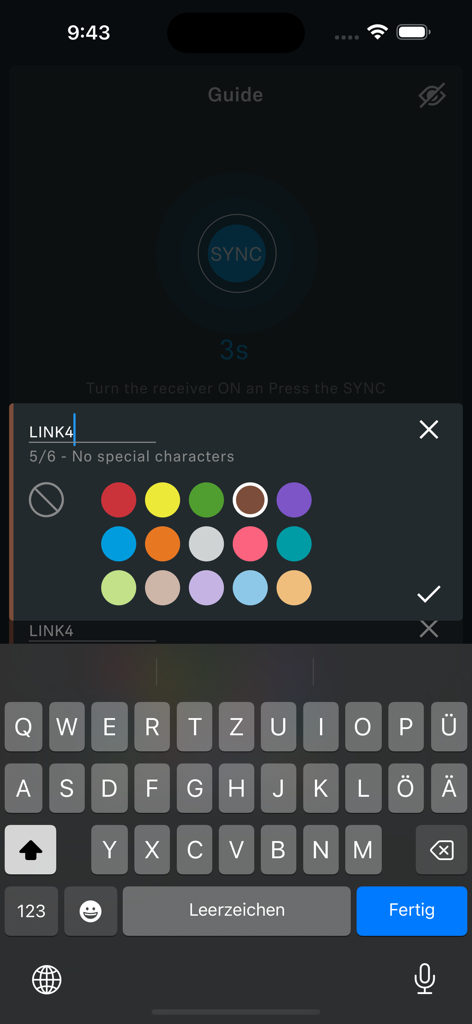
Smart Assistアプリのチャンネル名付けと色選択画面
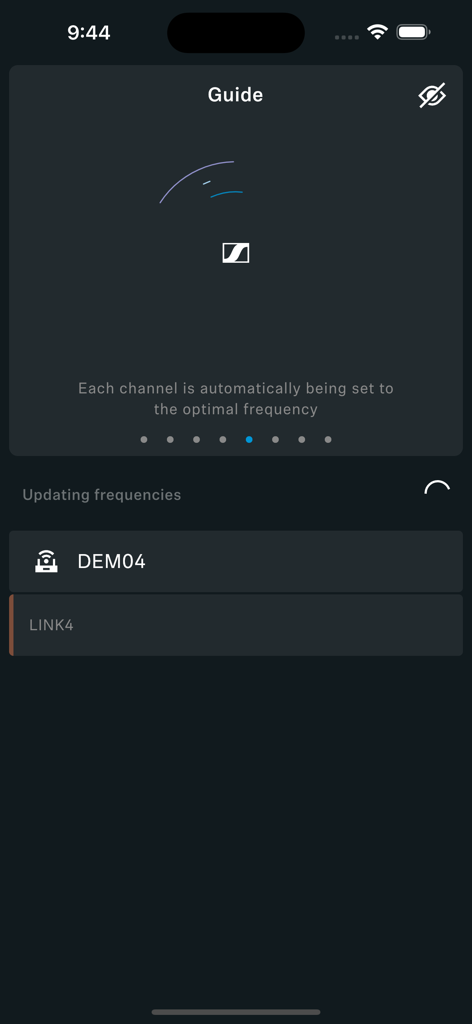
Sennheiser Smart Assistアプリのインターフェースで、ワイヤレスシステム向けの自動周波数割り当てプロセスを表示
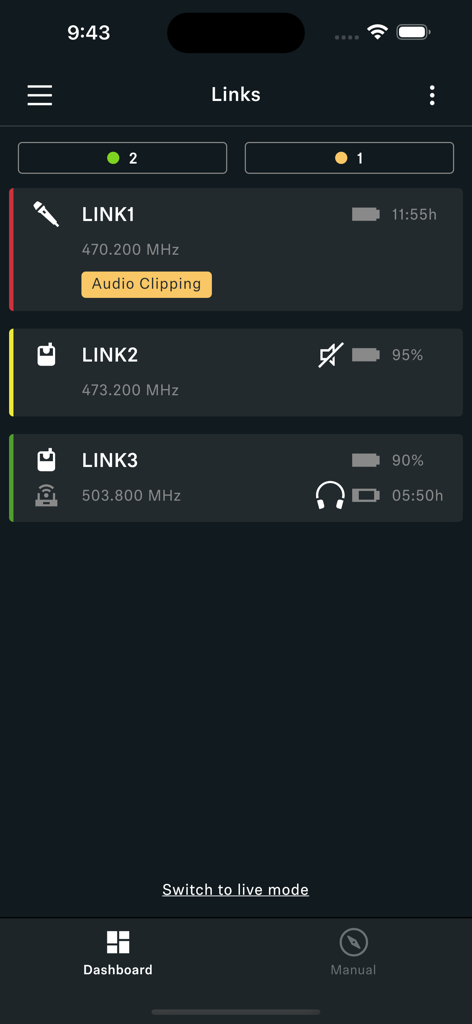
Sennheiser Smart Assistアプリのダッシュボードで、バッテリーレベルと周波数ステータスを持つワイヤレスオーディオリンクを監視
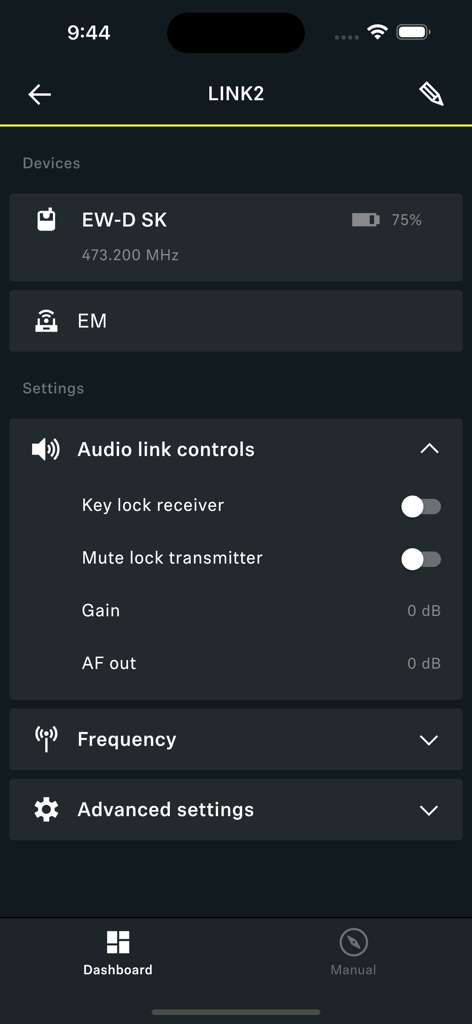
Smart Assistアプリのダッシュボードで、Sennheiserワイヤレスシステムのオーディオリンクコントロールとデバイスバッテリーステータスを表示。
説明
Download
類似アプリ
同じカテゴリのトップランクアプリ

Spotify: Music and Podcasts
Spotify

YouTube Music
Google LLC

Shazam: Find Music & Concerts
Apple Inc.

SoundCloud: The Music You Love
SoundCloud Global Limited & Co KG

Suno - AI Songs & Music
Suno Inc.

QQ音乐 - 听我想听
Tencent Technology (Shenzhen) Company Limited

Audiomack - Play Music Offline
Audiomack, Inc.

GuitarTuna: Tune & Play Guitar
Yousician Ltd

BandLab – Music Maker & Beats
BandLab Singapore Pte Ltd
このページはアプリまたはその開発者の公式ページではなく、情報提供および論評を目的として作成された独立した編集出版物です。明示的に別段の記載がない限り、アプリおよびその開発者は、MWM、Apple、Google Play、アプリのパブリッシャー、またはアプリの開発者と提携、承認、後援、認可、またはその他の公式的な関係はなく、このページのいかなる内容も、アプリがMWMのサービスを使用して開発されたことを意味するものではありません。すべての商標、ロゴ、スクリーンショット、その他のコンテンツはそれぞれの所有者の財産です。