Smart PDF Document Scanner

Smart PDF Document Scanner

ダウンロード: App Store
ロゴ: Smart PDF Document Scanner

スマートPDFドキュメントスキャナー:プロフェッショナルが選ぶ、シャープなスキャン

高機能なパースペクティブ補正と、モバイルワークフローのために設計された独自のカラーコーディングタグシステムで、かさばるオフィス機器を置き換えましょう。

ダウンロード: App Store

開発元

Qrayon, LLC

カテゴリ

Business

ダウンロード

13K+

ユーザー評価

4.5/5

評価数

0

対応言語

1

一目でわかる精度

このインターフェースを利用する 13K+ 人のユーザー.

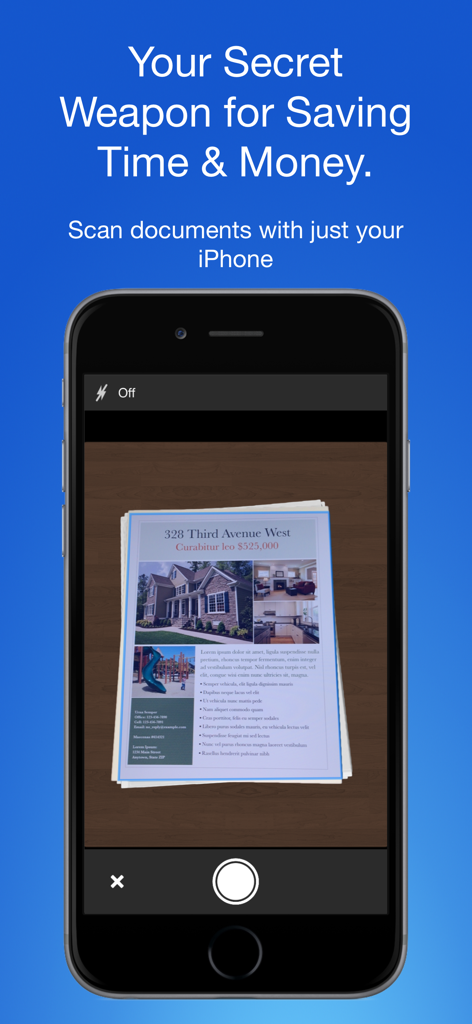
不動産文書をキャプチャしているスマートPDFドキュメントスキャナーアプリが表示されたiPhone画面

不動産文書をキャプチャしているスマートPDFドキュメントスキャナーアプリが表示されたiPhone画面

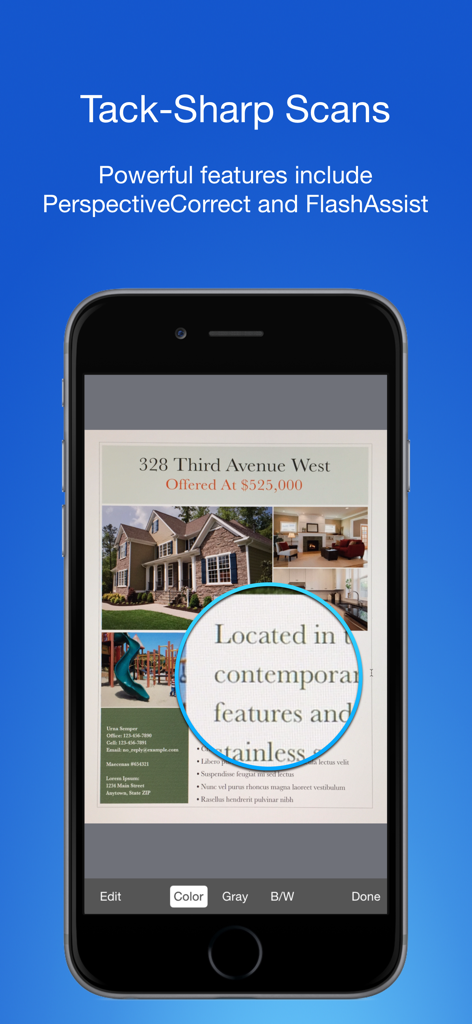
シャープなテキスト拡大表示で高画質ドキュメントスキャンを示すモバイルアプリインターフェイス。

シャープなテキスト拡大表示で高画質ドキュメントスキャンを示すモバイルアプリインターフェイス。

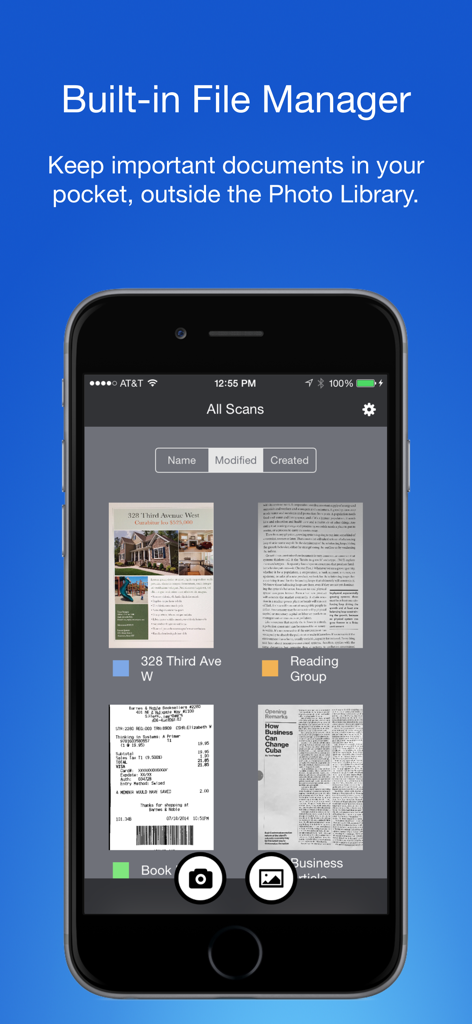
整理されたドキュメント管理のためのカラーコーディングタグが表示された組み込みファイルマネージャーを示すスマートPDFドキュメントスキャナーアプリ

整理されたドキュメント管理のためのカラーコーディングタグが表示された組み込みファイルマネージャーを示すスマートPDFドキュメントスキャナーアプリ

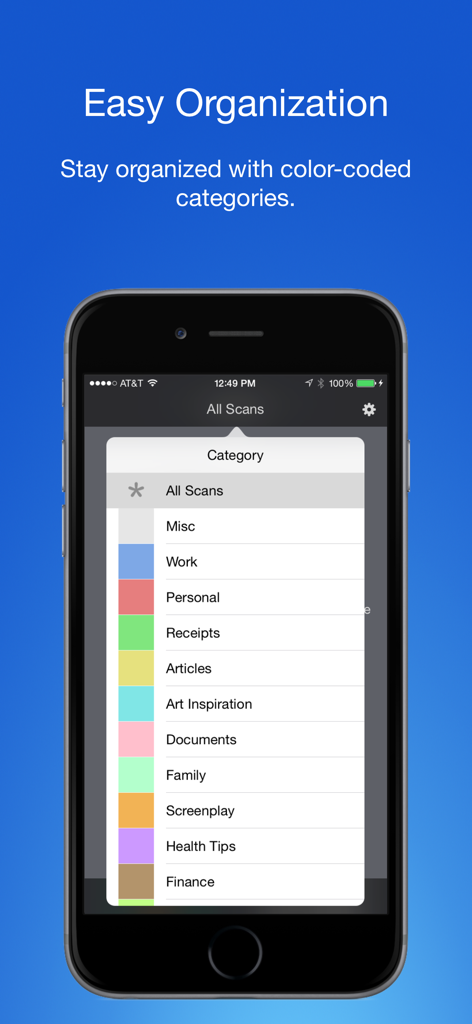
スキャンされたドキュメントを整理するためのカラーコーディングタグとカテゴリを表示するスマートフォンの画面

スキャンされたドキュメントを整理するためのカラーコーディングタグとカテゴリを表示するスマートフォンの画面

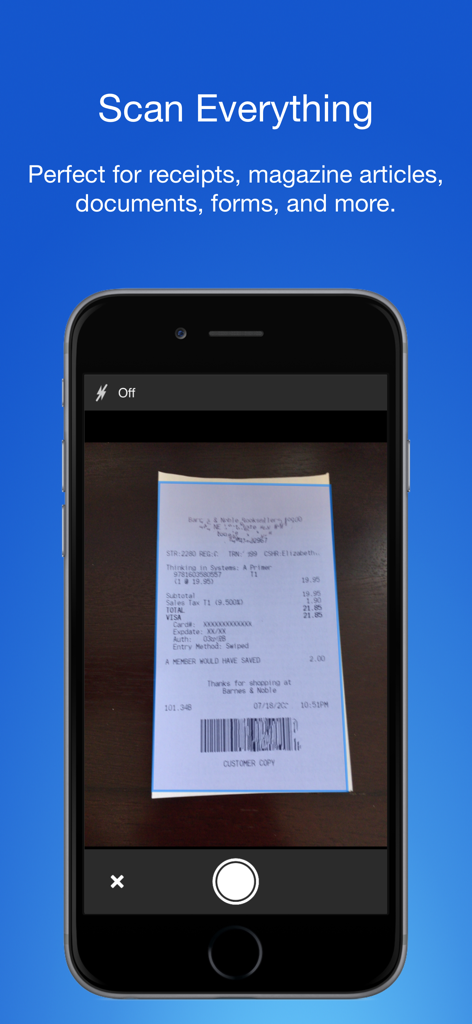
店舗のレシートをキャプチャしているiPhone上のスマートPDFドキュメントスキャナーアプリ

店舗のレシートをキャプチャしているiPhone上のスマートPDFドキュメントスキャナーアプリ

プロフェッショナルに必要な唯一のスキャナー

このアプリを際立たせるツール、 13K+ 人のユーザーが選択.

📄

クリアなスキャン

自動パースペクティブ補正とFlashAssistにより、すべての契約書や領収書がシャープでプロフェッショナル、すぐに送信できる状態になります。

🏷️

簡単な整理

固定的なフォルダシステムはもう不要。カラーコーディングタグにより、タップするだけで数秒でドキュメントを分類し、見つけることができます。

🔒

ワークライフ分離

ビジネス文書を専用ハブに保管し、個人の写真ライブラリとは完全に分離することで、境界線を維持しましょう。

アプリについて

について知っておくべきこと Smart PDF Document Scanner.

説明

Ditch the office scanner! Just snap a photo of your document, and get a PDF file you can instantly send to your colleagues, all from your phone or iPad. TACK SHARP SCANS That processor in your phone is quite a little monster. Smart Scanner uses it fully to make the best possible scans. Even full-page articles come out tack-sharp and easy to read. It automatically detects the page edges and corrects for perspective. Pick full-color scans, grayscale, or black-and-white for maximum legibility. FlashAssist can take perfect scans even in poor lighting conditions. You can even change the correction and enhancement settings after the fact. POWERFUL COLOR-CODED ORGANIZATION Scanning is just half the problem. You need a good way to keep all your documents organized, and easy to find later. Smart Scanner uses a simple tagging system that is much easier and more powerful than the regular folder system. File documents under custom color-coded categories with just a couple taps. Browse and sort files by category with a couple more. It's the way filing should work. FOR ALL YOUR SCANNING NEEDS + Quickly scan and send contracts and forms + Keep scans of important documents in your pocket, separate form the Photo Library + Scan all your travel receipts for easy expense reports + Keep digital copies of your notes and sketches + Scan articles to read later + And more! TIPS AND TRICKS Here are a few tips to get the best scans: + Place your document on a darker surface to improve the edge auto-detection. + You can drag the corners of the blue rectangle to fine tune it after taking a photo. + Make sure there is adequate lighting. Use the flash in low-light conditions. + You can tap on a page to edit its scan settings (including edges) after the fact.

最新バージョン

2.5

サイズ

19.4 MB

リリース日

2016年12月5日

オフィススキャナーを卒業する準備はできましたか?

外出先でも、シャープなPDFと簡単なカラーコーディング整理をスマートスキャナーに託す、13,000人以上のプロフェッショナルに加わりましょう。

ダウンロード: App Store

App information, icons, screenshots, and descriptions displayed on this page are sourced from the Apple App Store and are the property of their respective developers. Download estimates and rankings are based on MWM's proprietary models and may not reflect actual figures. This page is provided for informational and analytical purposes only.

Believe this page infringes your intellectual property? File a dispute