Smart Printer App & iPrint

Smart Printer App & iPrint

ダウンロード: App Store
ロゴ: Smart Printer App & iPrint

Smart Printer App & iPrint: あなたのユニバーサルモバイル印刷ソリューション

複雑なセットアップはスキップして、iPhoneまたはiPadから直接あらゆるものを印刷。急ぎの契約書から学校のプロジェクトまで、コンピューター不要で、数秒でどんなプリンターにもシームレスなワイヤレス印刷を楽しめます。

ダウンロード: App Store

開発元

MAJESTIC STUDIO

カテゴリ

Business

ダウンロード

1K+

ユーザー評価

4.5/5

評価数

0

対応言語

1

あらゆるフレームに効率性を

このインターフェースを利用する 1K+ 人のユーザー.

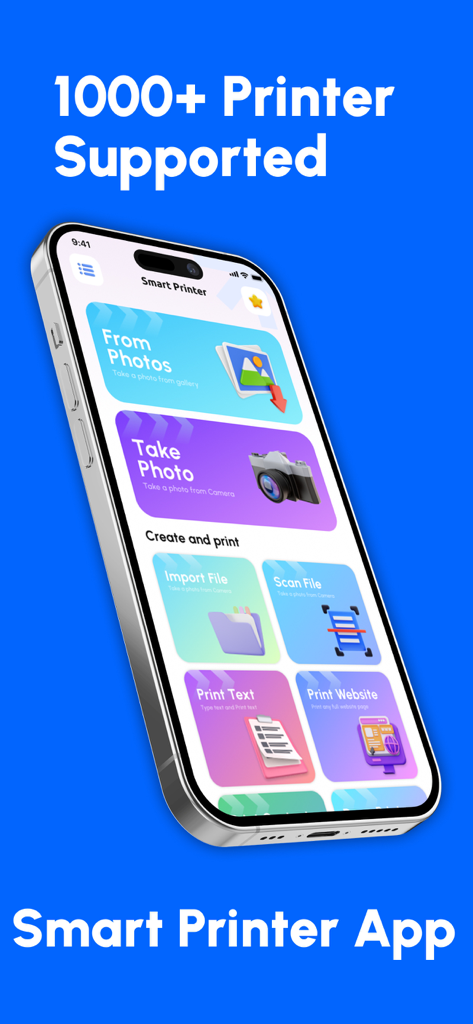
Smart Printer Appのダッシュボードを表示するスマートフォン。写真、ドキュメント、ウェブサイトの印刷オプションが表示されています。

Smart Printer Appのダッシュボードを表示するスマートフォン。写真、ドキュメント、ウェブサイトの印刷オプションが表示されています。

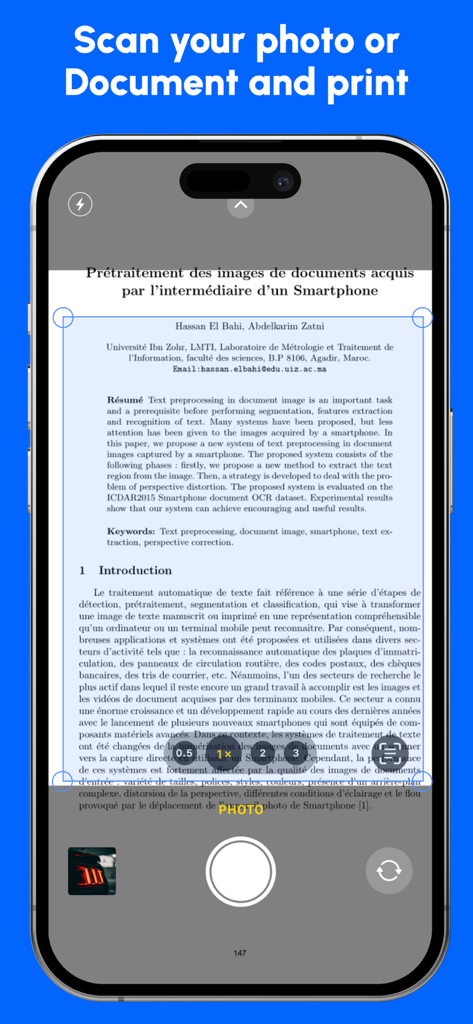
スマートフォン上のSmart Printer Appでドキュメントをスキャンしています。

スマートフォン上のSmart Printer Appでドキュメントをスキャンしています。

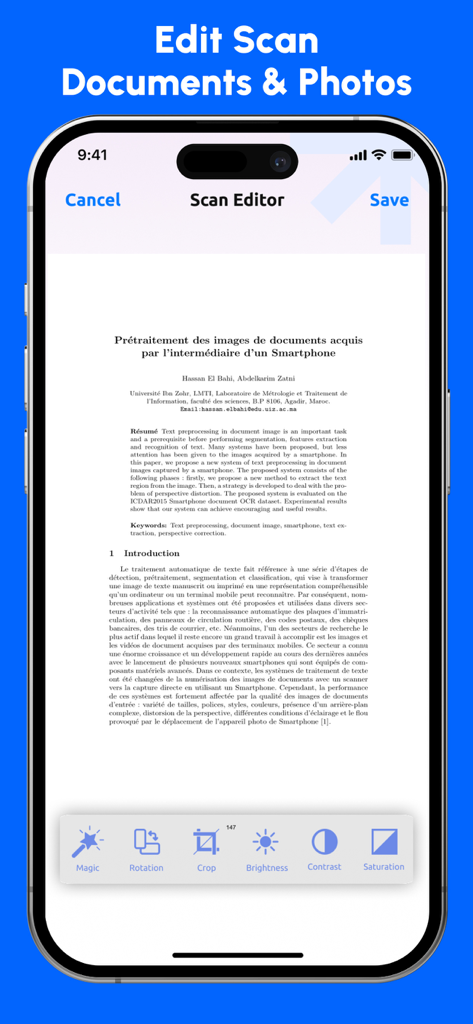
モバイルスキャンエディタインターフェイス。トリミング、明るさ、コントラストなどのドキュメント調整ツールが表示されています。

モバイルスキャンエディタインターフェイス。トリミング、明るさ、コントラストなどのドキュメント調整ツールが表示されています。

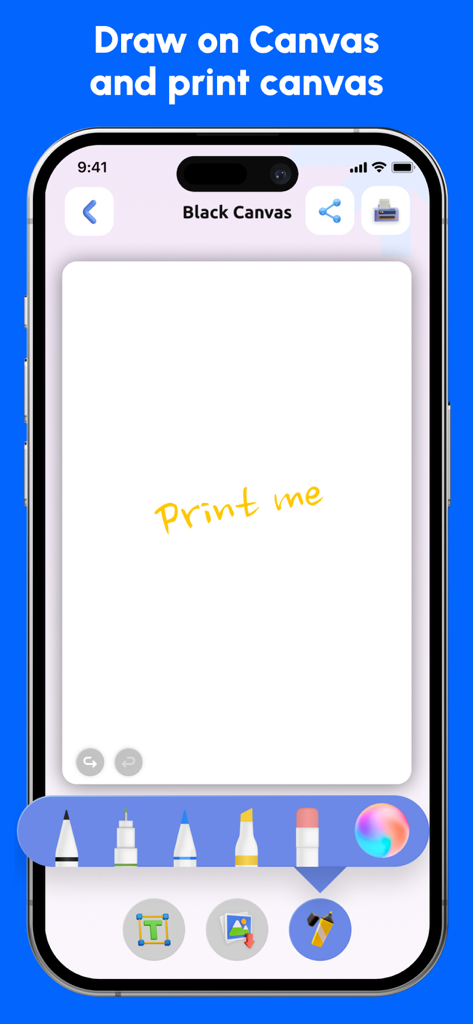
さまざまなペンツールを使用して、描画および印刷用のデジタルキャンバスを表示するモバイルインターフェイス。手書きのメモも印刷できます。

さまざまなペンツールを使用して、描画および印刷用のデジタルキャンバスを表示するモバイルインターフェイス。手書きのメモも印刷できます。

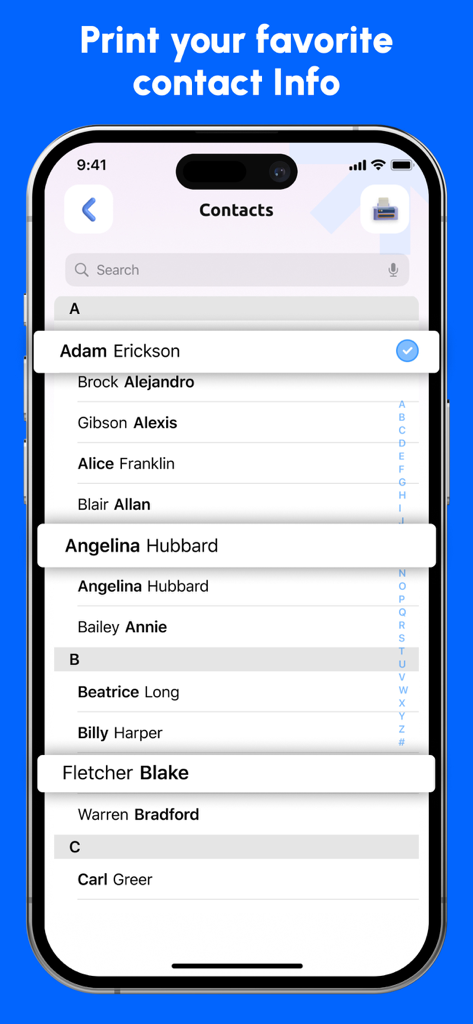
iPhoneから電話連絡先リストを印刷する準備ができているSmart Printer Appのインターフェイス。

iPhoneから電話連絡先リストを印刷する準備ができているSmart Printer Appのインターフェイス。

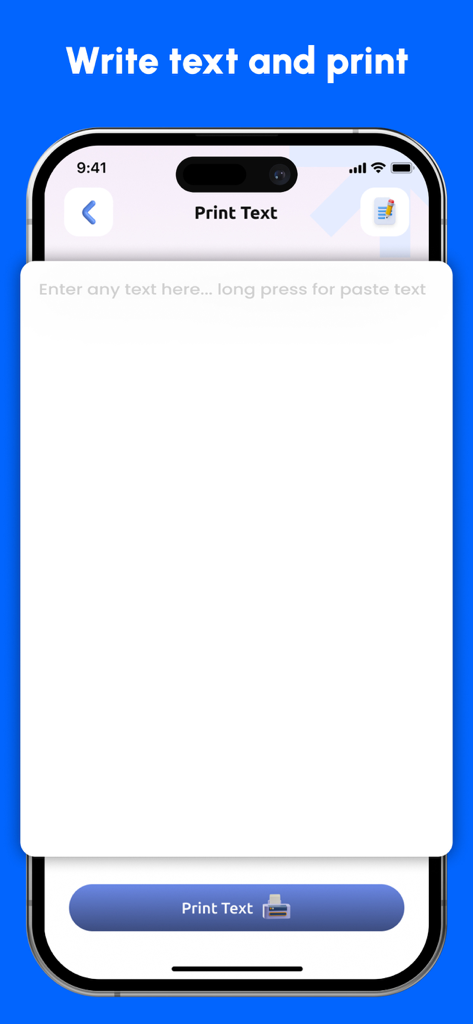
テキストの書き込みと印刷機能を表示するSmart Printer Appのモバイルインターフェイス。

テキストの書き込みと印刷機能を表示するSmart Printer Appのモバイルインターフェイス。

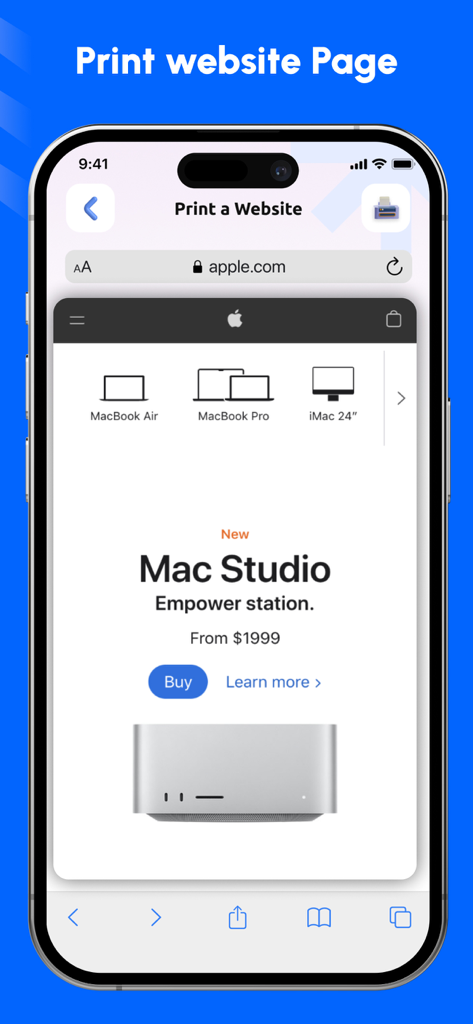
スマートフォンでワイヤレス印刷の準備ができているウェブサイトを表示するSmart Printer Appのインターフェイス。

スマートフォンでワイヤレス印刷の準備ができているウェブサイトを表示するSmart Printer Appのインターフェイス。

あらゆるものを、あらゆる場所で、瞬時に印刷

このアプリを際立たせるツール、 1K+ 人のユーザーが選択.

📲

ユニバーサルワイヤレス印刷

ブランド固有のドライバーやケーブルの手間なしに、数秒でWi-FiまたはBluetoothプリンターに接続できます。

☁️

シームレスなクラウド連携

ワンタップで、iCloud、Google Drive、またはDropboxから直接ドキュメント、請求書、写真をアクセスして印刷できます。

ビジネス対応の効率性

モバイルデバイスから直接、高品質な配送ラベル、契約書、レポートを印刷することで、外出先でも生産性を維持できます。

アプリについて

について知っておくべきこと Smart Printer App & iPrint.

説明

In today's digital age, where convenience is paramount, a mobile printer app is your go-to solution for effortless printing on the go. These powerful applications seamlessly connect your smartphone or tablet to your mobile printer, transforming your device into a portable printing powerhouse. Key Features and Benefits: Intuitive Interface: Enjoy a user-friendly interface that makes printing a breeze, even for those who aren't tech-savvy. Wireless Connectivity: Connect to your mobile printer effortlessly using Bluetooth or Wi-Fi, ensuring seamless printing from any location. Diverse Document Support: Print a wide range of documents, including photos, emails, web pages, and files from your cloud storage. Customization Options: Tailoring your prints is easy with customizable settings like paper size, orientation, and print quality. Real-Time Status Updates: Monitor the printing process directly from your app, receiving notifications when your documents are ready. Security Features: Protect your sensitive data with built-in security measures, ensuring your privacy and confidentiality. Applications: Business Professionals: Print receipts, invoices, and shipping labels on-the-spot. Generate reports and presentations for meetings or clients. Print boarding passes and tickets for travel. Students and Educators: Print class notes, assignments, and handouts directly from your device. Create study materials and presentations for group projects. Creative Individuals: Print photos, artwork, and designs for sharing or display. Create personalized labels and tags for your belongings. Travelers: Print boarding passes, itineraries, and maps while on the go. Document your adventures with printed photos and souvenirs. Why Choose a Mobile Printer App? Enhanced Efficiency: Streamline your workflow and save time by printing documents directly from your mobile device. Increased Productivity: Stay organized and productive, whether you're working from home, on the road, or in the office. Cost-Effective: Reduce paper and ink waste by printing only what you need, when you need it. Environmental Friendliness: Contribute to a greener planet by minimizing paper consumption. Experience the Future of Printing A mobile printer app is more than just a tool; it's a game-changer that empowers you to print with unparalleled convenience and efficiency INFO ABOUT USING THE APP AND REGARDING THE SUBSCRIPTION TERMS OF USE AND SUBSCRIPTION DETAILS: (Weekly Package, Monthly Package, etc.). You can cancel your subscription at any moment in your iTunes account settings, but refunds will not be provided for any unused portion of the terms. Payment will be charged to your iTunes Account at purchase confirmation. Any unused portion of a free trial period, if offered, will be forfeited when the user purchases a subscription to that publication, where applicable. https://themajesticstudio.com/privacy-policy/ https://themajesticstudio.com/term-condition/

最新バージョン

1.0.7

サイズ

52.7 MB

リリース日

2024年9月25日

よりスマートな印刷の準備はできましたか?

ケーブルから解放された何千人ものプロフェッショナルやクリエイターに参加しましょう。今すぐSmart Printer Appをダウンロードして、iPhoneをパワフルなワイヤレスプリントステーションに変えましょう。

ダウンロード: App Store

App information, icons, screenshots, and descriptions displayed on this page are sourced from the Apple App Store and are the property of their respective developers. Download estimates and rankings are based on MWM's proprietary models and may not reflect actual figures. This page is provided for informational and analytical purposes only.

Believe this page infringes your intellectual property? File a dispute