Sound Editor is the most powerful and versatile app for professional editing of audio files using multitracks on your iPhone and iPad. This app is a comprehensive audio editor and portable audio lab, offering a full-featured mixing station in the palm of your hand. Need a quick mp3 cutter or precise music cutter functionality? Sound Editor has you covered. Use our detailed controls and professional equalizer to craft your perfect sound. Working with multitracks has never been easier.
MULTITRACKS AUDIO EDITOR
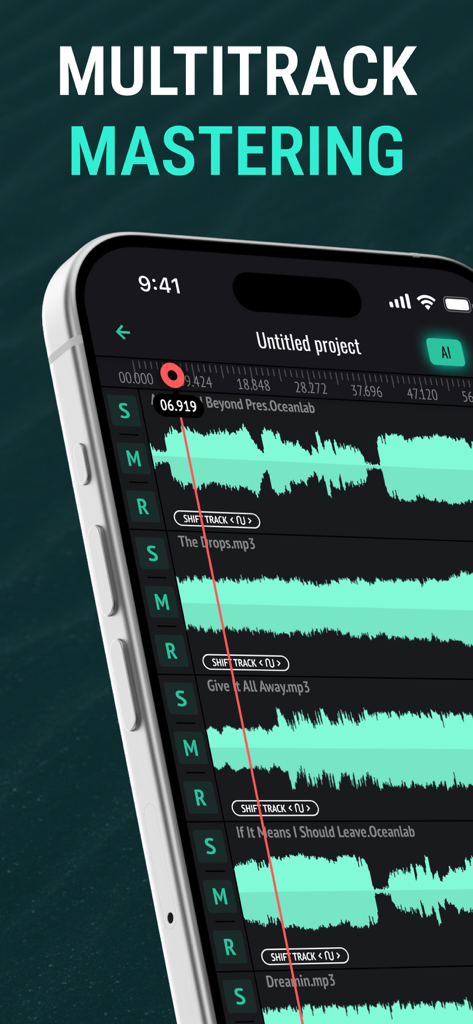
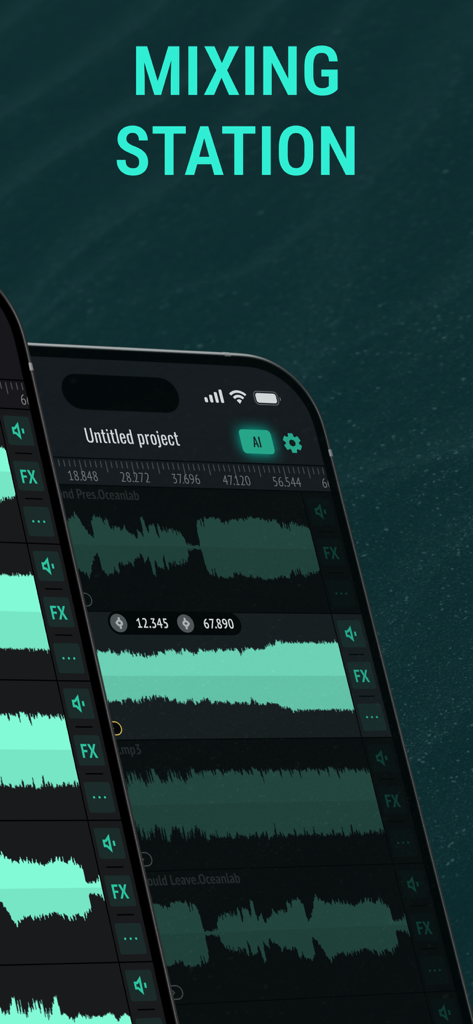
Work with up to 5 multitracks simultaneously for comprehensive and layered editing, regardless of file size. Sound Editor’s functionality offers precise control over every element of your audio, allowing for complex arrangements and detailed sound design.
SET OF BASIC EDITING INSTRUMENTS
Effortlessly cut, copy, paste, trim, and delete specific audio regions with pinpoint accuracy. Apply Fade In/Out effects for smooth transitions, or insert Silence where needed for precise timing and clarity.
EQUALIZER AND AUDIO EFFECTS
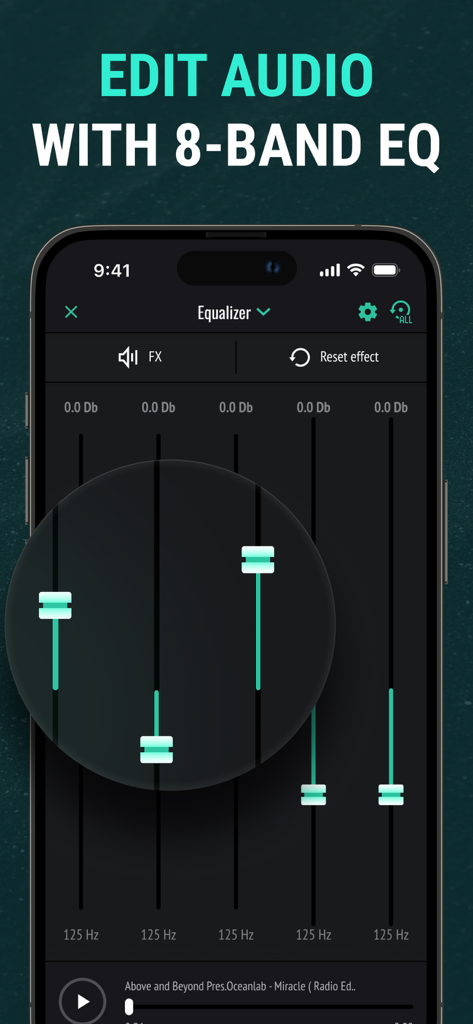
Fine-tune your sound with our powerful 8-band equalizer, providing precise control over the frequency spectrum. Apply fully adjustable, professional audio effects – including reverb, delay, chorus, and more – to enhance your tracks. Both the equalizer and effects can be sent to the master channel for global processing, or routed to individual tracks for targeted adjustments. This advanced equalizer will help you get professional sound.
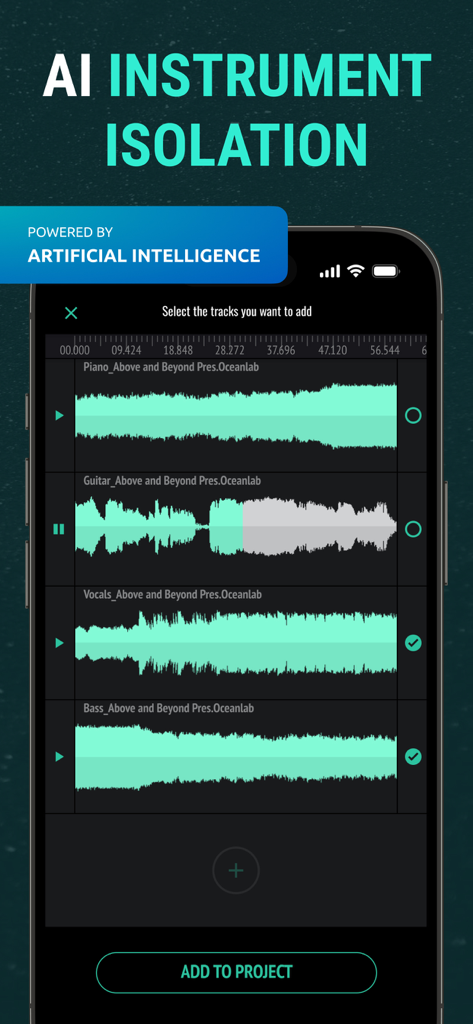
AI INSTRUMENT ISOLATION
Harness the power of Artificial Intelligence to automatically separate your tracks into individual instrument stems, streamlining your mixing process. Now you can isolate vocals, guitar, bass, drums, piano, and more in any track you choose, and do it all in seconds! Edit, remix, and master each isolated stem to create your perfect sound.
SOUND RECORDER
Record high-quality audio on the go with unlimited recording time. Perfect for capturing ideas, rehearsals, or live performances.
SUPPORTS MULTIPLE AUDIO FORMATS
Input: WAV, AIFF, MP3, M4A, AIFC, AAC, AU, FLAC
Output: M4A, MP3, MP4, WAV, CAF, AIFF, AIFC, AAC, AU, FLAC – ensuring compatibility with virtually any audio file.
DOWNLOAD TRACKS FROM ITUNES LIBRARY AND CLOUD STORAGES
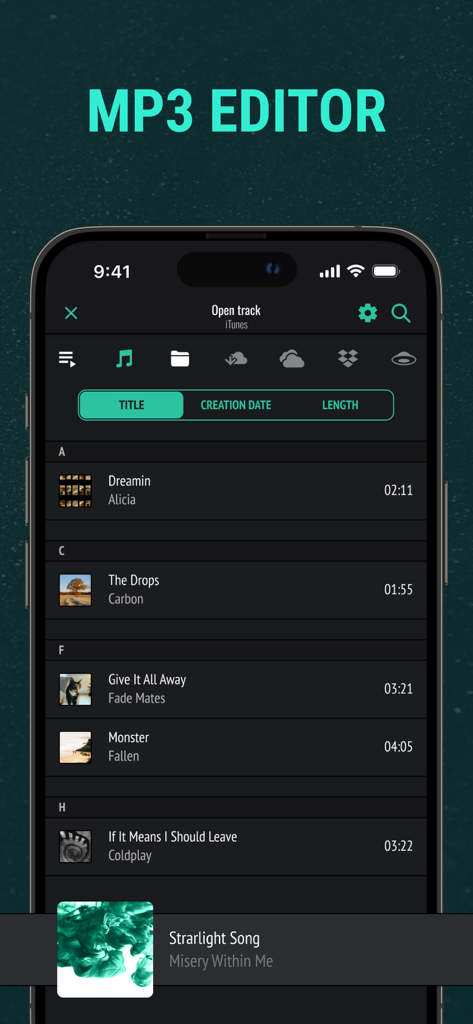
Seamlessly import songs from your iTunes Library, or directly from popular cloud storages like Google Drive, DropBox, and OneDrive with our audio lab.
Designed for musicians, podcasters, and audio engineers, this audio editor allows you to import existing tracks or recording your own directly within the app, offering a complete suite of instruments and professional-grade audio effects. Whether you're a seasoned pro or just starting out, our mixing station empowers you to create polished, high-quality audio. Utilize our powerful tools to become a true music editor.
PREMIUM: Features such as additional tracks in the audio editor, AI instruments isolation, sound effects, export to various audio formats, cloud storage integration, unlimited project creation, and the ability to upload audio directly from your device storage are available only by subscription. In the free version of the application, these features may be limited.
Privacy Policy: http://musictopia.club/privacy
Terms of Service: http://musictopia.club/tos