SUPER CHESS BOARD
SUPER CHESS BOARD
ダウンロード: App Store

このページはアプリまたはその開発者の公式ページではなく、情報提供および論評を目的として作成された独立した編集出版物です。明示的に別段の記載がない限り、アプリおよびその開発者は、MWM、Apple、Google Play、アプリのパブリッシャー、またはアプリの開発者と提携、承認、後援、認可、またはその他の公式的な関係はなく、このページのいかなる内容も、アプリがMWMのサービスを使用して開発されたことを意味するものではありません。すべての商標、ロゴ、スクリーンショット、その他のコンテンツはそれぞれの所有者の財産です。


ロゴ: SUPER CHESS BOARD
ダウンロード: App Store

SUPER CHESS BOARD

真剣な学習者のための究極のツールキット:カスタムPGNを作成し、複雑なバリエーションを視覚化し、専用のトレーニングモードを使用してオープニングレパートリーを完璧にしましょう。

主要数値

ダウンロード

34K+

ユーザー評価

3.7/5

評価数

0

開発元

丽娜 夏

カテゴリ

Sports

対応言語

2

最新バージョン

21.0

サイズ

13.9 MB

リリース日

2017年8月21日
機能

高度な分析ツールでゲームをマスター

深い分析、トーナメント準備、レパートリー構築のために設計されたプロフェッショナルグレードのPGNエンジンでチェスの学習を変革しましょう。

高度なPGN作成

トーナメントの棋譜をデジタル化し、バリエーション、指し手注釈、詳細なコメントを完全にサポートするカスタムライブラリを構築します。

精密トレーニングモード

インポートしたPGNファイルで知識をテストすることで、戦術的記憶力を研ぎ澄まし、オープニングレパートリーを習得します。

以下のスクリーンショットと説明は、アプリの公式ストアリスティングから直接取得されたものであり、アプリ開発者の所有物です。

アプリストア

スクリーンショット
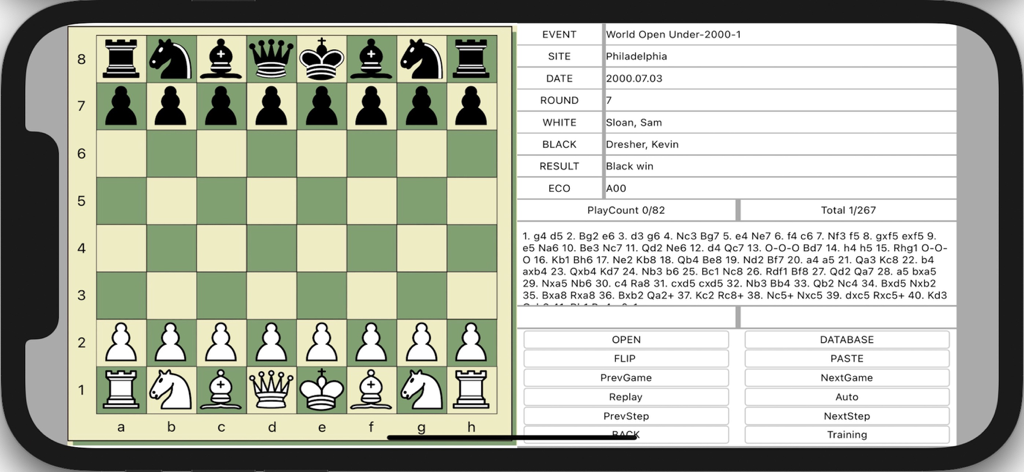
SUPER CHESS BOARD - チェス盤とPGN表記、ゲーム分析コントロールが表示されたSuper Chess Boardアプリのインターフェース
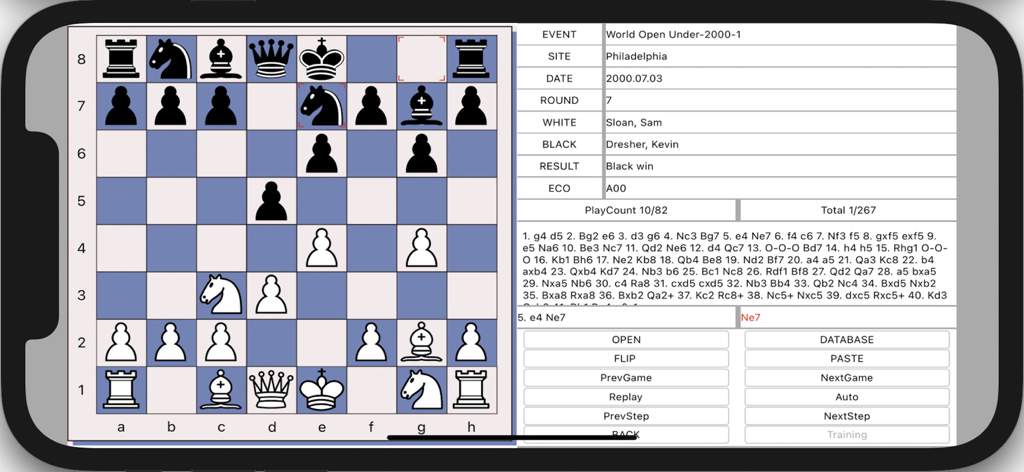
チェス盤とPGN表記、ゲーム分析コントロールが表示されたSuper Chess Boardアプリのインターフェース

SUPER CHESS BOARD - PGN表記とコントロールボタンが付いたチェスの試合を表示するSuper Chess Boardアプリのインターフェース
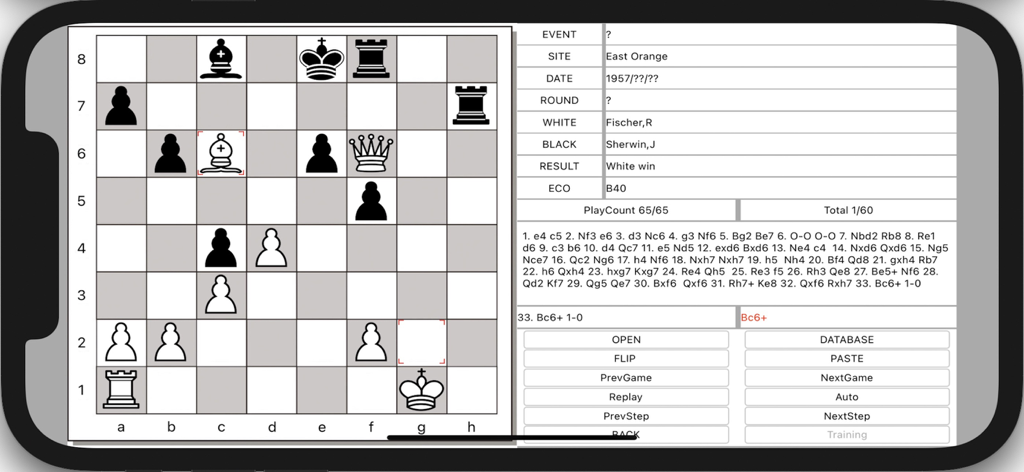
PGN表記とコントロールボタンが付いたチェスの試合を表示するSuper Chess Boardアプリのインターフェース

SUPER CHESS BOARD - チェスゲーム分析とPGNの指し手表記を表示するSUPER CHESS BOARDアプリ
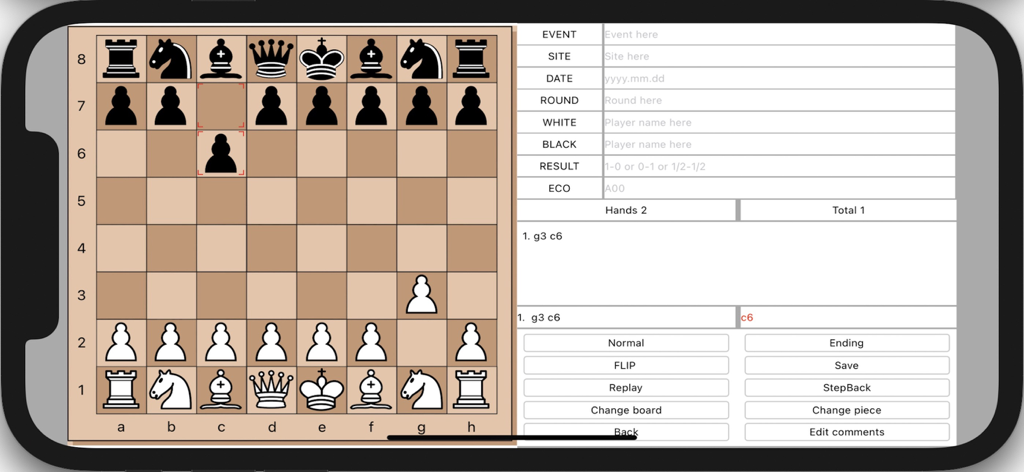
チェスゲーム分析とPGNの指し手表記を表示するSUPER CHESS BOARDアプリ

SUPER CHESS BOARD - チェス盤とゲーム表記、メタデータフィールドが並んで表示されたSUPER CHESS BOARDアプリのインターフェース

チェス盤とゲーム表記、メタデータフィールドが並んで表示されたSUPER CHESS BOARDアプリのインターフェース

説明

SUPER CHESS BOARD, iPGNViewer & Maker is a iOS application which allows to view and create PGN format chess games and visualizes moves from its notation. It has training mode. You can play on the board, you can create and save your own chess PGN files with PGN Maker. App can Show comments if the PGN file including comments, and Insert comments when you create PGN file. App can insert and open the variations of other moves. This app helps in the reviewing of openings that you import into it. And then you can use training mode to test your memory. You can add your chess PGN files to iPGNViewer's documents, then use iPGNViewer to open those files and visualizes chess moves. How to load local PGN file to your iPhone/iPad (1) First, connecting your device t your iMac, (2) If your macOS is earlier than Catalina, Open iTunes, click file sharing find the app, add your playlist to its file share document. (3) If your macOS is Catalina or Big Sur or later, use Finder, you can drag your playlist to app’s file share document. Features 1) Multiple games per PGN file. 2) Displaying PGN Game Contents. 3) Visualizing Chess Moves From Notation. 4) Training Mode. 5) Flip board and change board color. 6) Paste Move History string into the textview, then visualizes moves, and save the string. 7) Create and save your own chess PGN files. 8) Support edit chess position for middle or ending game when you play on the board. 9) Show comments if the PGN file including comments. 10) Insert comments when you create PGN file. 11) App includes thousands of game collection. 12) Insert and Open the variations of other moves. After more than 10 thousands of chess PGN file test, the App (version 7.5 and later) can read most of those PGN files normally. And if you find some issues in reading PGN file, please send the PGN file to me by email, I will try to fix the bug.

Download

ダウンロード: App Store

このページはアプリまたはその開発者の公式ページではなく、情報提供および論評を目的として作成された独立した編集出版物です。明示的に別段の記載がない限り、アプリおよびその開発者は、MWM、Apple、Google Play、アプリのパブリッシャー、またはアプリの開発者と提携、承認、後援、認可、またはその他の公式的な関係はなく、このページのいかなる内容も、アプリがMWMのサービスを使用して開発されたことを意味するものではありません。すべての商標、ロゴ、スクリーンショット、その他のコンテンツはそれぞれの所有者の財産です。








