
このページはアプリまたはその開発者の公式ページではなく、情報提供および論評を目的として作成された独立した編集出版物です。明示的に別段の記載がない限り、アプリおよびその開発者は、MWM、Apple、Google Play、アプリのパブリッシャー、またはアプリの開発者と提携、承認、後援、認可、またはその他の公式的な関係はなく、このページのいかなる内容も、アプリがMWMのサービスを使用して開発されたことを意味するものではありません。すべての商標、ロゴ、スクリーンショット、その他のコンテンツはそれぞれの所有者の財産です。

&TEAM Official Light Stick V1
シームレスなBluetoothペアリング、座席連動の没入型エフェクト、パーソナライズされたカラーコントロールで、コンサート体験をさらに高めよう。
ダウンロード
50K+ユーザー評価
評価数
0開発元
カテゴリ
Entertainment対応言語
13最新バージョン
1.6サイズ
40.3 MBリリース日
2024年4月4日LUNÉ体験を照らそう
同期したコンサートの海からパーソナライズされたホームデコレーションまで、&TEAM公式ライトスティックを完全にコントロールし、パフォーマンスの一部になろう。
没入型コンサートモード
ショーの不可欠な一部になろう。ライトスティックを座席に同期させ、あらゆるビートに反応する、会場全体に広がる見事なエフェクトで変身するのを見よう。
あなたの光、あなたのやり方
セルフモードであなたのスタイルを表現しよう。服装に合わせてフルスペクトルのカラーから選ぶか、部屋の究極のムードライトとしてライトスティックを使おう。
以下のスクリーンショットと説明は、アプリの公式ストアリスティングから直接取得されたものであり、アプリ開発者の所有物です。
アプリストア
スクリーンショット
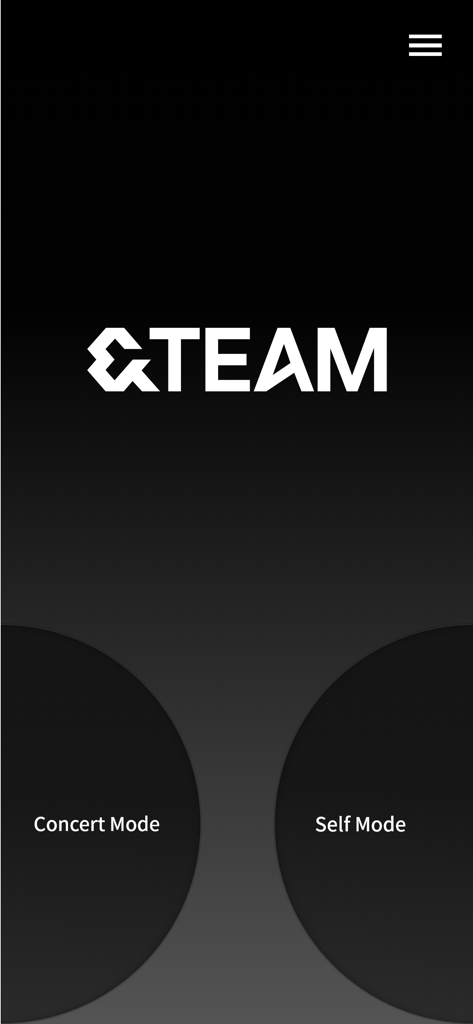
&TEAM公式ライトスティックアプリのホーム画面。ダークな背景にコンサートモードとセルフモードのボタンが表示されている。
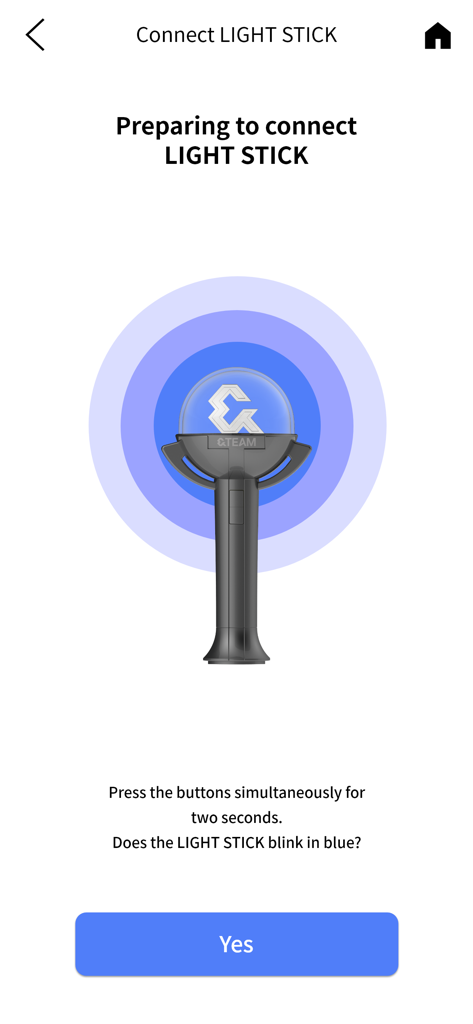
&TEAM Official Light StickアプリのBluetooth接続画面。ペアリング手順が表示されている。
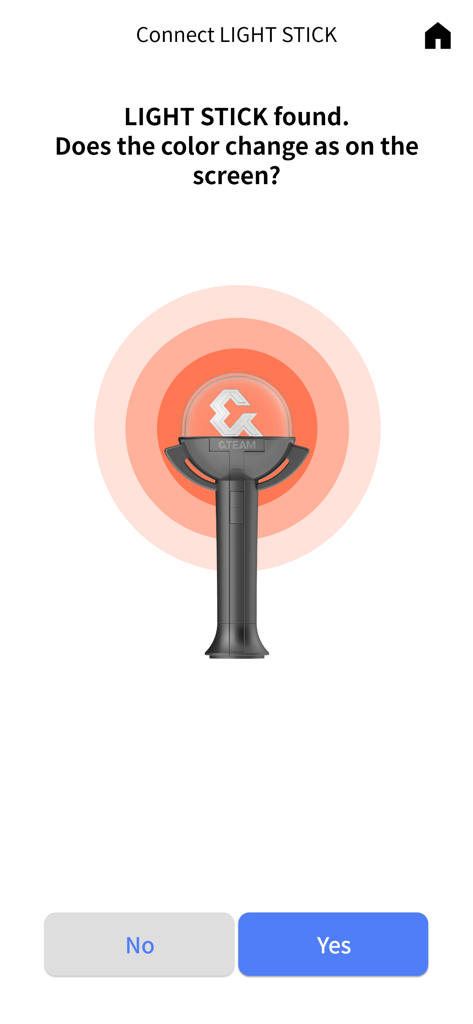
&TEAMライトスティックの接続確認プロセスを示すアプリ画面。
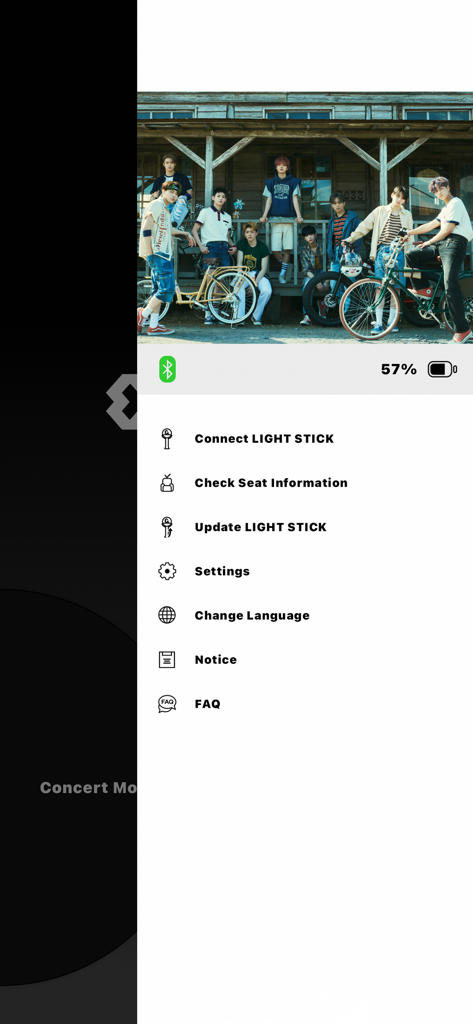
&TEAM Official Light Stickアプリのメニュー。バンドの写真の上にライトスティックの接続や座席情報の確認オプションが表示されている。
説明
Download
類似アプリ
似た機能とユーザー体験を持つアプリ

G-DRAGON Official Light Stick
COCOAENT Co.,Ltd.
CrowdFX
Jamie Severns

Top Hat - Better Learning
TopHatMonocle Corp
Poll Everywhere
Poll Everywhere, Inc.

wePix arena
FREDERIC GIRY
TXT Official Light Stick Ver.2
HYBE Co., Ltd
Stadium FX
CUE Audio, LLC
iClicker Student
HPHLP

PointSolutions
Turning Technologies, LLC
このページはアプリまたはその開発者の公式ページではなく、情報提供および論評を目的として作成された独立した編集出版物です。明示的に別段の記載がない限り、アプリおよびその開発者は、MWM、Apple、Google Play、アプリのパブリッシャー、またはアプリの開発者と提携、承認、後援、認可、またはその他の公式的な関係はなく、このページのいかなる内容も、アプリがMWMのサービスを使用して開発されたことを意味するものではありません。すべての商標、ロゴ、スクリーンショット、その他のコンテンツはそれぞれの所有者の財産です。