TemplateClip: Categorized

TemplateClip: Categorized

ダウンロード: App Store
ロゴ: TemplateClip: Categorized

TemplateClip: テキストスニペットのためのビジュアルコマンドセンター

返信、リンク、フレーズをスマートカテゴリに整理して、ワークフローを効率化します。スピードと精度を重視するデジタルプロフェッショナル向けに設計されています。

ダウンロード: App Store

開発元

Kartika Salsab

カテゴリ

Utilities

ダウンロード

7K+

ユーザー評価

4.3/5

評価数

100

対応言語

1

集中された効率

このインターフェースを利用する 7K+ 人のユーザー.

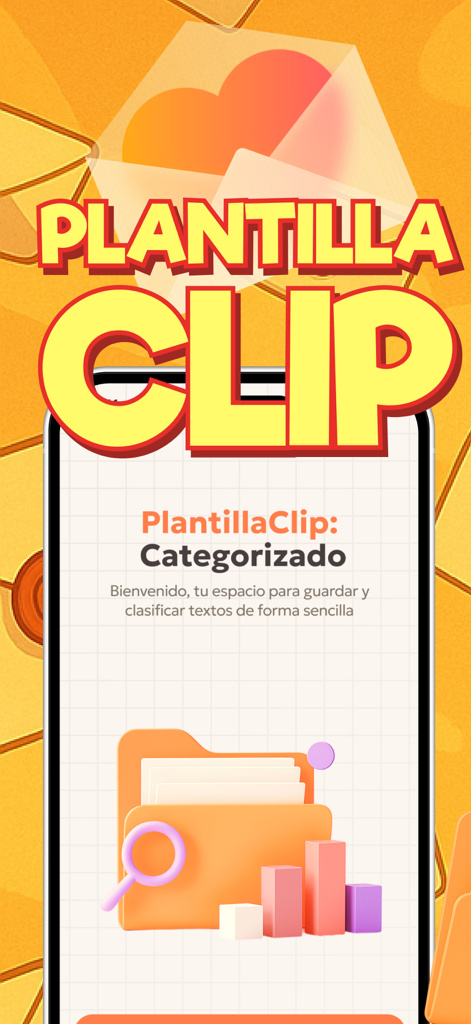
TemplateClip Categorizedアプリのウェルカムスクリーン。オレンジ色の背景に、3Dのフォルダと虫眼鏡のアイコンが表示されています。
TemplateClip Categorizedアプリのウェルカムスクリーン。オレンジ色の背景に、3Dのフォルダと虫眼鏡のアイコンが表示されています。

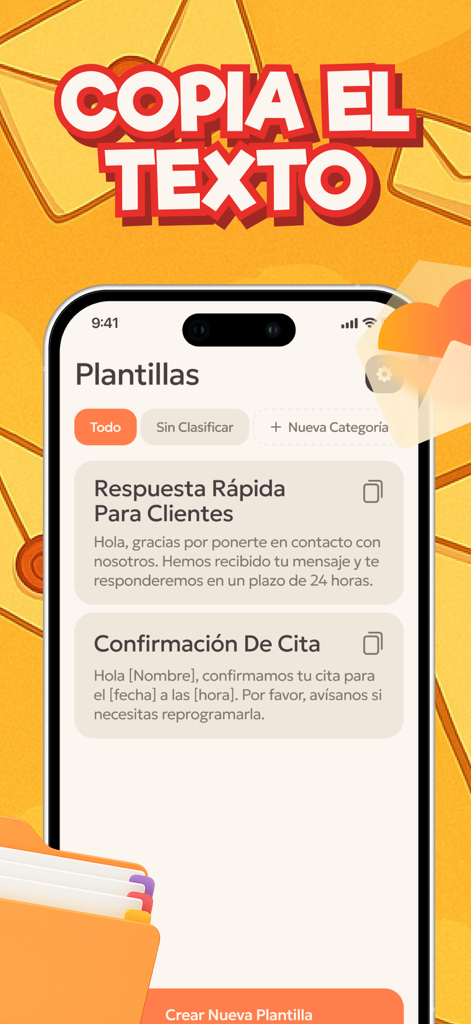
TemplateClipアプリのインターフェース。顧客への返信や予約確認のための整理されたテキストテンプレートが表示されています。
TemplateClipアプリのインターフェース。顧客への返信や予約確認のための整理されたテキストテンプレートが表示されています。

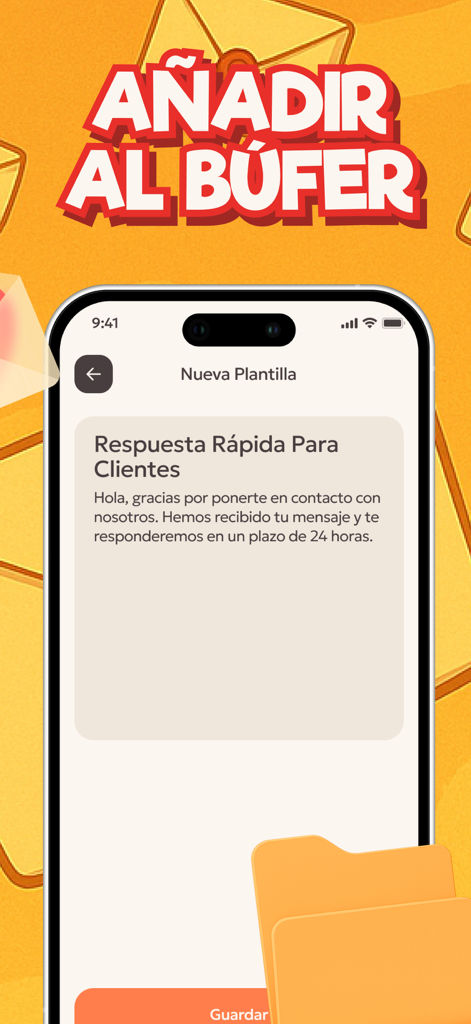
TemplateClipアプリ。スマートフォン画面に、カスタマーサービス用のクイックレスポンステンプレートが表示されています。
TemplateClipアプリ。スマートフォン画面に、カスタマーサービス用のクイックレスポンステンプレートが表示されています。

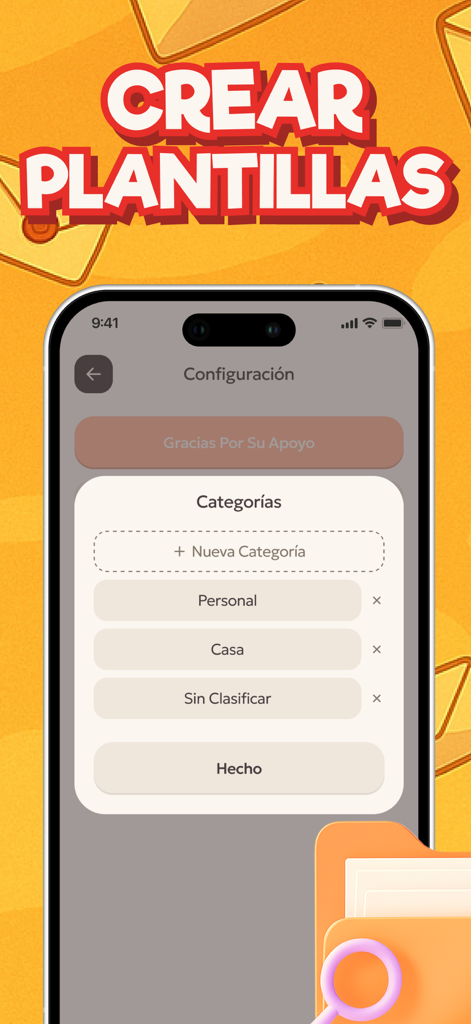
TemplateClipモバイルアプリのインターフェース。ユーザーがテンプレートフォルダを作成および整理できるカテゴリ管理画面が表示されています。
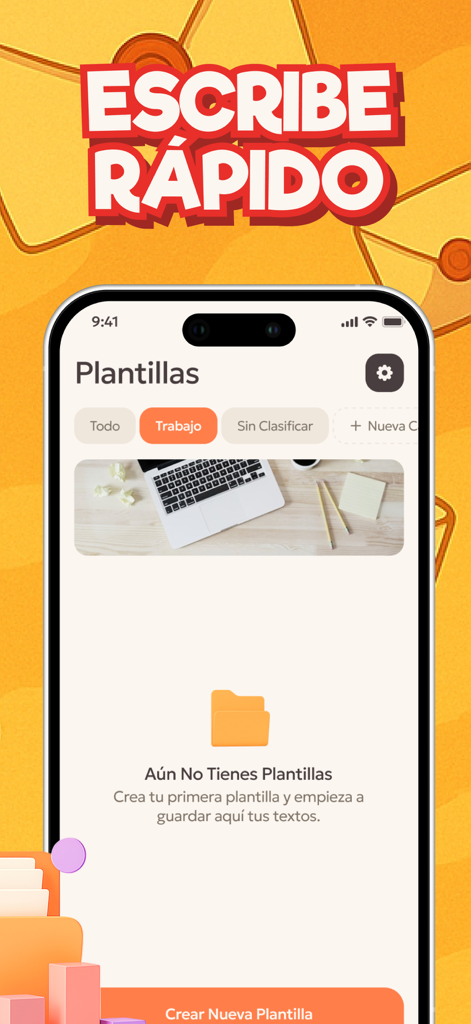
TemplateClipモバイルアプリのインターフェース。ユーザーがテンプレートフォルダを作成および整理できるカテゴリ管理画面が表示されています。

TemplateClipアプリのインターフェース。カテゴリ分けされたテキストテンプレート用のフォルダが表示されています。

TemplateClipアプリのインターフェース。カテゴリ分けされたテキストテンプレート用のフォルダが表示されています。

探すのをやめて、送信を始めましょう

このアプリを際立たせるツール、 7K+ 人のユーザーが選択.

📂

スマートカテゴリ化

プロジェクト、クライアント、またはトピック別にスニペットをグループ化して、個人用と仕事用を完全に分離し、簡単にナビゲートできるようにします。

ビジュアルワークフロー管理

直感的なドラッグ&ドロップインターフェースを使用して、テンプレートをビジュアルタスクボードのように並べ替え、優先順位を付けて、最大限の効率を実現します。

✏️

スムーズなインライン編集

追加のウィンドウやメニューは不要で、直接編集してテンプレートをその場で更新できます。これにより、クリエイティブな流れを妨げることはありません。

アプリについて

について知っておくべきこと TemplateClip: Categorized.

説明

Organize all your texts, templates and phrases in one convenient place. It is a smart clipboard created for those who work with a large number of duplicate messages, notes or replies. With it, you can not only store copied texts, but also structure them into categories to find what you need in seconds. The Home screen displays a list of all copied entries and a block of categories created by the user. Each copied message is automatically saved, eliminating the risk of losing important text. For easy navigation, recordings can be sorted, edited and moved between categories with a simple gesture. The interface resembles a Visual task table: texts can be dragged to the desired column, left in the Unsorted section or distributed according to their own topics, such as "Work", "Marketing", "Personal", "Links", etc. Editing is done directly in the interface - there is no need to open a separate window. Simply click on the desired text, make changes and save. And if the template is no longer needed, it can be quickly removed with a long tap. This makes the interaction as natural as possible and does not distract from workflows. Each category is completely customizable: add new ones, rename existing ones, change the display order. This approach turns a conventional clipboard into a flexible tool for organizing ideas, quick notes, marketing responses, or text for publications. Everything is stored in one place, structured and always available. The functionality is suitable for both everyday use and professional work: content managers, designers, copywriters, marketers or simply users who often work with repetitive texts. Support Us is a voluntary way to support the development of the project. Even a small contribution helps us update the design, add new features and improve the interface Privacy Policy: https://doc-hosting.flycricket.io/plantillaclip-categorizado-politica-de-privacidad/27c61d84-3fc8-4f3d-90d8-191e579e897b/privacy Term of Use: https://doc-hosting.flycricket.io/plantillaclip-categorizado-terminos-de-uso/7b9a9ec8-b6ee-4a46-9fde-228318e908fd/terms

最新バージョン

1.0.3

サイズ

37.8 MB

リリース日

2025年10月20日

メッセージング効率を10倍にする準備はできましたか?

古いメモやSlackのスレッドを検索するのはやめましょう。TemplateClipを使用して、繰り返し使うフレーズを高速なビジュアルワークフローに変える、賢いプロフェッショナルたちに加わりましょう。今すぐダウンロードして、あなたの時間を取り戻しましょう。

ダウンロード: App Store

App information, icons, screenshots, and descriptions displayed on this page are sourced from the Apple App Store and are the property of their respective developers. Download estimates and rankings are based on MWM's proprietary models and may not reflect actual figures. This page is provided for informational and analytical purposes only.

Believe this page infringes your intellectual property? File a dispute