
このページはアプリまたはその開発者の公式ページではなく、情報提供および論評を目的として作成された独立した編集出版物です。明示的に別段の記載がない限り、アプリおよびその開発者は、MWM、Apple、Google Play、アプリのパブリッシャー、またはアプリの開発者と提携、承認、後援、認可、またはその他の公式的な関係はなく、このページのいかなる内容も、アプリがMWMのサービスを使用して開発されたことを意味するものではありません。すべての商標、ロゴ、スクリーンショット、その他のコンテンツはそれぞれの所有者の財産です。


Tenuto
聴音と理論ドリルにおけるプロフェッショナルの基準。6つのカスタマイズ可能な練習問題と、真剣な学生や教育者のために設計された一連の音楽計算ツールで練習しましょう。
ダウンロード
592K+ユーザー評価
評価数
1K+開発元
カテゴリ
Music対応言語
1最新バージョン
5.0.1サイズ
10.3 MBリリース日
2011年8月30日音楽理論をマスターする
真剣なミュージシャンや学生のための信頼できるツールキット。学術的な厳密さと音楽的な流暢さを、無駄なく構築するために設計された24通りの高強度、カスタマイズ可能な練習問題。
超集中的な練習
あらゆるドリルを完全にカスタマイズすることで、特定の弱点をターゲットにしましょう。現在のシラバスや練習目標に合わせて、特定の音程、スケール、またはキーを切り替えましょう。
エリート聴音トレーニング
厳格な識別ドリルを通じてプロフェッショナルな耳を養いましょう。無駄のない、広告なしのインターフェースで、音程、コード、スケールを聴音でマスターしましょう。
よくある質問
について知っておくべきこと Tenuto
Tenutoとは何ですか?
Tenutoは、音楽性を高めるための24種類のカスタマイズ可能なエクササイズと6つの音楽計算機を提供するアプリです。音符、インターバル、スケール、コードの特定、構築、耳のトレーニングが含まれています。
Tenutoはどのような種類の音楽エクササイズを提供していますか?
Tenutoは、音符、調号、インターバル、スケール、コードの特定と構築のためのエクササイズを提供しています。キーボード、フレットボード、耳のトレーニングエクササイズも含まれています。
Tenutoは耳のトレーニングに役立ちますか?
はい、Tenutoにはキーボード耳トレーニング、音符耳トレーニング、インターバル耳トレーニング、スケール耳トレーニング、コード耳トレーニングなど、さまざまな耳のトレーニングエクササイズが含まれています。
Tenutoには音楽計算機が含まれていますか?
はい、Tenutoには6つの音楽計算機が搭載されています。これらには、臨時記号、インターバル、スケール、コード、分析記号、十二音技法行列のためのツールが含まれます。
Tenutoのフレットボード特定はどのように機能しますか?
Tenutoのフレットボード特定エクササイズでは、ユーザーはマークされたフレットボードの位置に対応するボタンをタップして、音符、インターバル、スケール、またはコードを特定する必要があります。
Tenutoのエクササイズをカスタマイズできますか?
はい、Tenutoではエクササイズをカスタマイズできます。ユーザーは、音部記号、音域、ポジション、調号、音名、ヘルパー、臨時記号、音符フィルターなどの設定を調整できます。
Tenutoの分析計算機とは何ですか?
Tenutoの分析計算機は、指定された分析記号とキーに対応するコードを表示します。これは、ユーザーが和声進行を理解するのを支援します。
Tenutoはピアノキーボードでの学習をサポートしていますか?
はい、Tenutoはピアノキーボードでの学習をサポートしています。キーボード逆特定、キーボード音符特定、キーボード耳トレーニングのエクササイズを提供しています。
Tenutoはいくつのエクササイズを提供していますか?
Tenutoは、特定、構築、耳のトレーニングなど、さまざまな側面で音楽性を高めるために設計された24種類のエクササイズのコレクションを提供しています。
Tenutoの行列計算機の目的は何ですか?
Tenutoの行列計算機は、指定された音列に対する十二音技法行列を表示します。このツールは、高度なシリアル音楽分析に使用されます。
以下のスクリーンショットと説明は、アプリの公式ストアリスティングから直接取得されたものであり、アプリ開発者の所有物です。
アプリストア
スクリーンショット
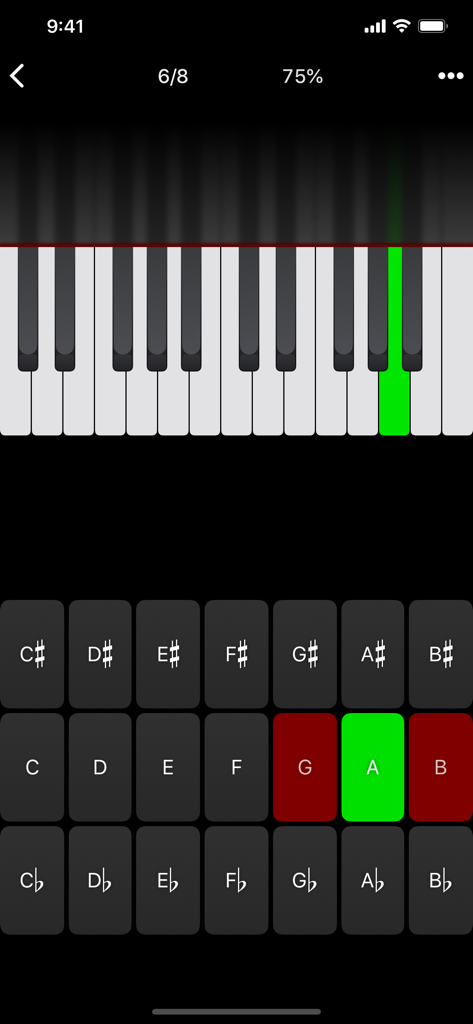
Tenuto音楽理論アプリのインターフェース。ピアノキーボードの音名識別練習問題が表示されており、緑色のキーと文字ボタンがハイライトされています。
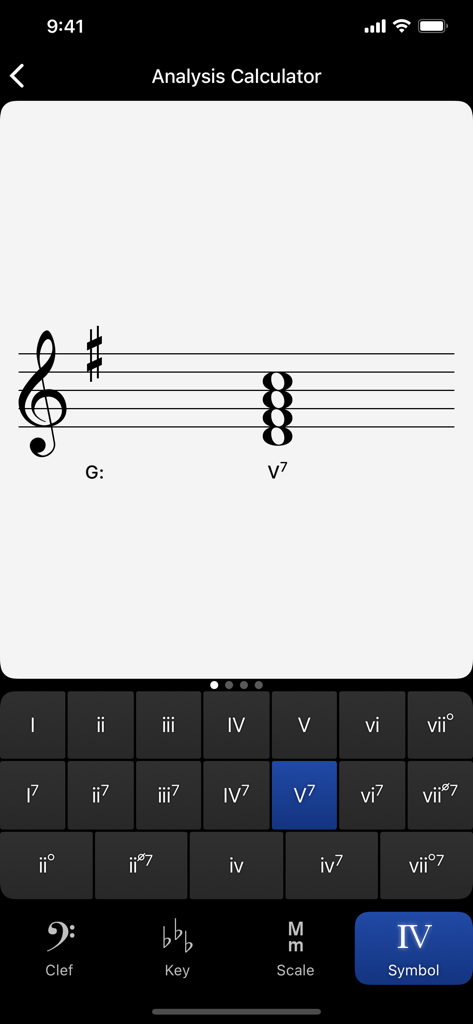
Tenutoアプリのスクリーンショット。Gメジャーにおけるローマ数字識別のための分析計算機が表示されています。
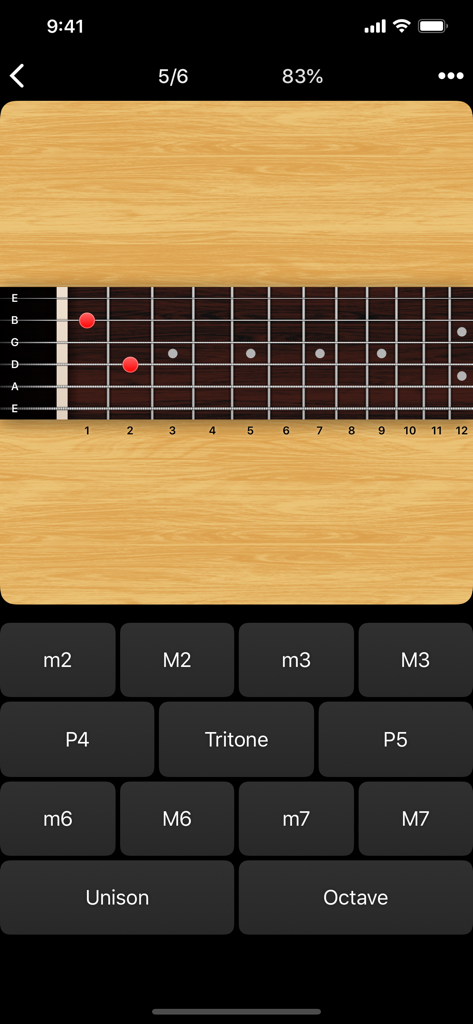
Tenuto音楽理論アプリのギターフレットボード音程識別ドリル。
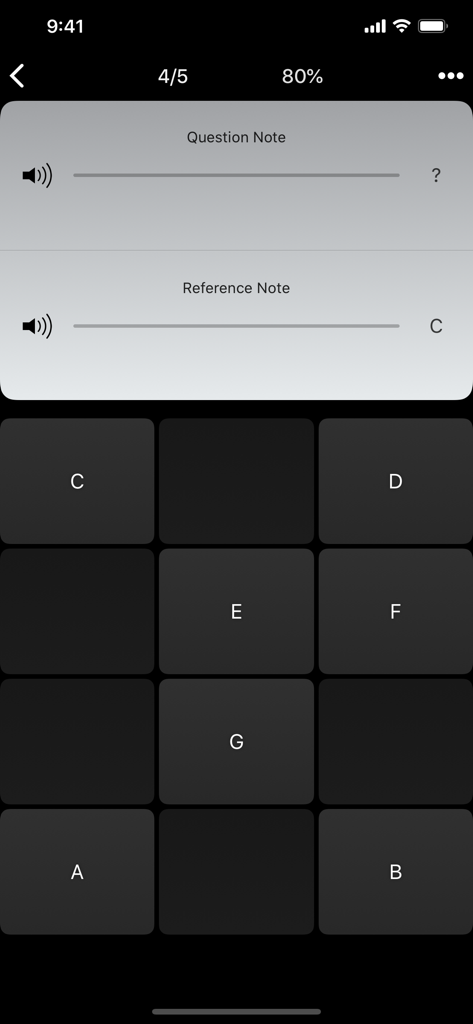
Tenutoアプリのインターフェース。音名ボタンと基準音Cが表示された音名聴音練習問題。
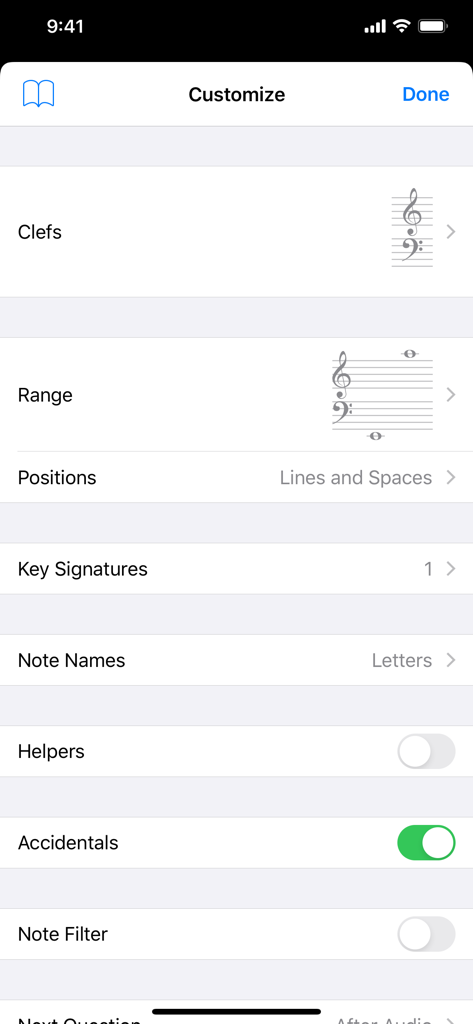
Tenutoアプリの音楽理論練習問題のカスタマイズ画面。音部記号と音域の設定が表示されています。
説明
Download
類似アプリ
似た機能とユーザー体験を持つアプリ

Earpeggio
Blazing Apps Ltd
Piano Chords and Scales
Sincere Apps SIA

Solo - Fretboard Visualization
Trio Software LTD

Functional Ear Trainer
Serhii Korchan

Tone - Learn Perfect Pitch!
Coda Labs Incorporated

Solfa: learn musical notes.
Alexey Ovod

Perfect Ear - Ear Trainer
Crazy Ootka Software AB

Theory Lessons
musictheory.net, LLC

Music Rhythm Trainer
Guitar Tabs LLC
このページはアプリまたはその開発者の公式ページではなく、情報提供および論評を目的として作成された独立した編集出版物です。明示的に別段の記載がない限り、アプリおよびその開発者は、MWM、Apple、Google Play、アプリのパブリッシャー、またはアプリの開発者と提携、承認、後援、認可、またはその他の公式的な関係はなく、このページのいかなる内容も、アプリがMWMのサービスを使用して開発されたことを意味するものではありません。すべての商標、ロゴ、スクリーンショット、その他のコンテンツはそれぞれの所有者の財産です。